AdversaryGraph Full-Version Guide — 31 Modules and Use Cases
Every governed workspace, explained: what each module does, what data and permissions it needs, how to operate it, what it produces, where the output goes next, and how to test that the workflow really succeeded.
Threat Matrix Light is a public browser workspace. Private analysis, persistent records, feed synchronization, provider calls, malware workflows, active assessment, Attack Simulation, SIEM forwarding, and administration require the self-hosted platform.
How to use this guide
Start with the artefact you actually have—not with the module that looks most powerful. A report belongs in Reports / Research and AI Analysis; an observable starts in IOC Library or IOC Investigation; a known asset starts in Asset Surface or Threat Radar; a detection question starts in Threat Hunting and Query Library; rule efficacy belongs in Attack Simulation.
v7.0.0 releasePublished tag v7.0.0Self-hosted only
Release boundary: v7.0.0 is merged and CI-validated on main, and the 31 workspaces below describe that release. It matches v7.0.0, the latest published stable GitHub release.
Workspace · 1 module
Start and route the work
Use the workspace layer to verify readiness and choose the correct analyst workflow.
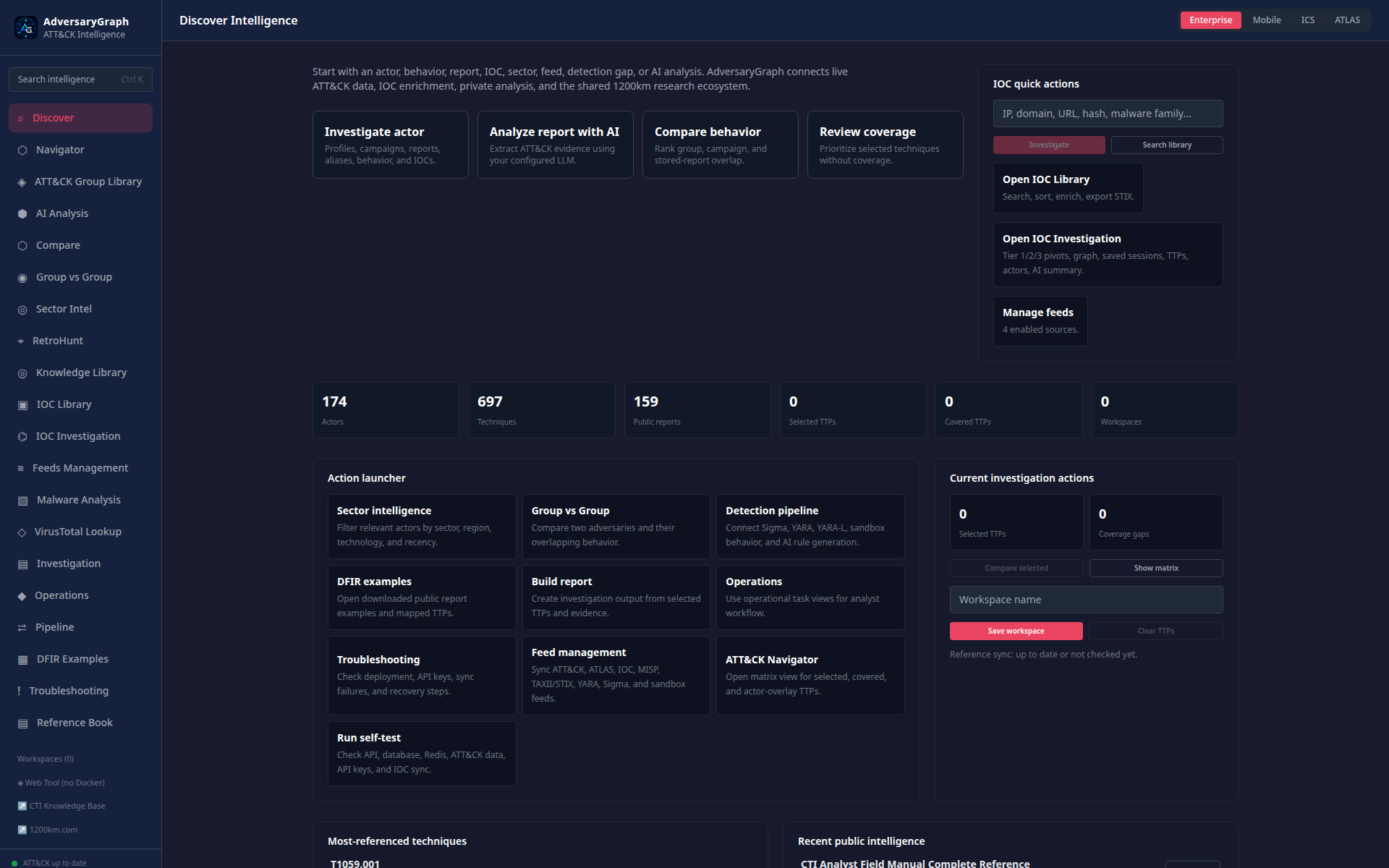
Discover
v7.0.0 release
The command surface for platform health, reference counters, provider inventory, feed status, saved work, and workflow launchers.
Use when
Starting an investigation or deciding which module matches a report, IOC, CVE, asset, sample, hunt, or validation request.
Needs
A healthy frontend/API; synced reference data improves counters and library launchers. No LLM is required to browse.
Produces
A deliberate handoff into the correct workflow and a visible readiness decision.
Step-by-step workflow
Review startup ingestion, data counters, enabled providers, and feed status.
Classify the starting artefact and choose its dedicated launcher.
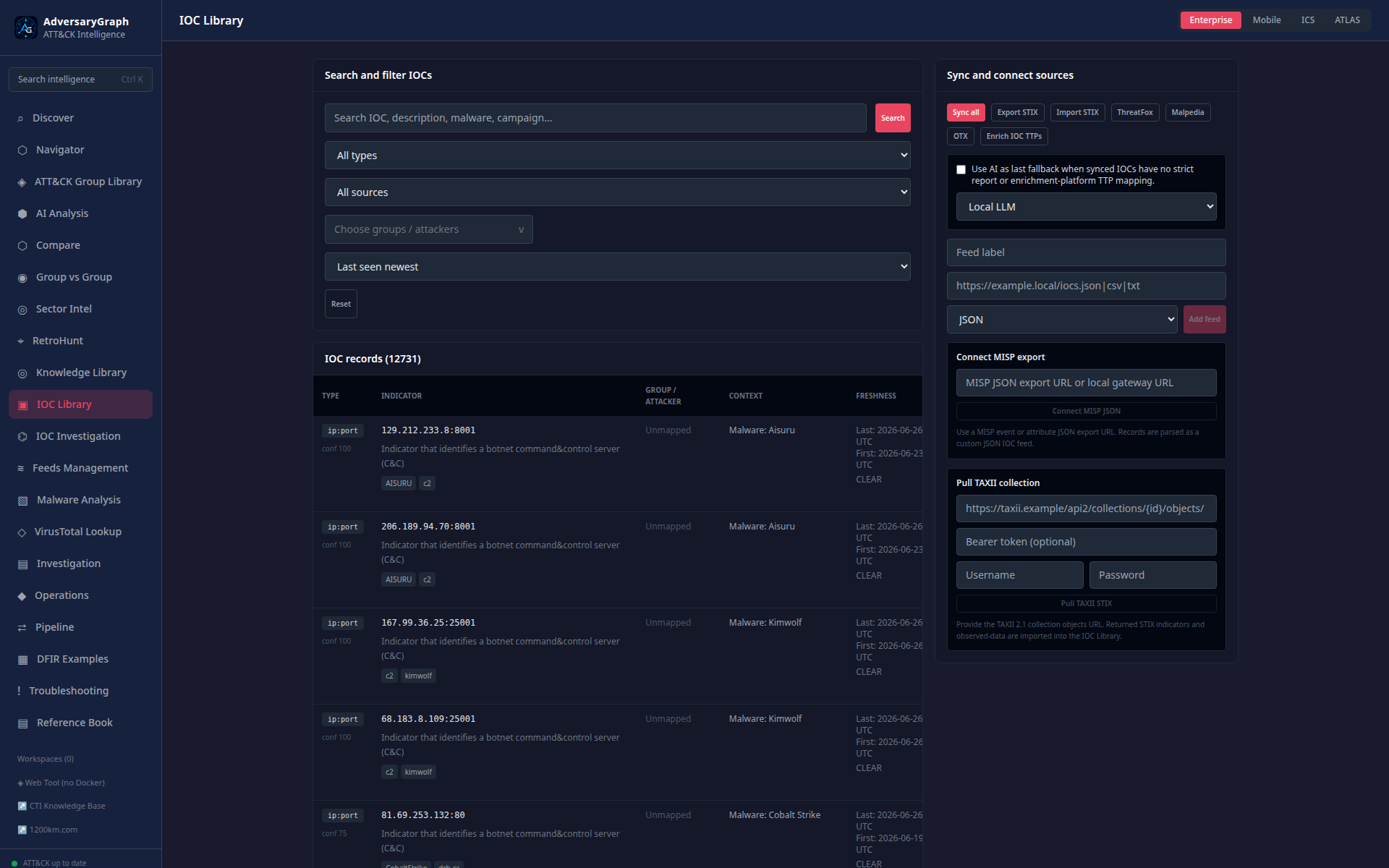
If a library is empty, inspect Feeds Management before assuming there is no data.
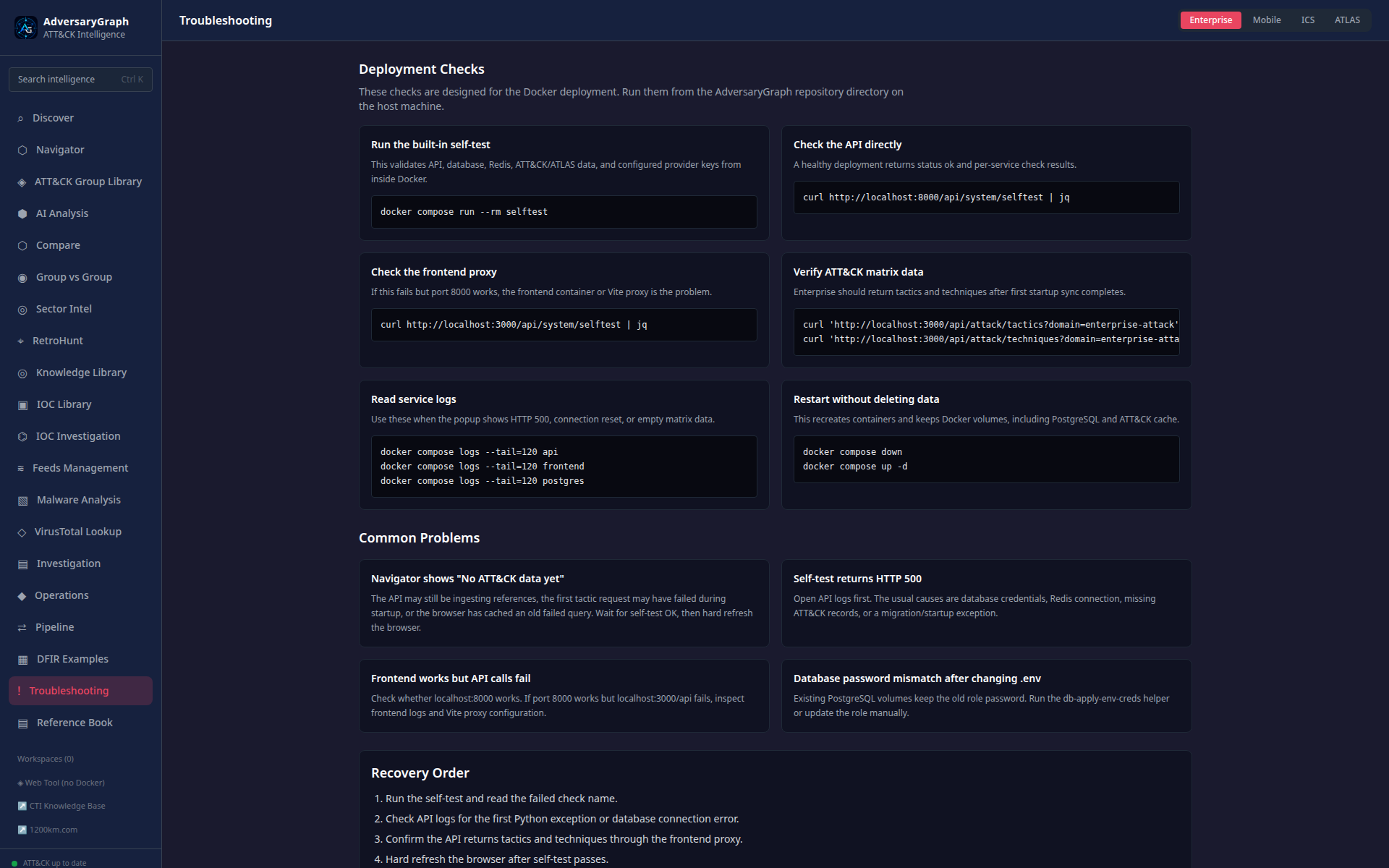
If an action fails, use Self-test, Observability, and Troubleshooting.
Use case: suspicious domain from an alert
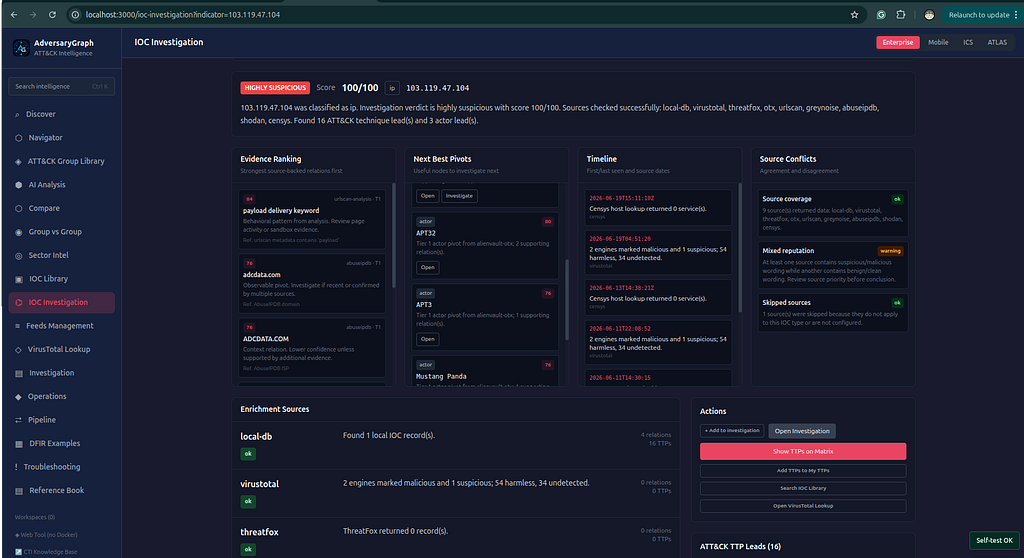
Open IOC Investigation, preserve the originating alert reference, run only permitted pivots, then choose a report or hunt based on evidence.
Accept when: readiness is understood and the analyst enters the correct evidence workflow—not merely when the dashboard renders.
Boundary: local counters are not global prevalence, adoption, or security metrics.
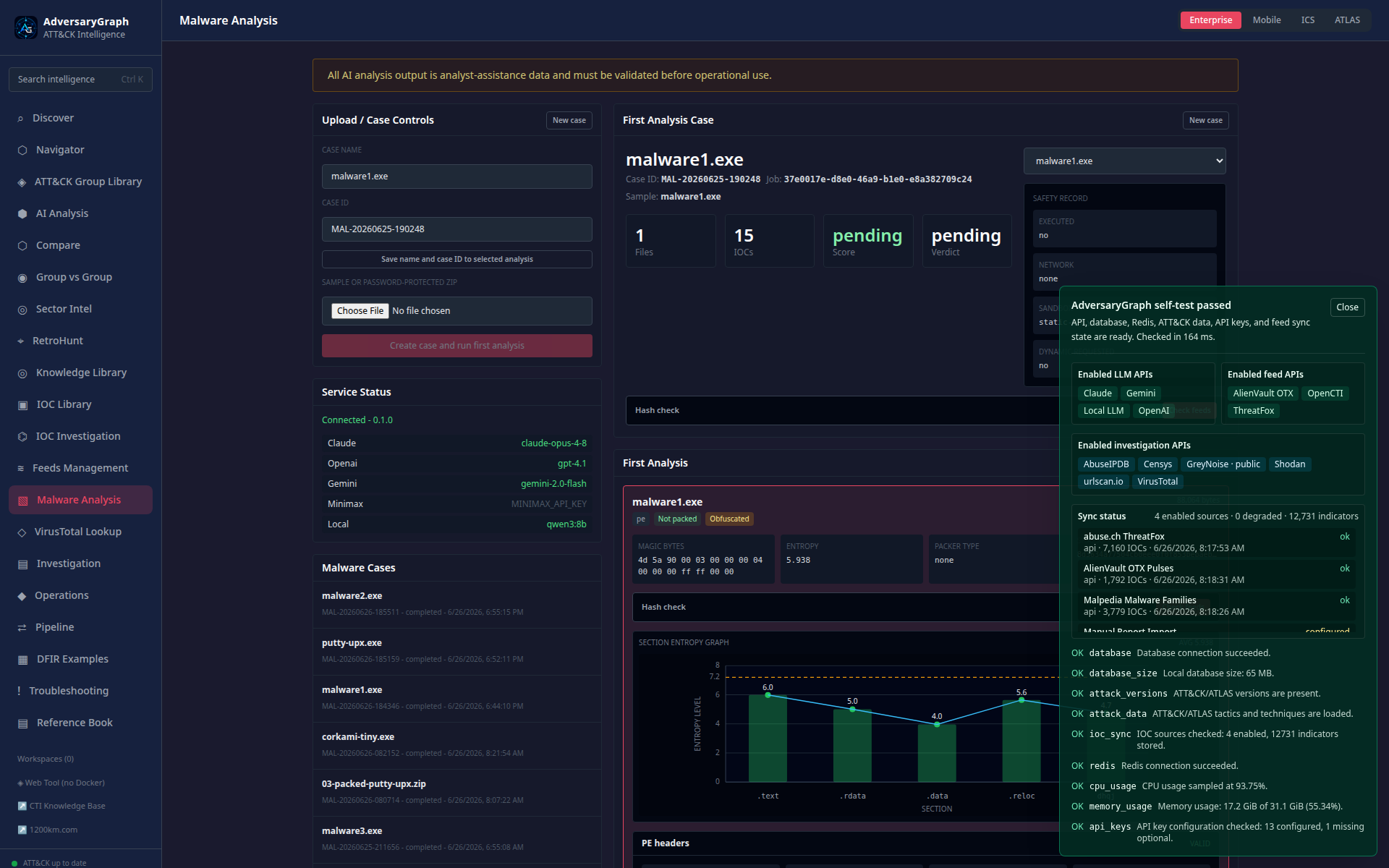
Representative Discover dashboard. Screenshot evidence demonstrates interface behavior, not deployment-specific data quality.
Intelligence · 8 modules
Collect, normalize, and prioritize intelligence
These workspaces preserve source context and turn raw intelligence into reviewable entities and priorities.
Threat Radar
v7.0.0 release
Connects CVE, exploit, supplier, package, breach, telemetry, and research signals to monitored companies, products, components, dependencies, and assets.
Use when
Prioritizing product-security or business-relevant signals.
Needs
A sanitized signal, company space, inventory context, source/TLP, and run_analysis.
Produces
Scored signals, cases, watchlists, asset records, and PSIRT/hunt/IR/detection handoffs.
Workflow
Create or import a sanitized signal.
Map it to product, component, version, dependency, asset, and owner.
Review exposure, exploitability, confidence, blast radius, and score explanation.
Create the correct operational handoff and track the decision.
Use case: KEV-listed VPN vulnerability
Match the CVE to the deployed product/version and internet exposure. If the version is unaffected, preserve that evidence and reduce priority; otherwise open remediation and hunt actions.
Accept when: priority is supported by version and exposure evidence, not CVSS alone.
Boundary: scoring does not prove vulnerability, exploitation, targeting, or compromise.
Searches local reports, strategy, references, entities, and reusable analyst material; the v7.0.0 release includes governed cross-module RAG retrieval.
Use when
Finding authoritative local context or cited evidence across stored material.
Needs
Indexed content; RAG requires corpus reconciliation and permitted provider policy.
Produces
Source-backed references, citations, retrieval candidates, and advisory answers/proposals.
Workflow
Search by ID, title, actor, product, technique, or keyword.
Verify the canonical source, date, and lifecycle.
Open every material excerpt before citing it.
For RAG, review TLP, legal-sensitive labels, retrieval mode, and proposal expiry.
Use case: find evidence for T1059.001
Find source material describing PowerShell telemetry, cite the exact excerpt in a hunt, and reject stale guidance.
Accept when: every claim links to the authoritative local record.
Boundary: retrieval rank is not evidence confidence; RAG and MCP are not autonomous response mechanisms.
Accept: before/after result, correlation evidence, one documented change, and successful functional retest.
Questions and boundaries
Is Threat Matrix Light the complete AdversaryGraph platform?
No. It is a public browser-only ATT&CK workspace. The full workflows on this page require self-hosted services, local persistence, permissions, and configured integrations.
Which version is current?
v7.0.0 is the current merged, CI-validated release described by this guide ; the current published release is v8.1.2, the latest published stable GitHub release.
Does AdversaryGraph run hunt queries in my SIEM?
No. It stores and reviews query plans. The analyst executes reviewed queries in an approved telemetry platform and attaches evidence from that execution.
Can AI or RAG output be accepted automatically?
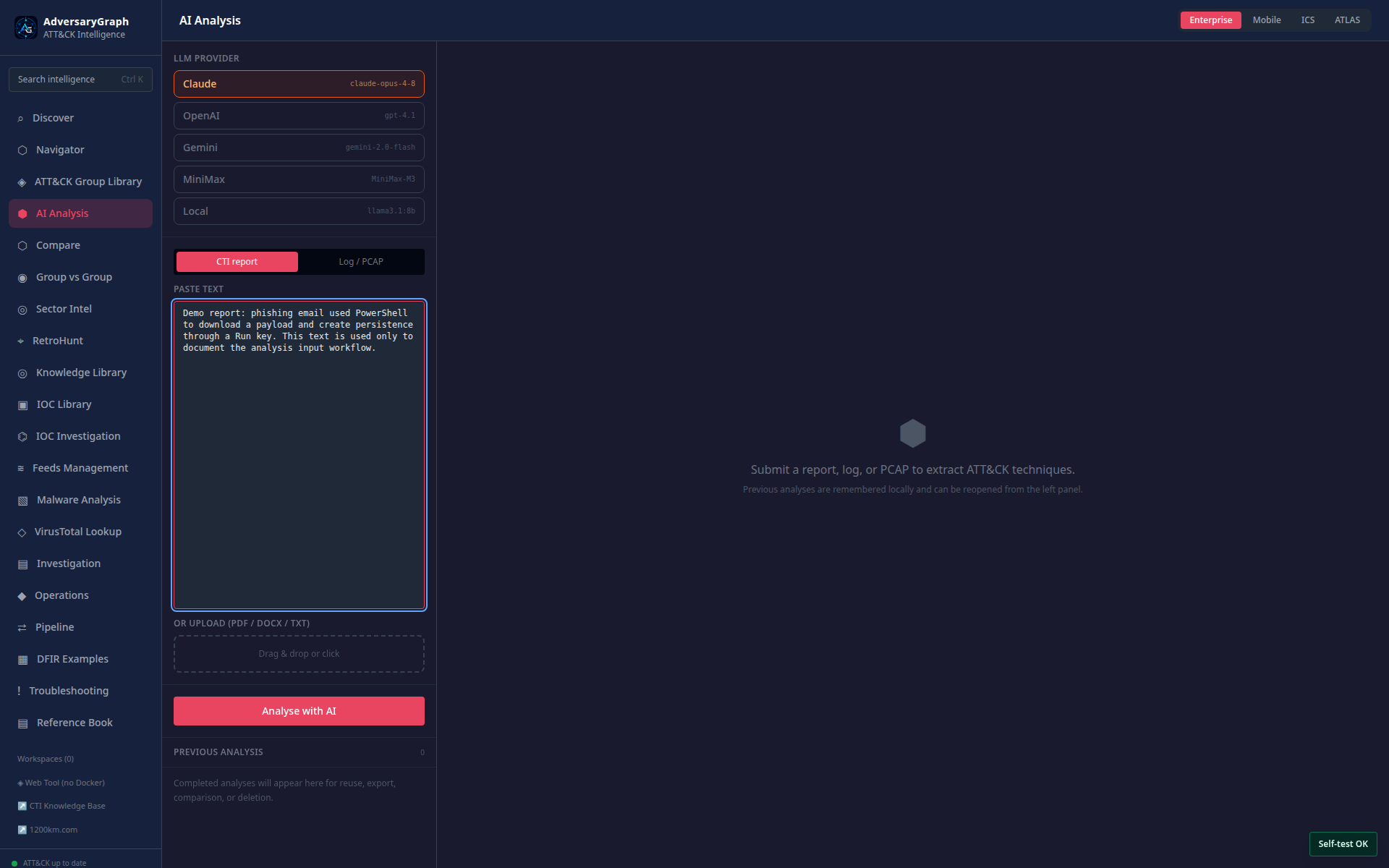
No. AI mappings, RAG answers, Navigator proposals, query drafts, summaries, and relationships require source review and a human decision. Restricted data may be local-only under operator policy.
Can Asset Surface scan any IP or website?
No. Active assessment must be restricted to owned or explicitly authorized inventory targets, with scope, rate, and audit controls. Passive data still requires ownership and applicability validation.
Does a high actor overlap score prove attribution?
No. Similarity is a hypothesis-generation signal. Attribution requires corroborated behavioral, temporal, infrastructure, source, and contextual evidence.