AdversaryGraph
These retained guides document AdversaryGraph v7.0.0. Latest published stable release: v8.1.2. Current development: 8.1.2, verified 2026-10-20 at source commit 789d874. Historical screenshots and instructions are not evidence of current-release behavior.
Current release package: v7.0.0 · v7 Release Notes · v7 Release · Historical v6 Readiness · v6 Case Studies · Project Hub · Commercial Trust · Architecture · Platform Guide · Attack Simulation · Capabilities · Authentication · GitHub
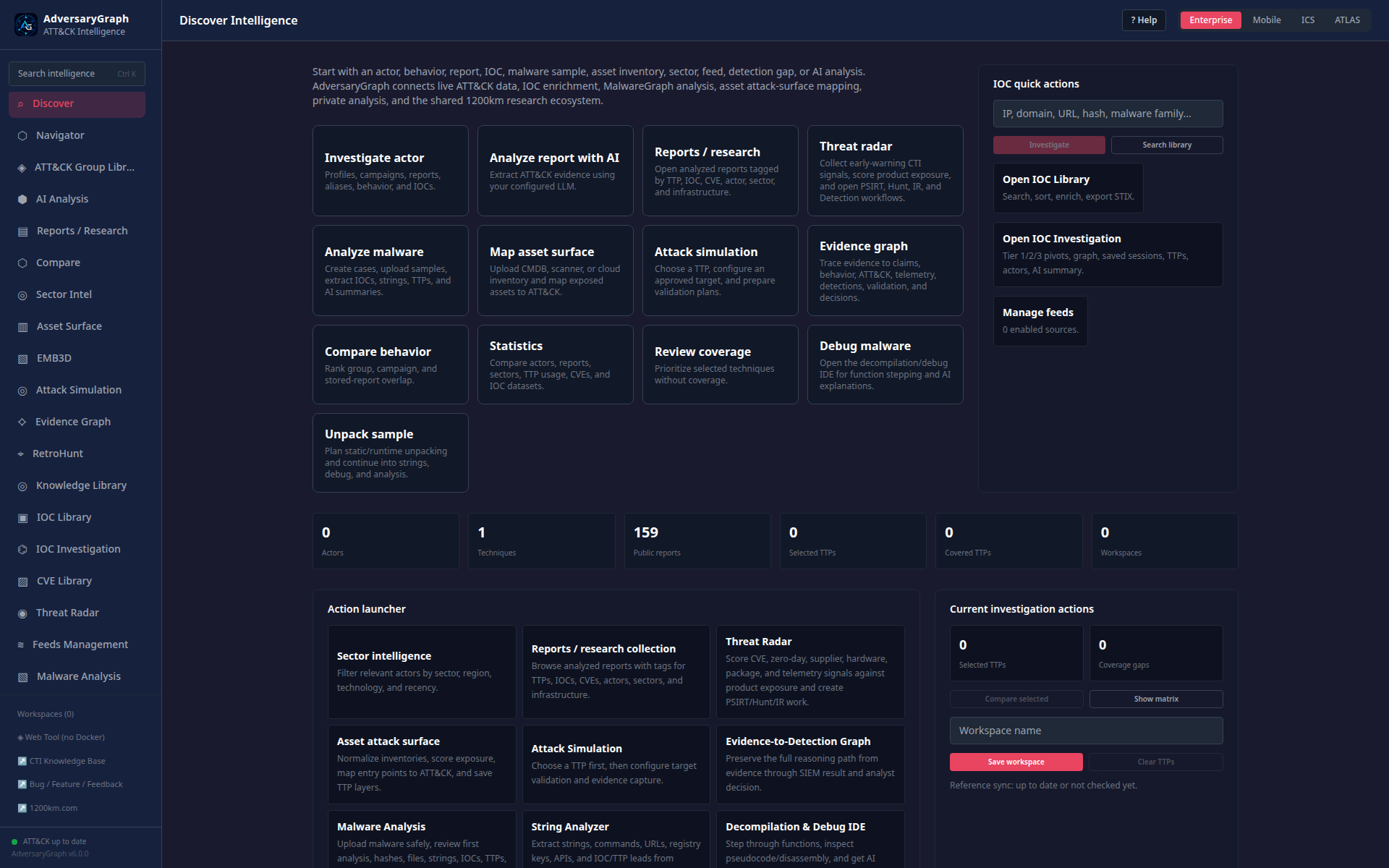
AdversaryGraph is an AI-assisted CTI-to-detection workbench for mapping threat reports, IOC context, malware-analysis evidence, and operational telemetry to MITRE ATT&CK / ATLAS. It helps analysts compare TTP overlap with known groups and campaigns, identify detection gaps, enrich observables, organize investigations, and export analyst-ready outputs.
The v7.0 release adds an isolated scanner MCP trust boundary, database-backed RAG readiness, stronger intelligence relationships, closed taxonomies, self-maintaining catalogs, data-inventory evidence, and an eight-image release path. It retains the governed hunting and evidence-to-detection workflows prepared in v6.5.
AdversaryGraph does not perform definitive attribution or final malware verdicts. TTP overlap, Jaccard similarity, IOC enrichment, generated detections, AI summaries, and malware-analysis output are analytical signals for hypothesis generation, prioritization, and further investigation.
Start Here
- Open the Project Hub
- Read the commercial trust package
- Review architecture diagrams
- Review case studies and validation examples
- Compare AdversaryGraph with related tools
- Read the current platform guide
- Review all platform capabilities
- Review authentication and enterprise access
- Review Attack Simulation and SIEM validation
- Review observability and security validation
- Review the Malware Analysis workspace
- Follow the full deployment flow
Full Self-Hosted Platform
Use Docker for private AI-assisted report analysis, provider-configured LLM extraction, stored reports, campaign comparison, IOC enrichment, feed management, malware-analysis workflows, Attack Simulation lab telemetry, SIEM forwarding, API access, PDF exports, and scheduled ATT&CK/ATLAS synchronization.
AdversaryGraph is self-hosted. In Docker mode, report content is sent only to the LLM provider configured by the operator. For fully private analysis, use a local or private LLM gateway.
ATT&CK Data Provenance
AdversaryGraph uses official MITRE ATT&CK STIX bundles. The active domain, version, and generated/synchronized timestamp are shown in the relevant UI. Counts depend on the selected domain and release.
Validation and Limitations
LLM-generated mappings may contain false positives, false negatives, or ambiguous technique assignments. Analysts must validate mappings against source evidence, procedure descriptions, telemetry requirements, and ATT&CK definitions. See Evaluation and Analyst Validation.