Self-hosted
Docker deployment with operator-controlled storage, provider keys, and database.
These retained guides document AdversaryGraph v7.0.0. Latest published stable release: v8.1.2. Current development: 8.1.2, verified 2026-10-20 at source commit 789d874. Historical screenshots and instructions are not evidence of current-release behavior.
Self-hosted platform for ATT&CK/ATLAS mapping, IOC and CVE intelligence, malware-analysis triage, asset attack-surface review, Attack Simulation, SIEM validation, observability, and analyst-ready outputs.
Built for controlled deployments, private analysis, and detection-engineering handoff. AI assists the workflow; analysts validate the evidence.
AdversaryGraph is source-available and self-hosted. The current focus is production hardening: clear boundaries, documented validation, screenshot-backed workflows, secure deployment guidance, and compatibility with established CTI and detection tools.
Docker deployment with operator-controlled storage, provider keys, and database.
AI mapping, actor similarity, CVE links, and malware summaries are reviewable signals, not final proof.
CI covers tests, lint, SAST, dependency audit, Docker build, container scan, and secret scan.
Runtime health, request traces, route metrics, redacted log tail, and Prometheus output.
AdversaryGraph Docker is the supported full platform: private AI-assisted extraction, stored analyses, enterprise access controls, APIs, PDF reports, IOC enrichment, CVE Library, STIX/TAXII/MISP workflows, YARA/Sigma sync, malware-analysis handoff, attack simulation, and scheduled reference synchronization.
Report content is sent only to the LLM provider configured by the operator. For fully private analysis, use a local or private OpenAI-compatible gateway. Native authentication can protect the workspace with RBAC roles, per-user permissions, session controls, MFA workflow support, audit history, and trusted proxy SSO metadata.
Follow the complete clone-to-feed-sync flow →AdversaryGraph v7.0 adds an isolated scanner MCP trust boundary, database-backed RAG readiness, stronger intelligence relationships, closed taxonomies, self-maintaining catalogs, data-inventory evidence, and an eight-image release path while retaining governed hunting and evidence-to-detection workflows.
AdversaryGraph complements established tools instead of trying to replace them. It sits between intelligence intake and detection engineering.
Extract, review, enrich, and normalize report evidence before pushing selected outputs into an OpenCTI or MISP-centered workflow.
OpenCTI comparison →Build layers from evidence, actors, reports, assets, malware findings, and validation telemetry, then export Navigator-compatible artifacts.
Navigator comparison →Review telemetry readiness, validate lab or source-shaped events, forward to SIEM, and record detection gaps before operational rollout.
Atomic Red Team comparison →Turn sandbox/static findings into ATT&CK context, IOCs, CVE links, actor/report comparison, and case-ready outputs.
Sandbox comparison →The v6 images are reproducible production-build UI captures made with sanitized deterministic fixtures and retained as historical evidence. They are not v7 runtime evidence. Older auth, CVE, and malware images are representative historical workflow captures. Screenshots demonstrate rendering and controls; they are not external deployment, exploit, or detection-efficacy proof.
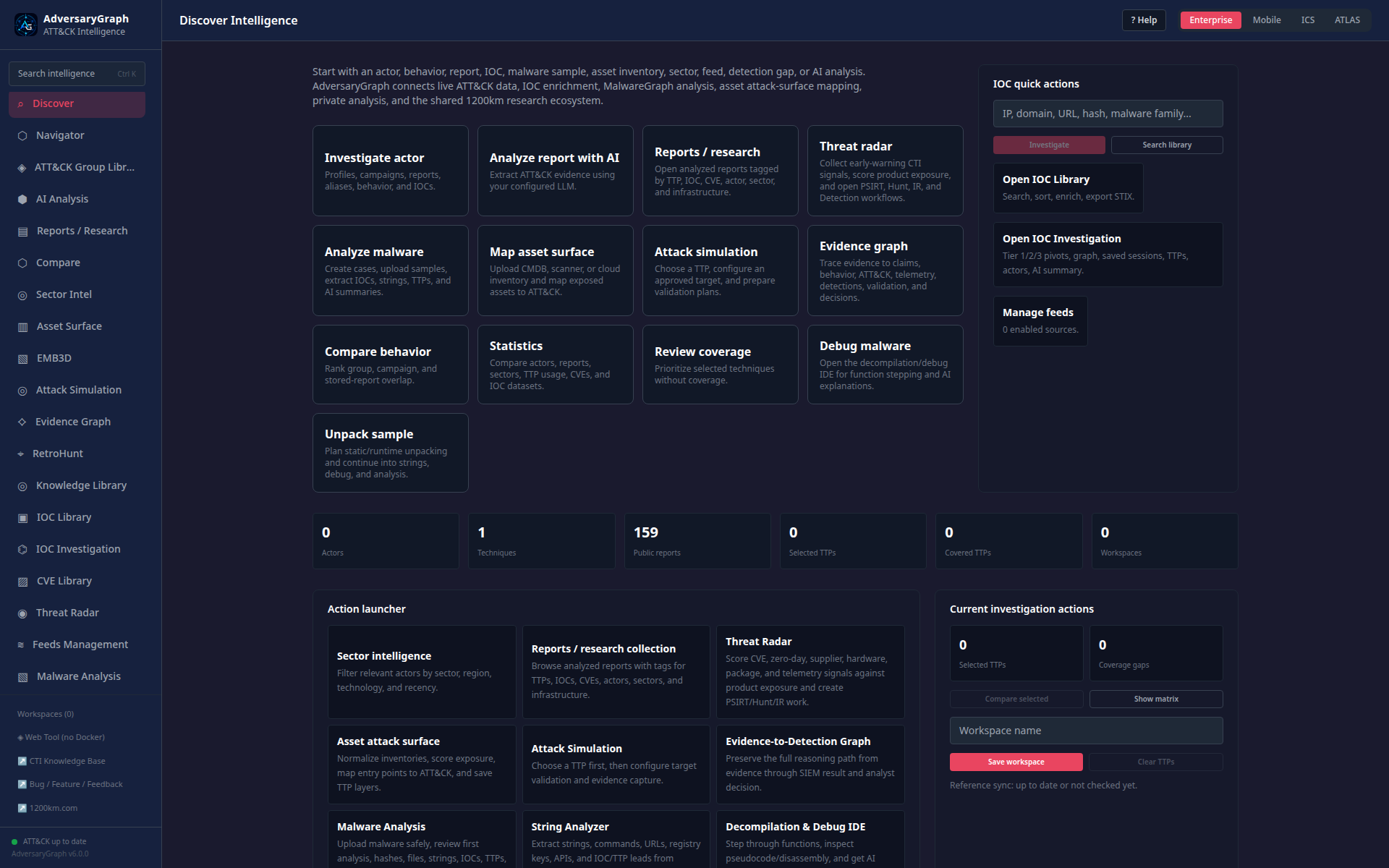 v6 Discover WorkspaceCurrent production-build navigation and workflow launchers captured with sanitized deterministic fixtures.
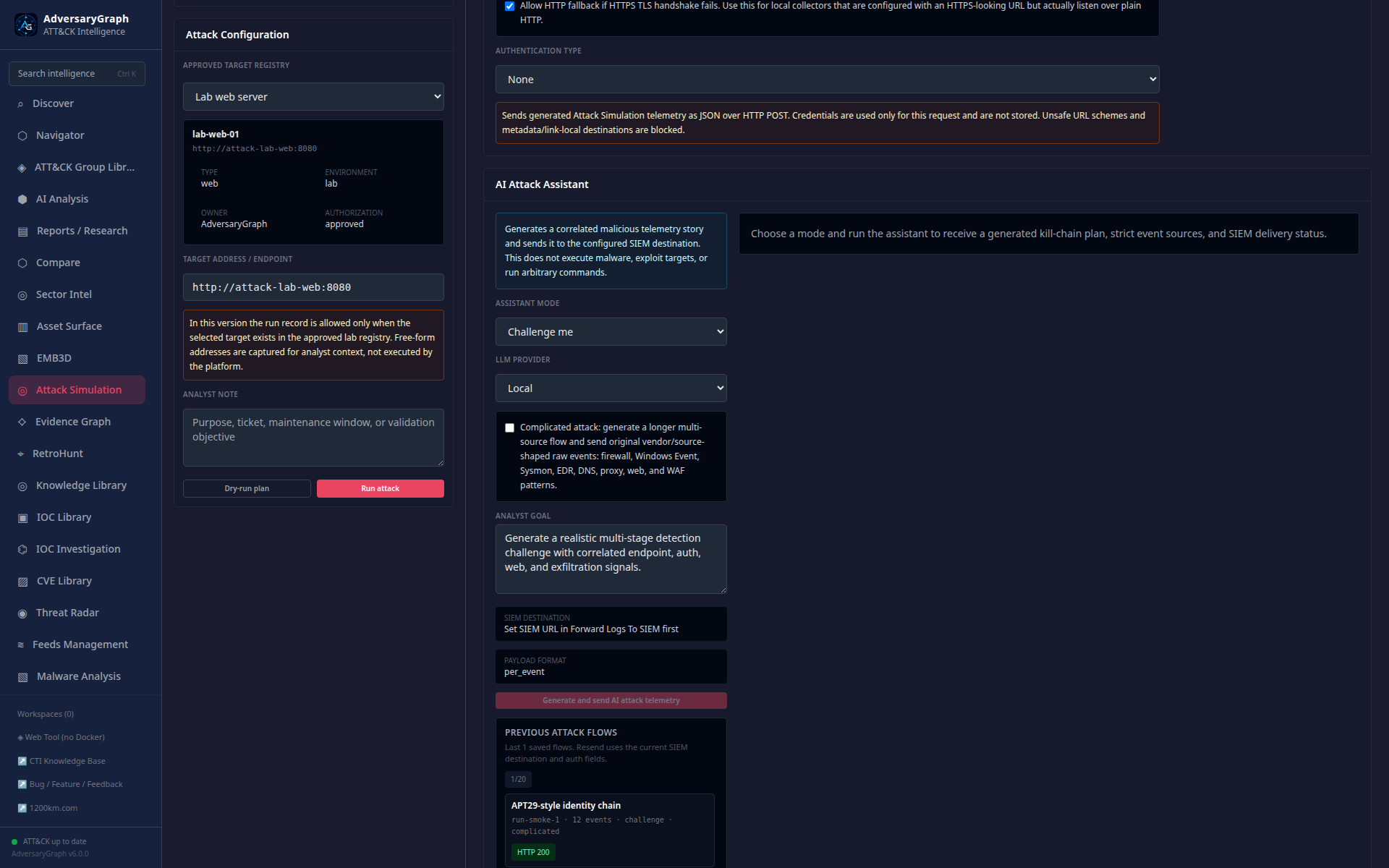 v6 Attack SimulationApproved lab target context, guarded SIEM forwarding, and analyst-facing safety boundaries.
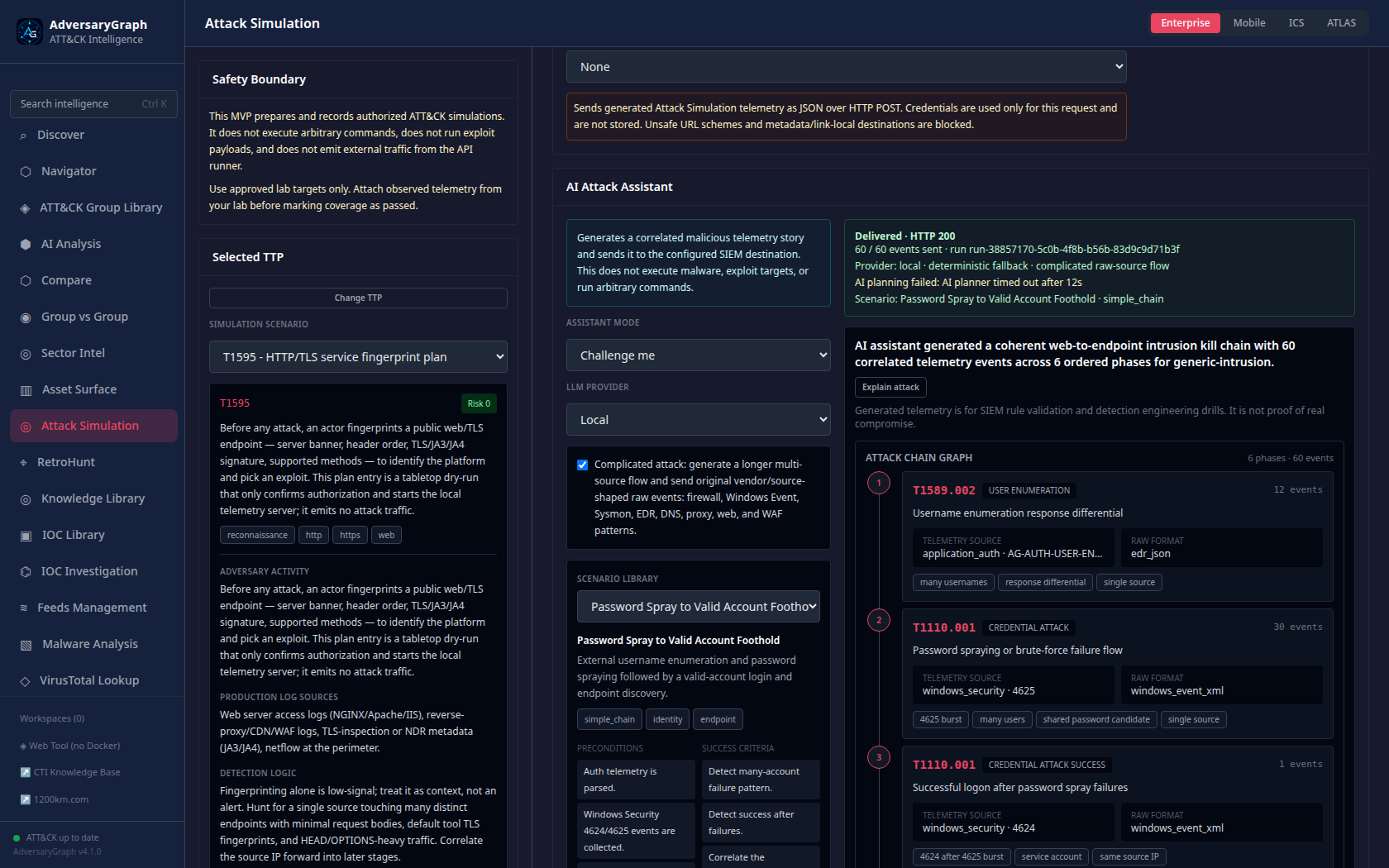 Attack SimulationAI-generated kill-chain graph, SIEM forwarding, and telemetry validation workflow.
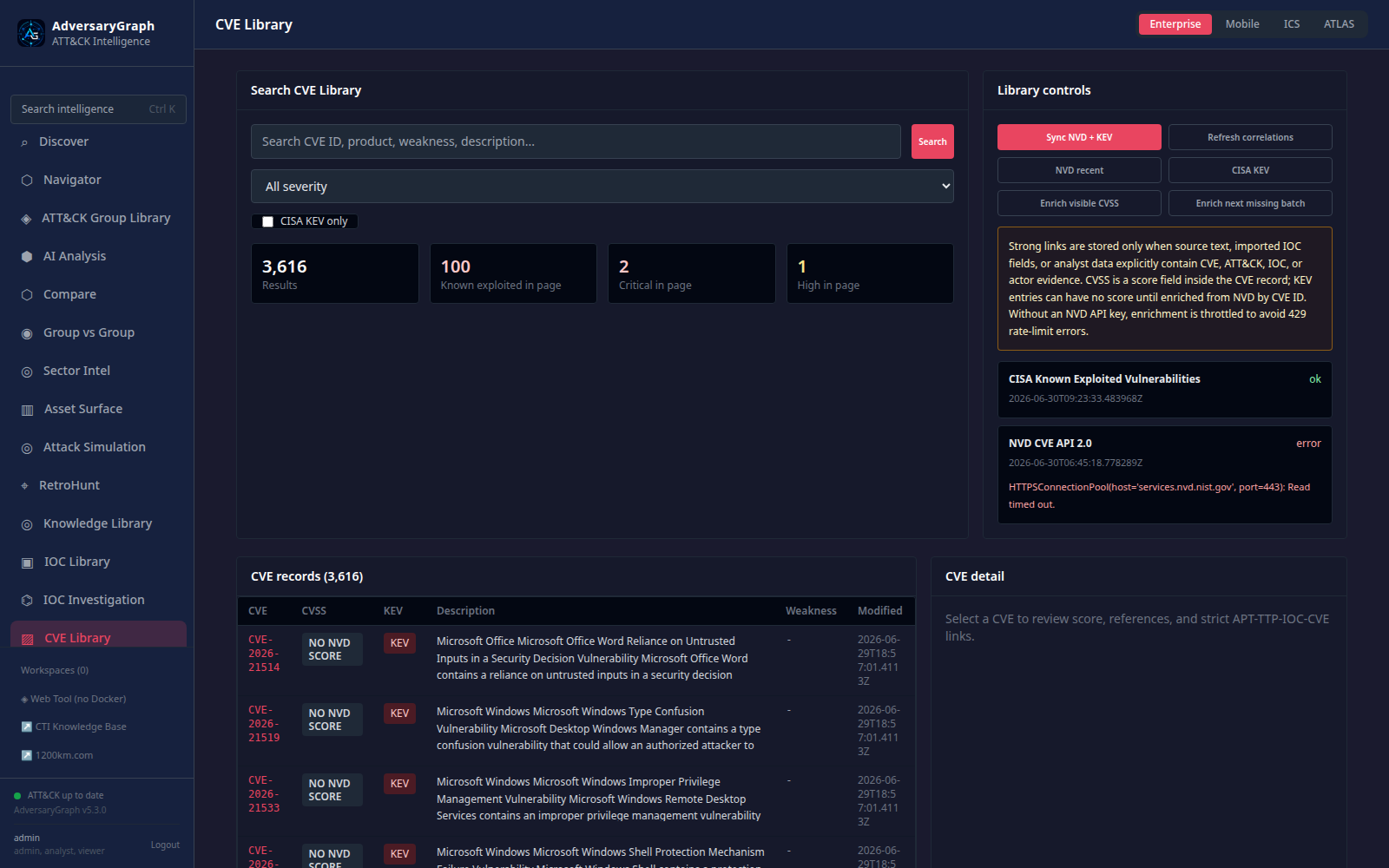 CVE LibraryNVD/KEV sync controls, CVSS enrichment state, and strict relationship review.
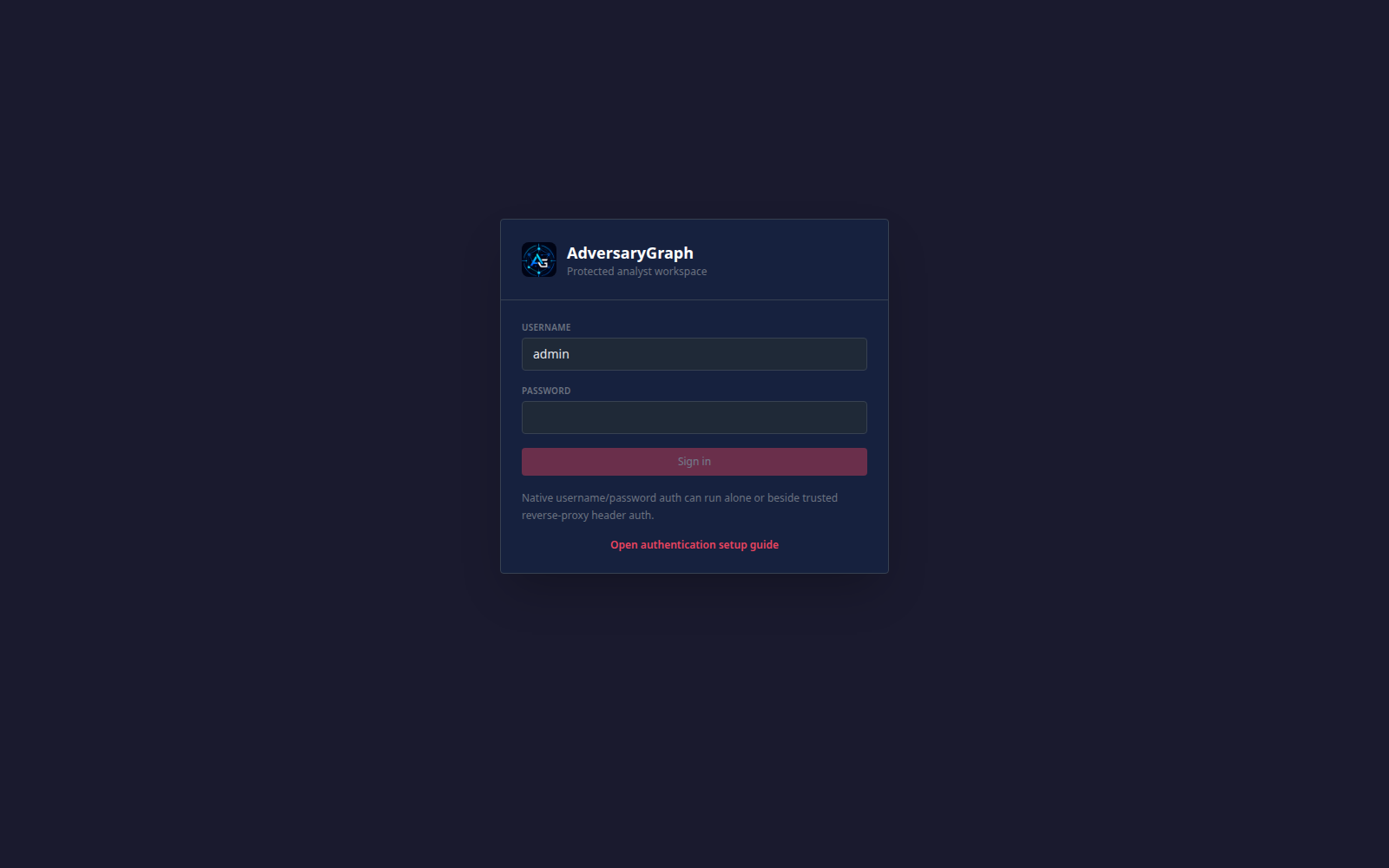 Protected LoginNative username/password entry point for protected analyst workspaces.
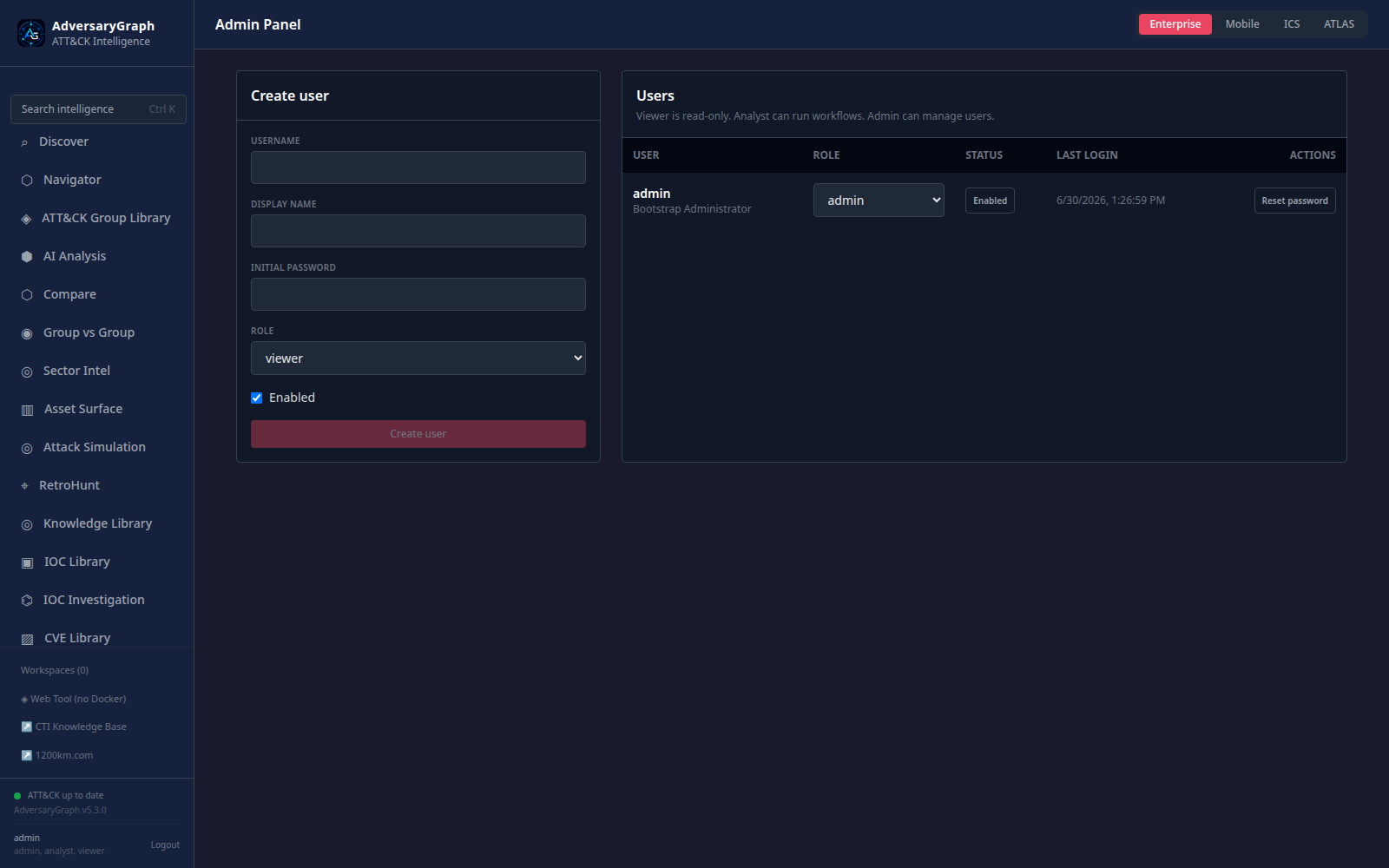 Admin PanelNamed users, effective permissions, sessions, MFA state, audit history, and password reset.
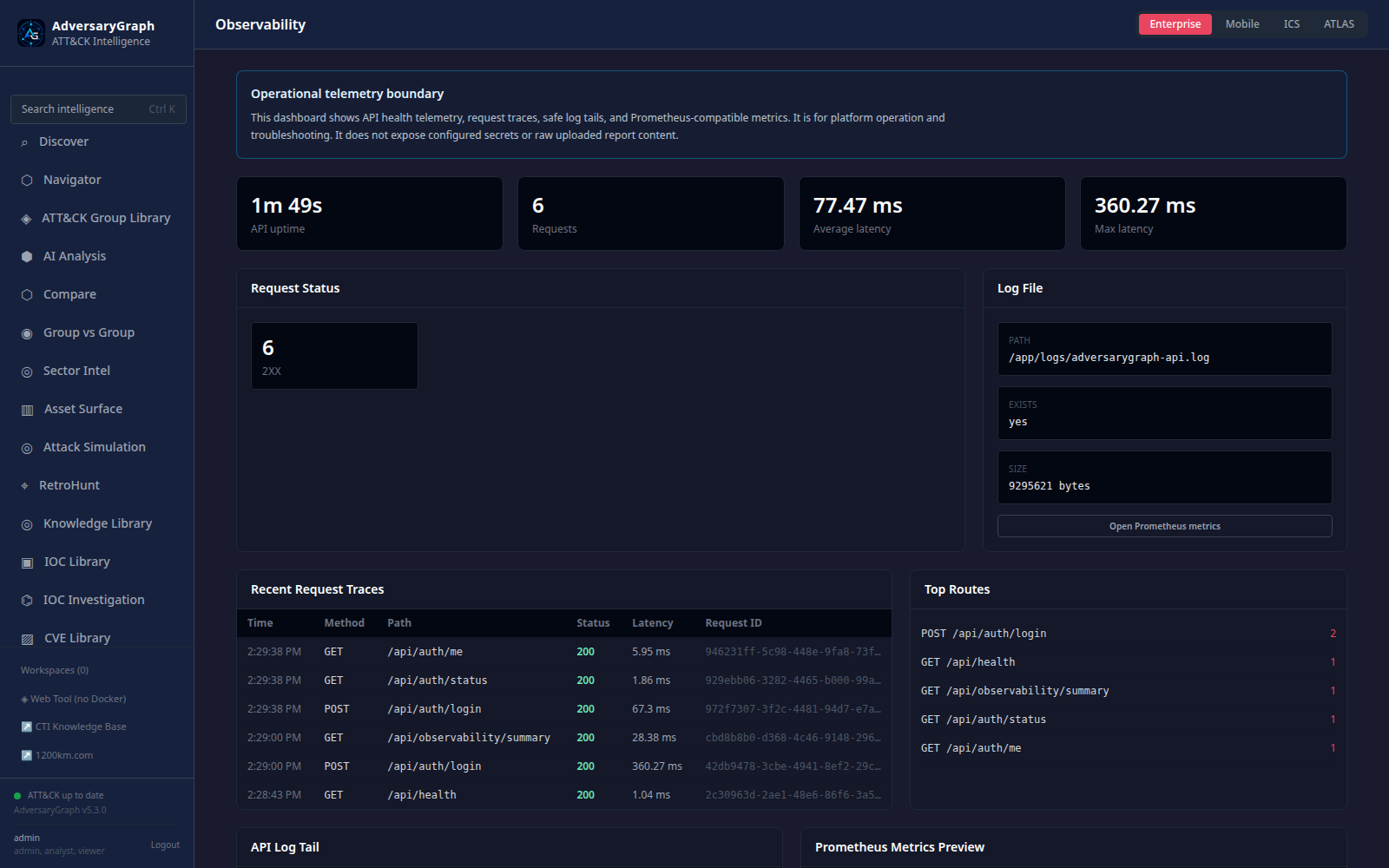 ObservabilityAPI health, request traces, redacted log tail, route metrics, and Prometheus preview.
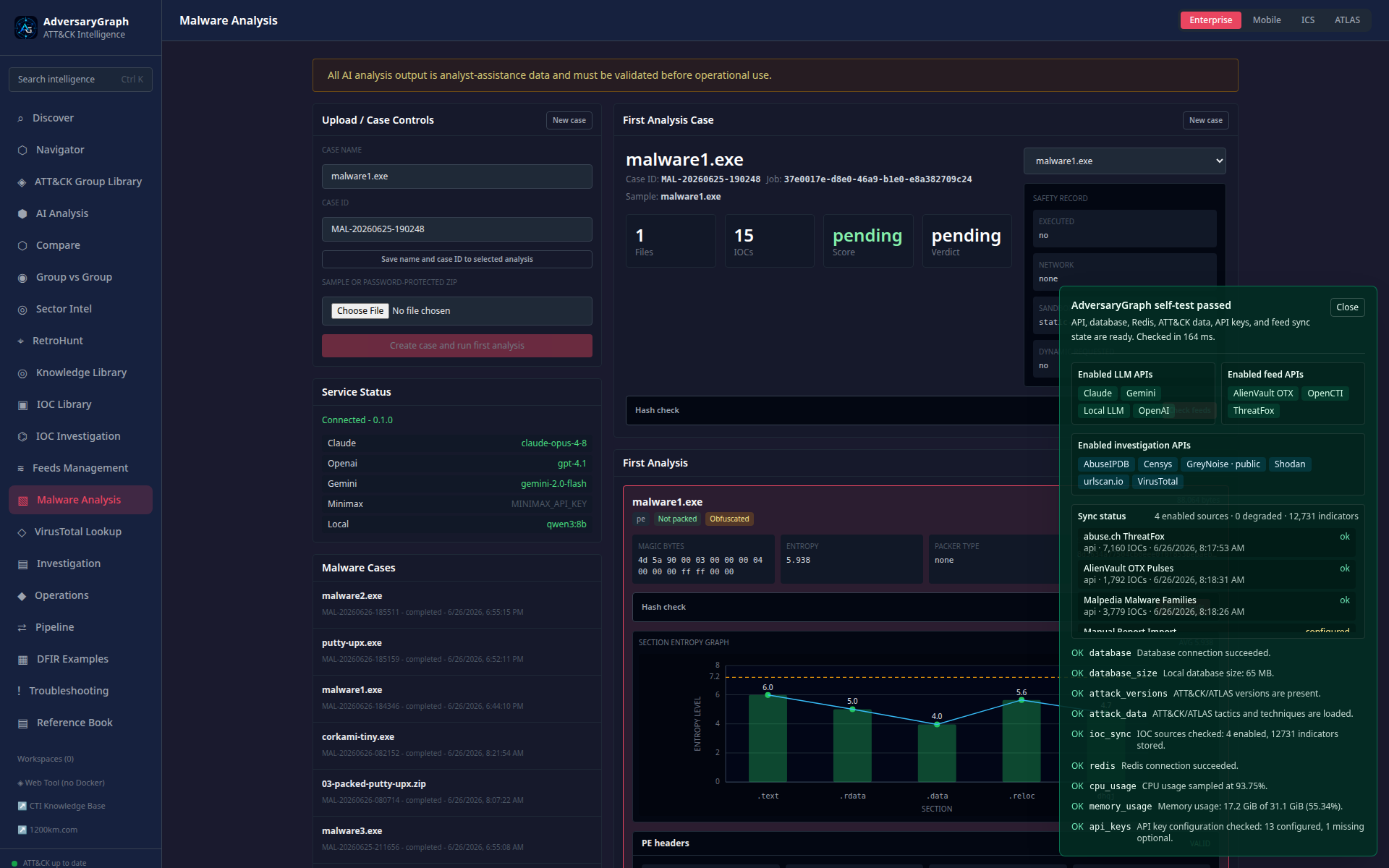 Malware AnalysisStatic triage, strings, unpacking, debugger, and AI summary workflow.
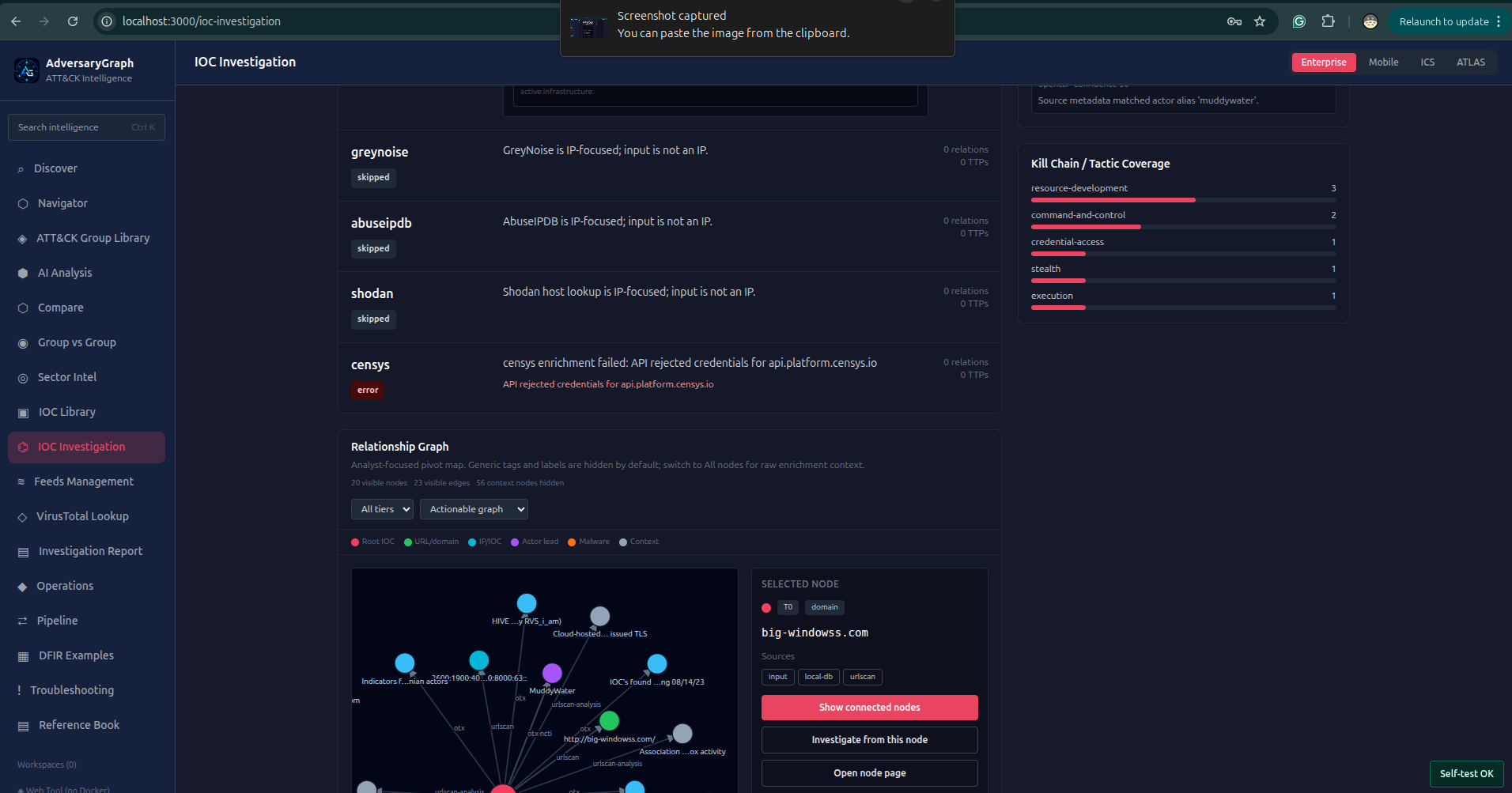 IOC InvestigationSource-backed pivots, enrichment, graph review, and investigation handoff.
Review the v6 release gate, deployment go/no-go criteria, backup and rollback preparation, and controlled self-hosted production boundary.
Read more →Reproduce evidence-to-detection, asset exposure, and controlled Attack Simulation acceptance workflows with fictional repository data.
Read more →Review implemented capabilities, boundaries, validation evidence, deployment posture, and commercial-readiness checklist.
Read more →Understand runtime services, data flow, ATT&CK/CVE/IOC correlations, Attack Simulation, Malware Analysis, and observability boundaries.
Read more →Walk through screenshot-backed validation examples for logs-to-report, SIEM validation, CVE correlation, auth/admin, and malware analysis.
Read more →Compare AdversaryGraph with OpenCTI, MISP, ATT&CK Navigator, Atomic Red Team, and malware sandboxes using practical fit criteria.
Read more →Clone the repository, configure secrets, start Docker, verify selftest, sync ATT&CK/ATLAS, and connect IOC/rule/enrichment feeds.
Read more →Run TTP-first validation workflows, inspect real lab telemetry, forward events to SIEM collectors, and use AI-assisted kill-chain drills for detection engineering.
Read more →Analyze Windows samples through the MalwareGraph-backed workflow: static triage, strings, unpacking, decompilation, debug workspaces, AI summaries, and gated dynamic analysis.
Read more →Upload asset inventories, normalize exposure, score risk, map likely ATT&CK techniques, and create attack-surface cases for validation and prioritization.
Read more →Sync NVD and CISA KEV, enrich CVSS fields, and review strict CVE-to-APT/TTP/IOC evidence links without treating vulnerability data as attribution.
Read more →Enable native login, bootstrap named administrators, manage RBAC permissions, sessions, MFA workflow state, audit history, and trusted proxy SSO metadata.
Read more →Review API health, request traces, redacted log tails, Prometheus metrics, security scanning, and validation examples.
Read more →Review the full capability map: AI analysis, actor intelligence, IOC/CVE libraries, enrichment, feeds, STIX/TAXII/MISP, attack simulation, malware analysis, exports, and APIs.
Read more →Ingest PDF, DOCX, TXT, or pasted reports through the LLM provider configured by the operator, then review evidence-backed ATT&CK mapping candidates.
Read more →Review provenance-preserving hybrid retrieval, bounded relationship expansion, citation safeguards, advisory MCP tools, and analyst-confirmed Navigator proposals.
Read more →Explore Enterprise, Mobile, ICS, and ATLAS matrices, build layers, review technique context, and plan coverage.
Read more →Use TTP overlap for hypothesis generation, prioritization, report comparison, and gap analysis. Similarity is not attribution.
Read more →Operate the self-hosted platform with selftests, troubleshooting, evaluation guidance, API access, and deployment hardening.
Read more →