AdversaryGraph Platform Guide
Current v7 platform documentation. AdversaryGraph is an analyst-assistance system: AI mappings, similarity scores, IOC enrichment, malware-analysis output, and generated detections require human validation before operational use.
Table of Contents
- Visual Evidence
- Core Workflow
- Modules and Abilities
- Module Walkthrough
- Attack Simulation
- Malware Analysis Extension
- Operating Notes
Visual Evidence
Platform screenshots are stored in /img/adversarygraph-v4-platform/; that
folder name is historical and the screenshots remain representative of the
current platform surfaces unless a newer release-specific screenshot set is listed
below. The malware-analysis screenshot set is stored in
/img/malware-analysis-v4/; those v4 screenshots remain representative for the
current v7 Malware Analysis workflow. The Attack Simulation screenshot set is
stored in /img/attack-simulation-v5/.
The screenshot packs include validation metadata. The platform set records route
load, expected page text, 1920x1200 dimensions, byte size, mean RGB, and
nonblank image checks in /img/adversarygraph-v4-platform/validation.json.
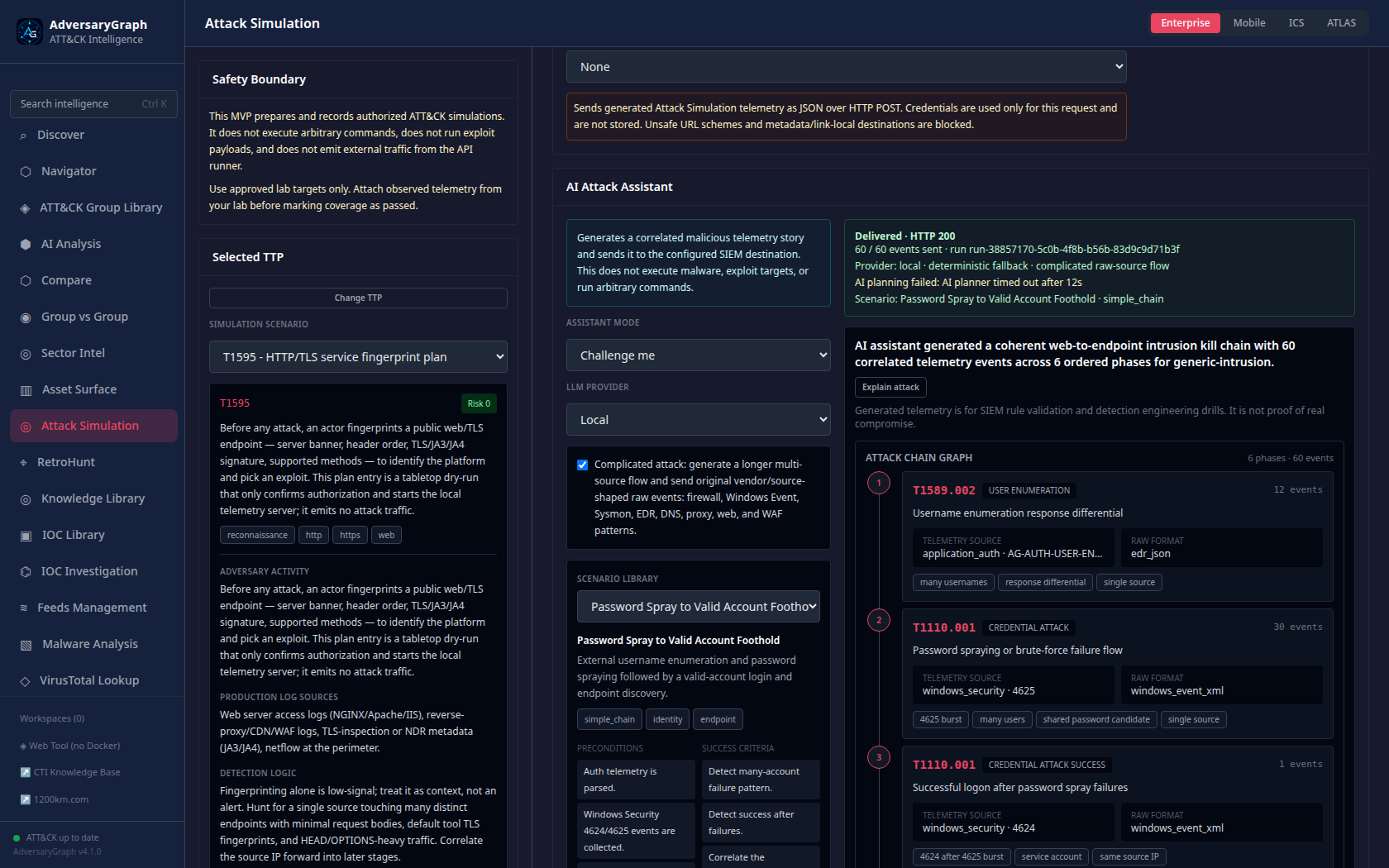
The v5 Attack Simulation screenshot set validates the TTP-first matrix, per-TTP configuration page, SIEM forwarding controls, AI scenario library, generated attack-chain graph, explain-attack panel, real-time log view, and saved SIEM destination history.
Published v5 release article: AdversaryGraph v5.0: From CTI Mapping to Attack Simulation and SIEM Validation.
Core Workflow
AdversaryGraph is built around this defensive CTI workflow:
report / IOC / malware sample / feed source
  -> extraction and enrichment
  -> ATT&CK / ATLAS mapping candidates
  -> analyst validation
  -> actor, campaign, sector, and IOC pivots
  -> comparison and detection-gap review
  -> investigation report, exports, and operational handoff
The platform keeps the source of each conclusion visible. A technique selected from an uploaded report, an actor profile, an IOC feed, a malware sample, or an AI assistant should remain traceable back to evidence.
Modules and Abilities
| Module | Primary abilities |
|---|---|
| Discover | Start workspace, monitor platform state, open common CTI workflows, inspect selected TTP counts, actor context, and recent intelligence entry points. |
| Navigator | Explore Enterprise, Mobile, ICS ATT&CK and ATLAS matrices; select TTPs; review technique detail; overlay actors; track coverage; export Navigator JSON and backlog data. |
| ATT&CK Group Library | Search actor profiles, aliases, campaigns, techniques, reports, source-backed IOCs, and push actor TTPs into Navigator or comparisons. |
| AI Analysis | Paste text or upload PDF/DOCX/TXT; choose Claude, OpenAI, Gemini, MiniMax, or local OpenAI-compatible LLM; extract mapping candidates; review evidence and add accepted TTPs. |
| Compare | Compare current TTP layers, reports, groups, and campaigns; inspect overlap, matrix diff, tactic breakdown, and gap analysis. |
| Group vs Group | Select multiple actor profiles; compare shared and exclusive techniques; view overlap matrix, combined matrix, and technique table. |
| Sector Intel | Rank actors by sector, geography, technology, recency, campaign evidence, and MISP Galaxy context. |
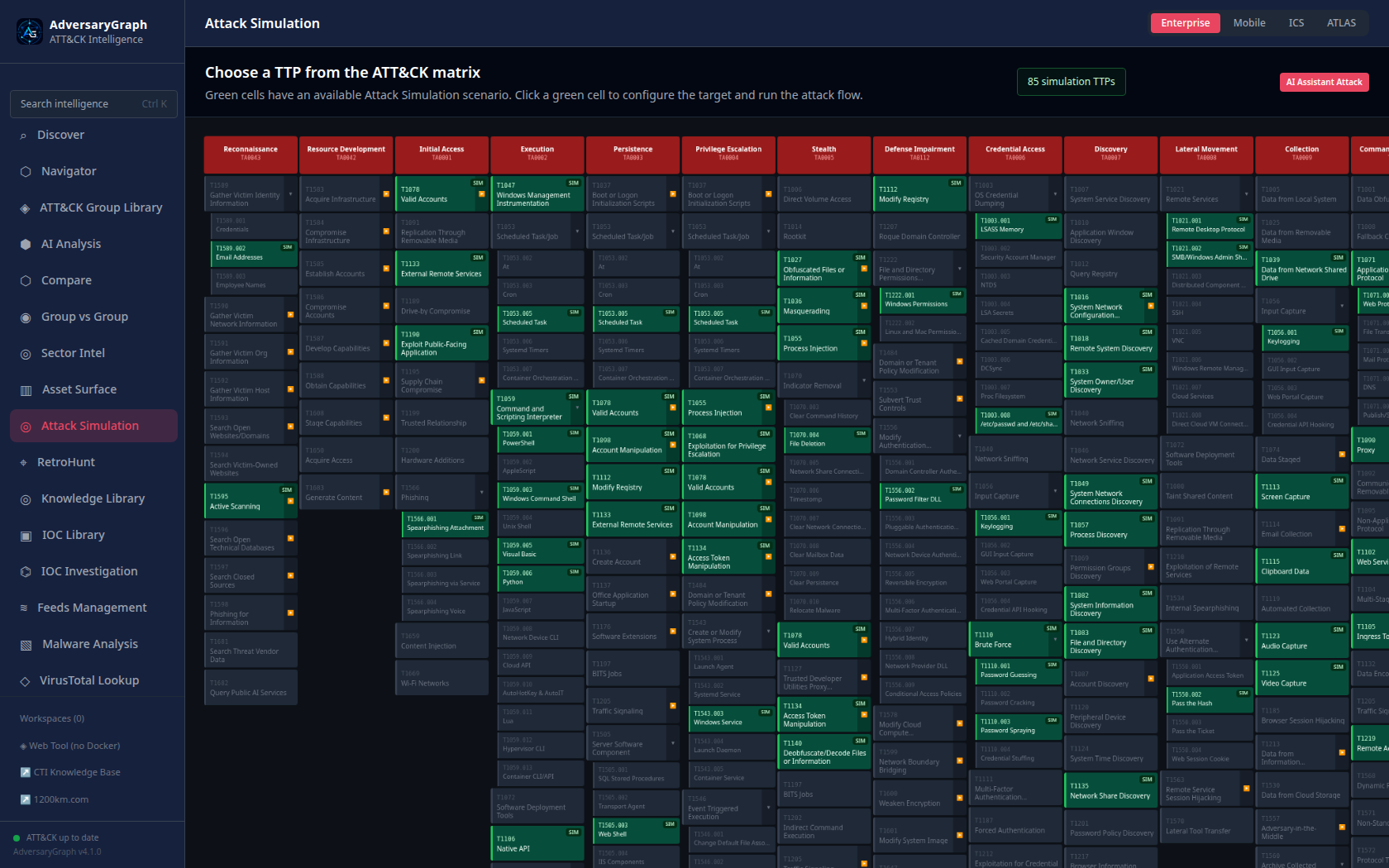
| Attack Simulation | Select ATT&CK TTPs, run approved lab simulations, view real-time attacked-server logs, forward telemetry to SIEM collectors, save recent destinations, generate AI-assisted multi-phase attack stories, review attack-chain graphs, and explain validation logic. |
| RetroHunt | Search historical local intelligence, reports, indicators, techniques, and evidence for repeated patterns. |
| Knowledge Library | Browse stored reports, references, entities, and investigation source material. |
| IOC Library | Search observables, source attribution, freshness, enrichment fields, mapped TTPs, and actor links. |
| IOC Investigation | Pivot on IPs, domains, URLs, hashes, and observables; collect reputation, DNS, urlscan, VirusTotal, GreyNoise, Shodan, AbuseIPDB, Censys, and relationship data where configured. |
| VirusTotal Lookup | Run on-demand VT enrichment for hashes, IPs, domains, and URLs; add TTP and actor context into AdversaryGraph workflows. |
| Feeds Management | Sync ATT&CK/ATLAS, ThreatFox, Malpedia, OTX, OpenCTI, STIX/TAXII, MISP JSON, custom CSV/JSON/TXT, Sigma/YARA, and sandbox behavior feeds. |
| Investigation Report | Build analyst handoff reports from selected TTPs, evidence, investigation notes, actor context, and exports. |
| Operations | Manage investigation workspaces, tracked actors, detection lifecycle records, and team operational tasks. |
| Pipeline | Register and import external intelligence sources, STIX/TAXII collections, MISP exports, sandbox behavior, and detection-content feeds. |
| DFIR Examples | Use public DFIR examples and sample workflows to demonstrate report-to-ATT&CK analysis without private data. |
| Troubleshooting | Run and review deployment self-tests, API health checks, database/Redis checks, provider status, and recovery guidance. |
| Sector Packs | Package sector-specific threat context, actors, techniques, and reusable intelligence bundles. |
| IOC Node Detail | Inspect one observable as a graph node with enrichment, linked TTPs, relationship context, and actions. |
| Malware Analysis | Analyze Windows samples in the isolated MalwareGraph workflow: static triage, hashes, strings, unpacking, decompilation, debug workspaces, AI summaries, and gated dynamic analysis. |
Module Walkthrough
Discover
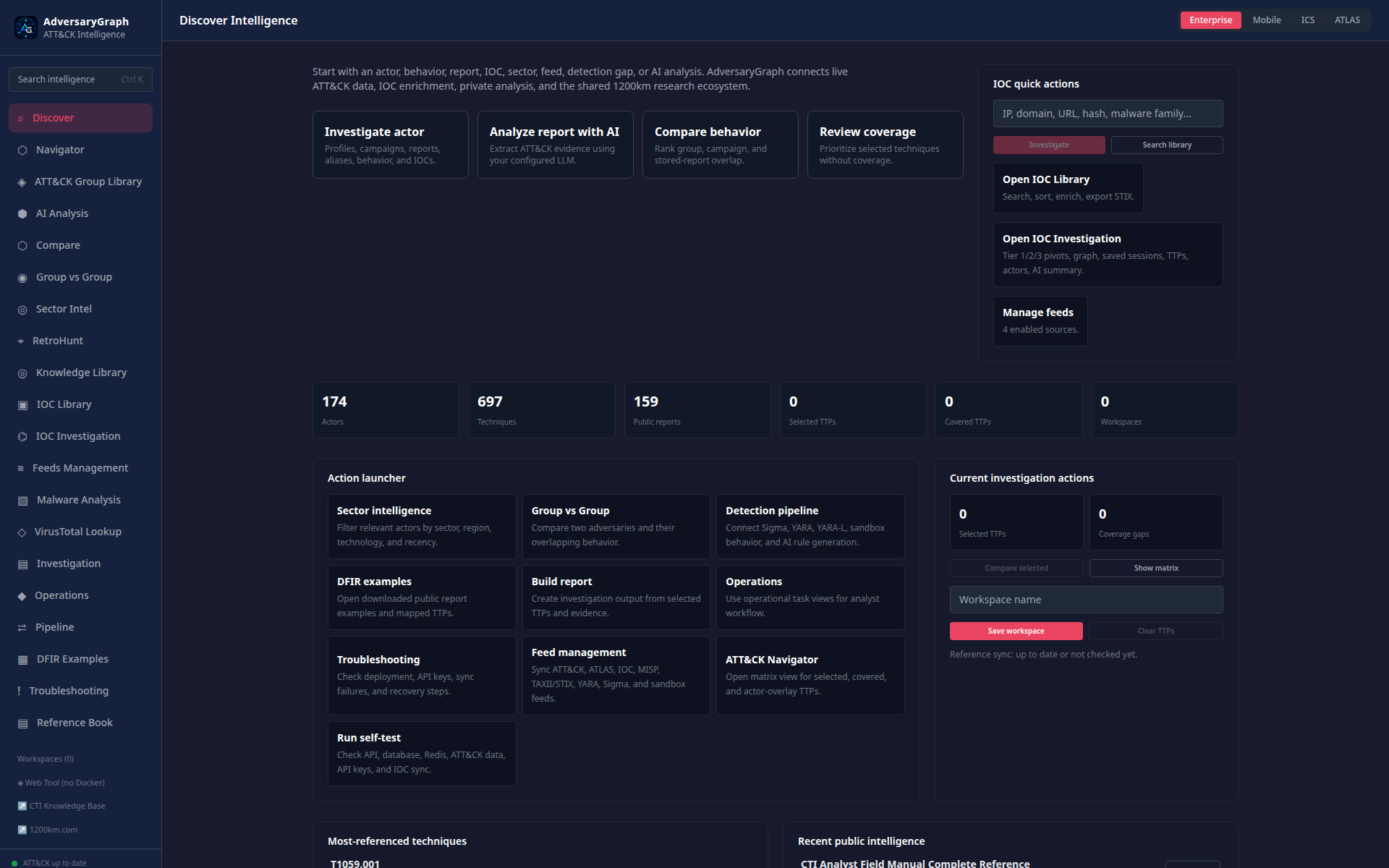
The Discover page is the command surface for starting analyst work. It links to Navigator, AI Analysis, actor comparison, sector intelligence, IOC workflows, malware analysis, operations, and troubleshooting.
Navigator
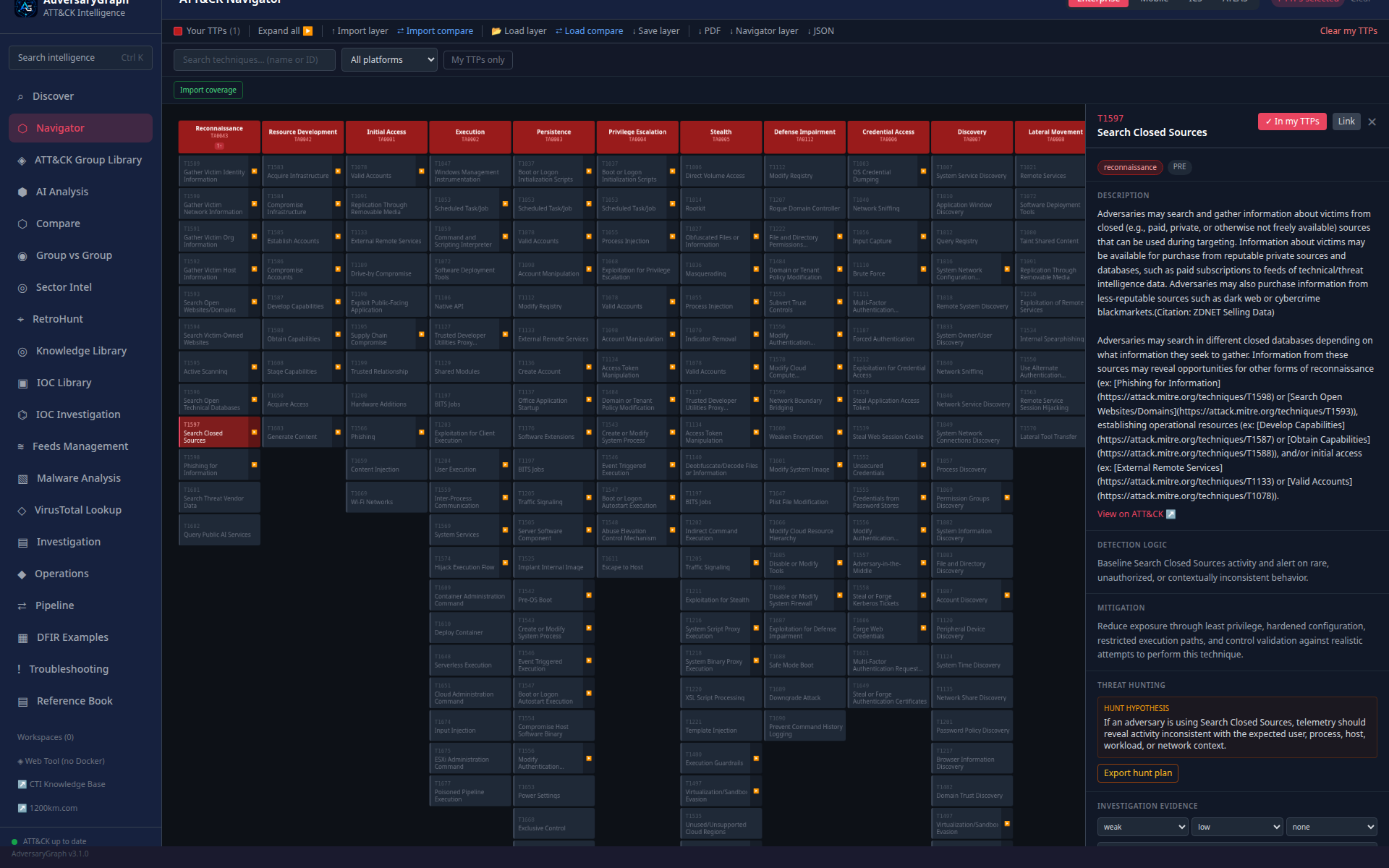
Navigator is the matrix review surface. Analysts select techniques, inspect evidence, expand sub-techniques, overlay actors or comparison layers, track coverage, and export matrix-compatible layers.
ATT&CK Group Library
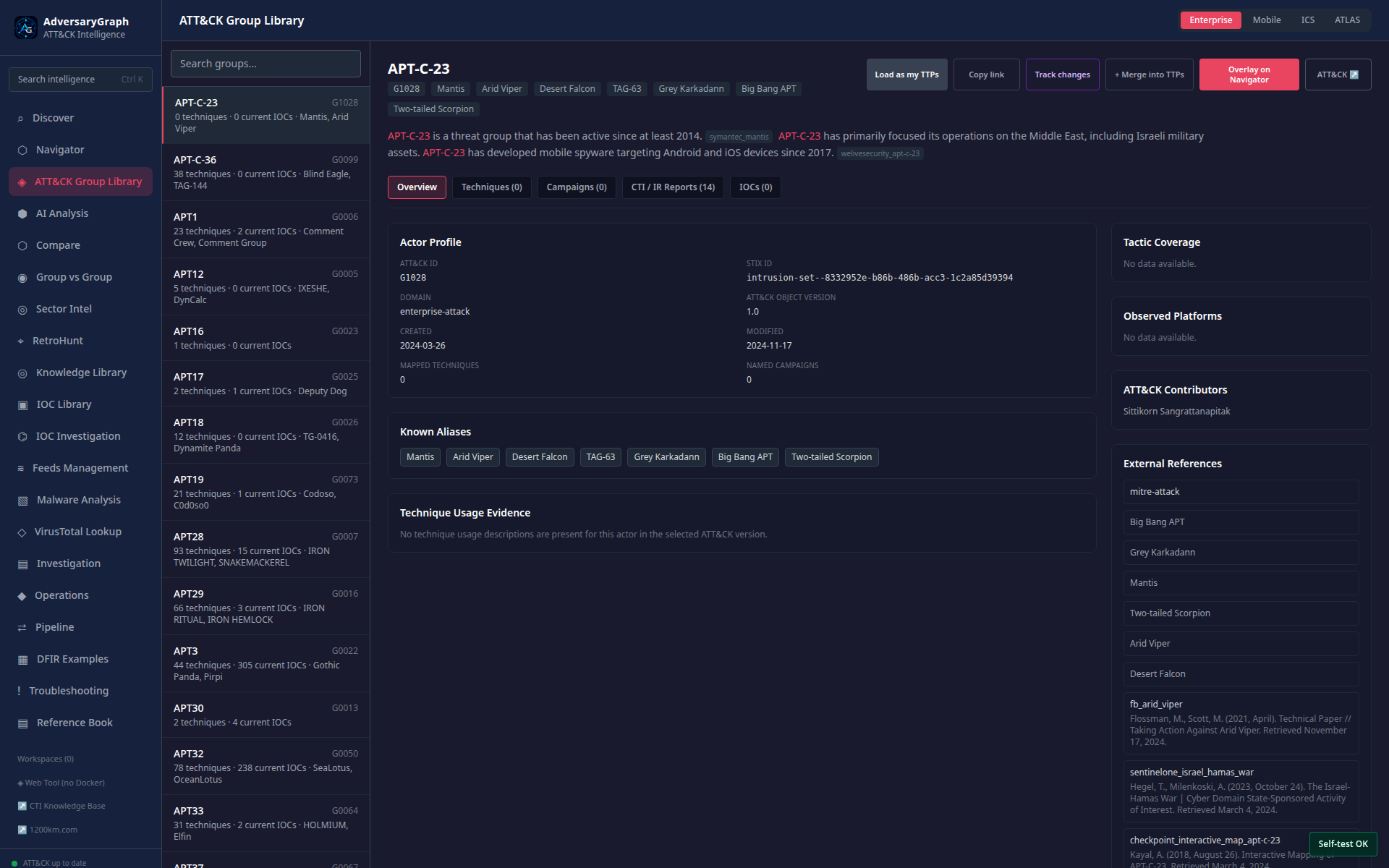
The group library connects actor profiles to aliases, techniques, campaigns, reports, source-backed IOCs, and Navigator actions. Actor links are investigation leads, not attribution proof.
AI Analysis
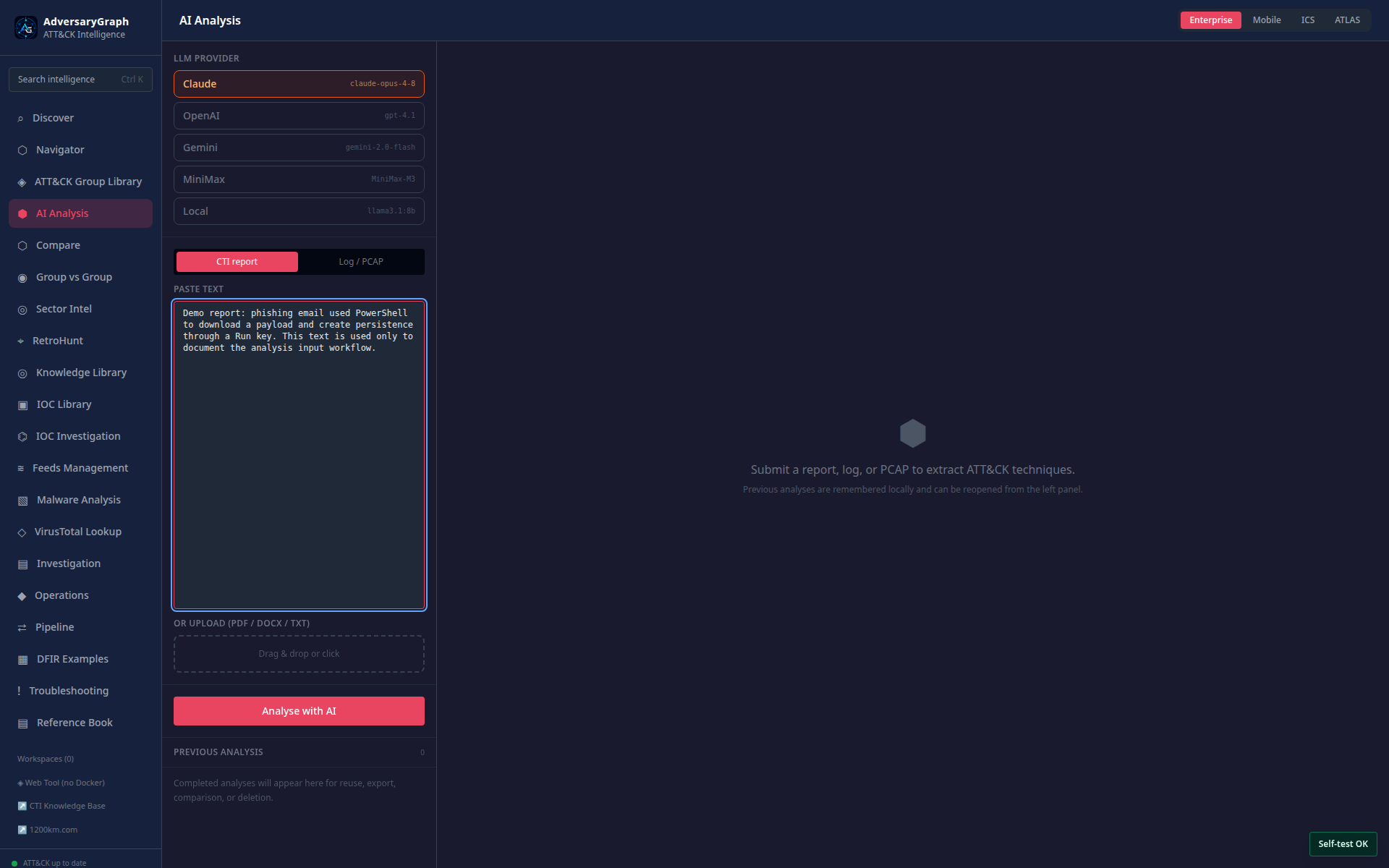
AI Analysis ingests report text or uploaded documents and extracts ATT&CK/ATLAS mapping candidates. The page keeps provider choice, source text, extracted evidence, accepted TTPs, and saved report sessions separate.
Compare
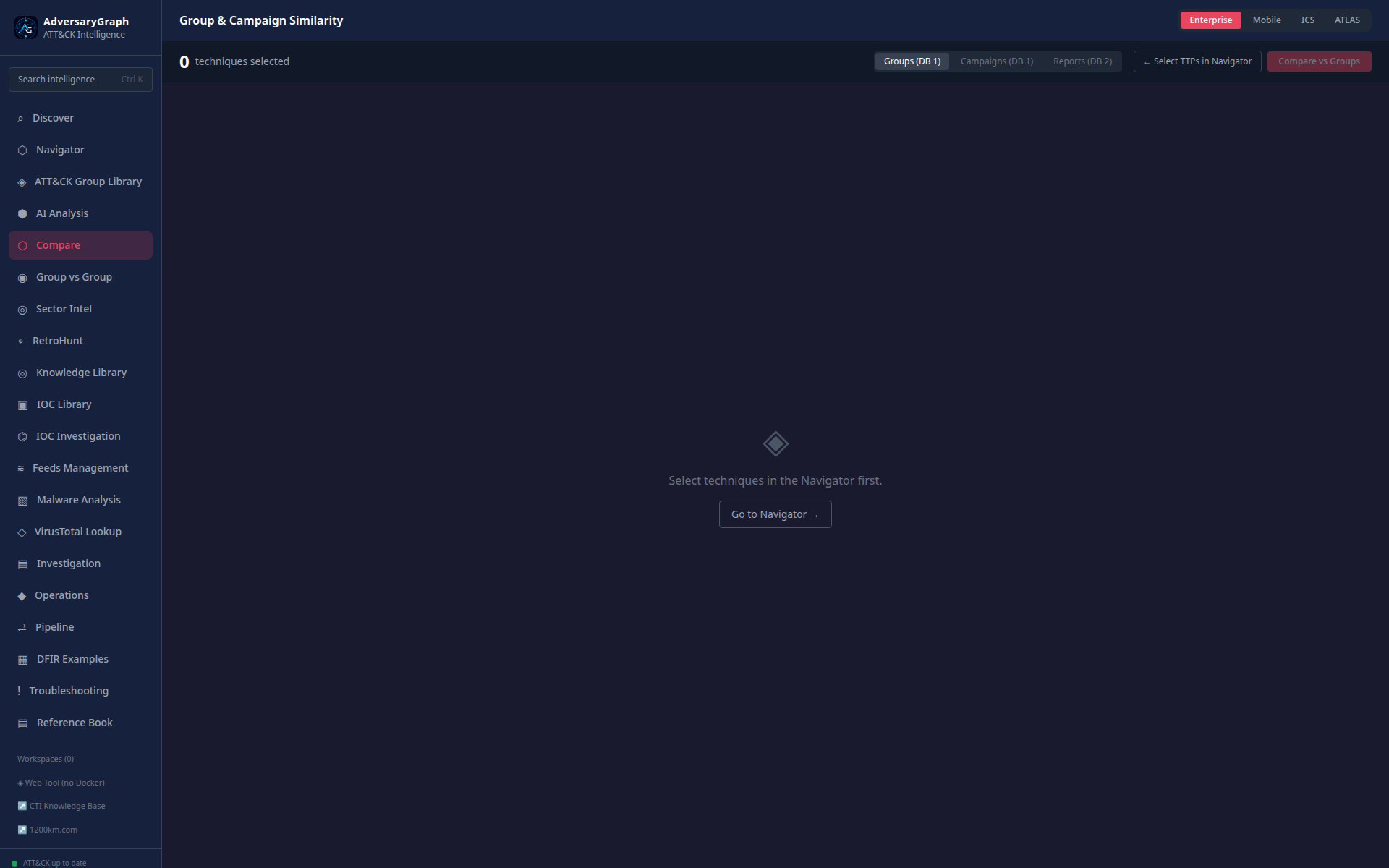
Compare uses the current TTP layer or saved reports to rank overlap with groups and campaigns. It supports group comparison, campaign comparison, report comparison, tactic distribution, matrix diff, and detection-gap review.
Group vs Group
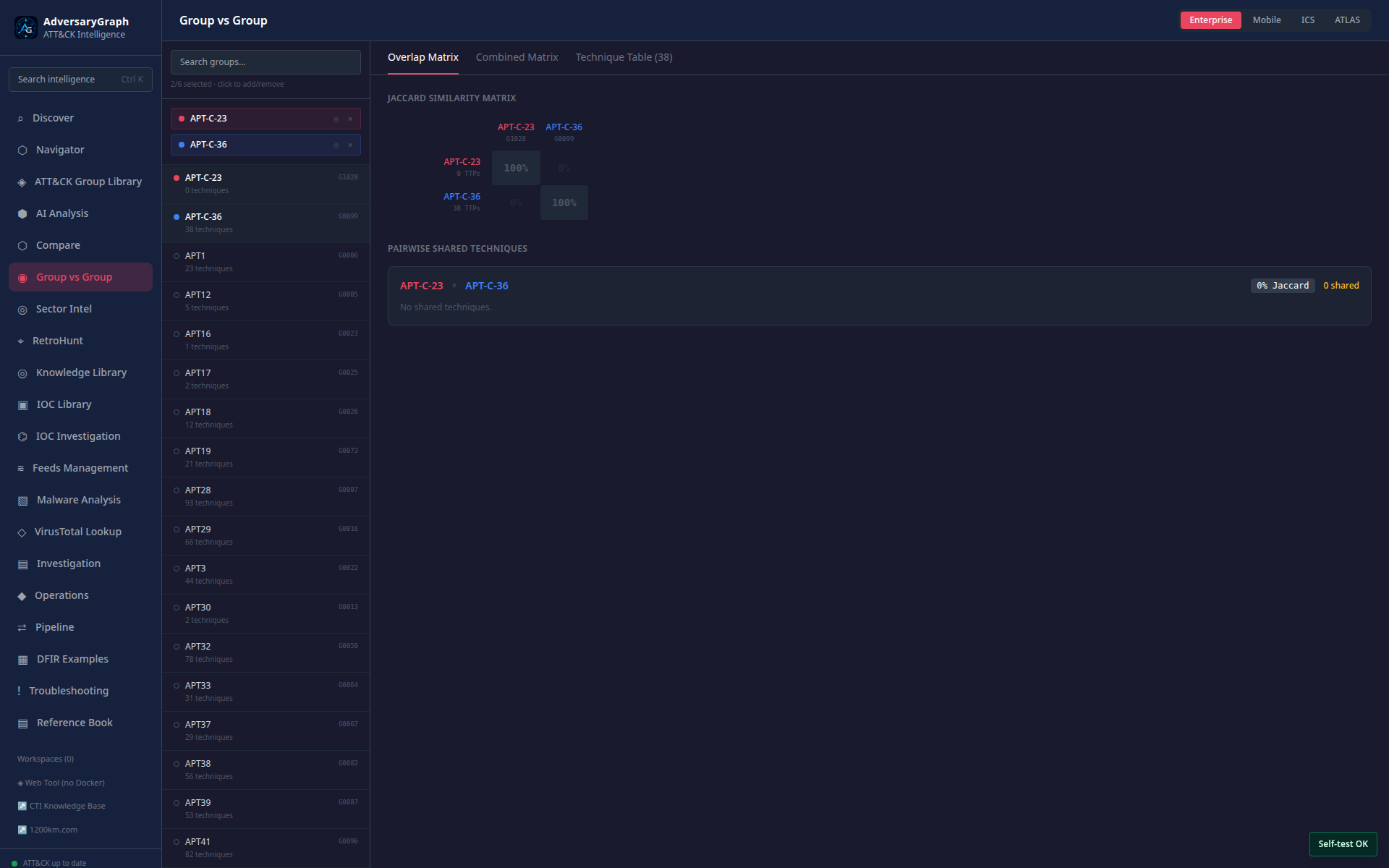
Group vs Group compares multiple actor profiles directly. It highlights shared techniques, actor-exclusive techniques, tactic coverage, and combined matrix patterns.
Sector Intel
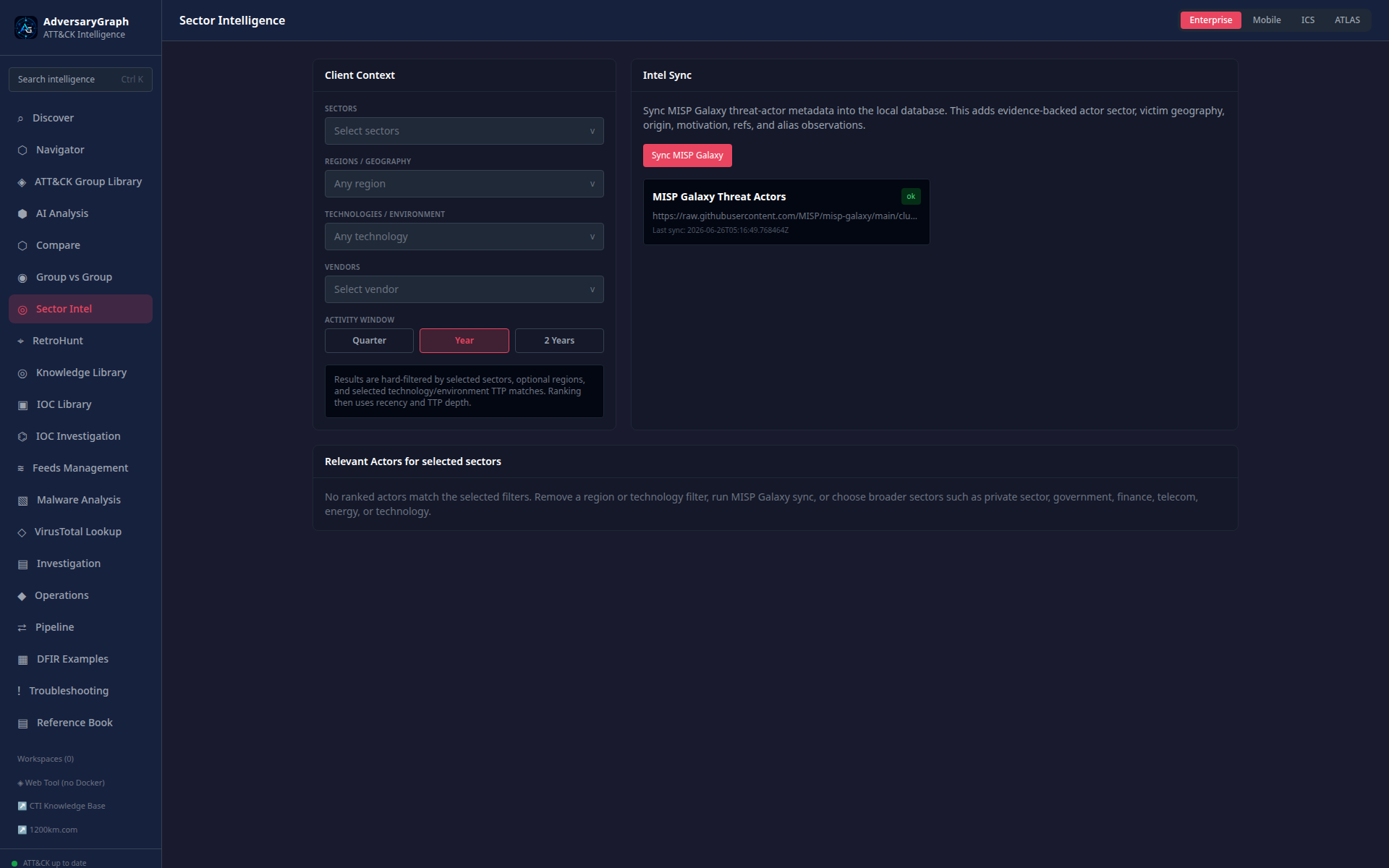
Sector Intel ranks actor relevance for a client context. Inputs include sector, region, technology/environment keywords, activity window, campaign recency, and MISP Galaxy evidence.
RetroHunt
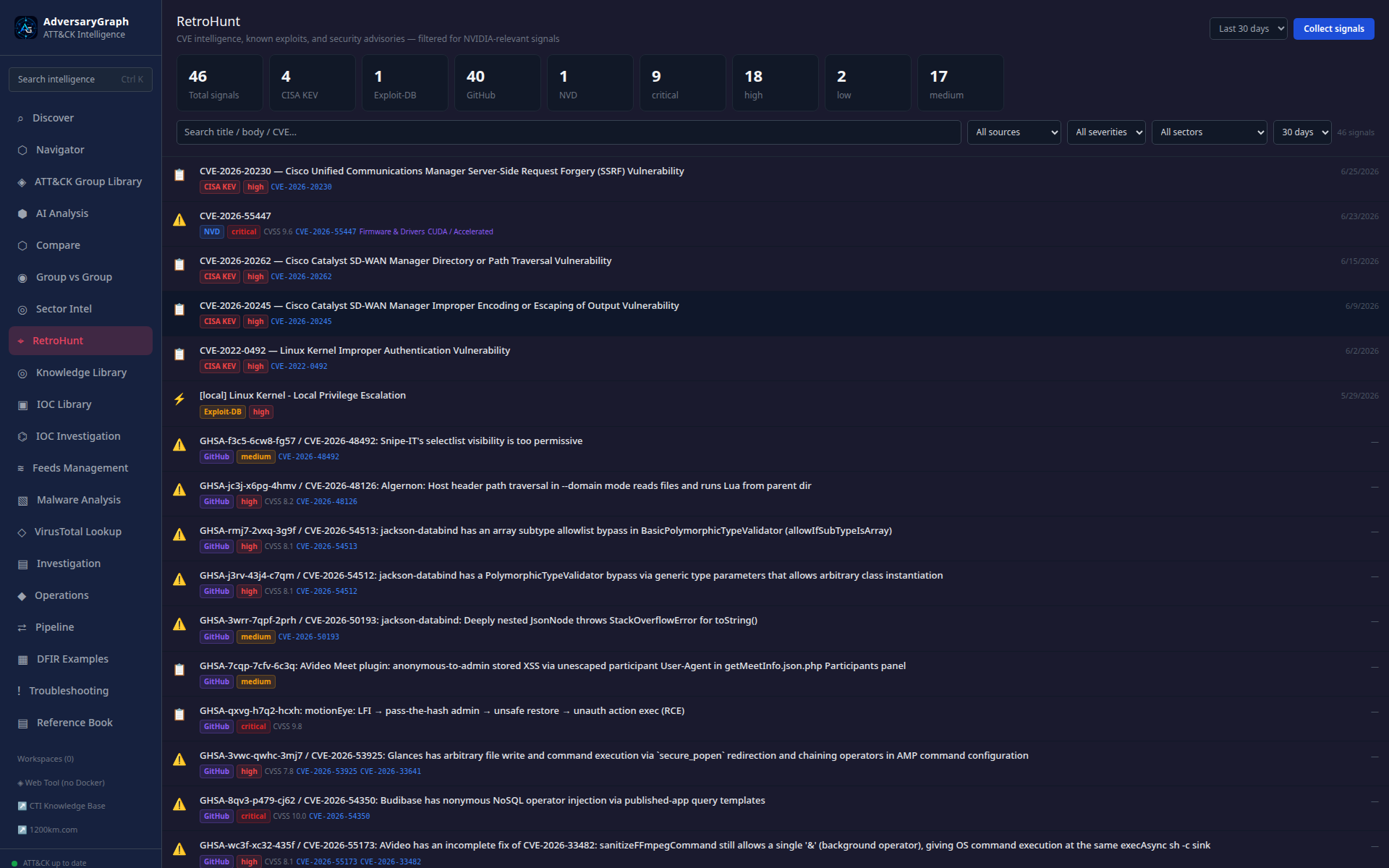
RetroHunt searches local historical intelligence for repeated indicators, techniques, tool names, actor references, and evidence fragments.
Knowledge Library
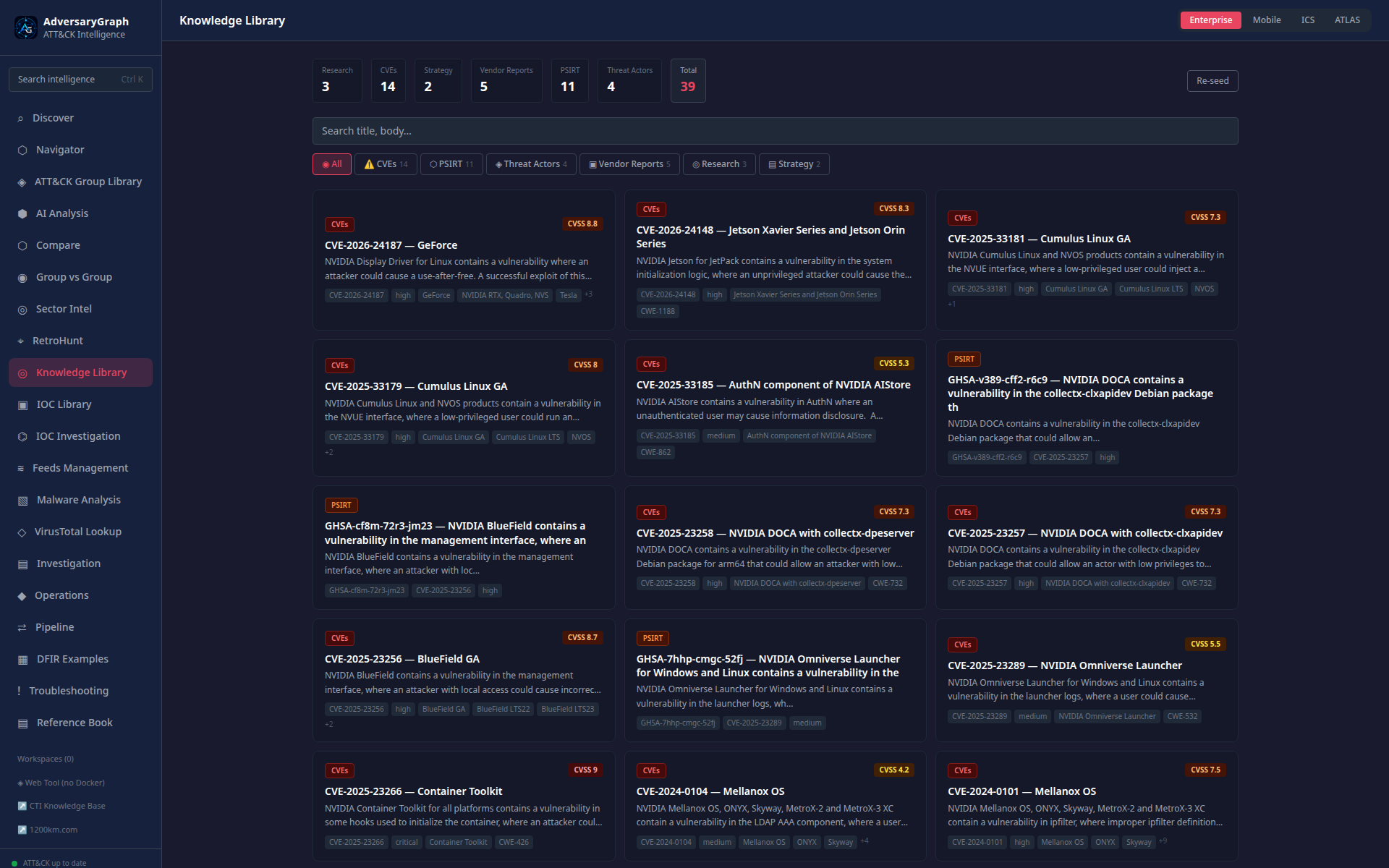
The Knowledge Library stores and browses reports, references, entities, and saved intelligence material used by investigations and exports.
IOC Library
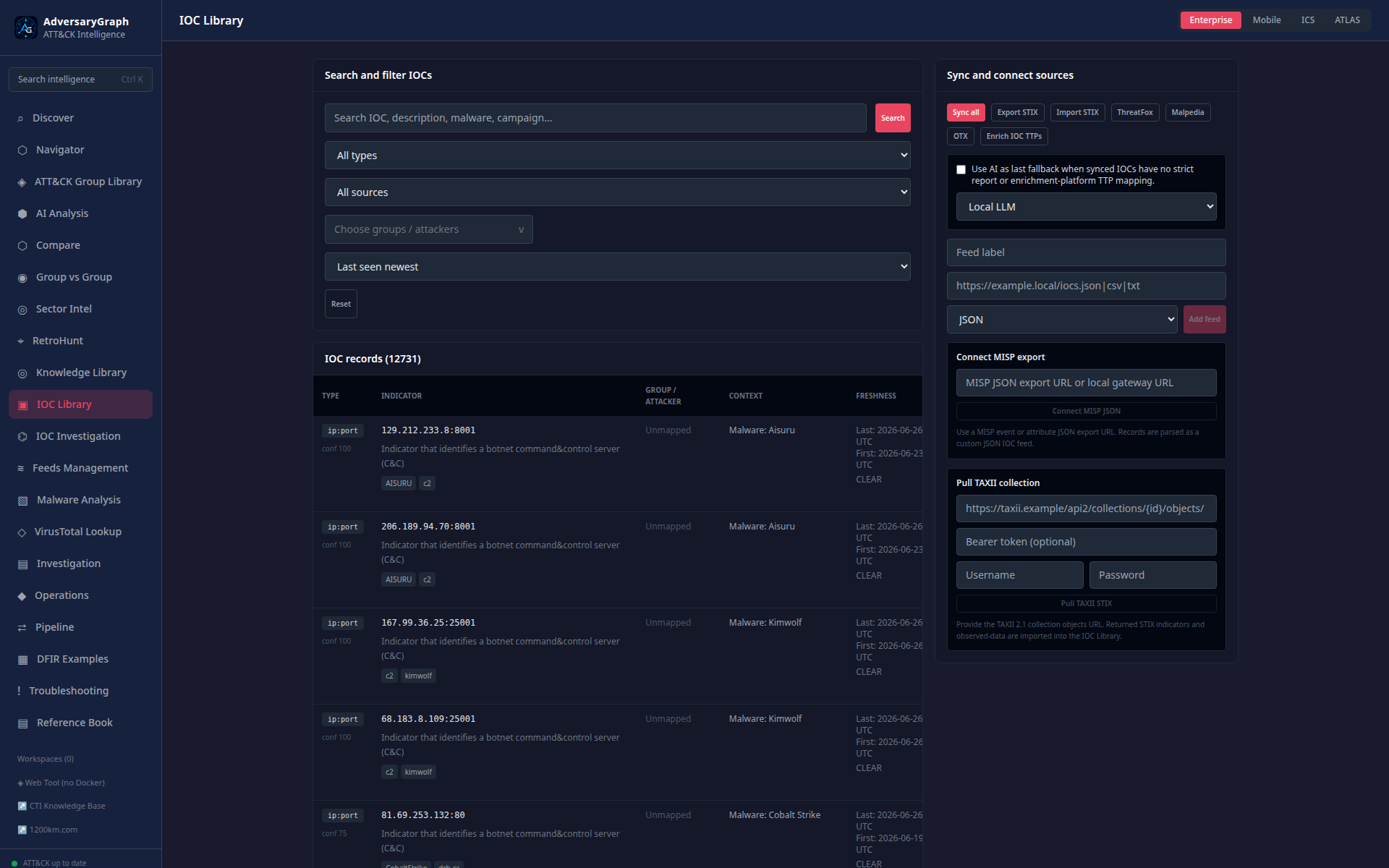
The IOC Library is the searchable observable store. It shows freshness, source attribution, enrichment values, mapped TTPs, actor links, and pivot actions.
IOC Investigation
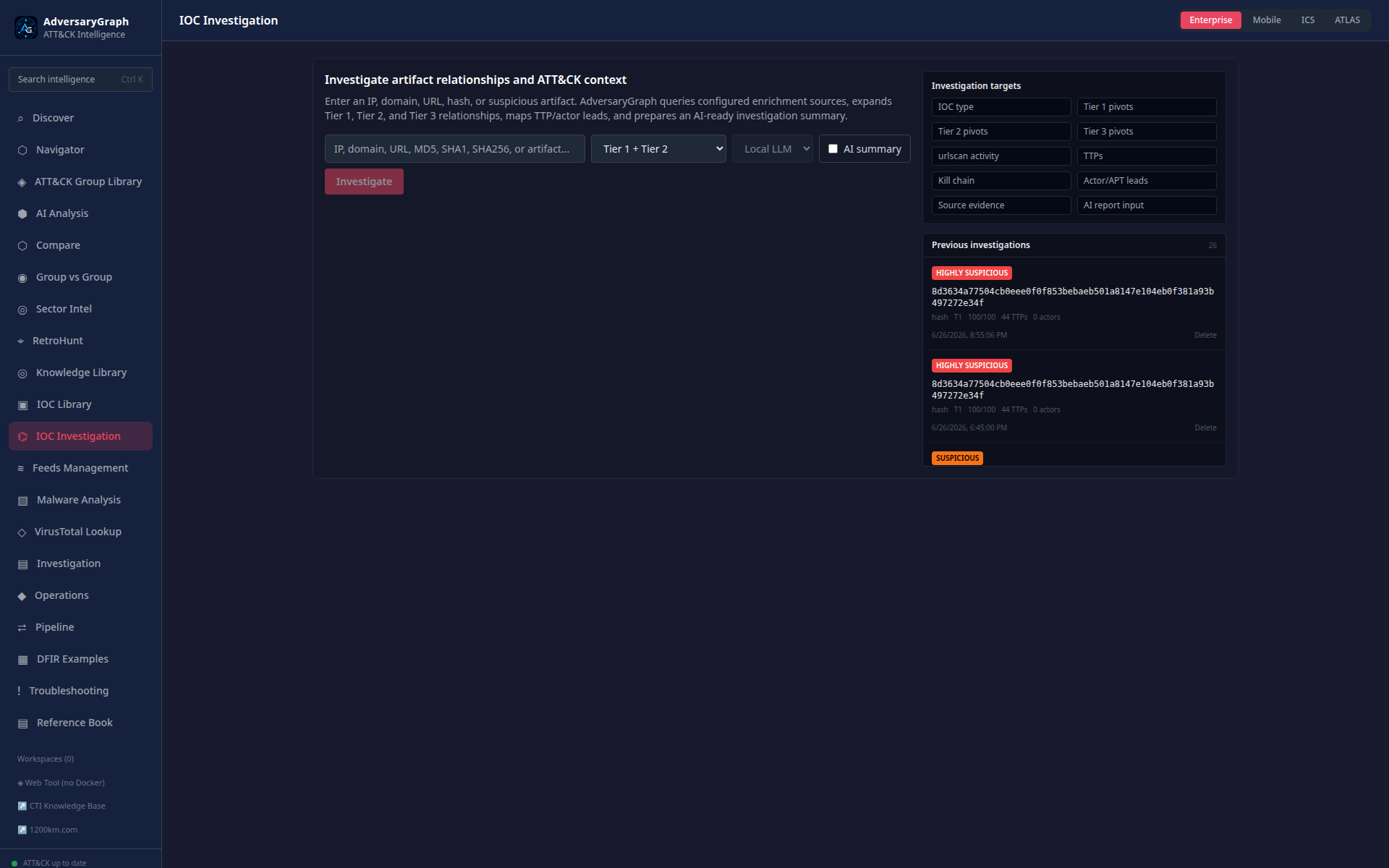
IOC Investigation performs a pivot workflow for a single observable. It can collect reputation, DNS, relationship graph data, external provider context, and timeline evidence depending on configured keys.
VirusTotal Lookup
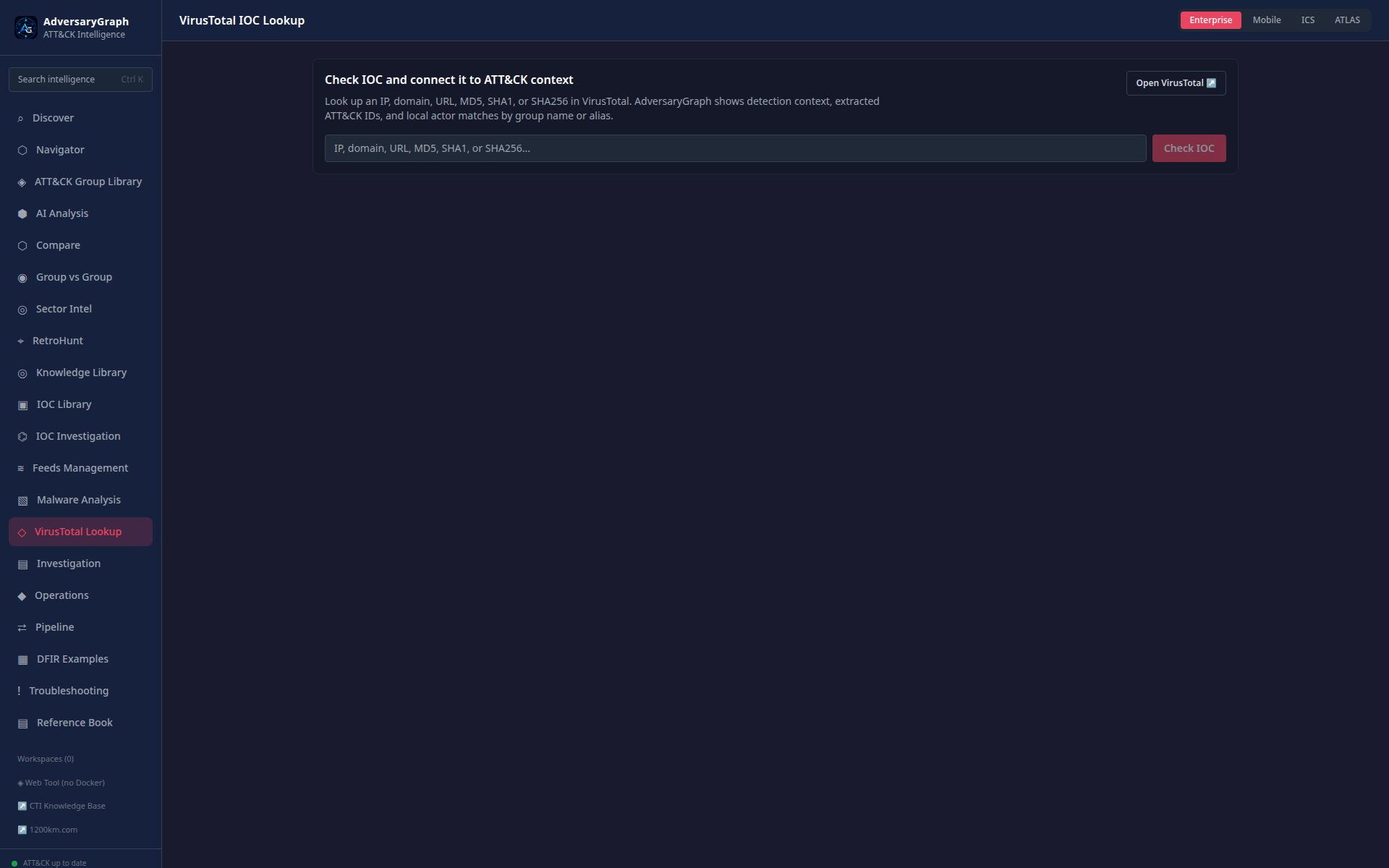
VirusTotal Lookup provides on-demand enrichment for hashes, IPs, domains, and URLs. Results can feed mapped TTPs and actor context back into Navigator and IOC workflows.
Feeds Management
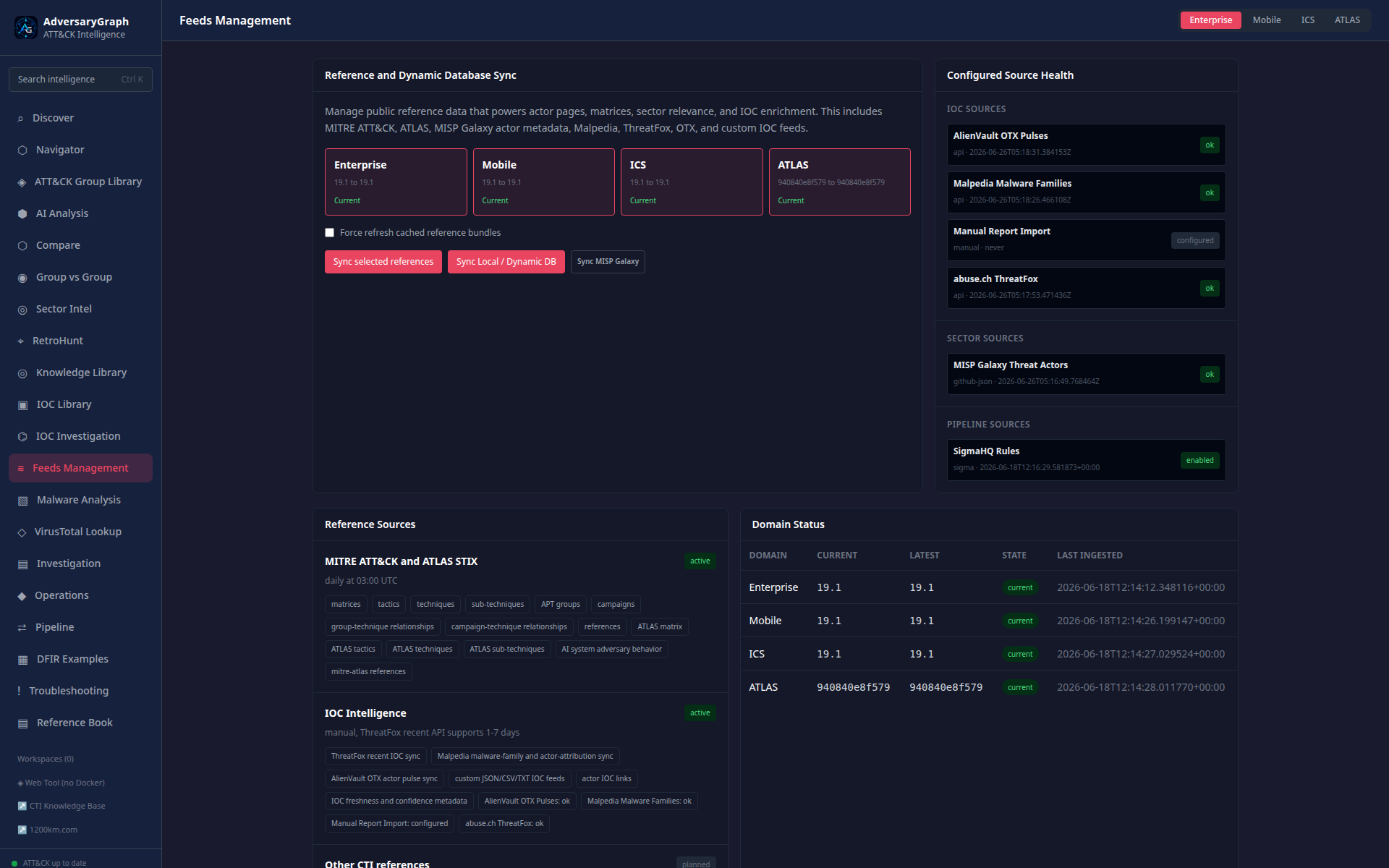
Feeds Management controls platform data synchronization: ATT&CK/ATLAS, IOC sources, MISP/custom feeds, OpenCTI, STIX/TAXII, detection-content feeds, and sandbox behavior imports.
Investigation Report
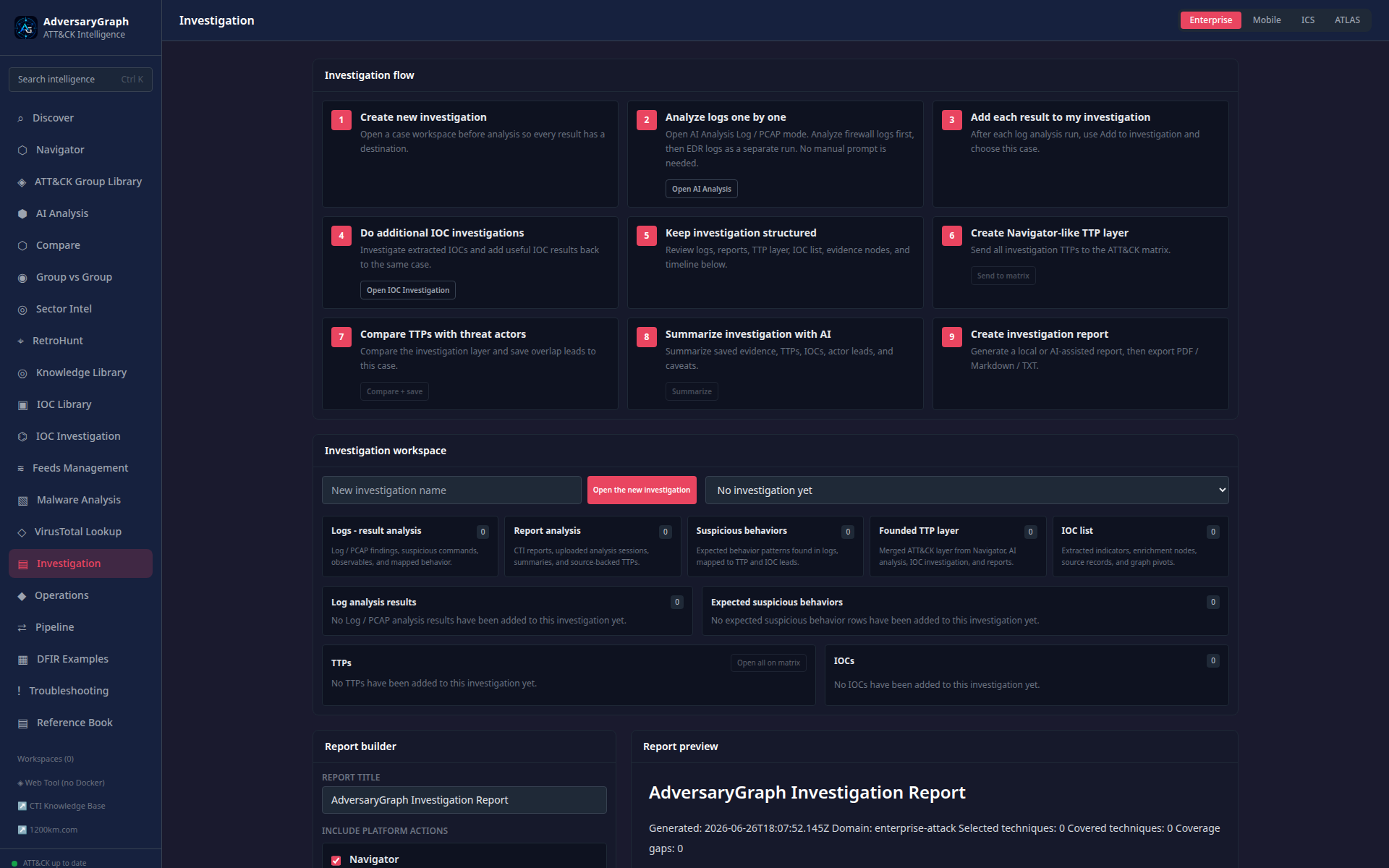
The report workspace prepares analyst handoff material from selected techniques, evidence, IOC pivots, actor context, detection gaps, and investigation notes.
Operations
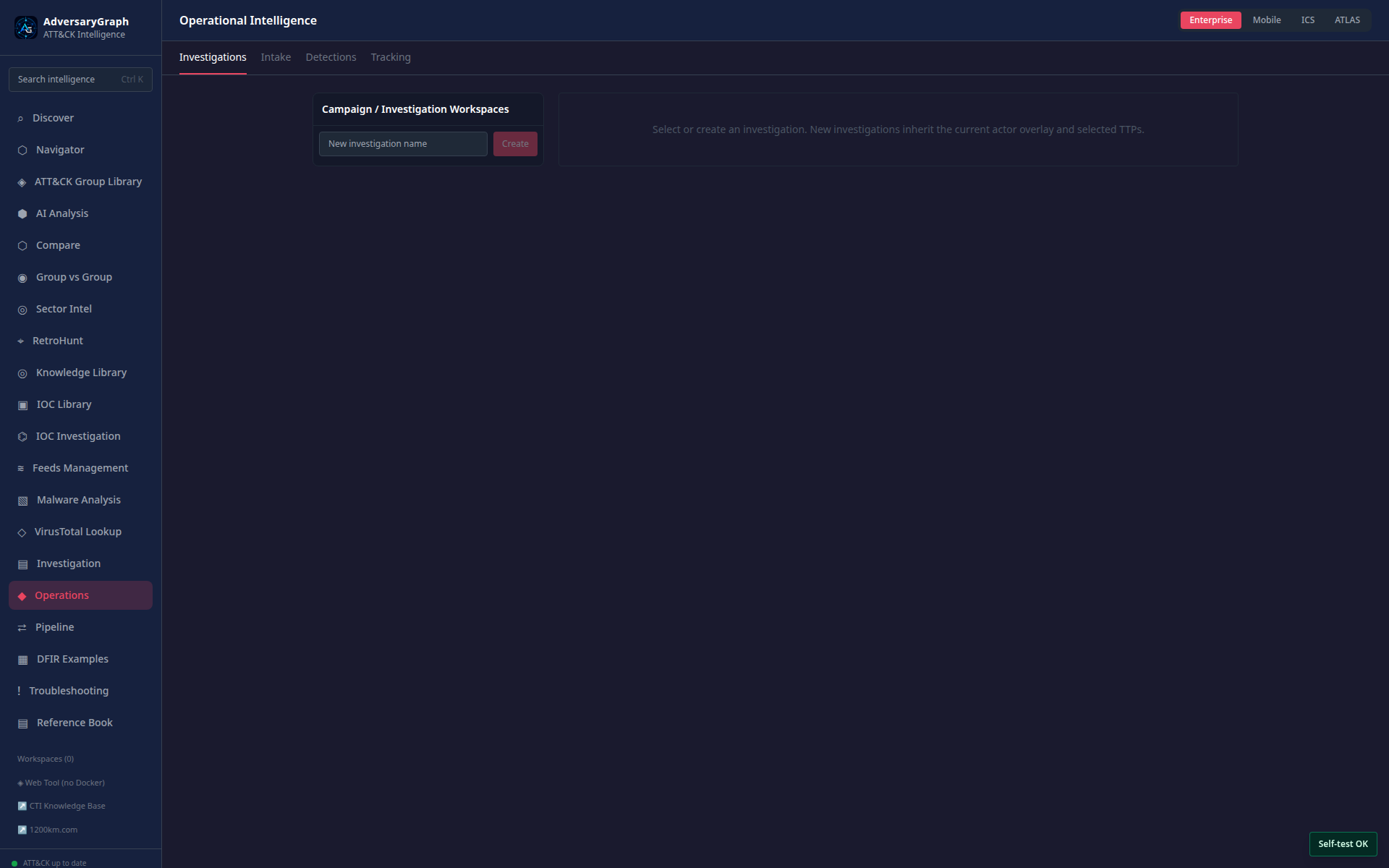
Operations manages investigation workspaces, tracked actors, detection lifecycle items, report intake, evidence records, and operational task context.
Pipeline
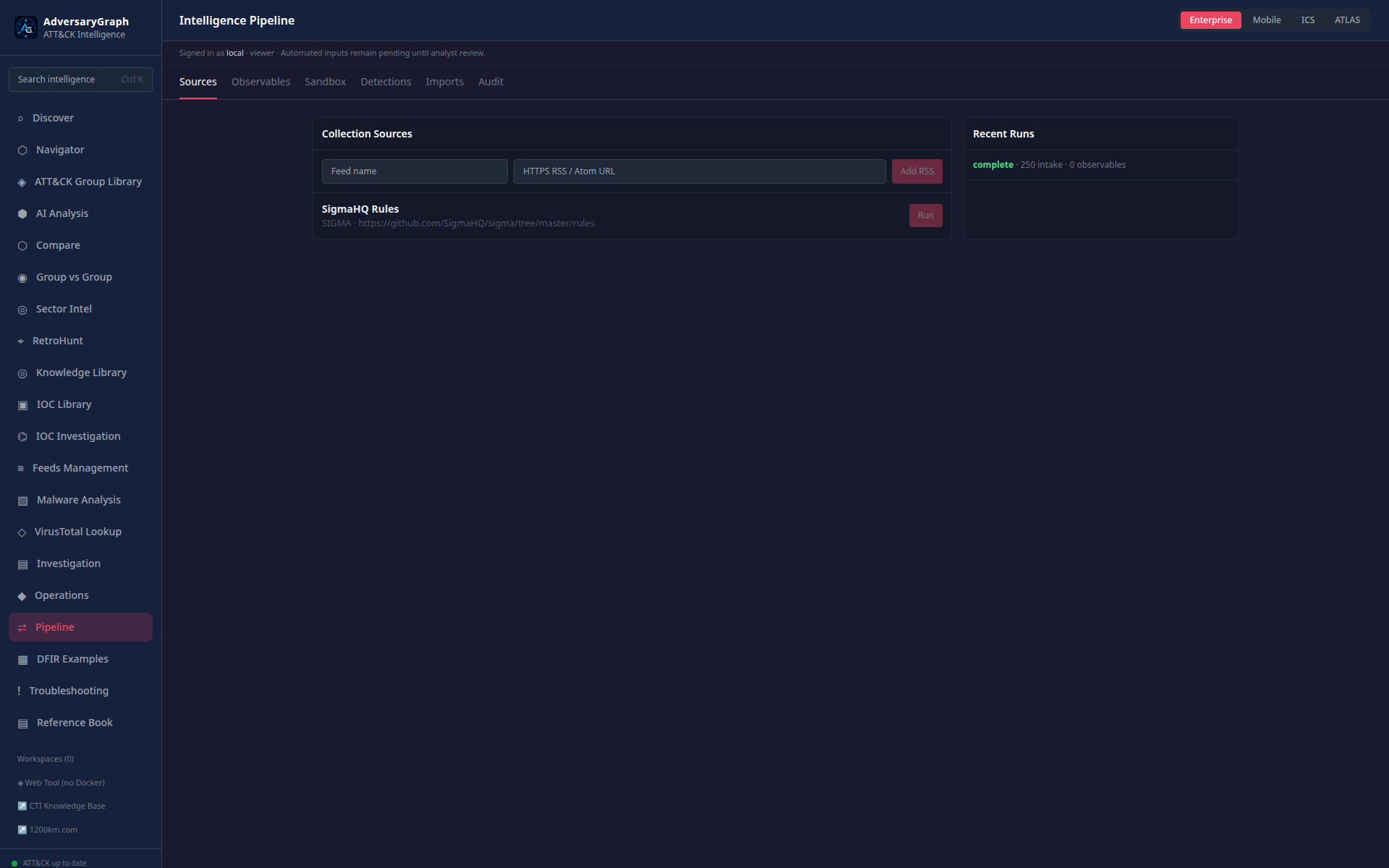
Pipeline connects external intelligence sources and detection-content sources to the local platform. It supports source registration, import review, and mapping imported behavior to matrix techniques.
DFIR Examples
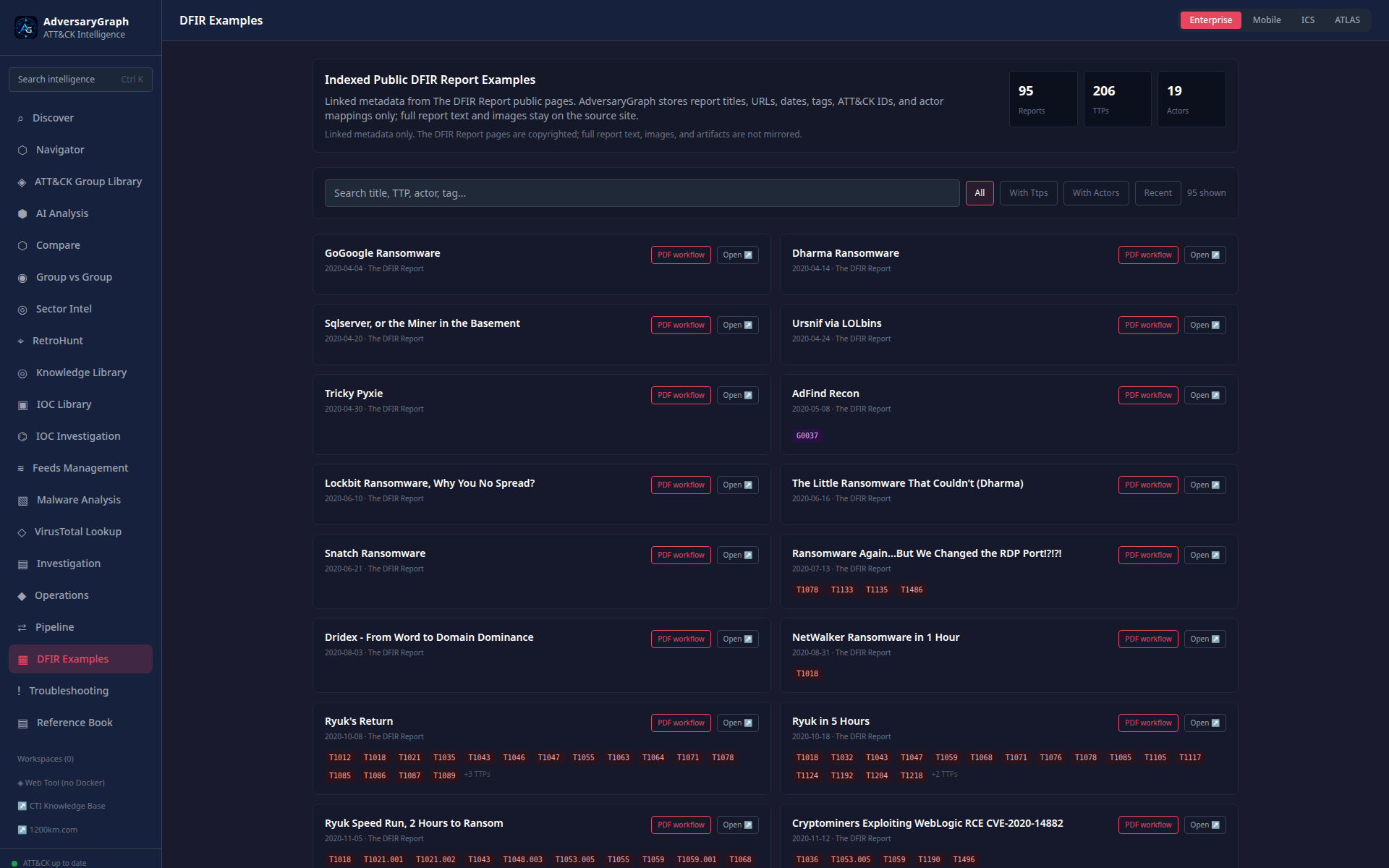
DFIR Examples provides public sample workflows and report material for demos, training, validation, and regression checking without private data.
Troubleshooting
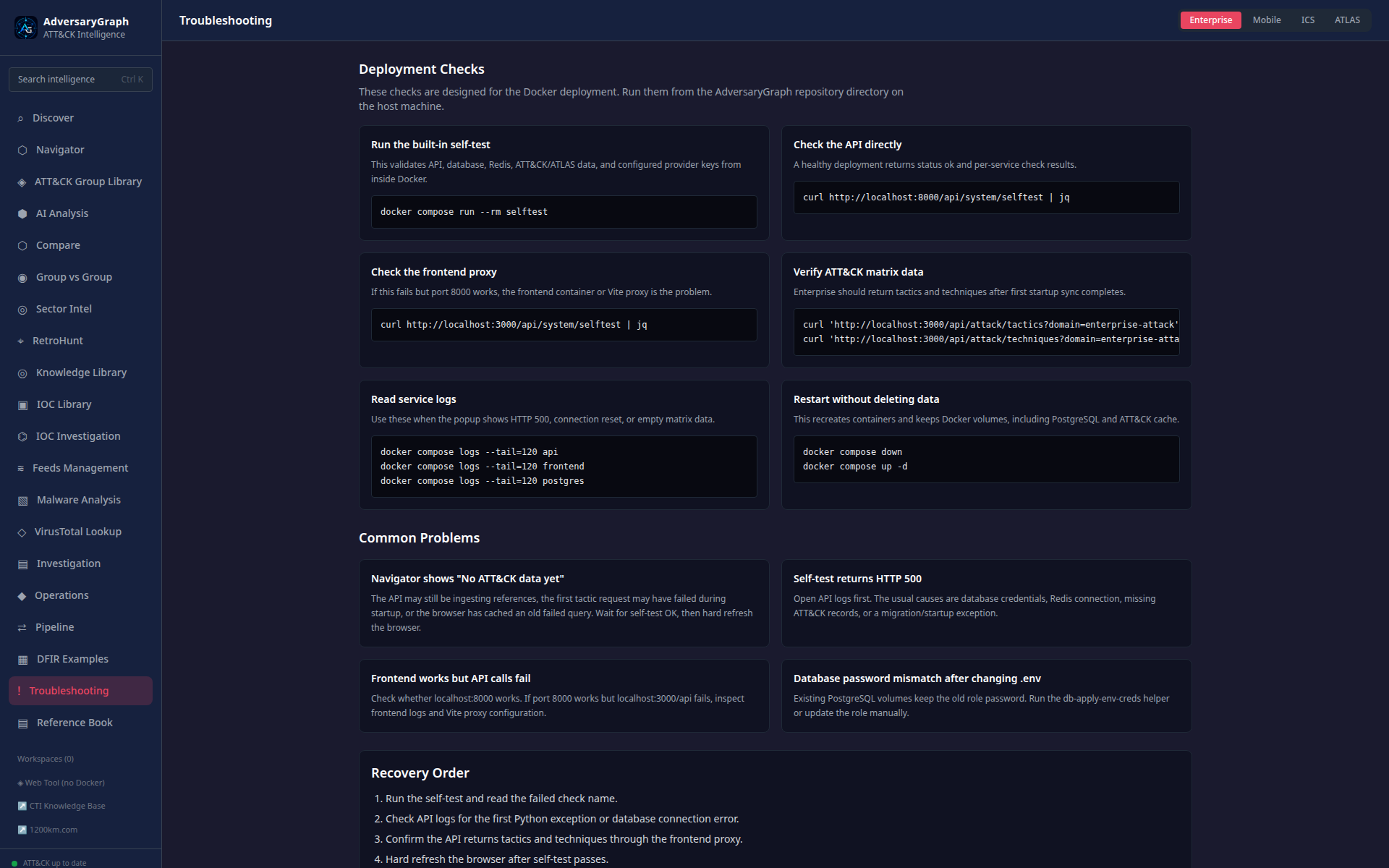
Troubleshooting shows deployment health, self-test results, Docker/API checks, provider configuration state, and recovery guidance.
Sector Packs
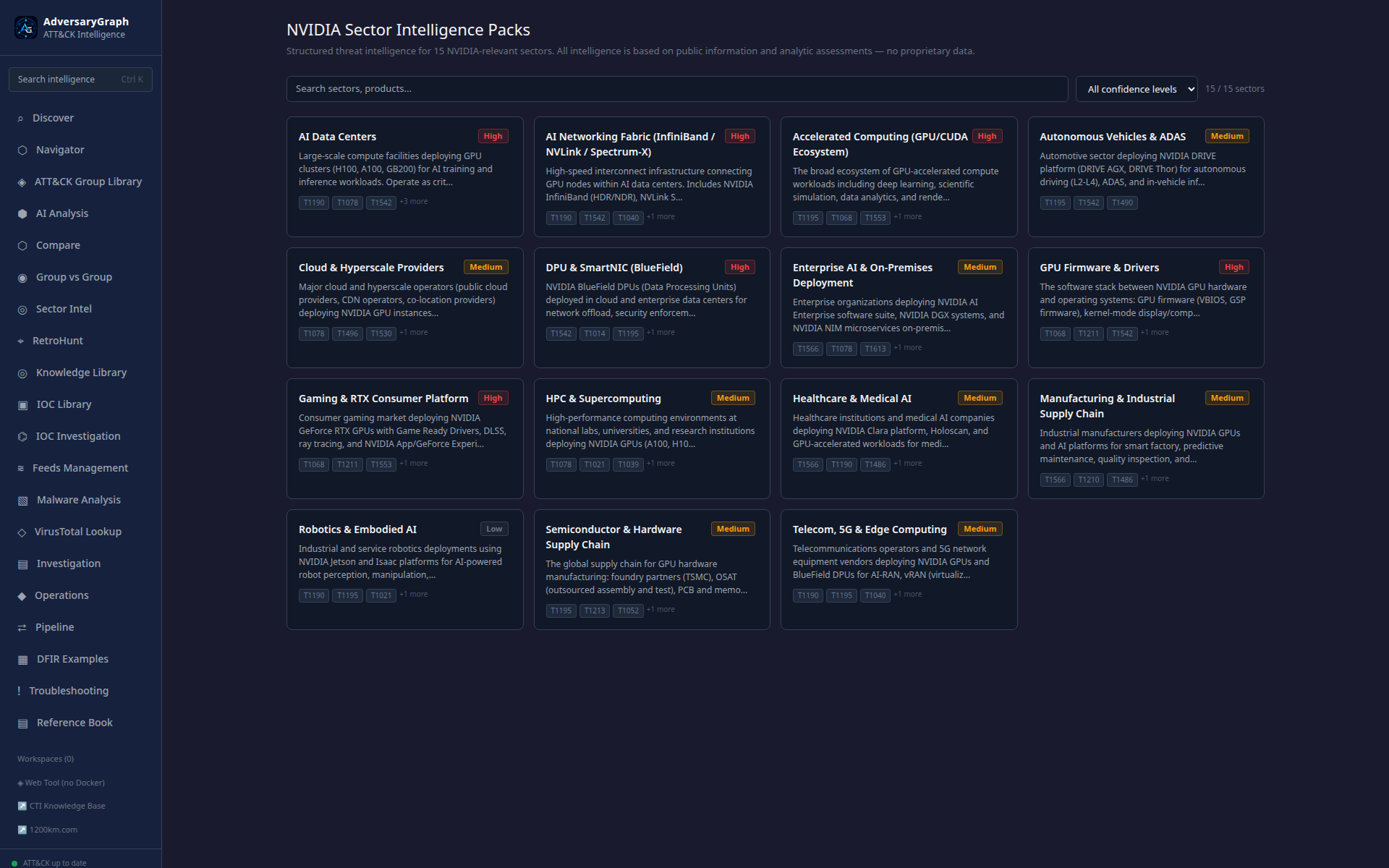
Sector Packs package reusable client or industry context: relevant actors, techniques, intelligence notes, and recommended review paths.
Attack Simulation
Attack Simulation is the v5 detection-validation workspace. Analysts choose an ATT&CK technique first, open a dedicated configuration page, run approved lab scenarios, inspect target-side logs, and forward selected telemetry to a SIEM collector. The AI assistant can also generate coherent multi-phase telemetry stories for selected TTPs, actor-oriented drills, or Challenge Me exercises.
See the dedicated Attack Simulation guide for the full workflow, screenshots, SIEM forwarding behavior, scenario library, and safety model.
IOC Node Detail
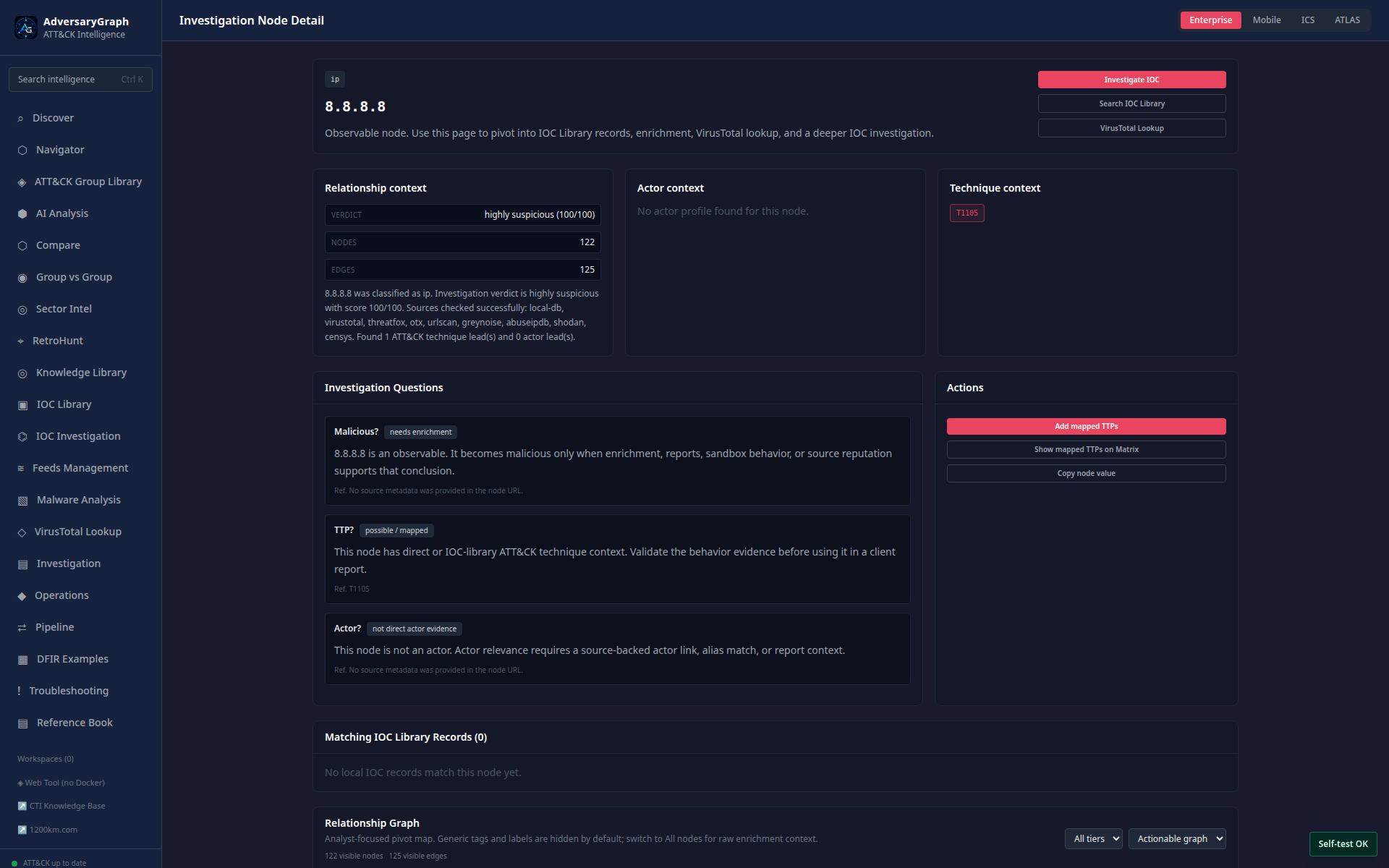
IOC Node Detail treats an observable as a graph entity and exposes enrichment, linked TTPs, source evidence, relationship context, and actions.
Malware Analysis Extension
The malware workflow has its own detailed documentation:
Representative screenshots:
| Workflow | Screenshot |
|---|---|
| Malware Analysis dashboard | 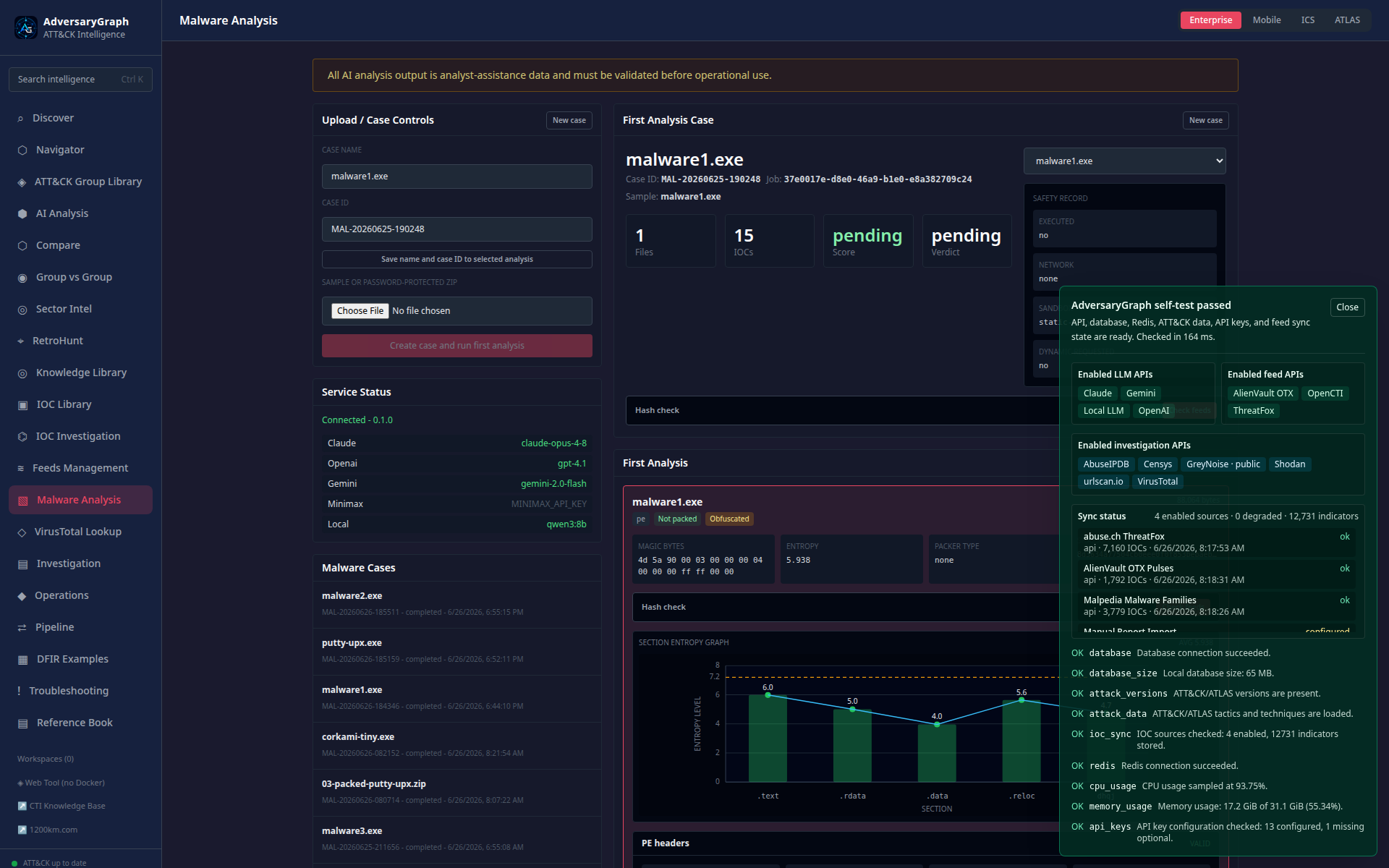 |
| Hash-check feed results | 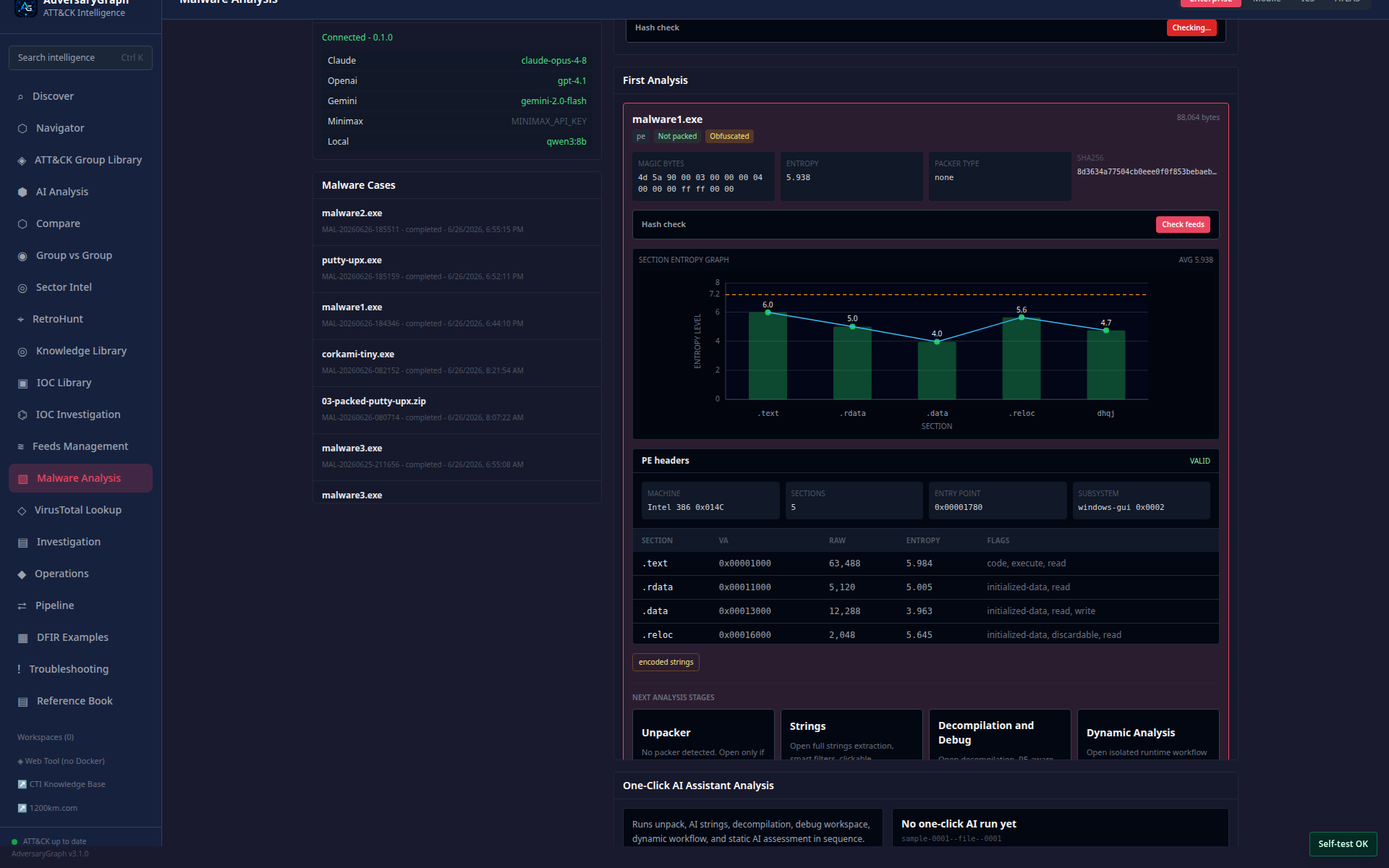 |
| String Analyzer smart IOC/TTP leads | 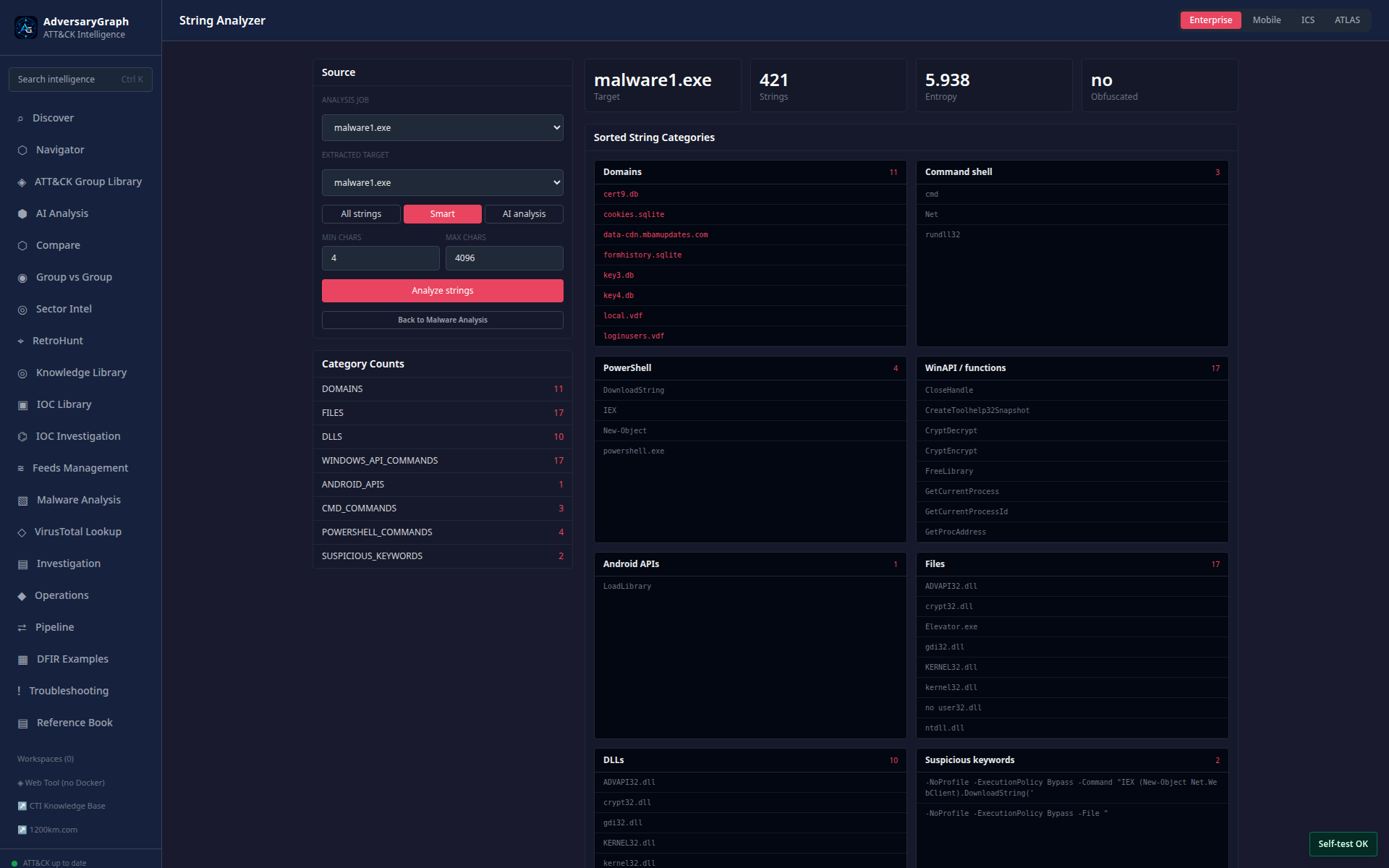 |
| Unpacker packed sample | 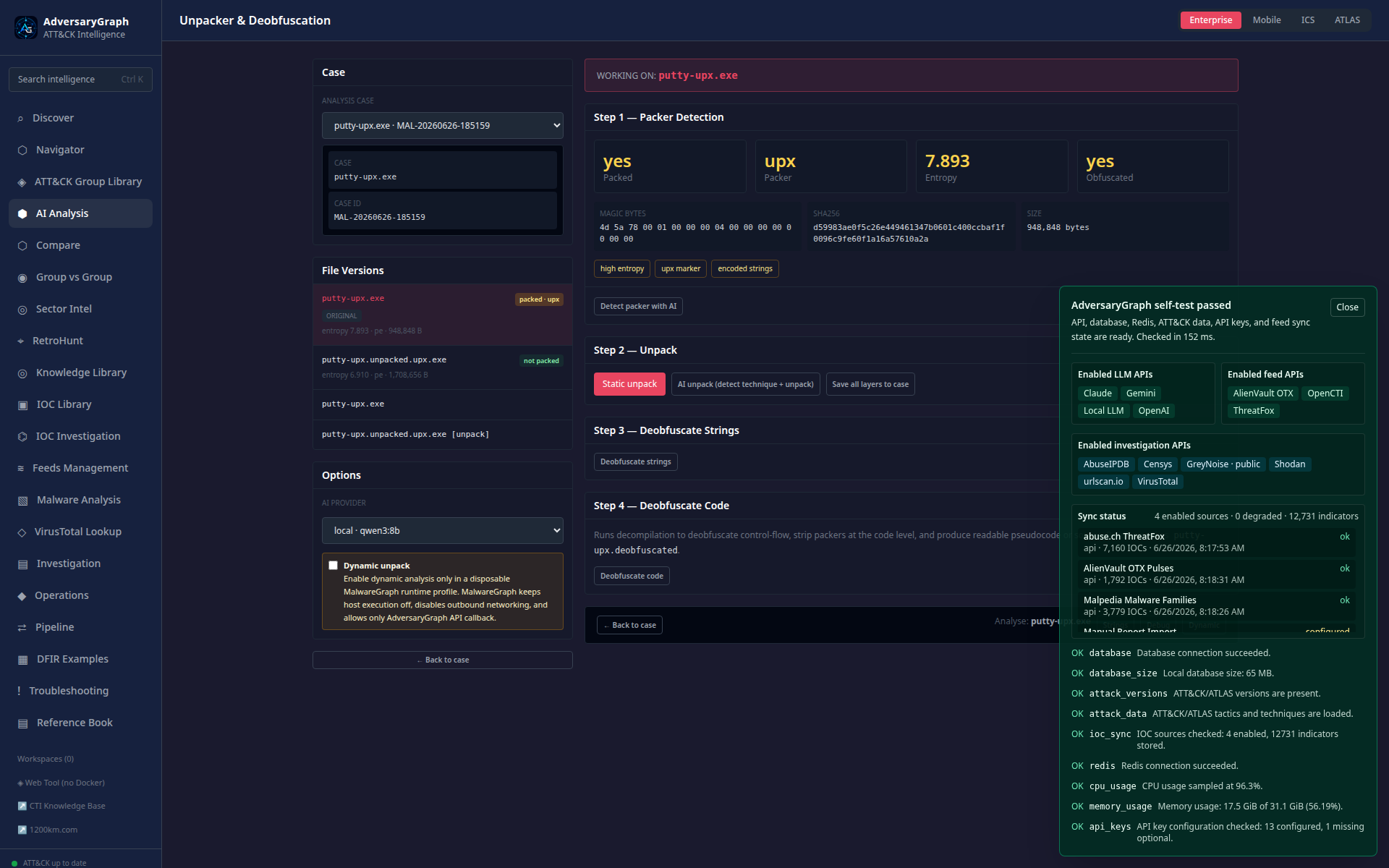 |
| Debugger CPU view | 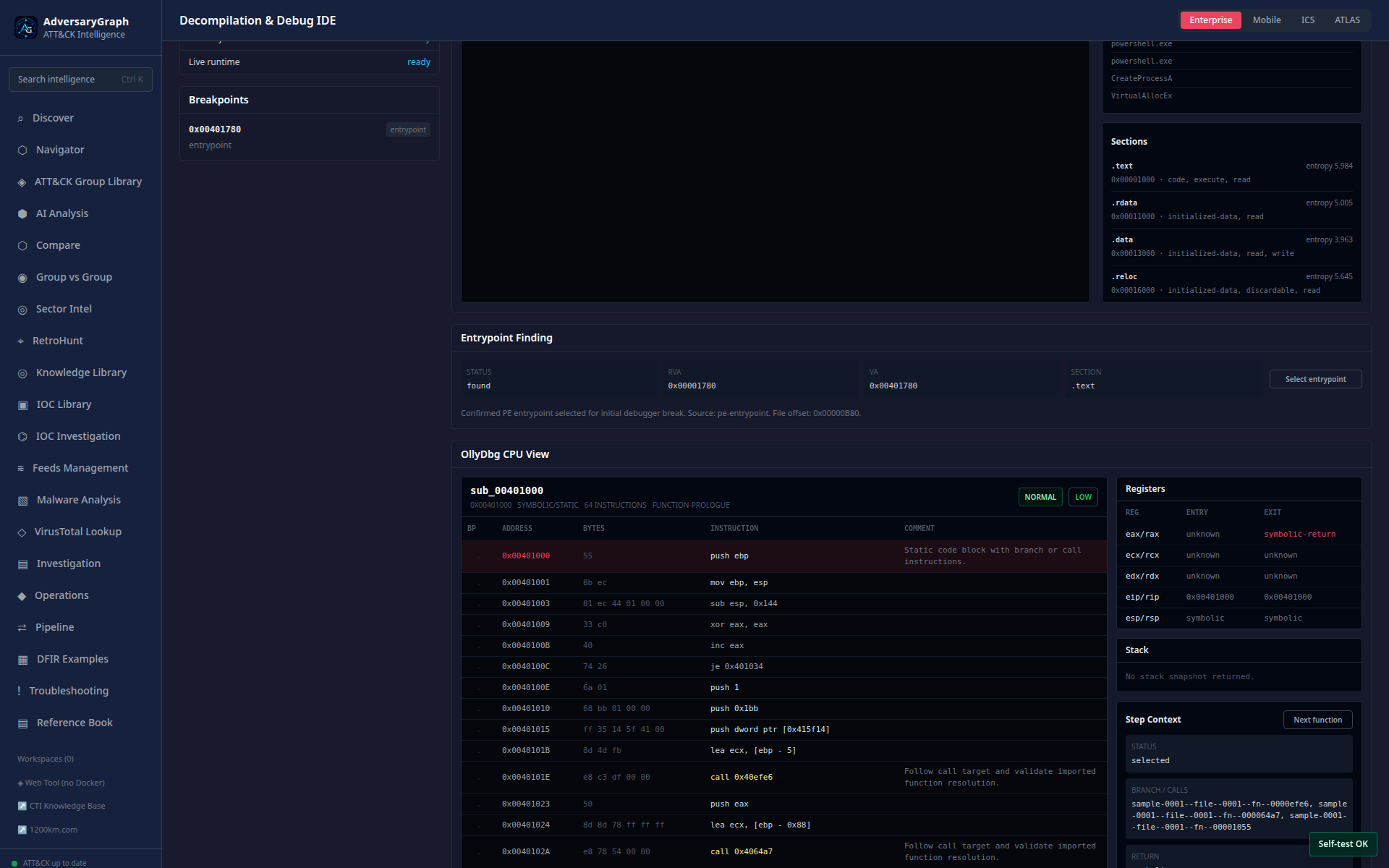 |
| Dynamic function workflow | 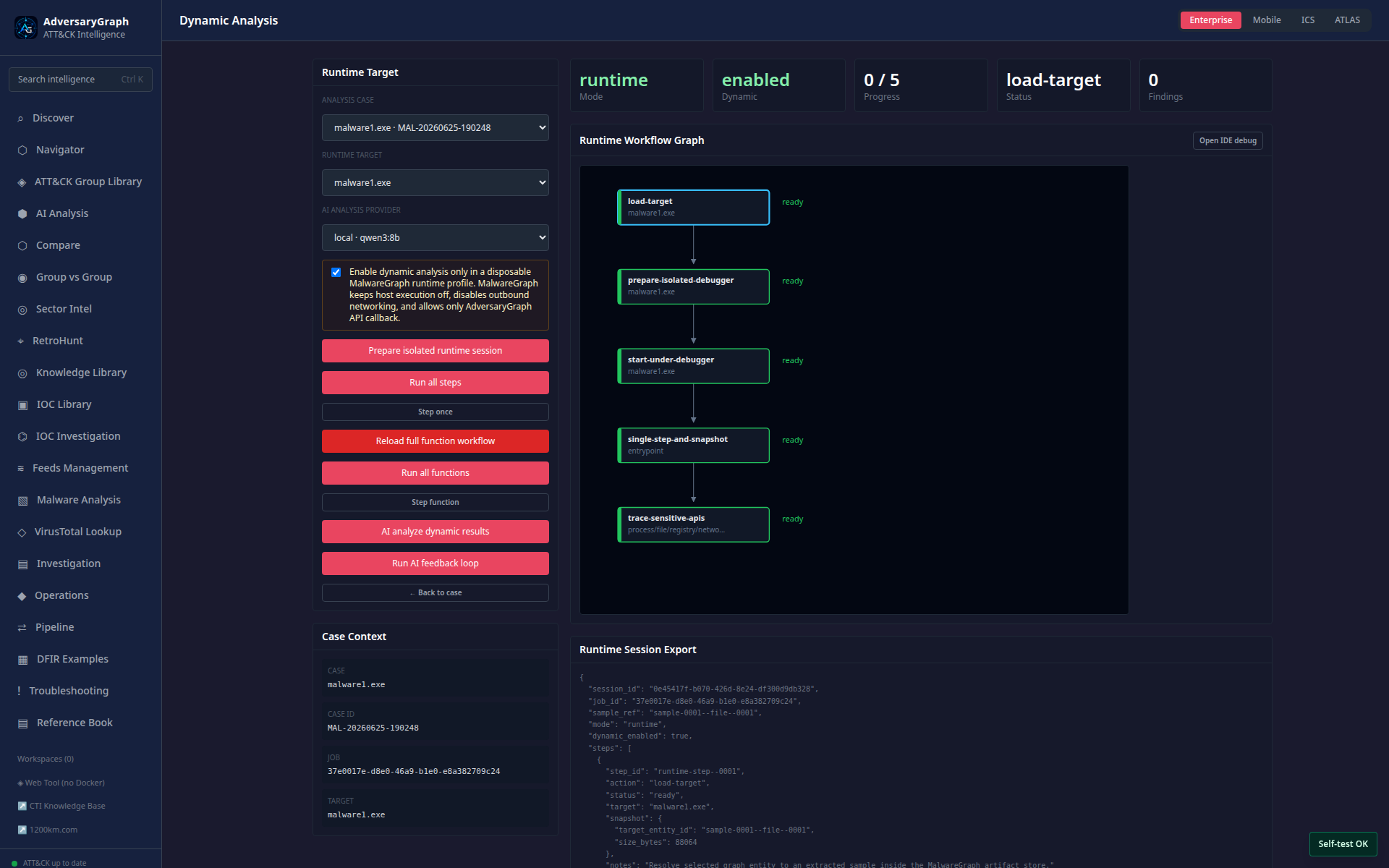 |
Operating Notes
- Public demos are for exploration only. Do not upload private reports, client data, or malware samples to shared public instances.
- Docker/self-hosted mode is the private workflow for configured LLM providers, local LLM gateways, private reports, local IOC feeds, and malware-analysis labs.
- ATT&CK mapping, actor overlap, IOC enrichment, generated detections, and malware-analysis output are evidence organization aids. They are not final attribution, detection, or verdict decisions.
- Dynamic malware analysis is disabled by default and must run only in an explicitly isolated disposable runtime profile.