Mode 1 — Groups (DB 1)
With techniques selected in Navigator (or injected from an AI analysis), navigate to Compare, make sure Groups (DB 1) is selected, and click Compare vs APT Groups. This ranks all 174+ threat groups by Jaccard similarity.
The Four-Tab Detail View
Click any group in the ranked list to open the four-tab detail view:
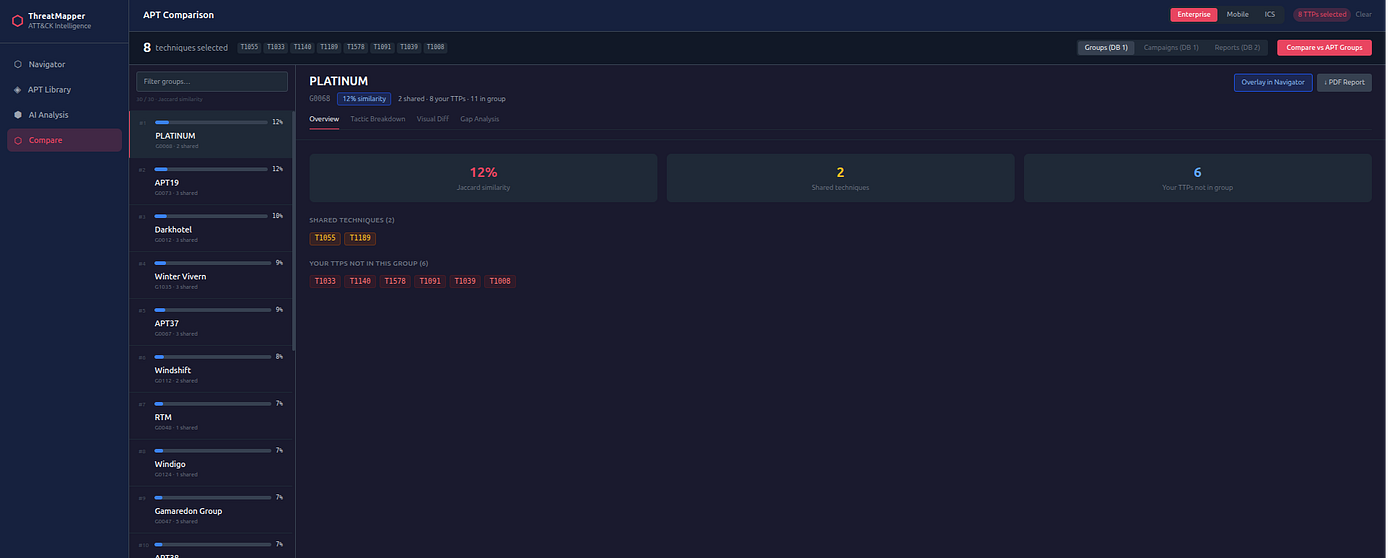
Overview
Similarity score, shared technique chips (amber), techniques only in your layer (red).
Answers: "How much of our observed behaviour matches this group's known playbook?"
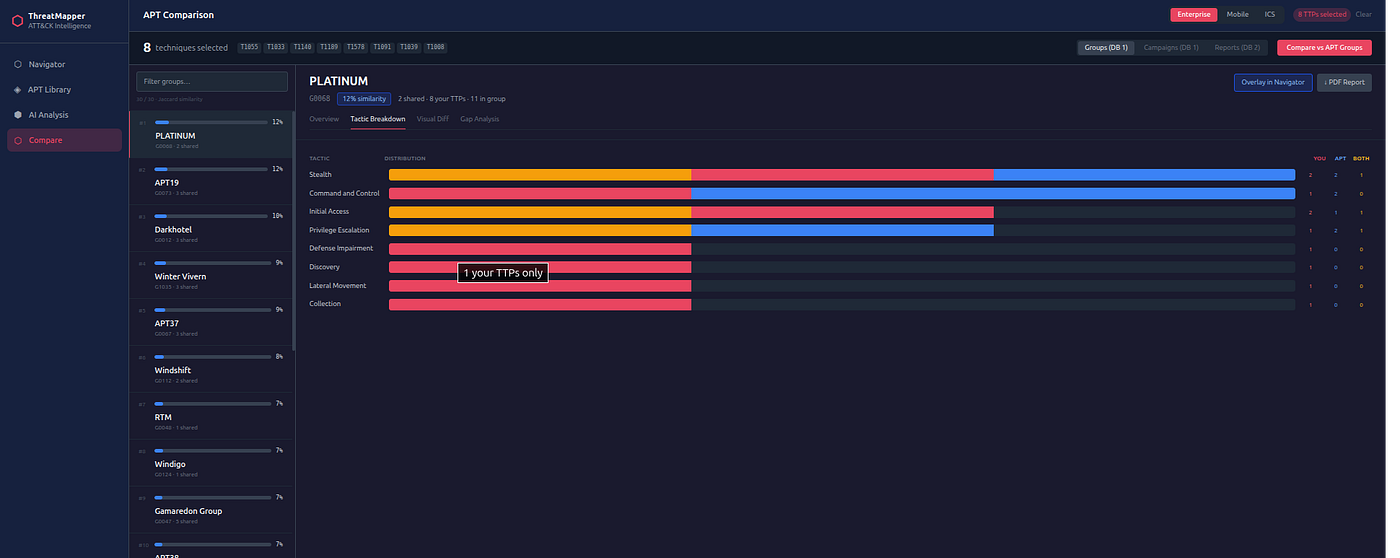
Tactic Breakdown
Stacked bar per kill-chain phase: shared / user-only / APT-only.
Reveals where in the kill chain the overlap is concentrated. If your techniques are in Execution and Persistence but the APT group's unique techniques are in Discovery and Lateral Movement, that tells you something about where your visibility gaps are.
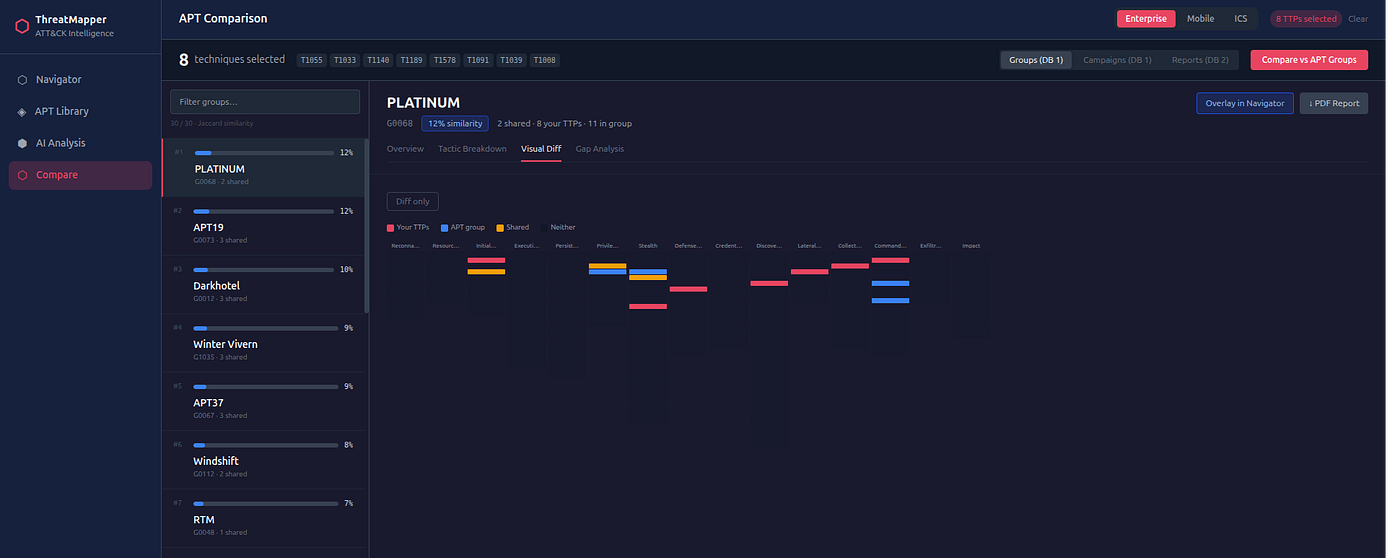
Visual Diff
Compact colour-strip matrix showing the full overlap. Best for presentations — it gives the "at a glance" picture of where in the matrix the behavioural similarity sits.
Gap Analysis
Every technique in the group's known profile that is not in your layer. This is your detection backlog.
Use this as a structured hunt checklist: if you're trying to confirm attribution, these are the techniques you would need to observe to strengthen your hypothesis.
Overlay in Navigator
Click Overlay in Navigator to set this group as the active overlay and jump to the Navigator. The matrix will show the three-colour diff (red/blue/amber) for this group against your layer.
Export PDF
The ↓ PDF Report button in Groups mode generates an analysis PDF by running the comparison summary through the report generator. This is useful for sharing the attribution finding as a formatted document.