Setup (10 Minutes)
Prerequisites
- Docker + Docker Compose
- An API key for at least one of: Anthropic (Claude), OpenAI, Google Gemini
Step 1: Clone and configure
git clone https://github.com/anpa1200/threatmapper.git
cd threatmapper
cp .env.example .env
You must create .env before running docker compose up. Without it the container starts with empty API keys and AI Analysis returns 500.
Open .env and add your keys. You only need one:
ANTHROPIC_API_KEY=sk-ant-...
# OPENAI_API_KEY=sk-...
# GEMINI_API_KEY=AIza...

DB_PASS=choose_a_strong_password
If you want a faster first start and only need Enterprise ATT&CK, set:
ATTCK_DOMAINS=enterprise-attack
This downloads ~35 MB instead of ~105 MB.
Step 2: Start
docker compose up
The first start downloads and ingests ATT&CK data automatically. Watch progress:
docker compose logs -f api
You'll see something like:
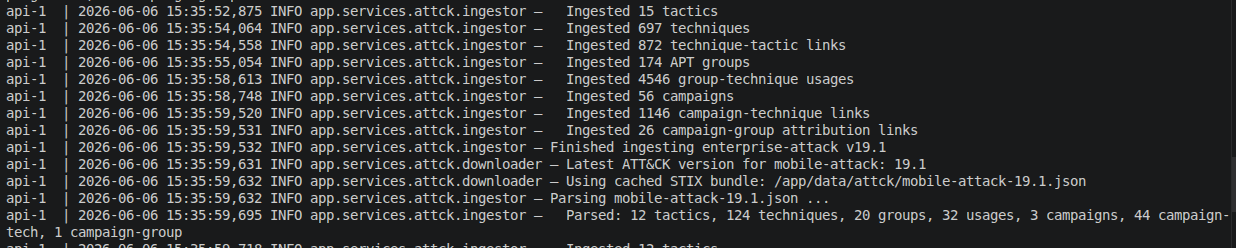
Parsing enterprise-attack-19.1.json ...
  Parsed: 15 tactics, 760 techniques, 174 groups, 56 campaigns, 9100+ usages
Finished ingesting enterprise-attack v19.1
INFO:     Application startup complete.
This takes 5–15 minutes depending on your network speed. Subsequent startups are instant — data is cached in the PostgreSQL volume.
Step 3: Open
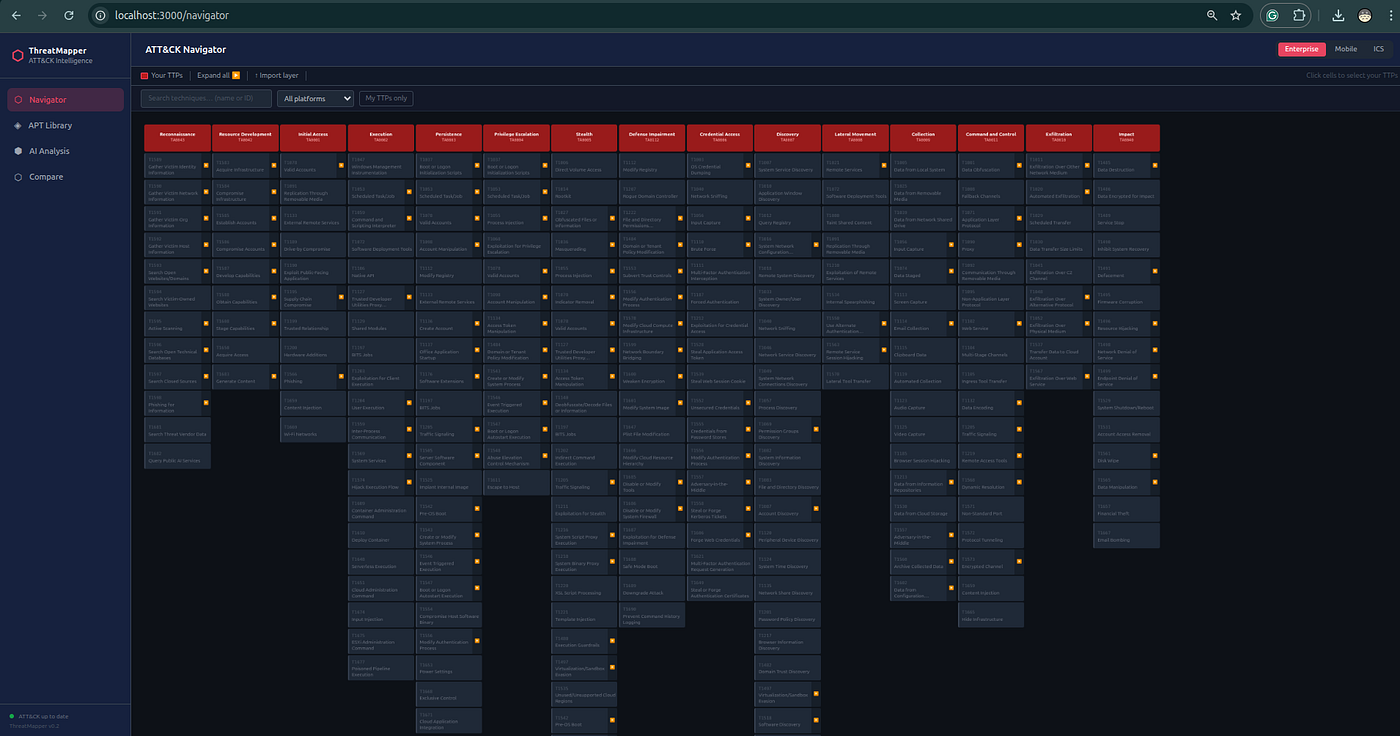
Frontend: http://localhost:3000
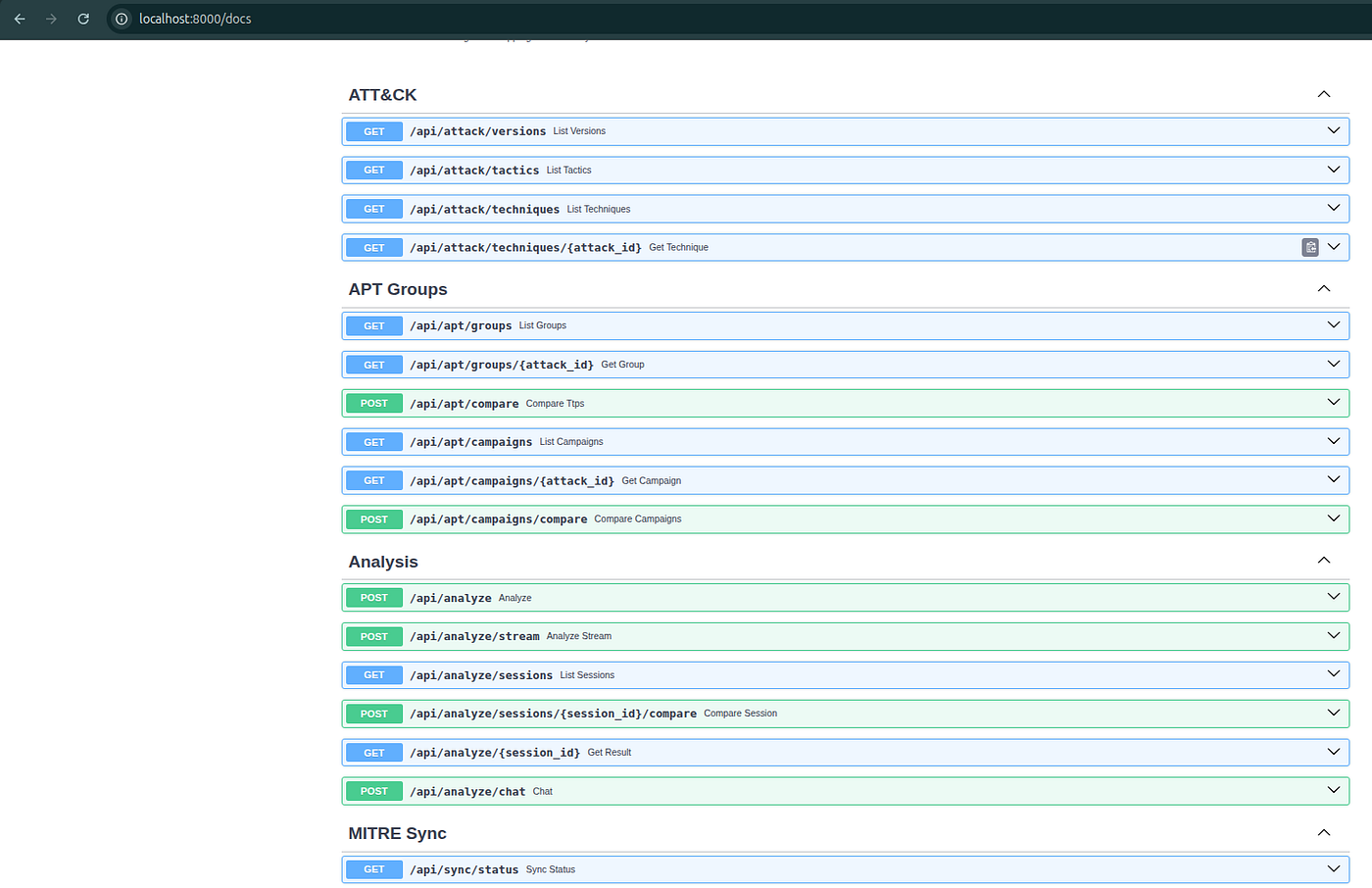
API docs (Swagger UI): http://localhost:8000/docs
What's Ready
Once the ingestion log shows Application startup complete, you have:
- The full MITRE ATT&CK Enterprise matrix (760+ techniques, 174+ groups, 56+ campaigns)
- The ATT&CK Navigator ready for technique selection
- The AI Analysis endpoint ready (as long as at least one API key is set)
- Jaccard comparison against all ATT&CK groups and campaigns
Troubleshooting
AI Analysis returns 500 — check that your API key is set correctly in .env and the container was restarted after you added it.
Navigator shows no data — the ingestion is still running. Check docker compose logs -f api and wait for the Finished ingesting message.
Port 3000 is taken — edit docker-compose.yml and change the host port mapping for the frontend service.