Protect sensitive information at rest, in transit, and during processing by using strong encryption algorithms. Encryption ensures the confidentiality and integrity of data, preventing unauthorized access or tampering. This mitigation can be implemented through the following measures: Encrypt Data at Rest: - Use Case: Use full-disk encryption or file-level encryption to secure sensitive data stored on devices. - Implementation: Implement BitLocker for Windows systems or FileVault for macOS devices to encrypt hard drives. Encrypt Data in Transit: - Use Case: Use secure communication protocols (e.g., TLS, HTTPS) to encrypt sensitive data as it travels over networks. - Implementation: Enable HTTPS for all web applications and configure mail servers to enforce STARTTLS for email encryption. Encrypt Backups: - Use Case: Ensure that backup data is encrypted both during storage and transfer to…
MITRE mitigation sourceAdversaryGraph public intelligence page
This page is part of Threat Matrix, the public browser workspace for the main AdversaryGraph platform. Use it for ATT&CK pivots, actor and technique context, similarity leads, detection coverage review, and analyst-ready investigation paths.
Validation disclaimer: TTP overlap, actor similarity, generated summaries, and coverage findings are investigation leads, not attribution proof or operational validation without analyst review.
Main AdversaryGraph project Documentation Malware Analysis GitHub
Indicator Removal
Adversaries may selectively delete or modify artifacts generated to reduce indications of their presence and blend in with legitimate activity. Rather than broadly removing evidence, adversaries may target specific artifacts that appear anomalous or are likely to draw scrutiny, while leaving sufficient data intact to maintain the appearance of normal system behavior. Artifacts such as command histories, log entries, or file metadata may be altered in ways that align with expected user or system activity. Location, format, and type of artifact (such as command or login history) are often platform-specific, allowing adversaries to tailor modifications that minimize suspicion. These actions may not prevent detection entirely but can delay recognition of malicious activity or reduce the fidelity of alerts by making events appear benign or consistent with routine operations. Additionally, selectively removed or modified artifacts may still be recoverable through deeper forensic analysis, though their absence or alteration can complicate timeline reconstruction and attribution.
Open detection, hunting, mitigation, and evidence workspace
Detection logic
File system monitoring may be used to detect improper deletion or modification of indicator files. Events not stored on the file system may require different detection mechanisms.
Observed actors
Correlated CTI and IR reports
1200km CTI repository · explicit report mentionOilRig (APT34 / Helix Kitten / Earth Simnavaz etc)
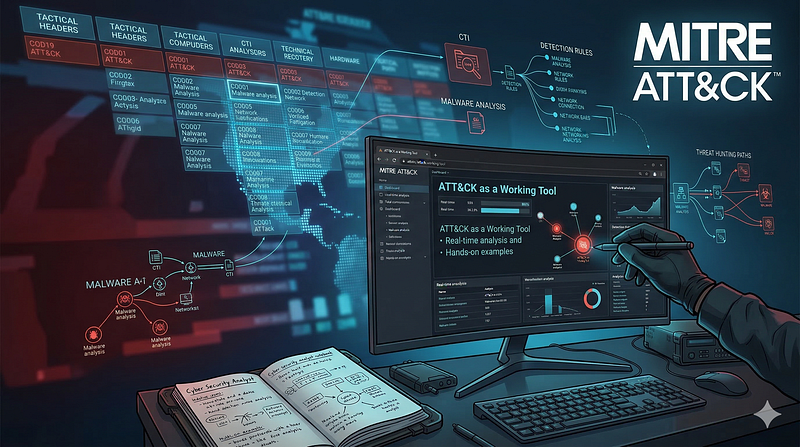
Israel Threat Actors CTI · explicit report mentionATT CK as a Working Tool Theory and Hands On Practical Usage
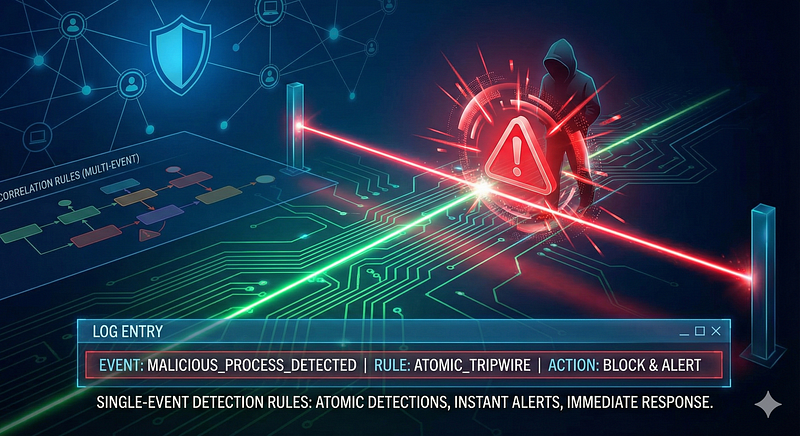
1200km Medium · authored report mentionSingle Event Detection Rules in Cybersecurity
1200km Medium · authored report mention
Cyber Knowledge context
Use these routes to move from the ATT&CK behavior into explanation, implementation, evidence handling, validation, and defensive operations. Relevance is generated from explicit identifiers/names and governed topic mappings; it is not attribution evidence.
Malware Analysis & Reverse Engineering · Tactic learning route · 24/100Module 4 — Detection engineering and detection as code
Blue Team & Defensive Security · Tactic learning route · 24/100Disk, file-system, and persistence forensics
Digital Forensics & Incident Response (DFIR) · Tactic learning route · 24/100
MITRE mitigations
Remote Data Storage focuses on moving critical data, such as security logs and sensitive files, to secure, off-host locations to minimize unauthorized access, tampering, or destruction by adversaries. By leveraging remote storage solutions, organizations enhance the protection of forensic evidence, sensitive information, and monitoring data. This mitigation can be implemented through the following measures: Centralized Log Management: - Configure endpoints to forward security logs to a centralized log collector or SIEM. - Use tools like Splunk Graylog, or Security Onion to aggregate and store logs. - Example command (Linux): `sudo auditd | tee /var/log/audit/audit.log | nc <remote-log-server> 514` Remote File Storage Solutions: - Utilize cloud storage solutions like AWS S3, Google Cloud Storage, or Azure Blob Storage for sensitive data. - Ensure proper encryption at rest and access cont…
MITRE mitigation sourceRestricting file and directory permissions involves setting access controls at the file system level to limit which users, groups, or processes can read, write, or execute files. By configuring permissions appropriately, organizations can reduce the attack surface for adversaries seeking to access sensitive data, plant malicious code, or tamper with system files. Enforce Least Privilege Permissions: - Remove unnecessary write permissions on sensitive files and directories. - Use file ownership and groups to control access for specific roles. Example (Windows): Right-click the shared folder → Properties → Security tab → Adjust permissions for NTFS ACLs. Harden File Shares: - Disable anonymous access to shared folders. - Enforce NTFS permissions for shared folders on Windows. Example: Set permissions to restrict write access to critical files, such as system executables (e.g., `/bin` or `…
MITRE mitigation sourceMITRE detection strategies and analytics
- AN0520 · Analytic 0520 — Monitors sequences involving deletion/modification of logs, registry keys, scheduled tasks, or prefetch files following suspicious process activity or elevated access escalation.
- AN0521 · Analytic 0521 — Detects deletion or overwriting of bash history, syslog, audit logs, and .ssh metadata following privilege elevation or suspicious process spawning.
- AN0522 · Analytic 0522 — Detects clearing of unified logs, deletion of plist files tied to persistence, and manipulation of Terminal history after initial execution.
- AN0523 · Analytic 0523 — Monitors tampering with audit logs, volumes, or mounted storage often used for side-channel logging (e.g., /var/log inside containers) post-compromise.
- AN0524 · Analytic 0524 — Tracks suspicious use of ESXi shell commands or PowerCLI to delete logs, rotate system files, or tamper with hostd/vpxa history.
- AN0525 · Analytic 0525 — Detects deletion or hiding of security-related mail rules, audit mailboxes, or calendar/log sync artifacts indicative of tampering post-intrusion.
Continue the investigation
Attack tools, simulations and detection rules
Follow explicit source relationships into the reference modules. Linked procedures and detectors are not claims of live validation or actor attribution.
- T1070 Indicator Removal simulation — Exact active technique ID
- T1070 detection rules — Exact active technique ID; not actor-specific detector coverage