PowerShell
Adversaries may abuse PowerShell commands and scripts for execution. PowerShell is a powerful interactive command-line interface and scripting environment included in the Windows operating system. Adversaries can use PowerShell to perform a number of actions, including discovery of information and execution of code. Examples include the Start-Process cmdlet which can be used to run an executable and the Invoke-Command cmdlet which runs a command locally or on a remote computer (though administrator permissions are required to use PowerShell to connect to remote systems). PowerShell may also be used to download and run executables from the Internet, which can be executed from disk or in memory without touching disk. A number of PowerShell-based offensive testing tools are available, including Empire, PowerSploit, PoshC2, and PSAttack. PowerShell commands/scripts can also be executed without directly invoking the powershell.exe binary through interfaces to PowerShell's underlying System.Management.Automation assembly DLL exposed through the .NET framework and Windows Common Language Interface (CLI).
Open detection, hunting, mitigation, and evidence workspace
Detection logic
If proper execution policy is set, adversaries will likely be able to define their own execution policy if they obtain administrator or system access, either through the Registry or at the command line. This change in policy on a system may be a way to detect malicious use of PowerShell. If PowerShell is not used in an environment, then simply looking for PowerShell execution may detect malicious activity. Monitor for loading and/or execution of artifacts associated with PowerShell specific assemblies, such as System.Management.Automation.dll (especially to unusual process names/locations). It is also beneficial to turn on PowerShell logging to gain increased fidelity in what occurs during execution (which is applied to .NET invocations). PowerShell 5.0 introduced enhanced logging capabilities, and some of those features have since been added to PowerShell 4.0. Earlier versions of PowerShell do not have many logging features. An organization can gather PowerShell execution details in a data analytic platform to supplement it with other data. Consider monitoring for Windows event ID (EID) 400, which shows the version of PowerShell executing in the EngineVersion field (which may also be relevant to detecting a potential Downgrade Attack) as well as if PowerShell is running locally or remotely in the HostName field. Furthermore, EID 400 may indicate the start time and EID 403 indicates the end time of a PowerShell session.
Observed actors
G0082Indrik Spider
G0119GALLIUM
G0093APT3
G0022Kimsuky
G0094Volt Typhoon
G1017Patchwork
G0040APT41
G0096Dragonfly
G0035Gorgon Group
G0078menuPass
G0045APT32
G0050HAFNIUM
G0125MuddyWater
G0069FIN6
G0037Gamaredon Group
G0047Gallmaker
G0084TeamTNT
G0139FIN7
G0046Sandworm Team
G0034CURIUM
G1012Sidewinder
G0121Mustang Panda
G0129APT39
G0087TA2541
G1018OilRig
G0049TA459
G0062Aquatic Panda
G0143Saint Bear
G1031DarkHydrus
G0079Confucius
G0142Leviathan
G0065MoustachedBouncer
G1019Blue Mockingbird
G0108Winter Vivern
G1035Turla
G0010Poseidon Group
G0033TA505
G0092DarkVishnya
G0105RedCurl
G1039Stealth Falcon
G0038APT29
G0016Cinnamon Tempest
G1021Chimera
G0114BRONZE BUTLER
G0060TEMP.Veles
G0088Deep Panda
G0009Ember Bear
G1003LazyScripter
G0140ToddyCat
G1022APT28
G0007APT5
G1023Fox Kitten
G0117Tonto Team
G0131GOLD SOUTHFIELD
G0115Lazarus Group
G0032Earth Lusca
G1006Silence
G0091Thrip
G0076Cobalt Group
G0080CopyKittens
G0052Wizard Spider
G0102Molerats
G0021Inception
G0100Play
G1040HEXANE
G1001Daggerfly
G1034WIRTE
G0090Magic Hound
G0059Threat Group-3390
G0027APT33
G0064FIN10
G0051FIN8
G0061FIN13
G1016APT19
G0073Nomadic Octopus
G0133
Correlated CTI and IR reports
MITRE ATT&CK · direct source mapping1. Executive Summary
Israel Threat Actors CTI · explicit report mentionAPT39 (Chafer / Remix Kitten)
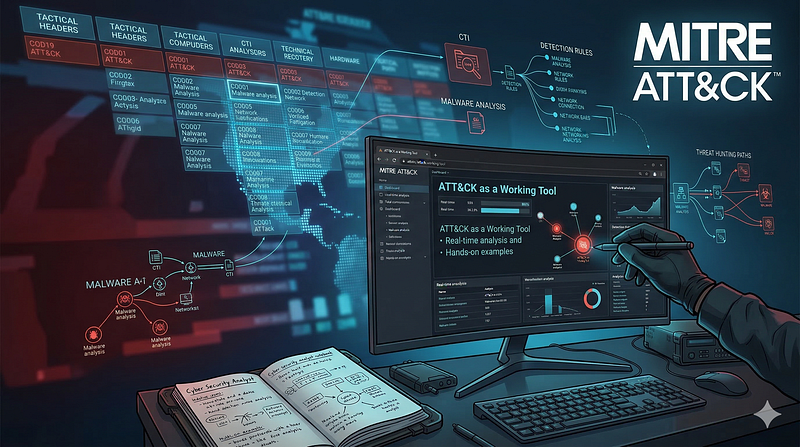
Israel Threat Actors CTI · explicit report mentionATT&CK as a Working Tool: Theory and Hands-On Practical Usage
1200km CTI repository · explicit report mentionCTI Research: MuddyWater / Seedworm (Mango Sandstorm)
1200km CTI repository · explicit report mentionCTI Research: MuddyWater / Seedworm (Mango Sandstorm)
1200km CTI repository · explicit report mentionCTI Research: Sandworm / APT44
1200km CTI repository · explicit report mentionCTI Research: Sandworm / APT44
1200km CTI repository · explicit report mentionDefensive CTI Research on Threats to Israeli Government and Public-Sector Environments
Israel Threat Actors CTI · explicit report mentionDefensive Cyber Threat Intelligence Report: Israeli Critical Infrastructure and Geopolitical Escalation (2024-2026)
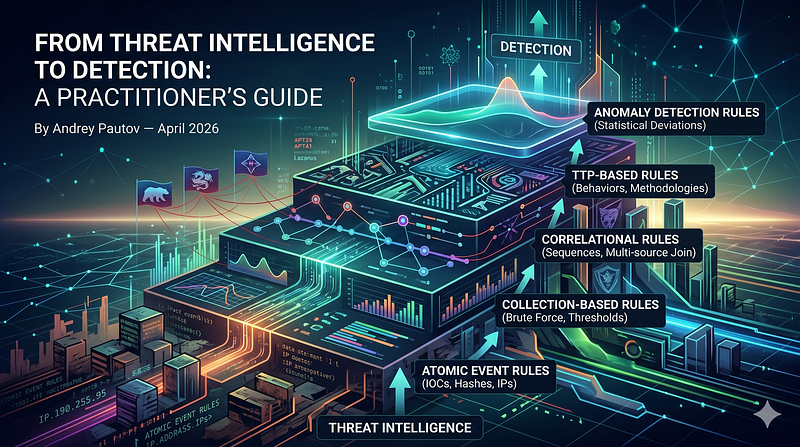
Israel Threat Actors CTI · explicit report mentionFrom Threat Intelligence to Detection: A Practitioner's Guide
1200km CTI repository · explicit report mentionPioneer Kitten (Fox Kitten, Lemon Sandstorm, UNC757) – Actor Deep Research
Israel Threat Actors CTI · explicit report mentionWorked Cases
Israel Threat Actors CTI · explicit report mentionATT CK as a Working Tool Theory and Hands On Practical Usage
1200km Medium · authored report mentionCTI Analyst Field Manual Complete Reference
1200km Medium · authored report mentionCTI Research MuddyWater Seedworm Mango Sandstorm
1200km Medium · authored report mentionCTI Research Sandworm APT44
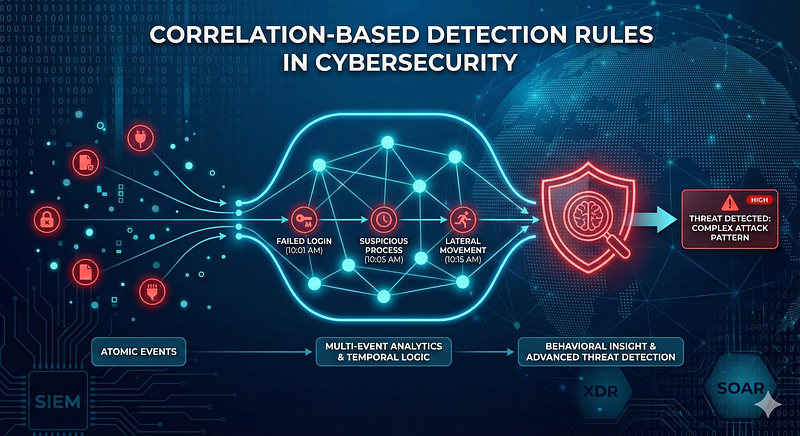
1200km Medium · authored report mentionCorrelation Based Detection Rules in Cybersecurity From Atomic Events to Behavioral Insight
1200km Medium · authored report mentionFrom Threat Intelligence to Detection A Practitioner s Guide
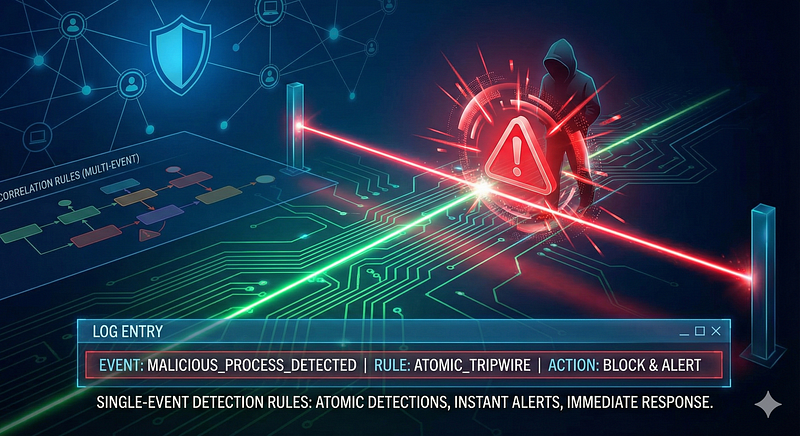
1200km Medium · authored report mentionSingle Event Detection Rules in Cybersecurity
1200km Medium · authored report mentionThe Atomic Standard A Practitioner s Compendium for Single Event Threat Detection
1200km Medium · authored report mention