Auditing is the process of recording activity and systematically reviewing and analyzing the activity and system configurations. The primary purpose of auditing is to detect anomalies and identify potential threats or weaknesses in the environment. Proper auditing configurations can also help to meet compliance requirements. The process of auditing encompasses regular analysis of user behaviors and system logs in support of proactive security measures. Auditing is applicable to all systems used within an organization, from the front door of a building to accessing a file on a fileserver. It is considered more critical for regulated industries such as, healthcare, finance and government where compliance requirements demand stringent tracking of user and system activates.This mitigation can be implemented through the following measures: System Audit: - Use Case: Regularly assess system co…
MITRE mitigation sourceAdversaryGraph public intelligence page
This page is part of Threat Matrix, the public browser workspace for the main AdversaryGraph platform. Use it for ATT&CK pivots, actor and technique context, similarity leads, detection coverage review, and analyst-ready investigation paths.
Validation disclaimer: TTP overlap, actor similarity, generated summaries, and coverage findings are investigation leads, not attribution proof or operational validation without analyst review.
Main AdversaryGraph project Documentation Malware Analysis GitHub
Masquerading
Adversaries may attempt to manipulate features of their artifacts to make them appear legitimate or benign to users and/or security tools. Masquerading occurs when the name or location of an object, legitimate or malicious, is manipulated or abused for the sake of evading defenses and observation. This may include manipulating file metadata, tricking users into misidentifying the file type, and giving legitimate task or service names. Renaming abusable system utilities to evade security monitoring is also a form of [Masquerading](https://attack.mitre.org/techniques/T1036).(Citation: LOLBAS Main Site)
Open detection, hunting, mitigation, and evidence workspace
Detection logic
Collect file hashes; file names that do not match their expected hash are suspect. Perform file monitoring; files with known names but in unusual locations are suspect. Likewise, files that are modified outside of an update or patch are suspect. If file names are mismatched between the file name on disk and that of the binary's PE metadata, this is a likely indicator that a binary was renamed after it was compiled. Collecting and comparing disk and resource filenames for binaries by looking to see if the InternalName, OriginalFilename, and/or ProductName match what is expected could provide useful leads, but may not always be indicative of malicious activity. Do not focus on the possible names a file could have, but instead on the command-line arguments that are known to be used and are distinct because it will have a better rate of detection. Look for indications of common characters that may indicate an attempt to trick users into misidentifying the file type, such as a space as the last character of a file name or the right-to-left override characters"\u202E", "[U+202E]", and "%E2%80%AE”.
Observed actors
G0007Sandworm Team
G0034menuPass
G0045OilRig
G0049APT32
G0050BRONZE BUTLER
G0060PLATINUM
G0068Windshift
G0112TA551
G0127ZIRCONIUM
G0128Nomadic Octopus
G0133TeamTNT
G0139LazyScripter
G0140Ember Bear
G1003Aoqin Dragon
G1007FIN13
G1016Agrius
G1030Winter Vivern
G1035Storm-1811
G1046Contagious Interview
G1052The Gentlemen
G1058
Correlated CTI and IR reports
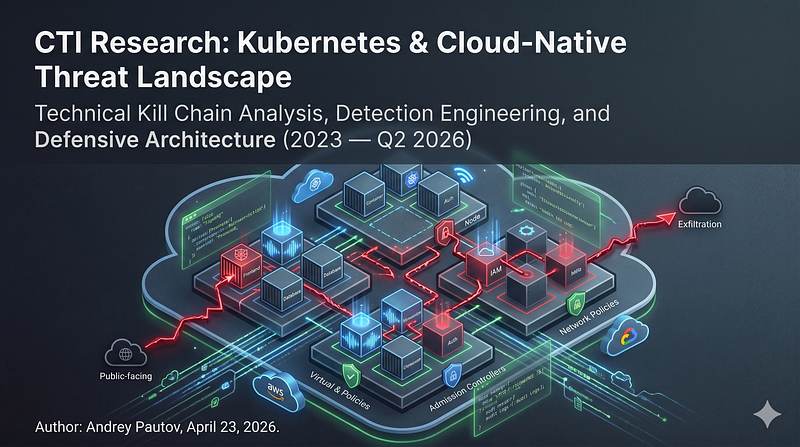
1200km CTI repository · explicit report mentionCTI Research: Kubernetes & Cloud-Native Threat Landscape
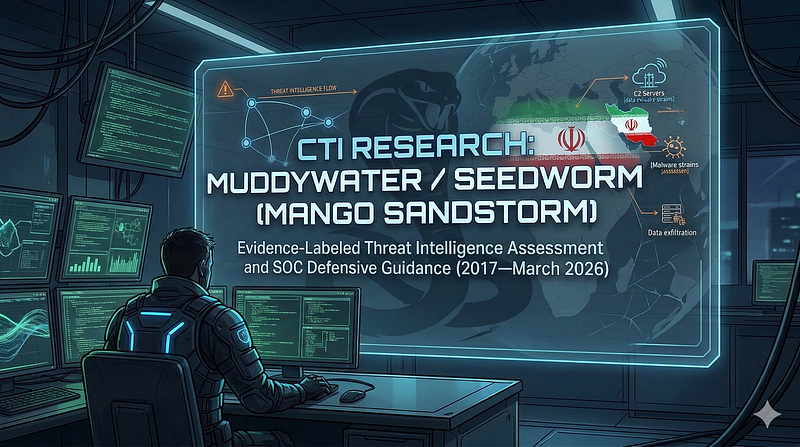
1200km CTI repository · explicit report mentionCTI Research: MuddyWater / Seedworm (Mango Sandstorm)
1200km CTI repository · explicit report mentionCTI Research: MuddyWater / Seedworm (Mango Sandstorm)
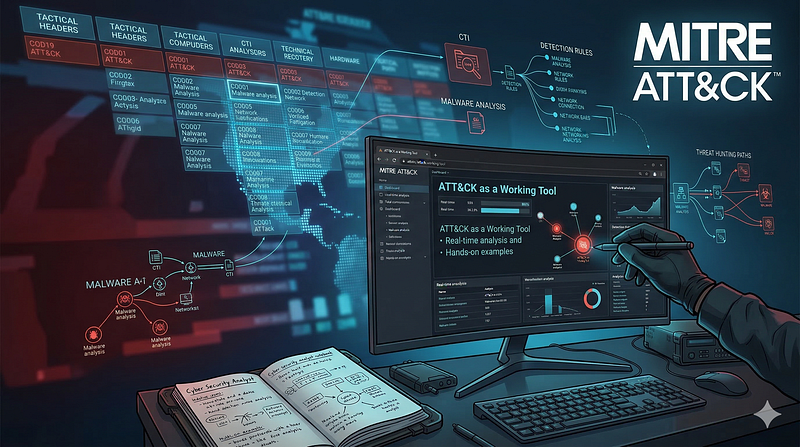
1200km CTI repository · explicit report mentionATT CK as a Working Tool Theory and Hands On Practical Usage
1200km Medium · authored report mentionCTI Research Kubernetes Cloud Native Threat Landscape
1200km Medium · authored report mentionCTI Research MuddyWater Seedworm Mango Sandstorm
1200km Medium · authored report mention
Cyber Knowledge context
Use these routes to move from the ATT&CK behavior into explanation, implementation, evidence handling, validation, and defensive operations. Relevance is generated from explicit identifiers/names and governed topic mappings; it is not attribution evidence.
Malware Analysis & Reverse Engineering · Tactic learning route · 24/100Module 4 — Detection engineering and detection as code
Blue Team & Defensive Security · Tactic learning route · 24/100Disk, file-system, and persistence forensics
Digital Forensics & Incident Response (DFIR) · Tactic learning route · 24/100
MITRE mitigations
User Account Management involves implementing and enforcing policies for the lifecycle of user accounts, including creation, modification, and deactivation. Proper account management reduces the attack surface by limiting unauthorized access, managing account privileges, and ensuring accounts are used according to organizational policies. This mitigation can be implemented through the following measures: Enforcing the Principle of Least Privilege - Implementation: Assign users only the minimum permissions required to perform their job functions. Regularly audit accounts to ensure no excess permissions are granted. - Use Case: Reduces the risk of privilege escalation by ensuring accounts cannot perform unauthorized actions. Implementing Strong Password Policies - Implementation: Enforce password complexity requirements (e.g., length, character types). Require password expiration every 90…
MITRE mitigation sourceUser Training involves educating employees and contractors on recognizing, reporting, and preventing cyber threats that rely on human interaction, such as phishing, social engineering, and other manipulative techniques. Comprehensive training programs create a human firewall by empowering users to be an active component of the organization's cybersecurity defenses. This mitigation can be implemented through the following measures: Create Comprehensive Training Programs: - Design training modules tailored to the organization's risk profile, covering topics such as phishing, password management, and incident reporting. - Provide role-specific training for high-risk employees, such as helpdesk staff or executives. Use Simulated Exercises: - Conduct phishing simulations to measure user susceptibility and provide targeted follow-up training. - Run social engineering drills to evaluate employ…
MITRE mitigation sourceCode Signing is a security process that ensures the authenticity and integrity of software by digitally signing executables, scripts, and other code artifacts. It prevents untrusted or malicious code from executing by verifying the digital signatures against trusted sources. Code signing protects against tampering, impersonation, and distribution of unauthorized or malicious software, forming a critical defense against supply chain and software exploitation attacks. This mitigation can be implemented through the following measures: Enforce Signed Code Execution: - Implementation: Configure operating systems (e.g., Windows with AppLocker or Linux with Secure Boot) to allow only signed code to execute. - Use Case: Prevent the execution of malicious PowerShell scripts by requiring all scripts to be signed with a trusted certificate. Vendor-Signed Driver Enforcement: - Implementation: Enabl…
MITRE mitigation sourceBehavior Prevention on Endpoint refers to the use of technologies and strategies to detect and block potentially malicious activities by analyzing the behavior of processes, files, API calls, and other endpoint events. Rather than relying solely on known signatures, this approach leverages heuristics, machine learning, and real-time monitoring to identify anomalous patterns indicative of an attack. This mitigation can be implemented through the following measures: Suspicious Process Behavior: - Implementation: Use Endpoint Detection and Response (EDR) tools to monitor and block processes exhibiting unusual behavior, such as privilege escalation attempts. - Use Case: An attacker uses a known vulnerability to spawn a privileged process from a user-level application. The endpoint tool detects the abnormal parent-child process relationship and blocks the action. Unauthorized File Access: -…
MITRE mitigation sourceRestricting file and directory permissions involves setting access controls at the file system level to limit which users, groups, or processes can read, write, or execute files. By configuring permissions appropriately, organizations can reduce the attack surface for adversaries seeking to access sensitive data, plant malicious code, or tamper with system files. Enforce Least Privilege Permissions: - Remove unnecessary write permissions on sensitive files and directories. - Use file ownership and groups to control access for specific roles. Example (Windows): Right-click the shared folder → Properties → Security tab → Adjust permissions for NTFS ACLs. Harden File Shares: - Disable anonymous access to shared folders. - Enforce NTFS permissions for shared folders on Windows. Example: Set permissions to restrict write access to critical files, such as system executables (e.g., `/bin` or `…
MITRE mitigation sourceAntivirus/Antimalware solutions utilize signatures, heuristics, and behavioral analysis to detect, block, and remediate malicious software, including viruses, trojans, ransomware, and spyware. These solutions continuously monitor endpoints and systems for known malicious patterns and suspicious behaviors that indicate compromise. Antivirus/Antimalware software should be deployed across all devices, with automated updates to ensure protection against the latest threats. This mitigation can be implemented through the following measures: Signature-Based Detection: - Implementation: Use predefined signatures to identify known malware based on unique patterns such as file hashes, byte sequences, or command-line arguments. This method is effective against known threats. - Use Case: When malware like "Emotet" is detected, its signature (such as a specific file hash) matches a known database of…
MITRE mitigation sourcePrevent the execution of unauthorized or malicious code on systems by implementing application control, script blocking, and other execution prevention mechanisms. This ensures that only trusted and authorized code is executed, reducing the risk of malware and unauthorized actions. This mitigation can be implemented through the following measures: Application Control: - Use Case: Use tools like AppLocker or Windows Defender Application Control (WDAC) to create whitelists of authorized applications and block unauthorized ones. On Linux, use tools like SELinux or AppArmor to define mandatory access control policies for application execution. - Implementation: Allow only digitally signed or pre-approved applications to execute on servers and endpoints. (e.g., `New-AppLockerPolicy -PolicyType Enforced -FilePath "C:\Policies\AppLocker.xml"`) Script Blocking: - Use Case: Use script control me…
MITRE mitigation sourceMITRE detection strategies and analytics
- AN0355 · Analytic 0355 — Adversary renames LOLBINs or deploys binaries with spoofed file names, internal PE metadata, or misleading icons to appear legitimate. File creation is followed by execution or service registration inconsistent with known usage.
- AN0356 · Analytic 0356 — Adversary drops renamed binaries in uncommon directories (e.g., /tmp, /dev/shm) or uses special characters in names (e.g., trailing space, Unicode RLO). Execution or cronjob registration follows shortly after file drop.
- AN0357 · Analytic 0357 — Adversary creates disguised launch daemons or apps with misleading names and bundle metadata (e.g., Info.plist values inconsistent with binary path or icon). Launch is correlated with user logon or persistence setup.
- AN0358 · Analytic 0358 — Adversary uses renamed container images, injects files into containers with misleading names or metadata (e.g., renamed system binaries), and executes them during startup or scheduled jobs.
- AN0359 · Analytic 0359 — Adversary places scripts or binaries with misleading names in /etc/rc.local.d or /var/spool/cron, or registers services with legitimate-sounding names not present in default ESXi builds.
Continue the investigation
Attack tools, simulations and detection rules
Follow explicit source relationships into the reference modules. Linked procedures and detectors are not claims of live validation or actor attribution.
- T1036 Masquerading simulation — Exact active technique ID
- T1036 detection rules — Exact active technique ID; not actor-specific detector coverage