AdversaryGraph public intelligence page

This page is part of Threat Matrix, the public browser workspace for the main AdversaryGraph platform. Use it for ATT&CK pivots, actor and technique context, similarity leads, detection coverage review, and analyst-ready investigation paths.

Validation disclaimer: TTP overlap, actor similarity, generated summaries, and coverage findings are investigation leads, not attribution proof or operational validation without analyst review.

Main AdversaryGraph project Documentation Malware Analysis GitHub

T1003.001 · credential-access · 41 actors · 22 correlated reports

LSASS Memory

Adversaries may attempt to access credential material stored in the process memory of the Local Security Authority Subsystem Service (LSASS). After a user logs on, the system generates and stores a variety of credential materials in LSASS process memory. These credential materials can be harvested by an administrative user or SYSTEM and used to conduct Lateral Movement using Use Alternate Authentication Material. As well as in-memory techniques, the LSASS process memory can be dumped from the target host and analyzed on a local system. For example, on the target host use procdump: * procdump -ma lsass.exe lsass_dump Locally, mimikatz can be run using: * sekurlsa::Minidump lsassdump.dmp * sekurlsa::logonPasswords Built-in Windows tools such as `comsvcs.dll` can also be used: * rundll32.exe C:\Windows\System32\comsvcs.dll MiniDump PID lsass.dmp full Similar to Image File Execution Options Injection, the silent process exit mechanism can be abused to create a memory dump of `lsass.exe` through Windows Error Reporting (`WerFault.exe`). Windows Security Support Provider (SSP) DLLs are loaded into LSASS process at system start. Once loaded into the LSA, SSP DLLs have access to encrypted and plaintext passwords that are stored in Windows, such as any logged-on user's Domain password or smart card PINs. The SSP configuration is stored in two Registry keys: HKLM\SYSTEM\CurrentControlSet\Control\Lsa\Security Packages and HKLM\SYSTEM\CurrentControlSet\Control\Lsa\OSConfig\Security Packages. An adversary may modify these Registry keys to add new SSPs, which will be loaded the next time the system boots, or when the AddSecurityPackage Windows API function is called. The following SSPs can be used to access credentials: * Msv: Interactive logons, batch logons, and service logons are done through the MSV authentication package. * Wdigest: The Digest Authentication protocol is designed for use with Hypertext Transfer Protocol (HTTP) and Simple Authentication Security Layer (SASL) exchanges. * Kerberos: Preferred for mutual client-server domain authentication in Windows 2000 and later. * CredSSP: Provides SSO and Network Level Authentication for Remote Desktop Services.

Open detection, hunting, mitigation, and evidence workspace

Detection logic

Monitor for unexpected processes interacting with LSASS.exe. Common credential dumpers such as Mimikatz access LSASS.exe by opening the process, locating the LSA secrets key, and decrypting the sections in memory where credential details are stored. Credential dumpers may also use methods for reflective Process Injection to reduce potential indicators of malicious activity. On Windows 8.1 and Windows Server 2012 R2, monitor Windows Logs for LSASS.exe creation to verify that LSASS started as a protected process. Monitor processes and command-line arguments for program execution that may be indicative of credential dumping. Remote access tools may contain built-in features or incorporate existing tools like Mimikatz. PowerShell scripts also exist that contain credential dumping functionality, such as PowerSploit's Invoke-Mimikatz module, which may require additional logging features to be configured in the operating system to collect necessary information for analysis.

Observed actors

Correlated CTI and IR reports

APT39 G0087
MITRE ATT&CK · direct source mapping
HEXANE G1001
MITRE ATT&CK · direct source mapping
APT41 Targeting Pharmaceutical Sector: Log4Shell to Domain Compromise
1200km CTI repository · explicit report mention
ATT&CK as a Working Tool: Theory and Hands-On Practical Usage
1200km CTI repository · explicit report mention
Attack Playbook — Operation DragonRx
1200km CTI repository · explicit report mention
CTI Research: Handala Hack Group (aka Handala Hack Team)
1200km CTI repository · explicit report mention
CTI Research: Handala Hack Group (aka Handala Hack Team)
1200km CTI repository · explicit report mention
CTI Research: Sandworm / APT44
1200km CTI repository · explicit report mention
CTI Research: Sandworm / APT44
1200km CTI repository · explicit report mention
Detection Guide — Operation DragonRx
1200km CTI repository · explicit report mention
From Threat Intelligence to Detection: A Practitioner's Guide
1200km CTI repository · explicit report mention
Operation DragonRx — APT41 Full Attack Simulation
1200km CTI repository · explicit report mention
Operation DragonRx: Simulating an APT41 Attack End-to-End — From Log4Shell to DFIR and Malware Analysis
1200km CTI repository · explicit report mention
APT41 Targeting Pharmaceutical Sector Log4Shell to Domain Compromise
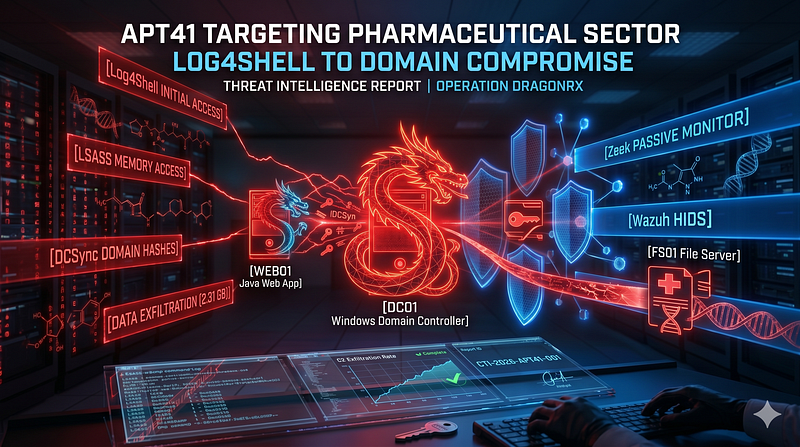
1200km Medium · authored report mention
ATT CK as a Working Tool Theory and Hands On Practical Usage
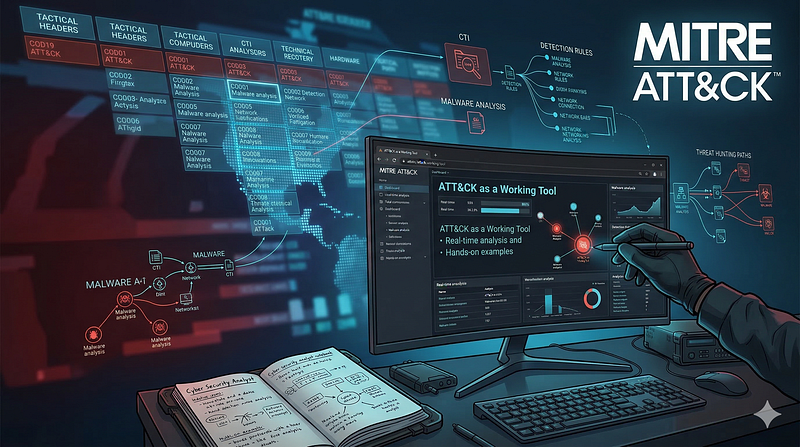
1200km Medium · authored report mention
Attack Playbook Operation DragonRx
1200km Medium · authored report mention
CTI Research Handala Hack Group aka Handala Hack Team
1200km Medium · authored report mention
CTI Research Sandworm APT44
1200km Medium · authored report mention
From Threat Intelligence to Detection A Practitioner s Guide
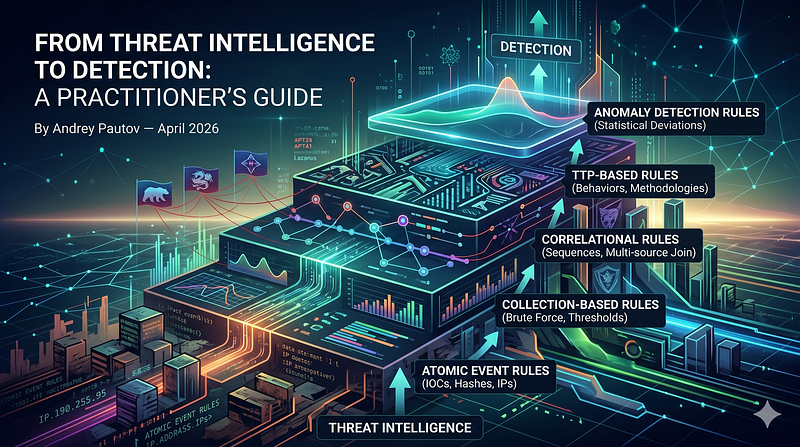
1200km Medium · authored report mention
Operation DragonRx Simulating an APT41 Attack End to End From Log4Shell to DFIR and Malware
1200km Medium · authored report mention
Single Event Detection Rules in Cybersecurity
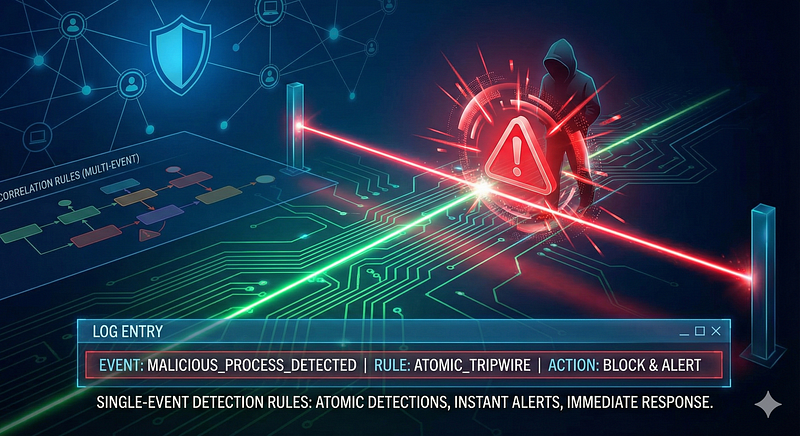
1200km Medium · authored report mention
The Atomic Standard A Practitioner s Compendium for Single Event Threat Detection
1200km Medium · authored report mention

Cyber Knowledge context

Use these routes to move from the ATT&CK behavior into explanation, implementation, evidence handling, validation, and defensive operations. Relevance is generated from explicit identifiers/names and governed topic mappings; it is not attribution evidence.

MITRE mitigations

M1028 · Operating System Configuration

Operating System Configuration involves adjusting system settings and hardening the default configurations of an operating system (OS) to mitigate adversary exploitation and prevent abuse of system functionality. Proper OS configurations address security vulnerabilities, limit attack surfaces, and ensure robust defense against a wide range of techniques. This mitigation can be implemented through the following measures: Disable Unused Features: - Turn off SMBv1, LLMNR, and NetBIOS where not needed. - Disable remote registry and unnecessary services. Enforce OS-level Protections: - Enable Data Execution Prevention (DEP), Address Space Layout Randomization (ASLR), and Control Flow Guard (CFG) on Windows. - Use AppArmor or SELinux on Linux for mandatory access controls. Secure Access Settings: - Enable User Account Control (UAC) for Windows. - Restrict root/sudo access on Linux/macOS and e…

MITRE mitigation source
M1043 · Credential Access Protection

Credential Access Protection focuses on implementing measures to prevent adversaries from obtaining credentials, such as passwords, hashes, tokens, or keys, that could be used for unauthorized access. This involves restricting access to credential storage mechanisms, hardening configurations to block credential dumping methods, and using monitoring tools to detect suspicious credential-related activity. This mitigation can be implemented through the following measures: Restrict Access to Credential Storage: - Use Case: Prevent adversaries from accessing the SAM (Security Account Manager) database on Windows systems. - Implementation: Enforce least privilege principles and restrict administrative access to credential stores such as `C:\Windows\System32\config\SAM`. Use Credential Guard: - Use Case: Isolate LSASS (Local Security Authority Subsystem Service) memory to prevent credential du…

MITRE mitigation source
M1025 · Privileged Process Integrity

Privileged Process Integrity focuses on defending highly privileged processes (e.g., system services, antivirus, or authentication processes) from tampering, injection, or compromise by adversaries. These processes often interact with critical components, making them prime targets for techniques like code injection, privilege escalation, and process manipulation. This mitigation can be implemented through the following measures: Protected Process Mechanisms: - Enable RunAsPPL on Windows systems to protect LSASS and other critical processes. - Use registry modifications to enforce protected process settings: `HKEY_LOCAL_MACHINE\SYSTEM\CurrentControlSet\Control\Lsa\RunAsPPL` Anti-Injection and Memory Protection: - Enable Control Flow Guard (CFG), DEP, and ASLR to protect against process memory tampering. - Deploy endpoint protection tools that actively block process injection attempts. Co…

MITRE mitigation source
M1026 · Privileged Account Management

Privileged Account Management focuses on implementing policies, controls, and tools to securely manage privileged accounts (e.g., SYSTEM, root, or administrative accounts). This includes restricting access, limiting the scope of permissions, monitoring privileged account usage, and ensuring accountability through logging and auditing.This mitigation can be implemented through the following measures: Account Permissions and Roles: - Implement RBAC and least privilege principles to allocate permissions securely. - Use tools like Active Directory Group Policies to enforce access restrictions. Credential Security: - Deploy password vaulting tools like CyberArk, HashiCorp Vault, or KeePass for secure storage and rotation of credentials. - Enforce password policies for complexity, uniqueness, and expiration using tools like Microsoft Group Policy Objects (GPO). Multi-Factor Authentication (MF…

MITRE mitigation source
M1017 · User Training

User Training involves educating employees and contractors on recognizing, reporting, and preventing cyber threats that rely on human interaction, such as phishing, social engineering, and other manipulative techniques. Comprehensive training programs create a human firewall by empowering users to be an active component of the organization's cybersecurity defenses. This mitigation can be implemented through the following measures: Create Comprehensive Training Programs: - Design training modules tailored to the organization's risk profile, covering topics such as phishing, password management, and incident reporting. - Provide role-specific training for high-risk employees, such as helpdesk staff or executives. Use Simulated Exercises: - Conduct phishing simulations to measure user susceptibility and provide targeted follow-up training. - Run social engineering drills to evaluate employ…

MITRE mitigation source
M1040 · Behavior Prevention on Endpoint

Behavior Prevention on Endpoint refers to the use of technologies and strategies to detect and block potentially malicious activities by analyzing the behavior of processes, files, API calls, and other endpoint events. Rather than relying solely on known signatures, this approach leverages heuristics, machine learning, and real-time monitoring to identify anomalous patterns indicative of an attack. This mitigation can be implemented through the following measures: Suspicious Process Behavior: - Implementation: Use Endpoint Detection and Response (EDR) tools to monitor and block processes exhibiting unusual behavior, such as privilege escalation attempts. - Use Case: An attacker uses a known vulnerability to spawn a privileged process from a user-level application. The endpoint tool detects the abnormal parent-child process relationship and blocks the action. Unauthorized File Access: -…

MITRE mitigation source
M1027 · Password Policies

Set and enforce secure password policies for accounts to reduce the likelihood of unauthorized access. Strong password policies include enforcing password complexity, requiring regular password changes, and preventing password reuse. This mitigation can be implemented through the following measures: Windows Systems: - Use Group Policy Management Console (GPMC) to configure: - Minimum password length (e.g., 12+ characters). - Password complexity requirements. - Password history (e.g., disallow last 24 passwords). - Account lockout duration and thresholds. Linux Systems: - Configure Pluggable Authentication Modules (PAM): - Use `pam_pwquality` to enforce complexity and length requirements. - Implement `pam_tally2` or `pam_faillock` for account lockouts. - Use `pwunconv` to disable password reuse. Password Managers: - Enforce usage of enterprise password managers (e.g., Bitwarden, 1Passwor…

MITRE mitigation source

MITRE detection strategies and analytics

DET0363 · Detection of Credential Dumping from LSASS Memory via Access and Dump Sequence
  • AN1030 · Analytic 1030 — A non-privileged or abnormal process attempts to open a handle with full access (0x1F0FFF) to lsass.exe and subsequently invokes memory dump, file creation, or registry modification indicative of credential scraping. This behavior chain reflects staged credential theft activity.
MITRE detection source

Continue the investigation