User Training involves educating employees and contractors on recognizing, reporting, and preventing cyber threats that rely on human interaction, such as phishing, social engineering, and other manipulative techniques. Comprehensive training programs create a human firewall by empowering users to be an active component of the organization's cybersecurity defenses. This mitigation can be implemented through the following measures: Create Comprehensive Training Programs: - Design training modules tailored to the organization's risk profile, covering topics such as phishing, password management, and incident reporting. - Provide role-specific training for high-risk employees, such as helpdesk staff or executives. Use Simulated Exercises: - Conduct phishing simulations to measure user susceptibility and provide targeted follow-up training. - Run social engineering drills to evaluate employ…
MITRE mitigation sourceAdversaryGraph public intelligence page
This page is part of Threat Matrix, the public browser workspace for the main AdversaryGraph platform. Use it for ATT&CK pivots, actor and technique context, similarity leads, detection coverage review, and analyst-ready investigation paths.
Validation disclaimer: TTP overlap, actor similarity, generated summaries, and coverage findings are investigation leads, not attribution proof or operational validation without analyst review.
Main AdversaryGraph project Documentation Malware Analysis GitHub
Credentials In Files
Adversaries may search local file systems and remote file shares for files containing insecurely stored credentials. These can be files created by users to store their own credentials, shared credential stores for a group of individuals, configuration files containing passwords for a system or service, or source code/binary files containing embedded passwords. It is possible to extract passwords from backups or saved virtual machines through OS Credential Dumping. Passwords may also be obtained from Group Policy Preferences stored on the Windows Domain Controller. In cloud and/or containerized environments, authenticated user and service account credentials are often stored in local configuration and credential files. They may also be found as parameters to deployment commands in container logs. In some cases, these files can be copied and reused on another machine or the contents can be read and then used to authenticate without needing to copy any files.
Open detection, hunting, mitigation, and evidence workspace
Detection logic
While detecting adversaries accessing these files may be difficult without knowing they exist in the first place, it may be possible to detect adversary use of credentials they have obtained. Monitor the command-line arguments of executing processes for suspicious words or regular expressions that may indicate searching for a password (for example: password, pwd, login, secure, or credentials). See Valid Accounts for more information.
Observed actors
Correlated CTI and IR reports
1200km CTI repository · explicit report mentionAttack Playbook — Operation DragonRx
1200km CTI repository · explicit report mentionCTI Research: Kubernetes & Cloud-Native Threat Landscape
1200km CTI repository · explicit report mentionOperation DragonRx — APT41 Full Attack Simulation
1200km CTI repository · explicit report mentionOperation DragonRx: Simulating an APT41 Attack End-to-End — From Log4Shell to DFIR and Malware Analysis
1200km CTI repository · explicit report mentionAPT41 Targeting Pharmaceutical Sector Log4Shell to Domain Compromise
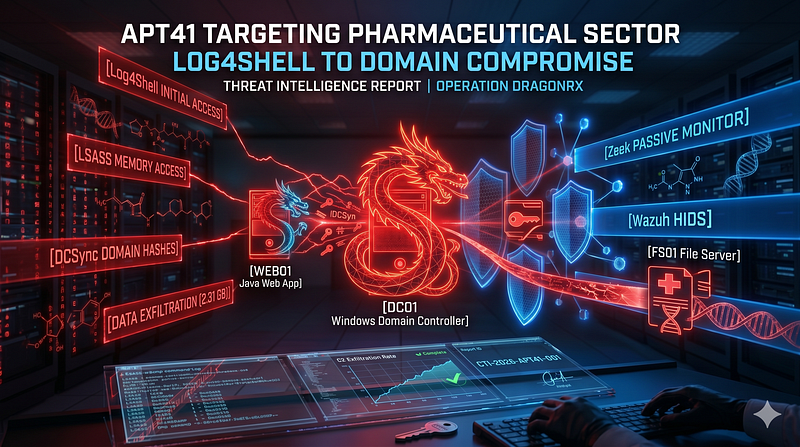
1200km Medium · authored report mentionAttack Playbook Operation DragonRx
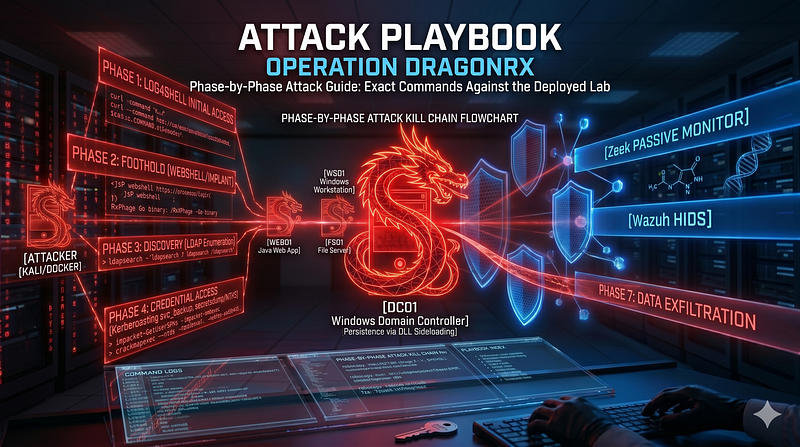
1200km Medium · authored report mentionCTI Research Kubernetes Cloud Native Threat Landscape
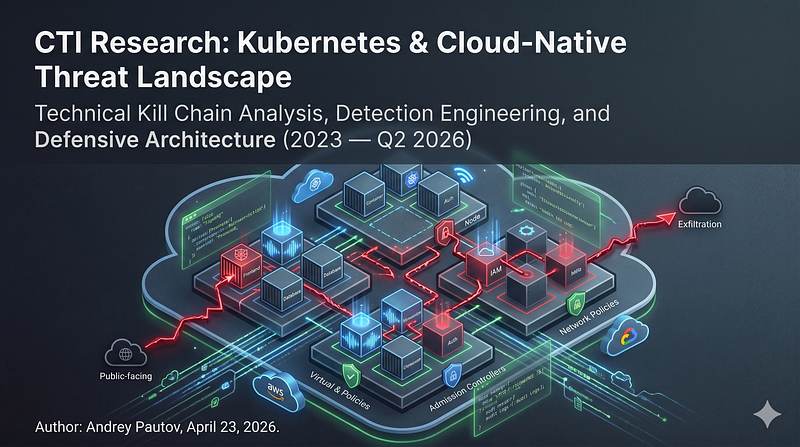
1200km Medium · authored report mentionOperation DragonRx Simulating an APT41 Attack End to End From Log4Shell to DFIR and Malware
1200km Medium · authored report mention
Cyber Knowledge context
Use these routes to move from the ATT&CK behavior into explanation, implementation, evidence handling, validation, and defensive operations. Relevance is generated from explicit identifiers/names and governed topic mappings; it is not attribution evidence.
Cloud Security · Governed topic match · 60/100Privacy, secrets, confidential data, and model leakage
AI Security · Governed topic match · 51/100Module 5 — Threat hunting
Blue Team & Defensive Security · Tactic learning route · 24/100Human, workload, pipeline, and emergency identity
Cloud Security · Tactic learning route · 24/100Disk, file-system, and persistence forensics
Digital Forensics & Incident Response (DFIR) · Tactic learning route · 24/100
MITRE mitigations
Auditing is the process of recording activity and systematically reviewing and analyzing the activity and system configurations. The primary purpose of auditing is to detect anomalies and identify potential threats or weaknesses in the environment. Proper auditing configurations can also help to meet compliance requirements. The process of auditing encompasses regular analysis of user behaviors and system logs in support of proactive security measures. Auditing is applicable to all systems used within an organization, from the front door of a building to accessing a file on a fileserver. It is considered more critical for regulated industries such as, healthcare, finance and government where compliance requirements demand stringent tracking of user and system activates.This mitigation can be implemented through the following measures: System Audit: - Use Case: Regularly assess system co…
MITRE mitigation sourceRestricting file and directory permissions involves setting access controls at the file system level to limit which users, groups, or processes can read, write, or execute files. By configuring permissions appropriately, organizations can reduce the attack surface for adversaries seeking to access sensitive data, plant malicious code, or tamper with system files. Enforce Least Privilege Permissions: - Remove unnecessary write permissions on sensitive files and directories. - Use file ownership and groups to control access for specific roles. Example (Windows): Right-click the shared folder → Properties → Security tab → Adjust permissions for NTFS ACLs. Harden File Shares: - Disable anonymous access to shared folders. - Enforce NTFS permissions for shared folders on Windows. Example: Set permissions to restrict write access to critical files, such as system executables (e.g., `/bin` or `…
MITRE mitigation sourceSet and enforce secure password policies for accounts to reduce the likelihood of unauthorized access. Strong password policies include enforcing password complexity, requiring regular password changes, and preventing password reuse. This mitigation can be implemented through the following measures: Windows Systems: - Use Group Policy Management Console (GPMC) to configure: - Minimum password length (e.g., 12+ characters). - Password complexity requirements. - Password history (e.g., disallow last 24 passwords). - Account lockout duration and thresholds. Linux Systems: - Configure Pluggable Authentication Modules (PAM): - Use `pam_pwquality` to enforce complexity and length requirements. - Implement `pam_tally2` or `pam_faillock` for account lockouts. - Use `pwunconv` to disable password reuse. Password Managers: - Enforce usage of enterprise password managers (e.g., Bitwarden, 1Passwor…
MITRE mitigation sourceMITRE detection strategies and analytics
- AN0856 · Analytic 0856 — Correlated file access to insecure credential files (e.g., *.env, *.xml, *.ps1) followed by suspicious process execution or authentication using retrieved credentials. Detected through Sysmon logs and Windows Security Event logs.
- AN0857 · Analytic 0857 — File reads or process executions involving insecurely stored credential files (e.g., config files with password fields) by non-root or anomalous users followed by ssh authentication attempts.
- AN0858 · Analytic 0858 — Terminal-based grep or open of plist/config files containing credentials, correlated with Keychain or system login attempts.
- AN0859 · Analytic 0859 — Container processes accessing mounted secrets or configuration paths (e.g., /run/secrets, /mnt/config) followed by network access or credential use.
- AN0860 · Analytic 0860 — Access to local credential/config files (e.g., ~/.aws/credentials) followed by metadata API calls or cloud role assumptions.