Clear Windows Event Logs
Adversaries may clear Windows Event Logs to hide the activity of an intrusion. Windows Event Logs are a record of a computer's alerts and notifications. There are three system-defined sources of events: System, Application, and Security, with five event types: Error, Warning, Information, Success Audit, and Failure Audit. With administrator privileges, the event logs can be cleared with the following utility commands: * wevtutil cl system * wevtutil cl application * wevtutil cl security These logs may also be cleared through other mechanisms, such as the event viewer GUI or PowerShell. For example, adversaries may use the PowerShell command Remove-EventLog -LogName Security to delete the Security EventLog and after reboot, disable future logging. Note: events may still be generated and logged in the .evtx file between the time the command is run and the reboot. Adversaries may also attempt to clear logs by directly deleting the stored log files within `C:\Windows\System32\winevt\logs\`.
Open detection, hunting, mitigation, and evidence workspace
Detection logic
Deleting Windows event logs (via native binaries , API functions , or PowerShell ) may also generate an alterable event (Event ID 1102: "The audit log was cleared").
Observed actors
Correlated CTI and IR reports
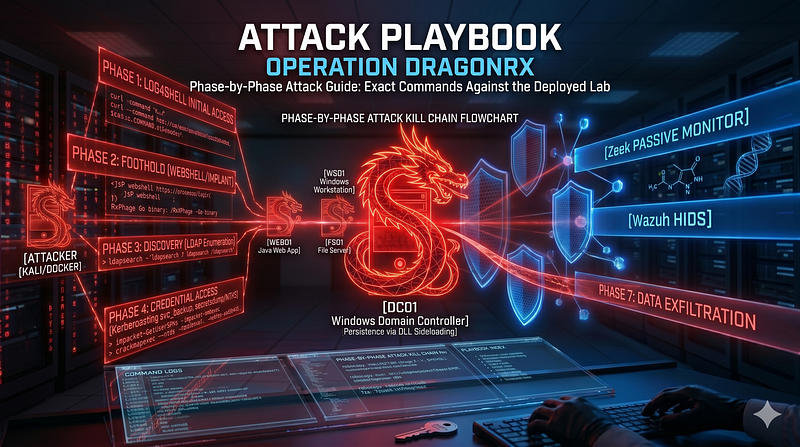
1200km CTI repository · explicit report mentionAttack Playbook — Operation DragonRx
1200km CTI repository · explicit report mentionATT CK as a Working Tool Theory and Hands On Practical Usage
1200km Medium · authored report mentionAttack Playbook Operation DragonRx
1200km Medium · authored report mentionSingle Event Detection Rules in Cybersecurity
1200km Medium · authored report mention