TrainSec source integration · Windows internals · Technical walkthrough
Introduction to Windows Management Instrumentation (WMI)
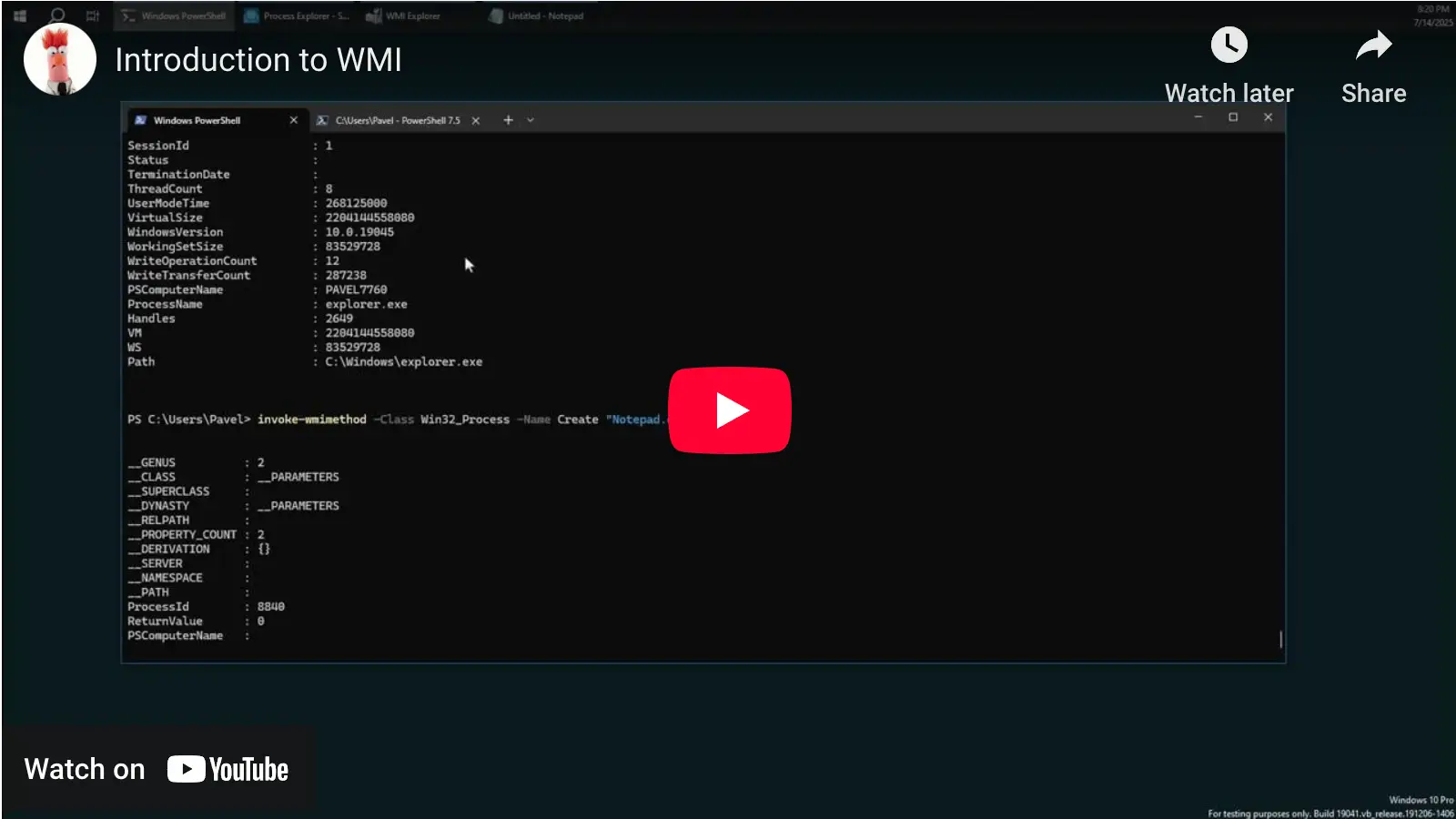
Note: This blog post is designed to complement the accompanying video embedded at the top of the page. The video provides an in-depth, visual demonstration of the concepts and code discussed here, making it an invaluable resource for learners.
What’s in the video and what you will learn about Windows Management Instrumentation
In just 25 minutes the walk-through shows you how Windows Management Instrumentation (WMI) reveals many measurable or configurable detail in Windows. You will see:
- The role of the Common Information Model (CIM) repository, where WMI classes live.
- How the Winmgmt service and WmiPrvSE worker processes answer your queries.
- Local and remote access options—classic COM/DCOM calls, wbem scripting APIs, modern PowerShell cmdlets, or direct WMI Query Language (WQL).
- The rich objects WMI returns (for a running process you get start time, image path, owner, CPU usage, and many more properties).
Code snippets in the session demonstrate how to:
- List active processes and services.
- Invoke a WMI method to create a process
- Query processes via WMI and PowerShell
By the end you will understand why administrators, developers, and even attackers rely on WMI, and where it fits inside Windows internals.
Next steps with TrainSec Academy
| Your goal | Recommended learning path | How it helps |
|---|---|---|
| Build deep OS knowledge | Windows Internals Master | Five courses that map every core subsystem so WMI concepts feel natural. |
| Understand WMI underlying technology | Windows Master Developer | Covers Windows User and Kernel API, COM-based clients and servers so you can use the WMI low-level API. |
| Defend against WMI-based attacks | Windows Security Researcher | Blends internals, reverse engineering, and malware analysis to spot and counter adversary tradecraft. |
All paths are self-paced, include hands-on labs, and give you direct access to instructors on Discord.
For more insights into Windows internals and advanced programming concepts, keep exploring TrainSec’s free Knowledge Library. Stay tuned for more deep dives into topics that empower your technical growth!
Original publication: TrainSec Knowledge Library ↗
Original text, screenshots, infographics, videos, and author biography remain attributed to TrainSec.net and the named author. This page is hosted by 1200km.com with permission from the TrainSec rights holders.