◈ Threat Matrix · Browser-native · No install
Threat Matrix
A fully browser-based MITRE ATT&CK explorer across four frameworks: Enterprise, Mobile, ICS, and ATLAS. Map threat actor behaviour, compare APT groups, run gap analysis, and export reports — no server, no Docker, no API keys required.
Overview
What is Threat Matrix?
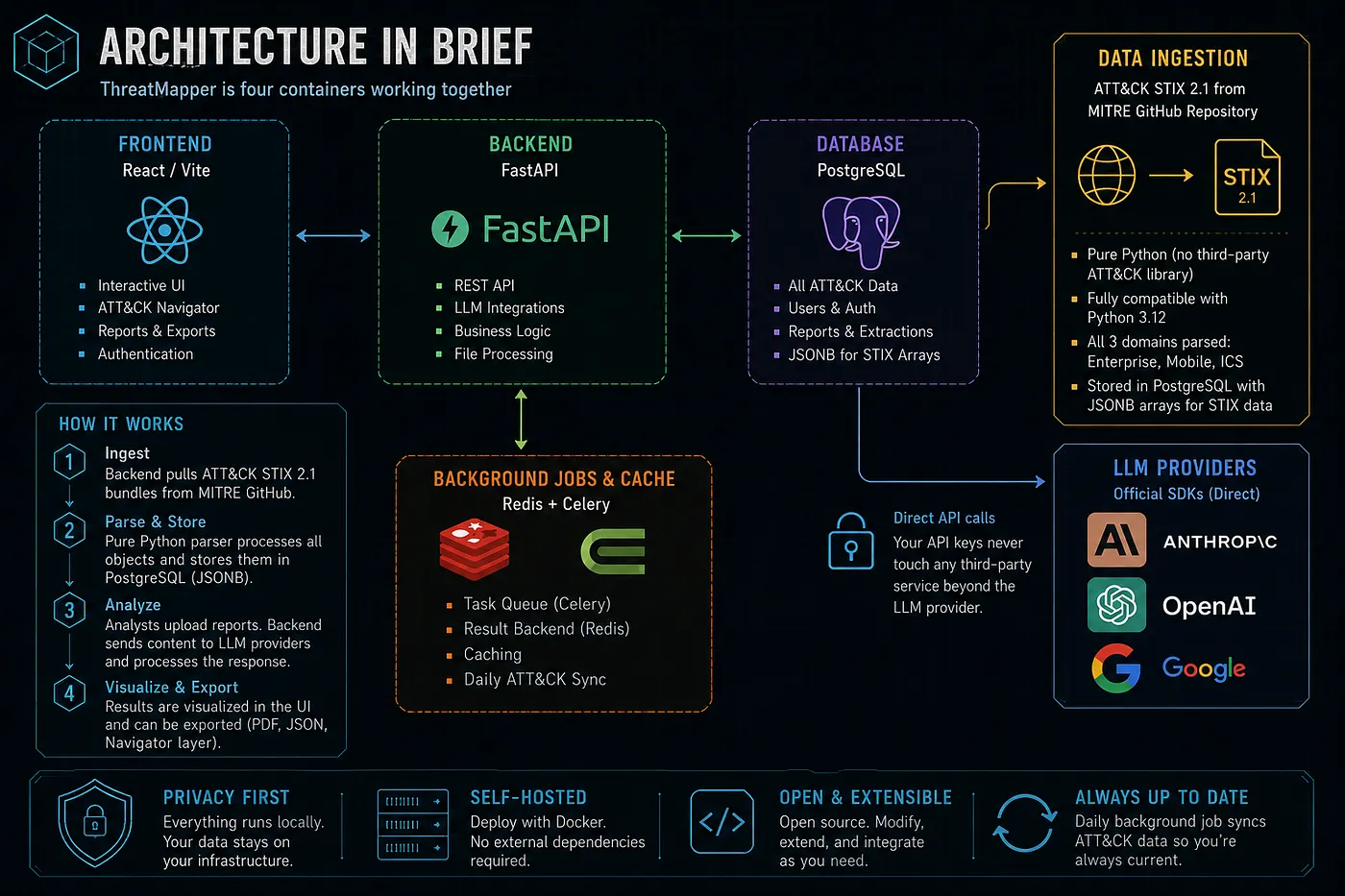
Threat Matrix is the lightweight, zero-install counterpart to the self-hosted AdversaryGraph Docker platform. It runs entirely in your browser — no account, no API key, no backend. Load the page, choose a framework, and start building ATT&CK layers immediately.
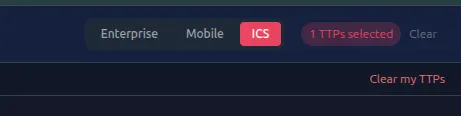
Switch between Enterprise, Mobile, ICS, and MITRE ATLAS (AI/ML) with a single click. Each domain loads its full tactic/technique tree on demand. Enterprise covers 14 tactics and 600+ techniques; Mobile adds 13 tactics for mobile threats; ICS covers industrial control systems; ATLAS maps adversarial attacks on AI/ML systems with 16 tactics and 170+ techniques.
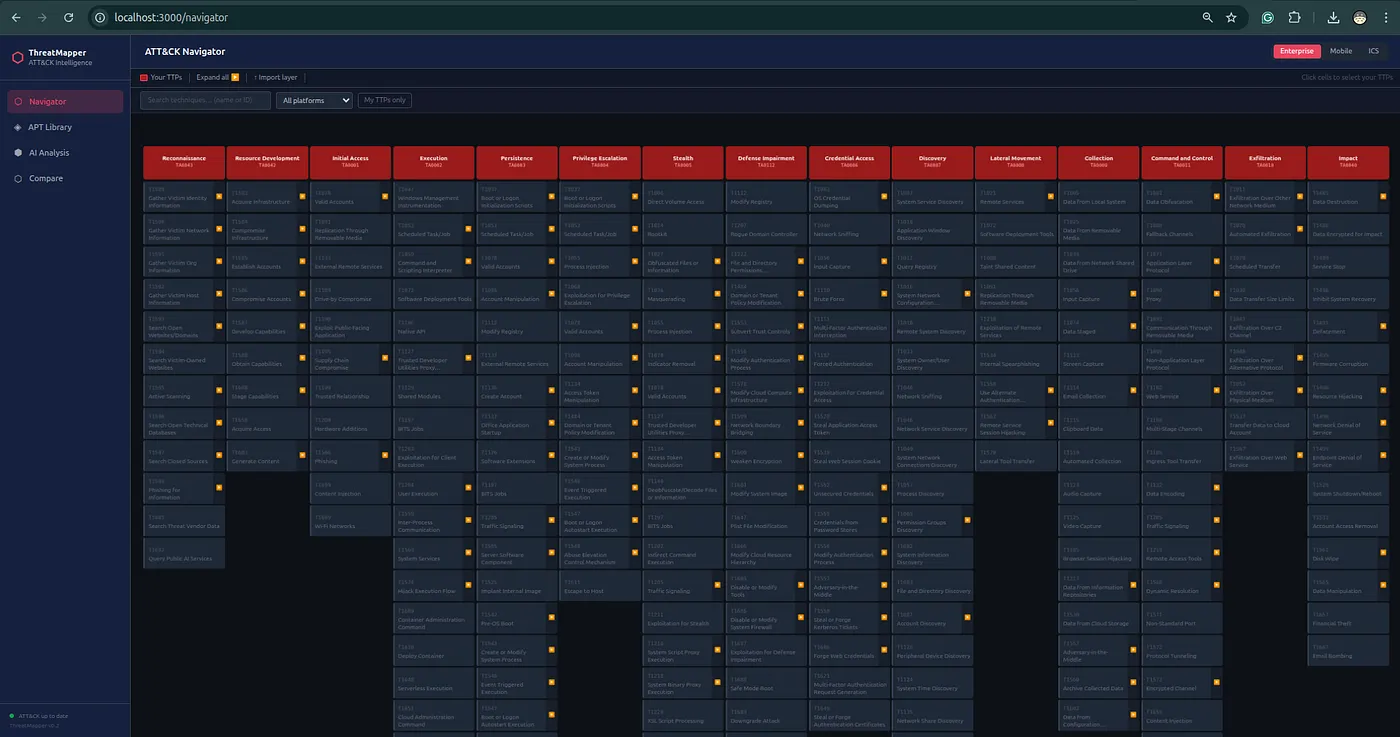
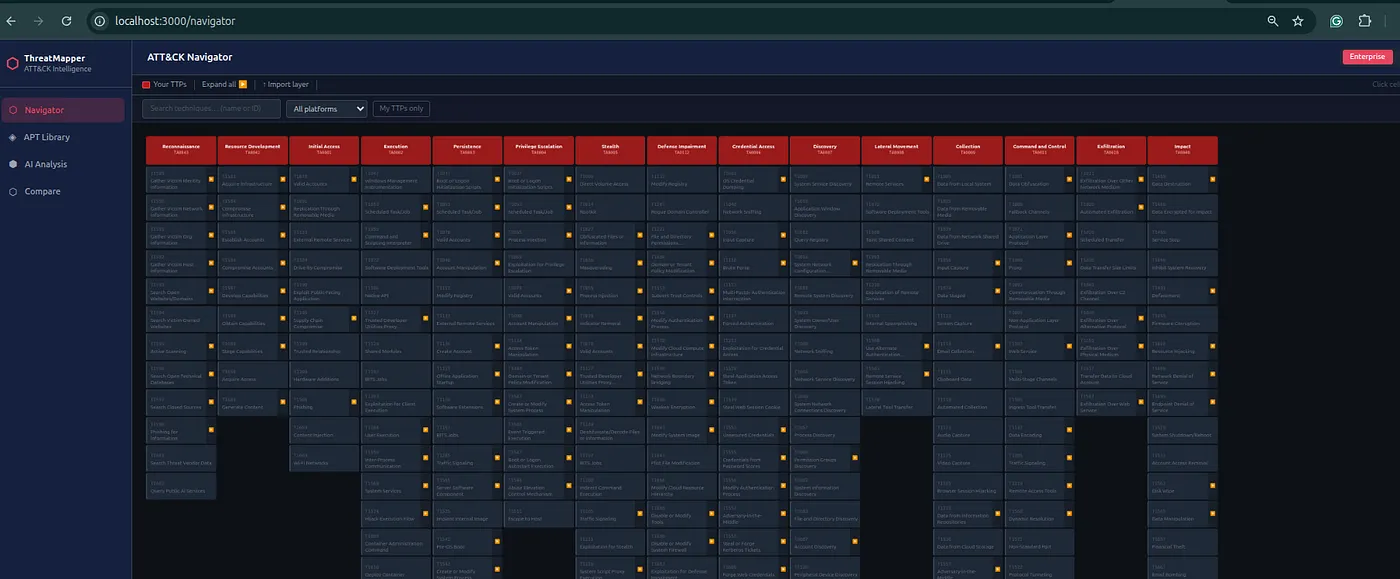
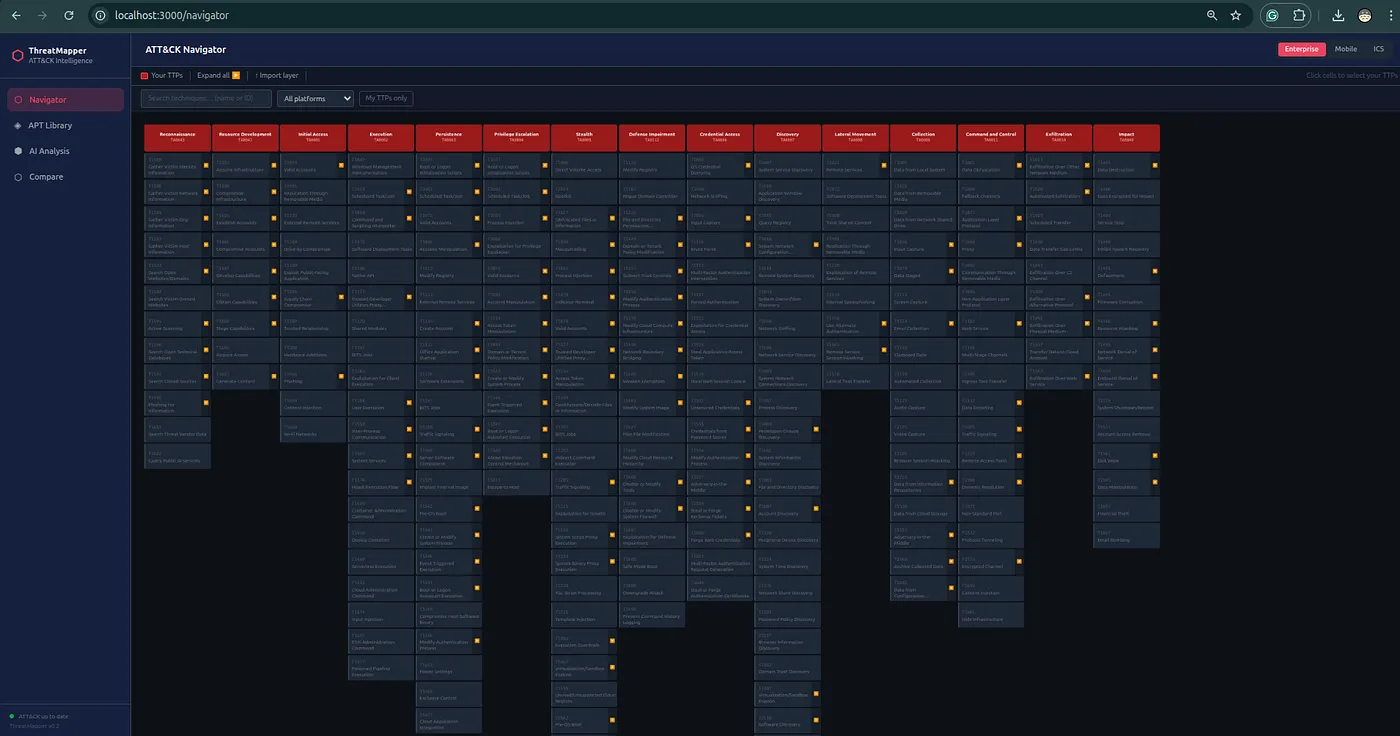
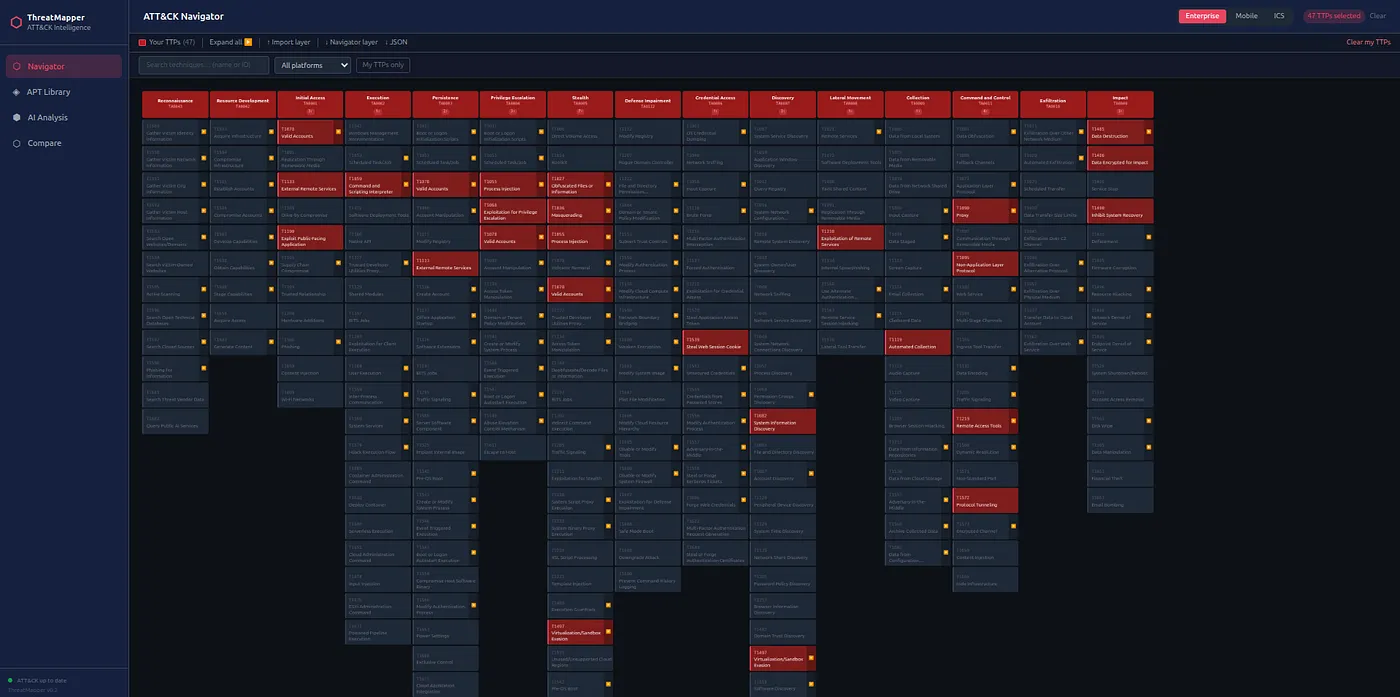
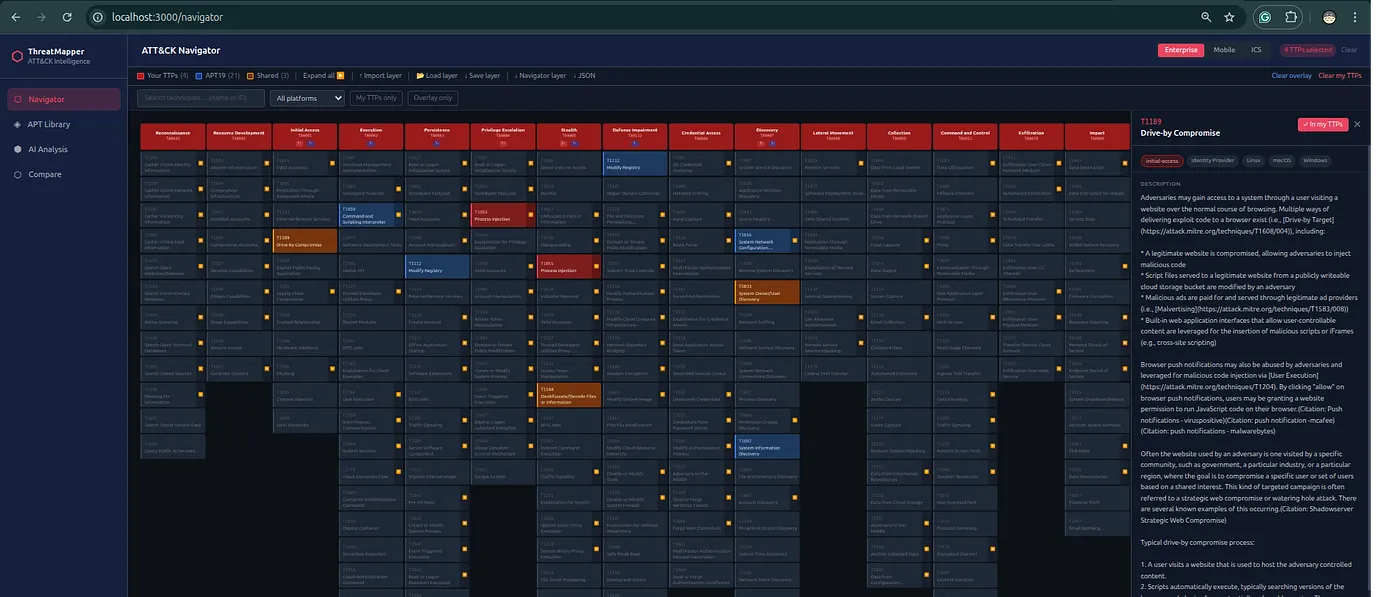
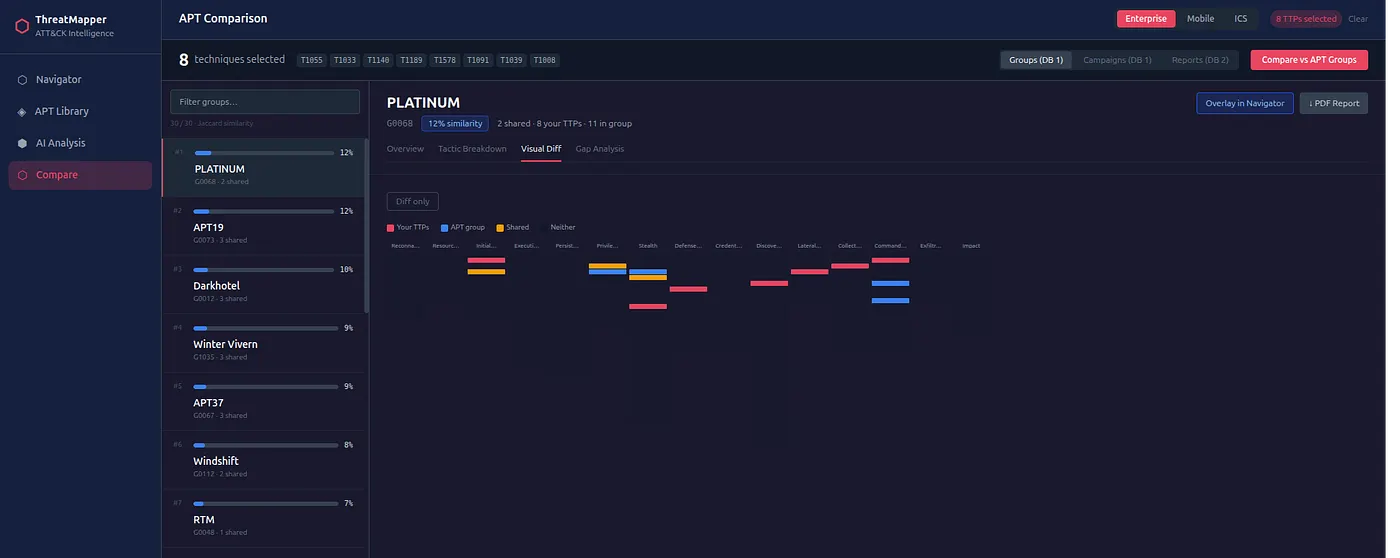
Full interactive matrix for the active framework. Click cells to select techniques, expand sub-techniques, overlay group profiles, and filter by name or ID. Colour-coded states show selected (red), overlay (blue), and shared (amber) techniques at a glance.
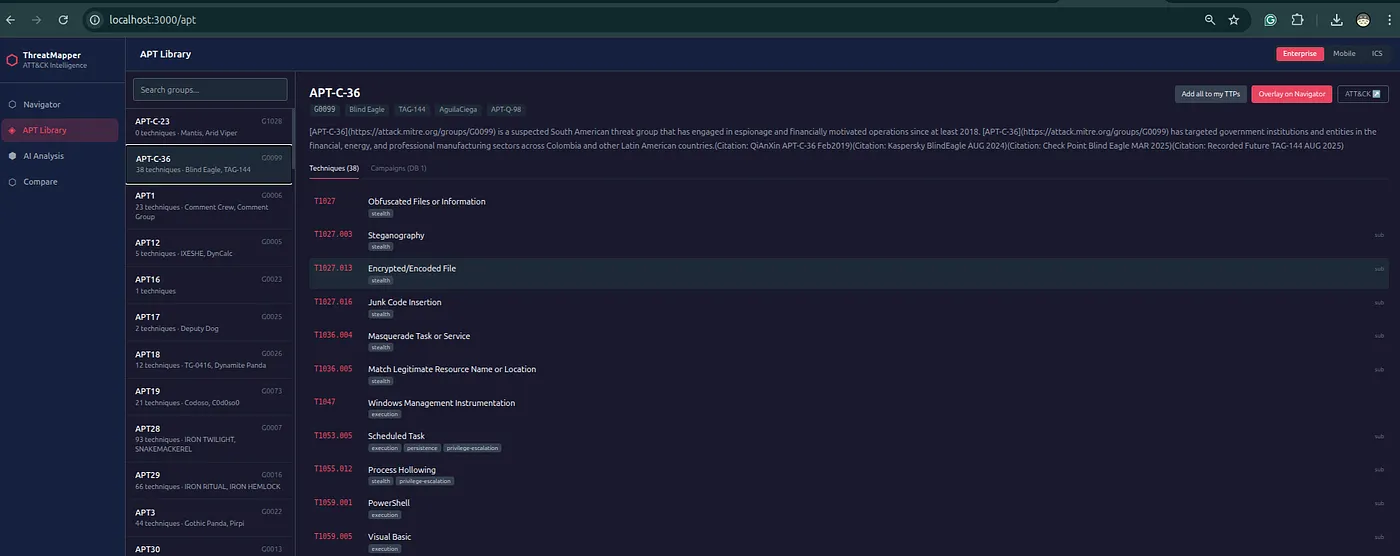
Threat groups from the currently loaded Enterprise or ICS dataset. In ATLAS mode, the library shows 57 case studies instead of APT groups. Browse, search, and open any profile to see its full TTP set. Load a group's techniques into your selection or overlay it on the matrix.
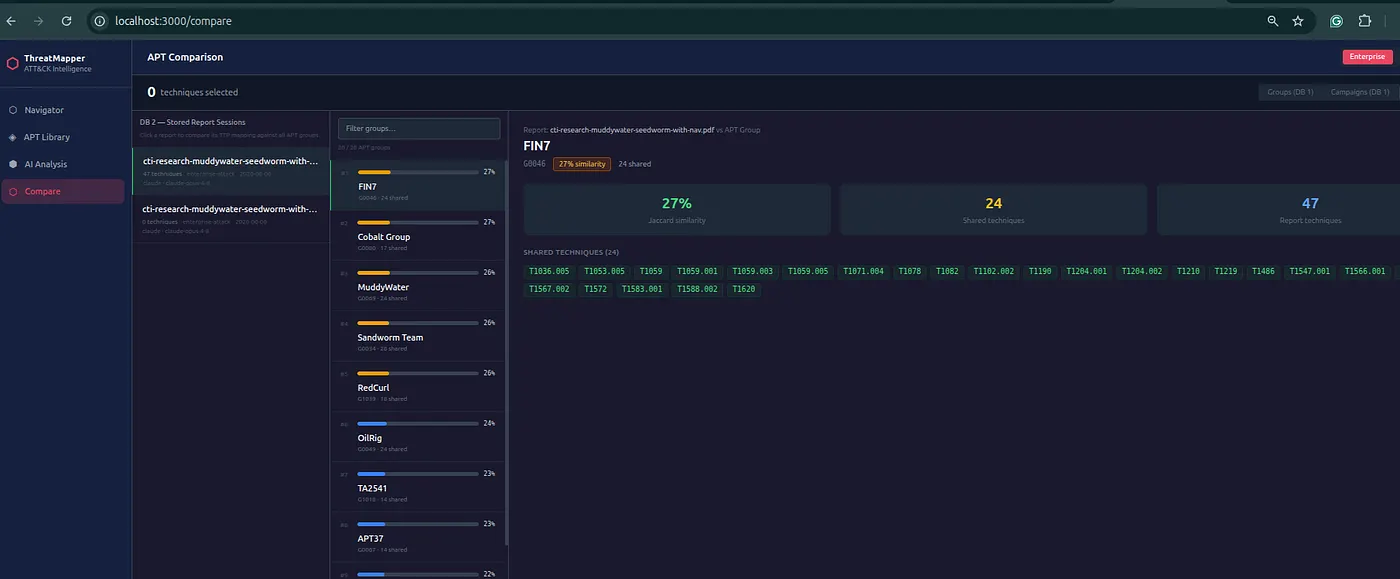
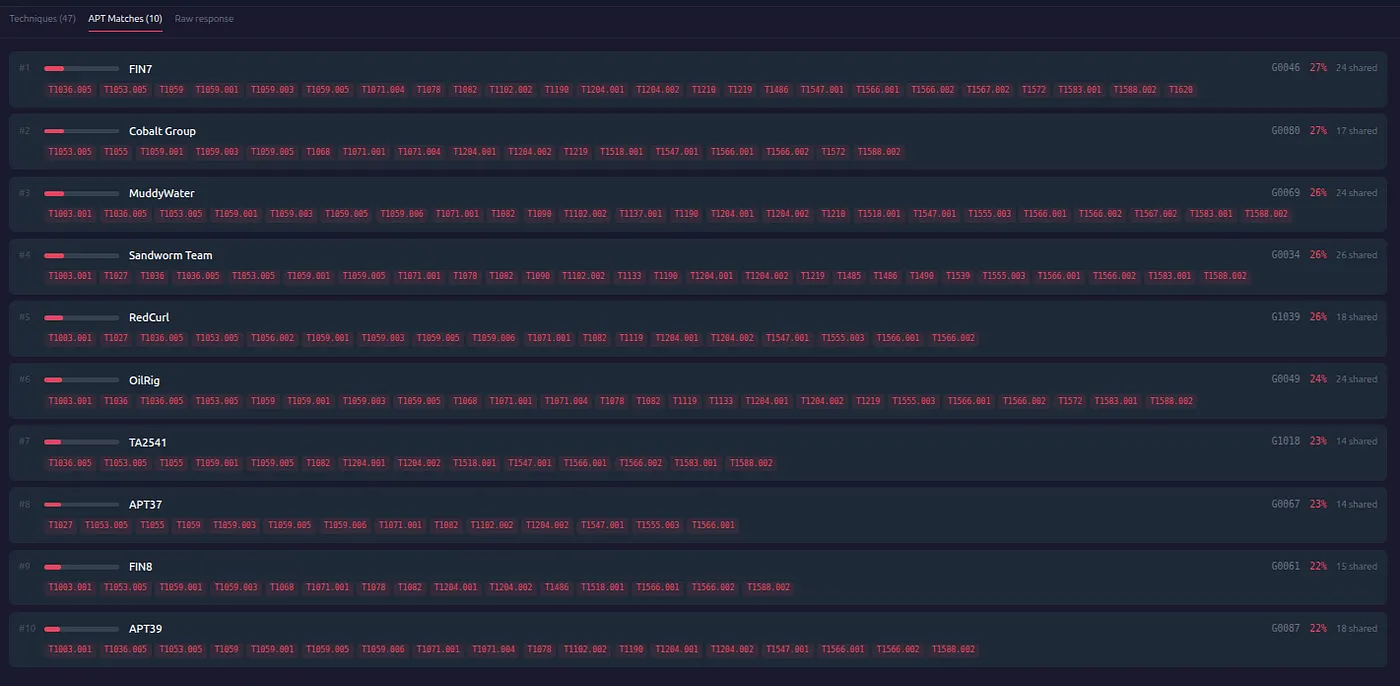
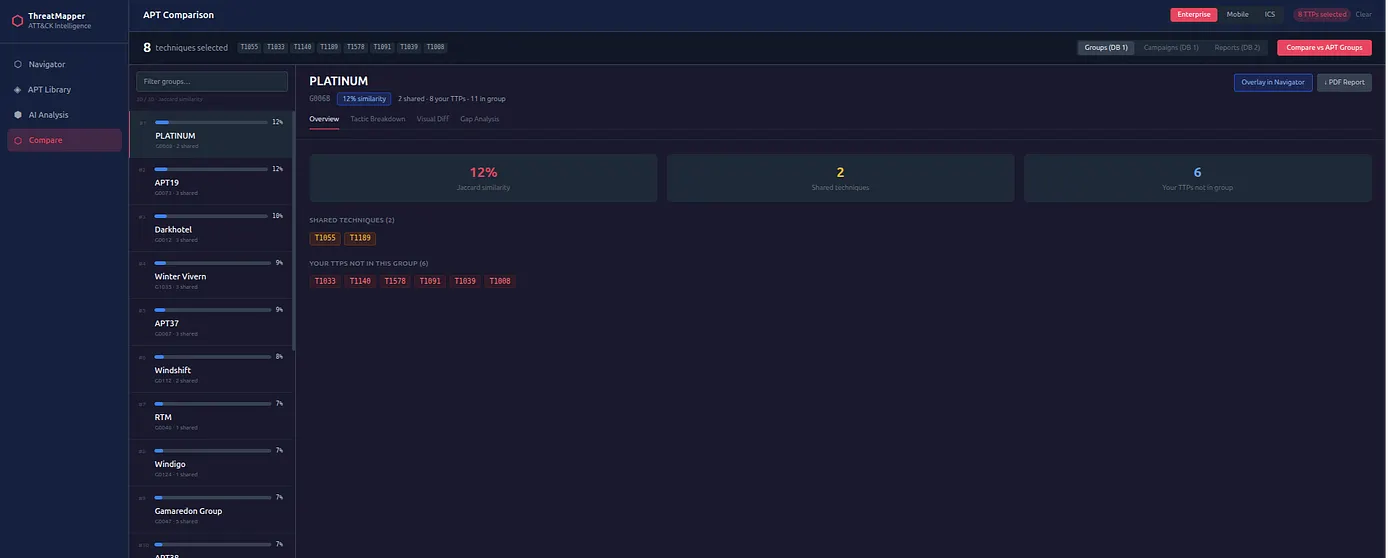
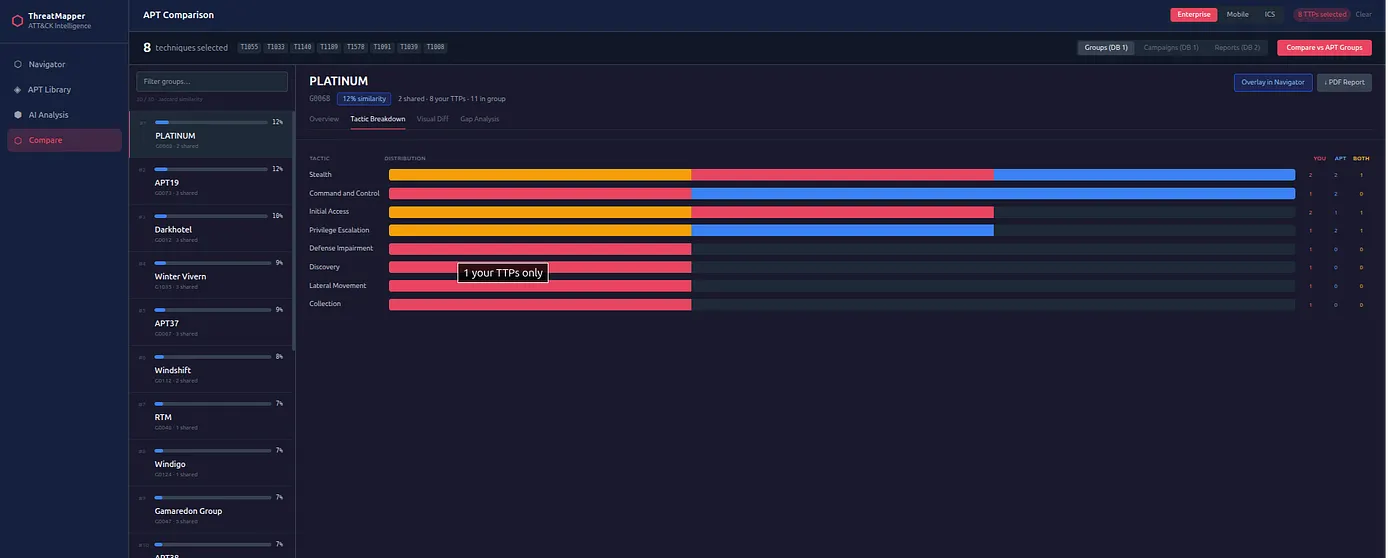
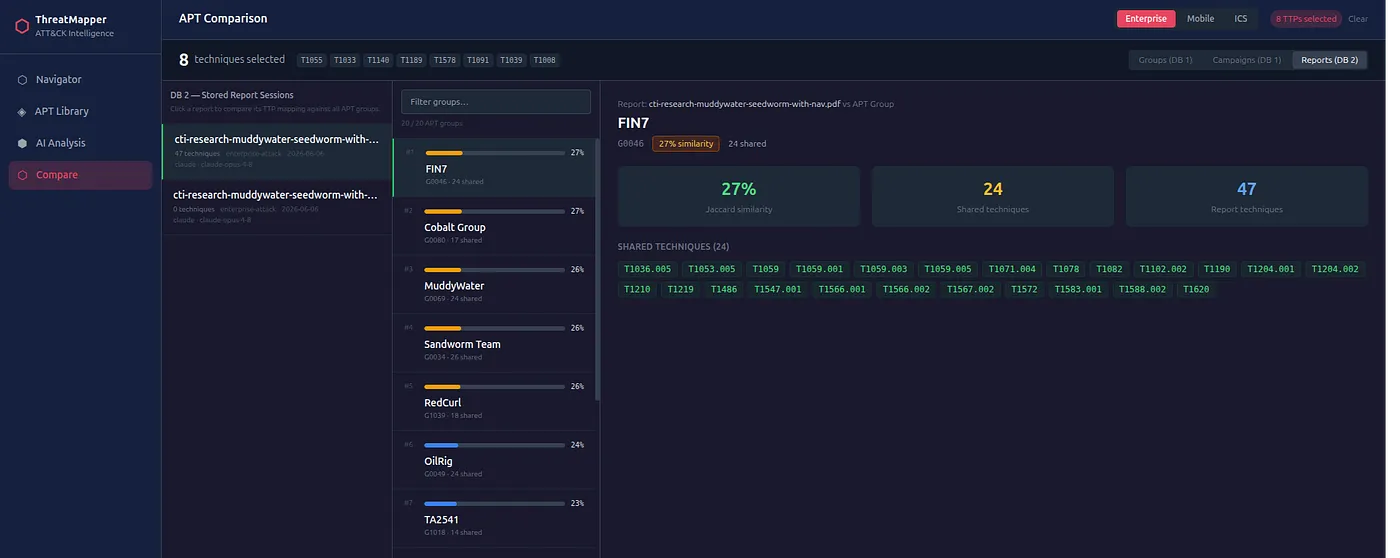
Jaccard similarity ranking of your selected techniques against all ATT&CK threat groups. Click any result to see shared techniques, your-only techniques, and a full gap analysis — which techniques in the group's profile you don't cover yet.
Select up to 6 APT groups and compare them simultaneously. N×N Jaccard similarity matrix, combined ATT&CK view with per-group coloured dots, and a sortable technique table with per-group checkmarks — useful for cluster analysis and attribution disambiguation.
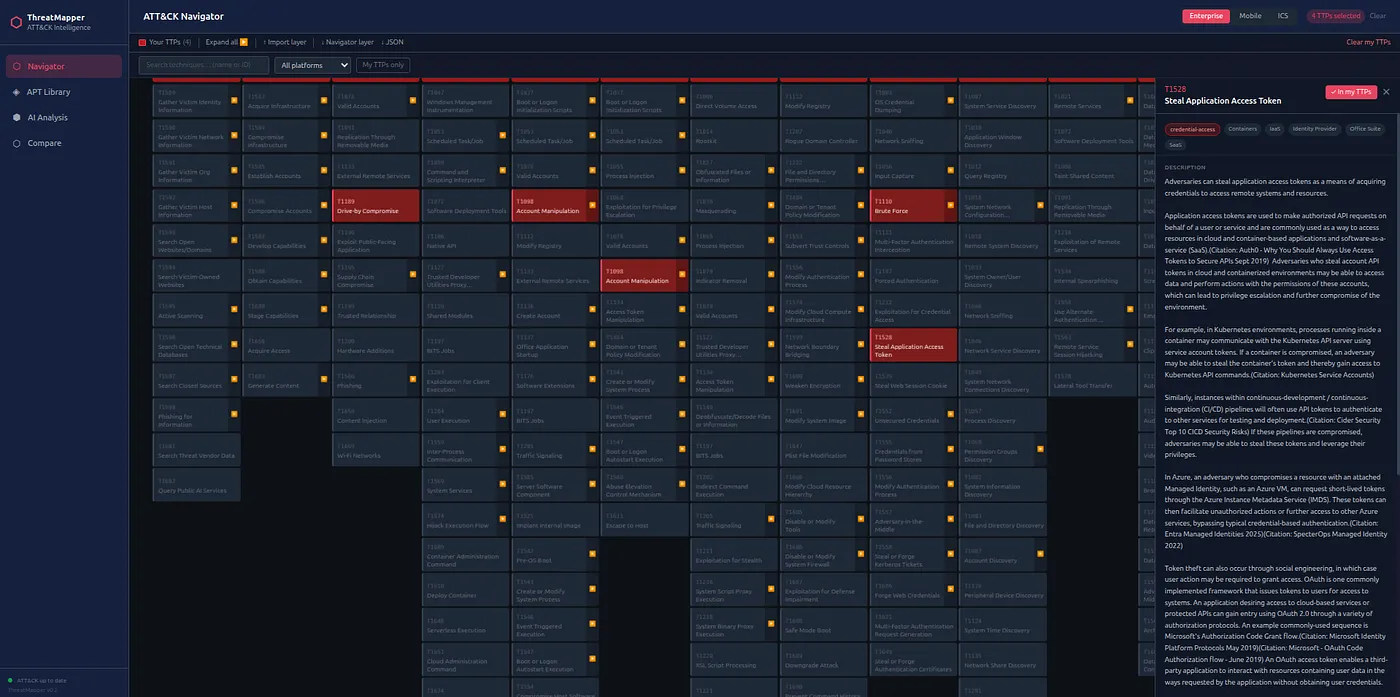
Click any technique ID anywhere in the tool to open a detail panel with the full MITRE description, tactic pills, and direct MITRE link. For Enterprise techniques the panel also shows section-level deep-links into the CTI Field Manual and ITDR Handbook — jumping straight to the paragraph where that technique ID appears in the article.
Export your TTP selection as a MITRE ATT&CK Navigator-compatible JSON layer, a CSV table, or a formatted PDF report. The Report view shows your full selection with tactic breakdown and export buttons.
Workflow
How to Use It
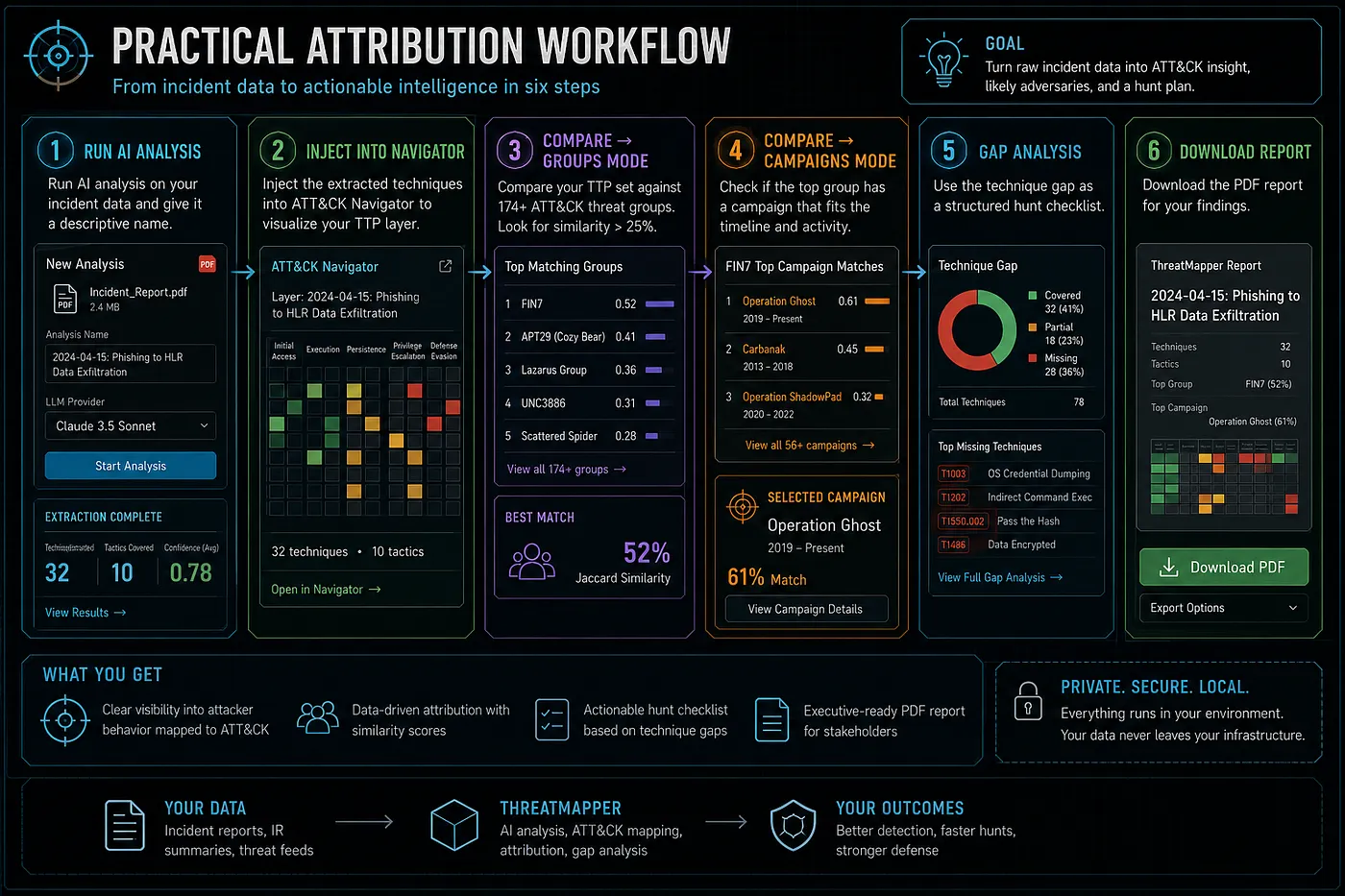
A typical analyst workflow from zero to attribution finding.
Open the tool and choose a domain
Navigate to 1200km.com/threat-matrix/. Enterprise ATT&CK loads automatically. Use the domain switcher in the header (Enterprise / Mobile / ICS / ATLAS) to load a different framework. Each domain loads on first click and is cached for instant switching afterwards.
Build your TTP selection
In the ATT&CK Matrix view, click technique cells to select them (they turn red). Click the small monospace ID at the top of each cell to open the detail panel instead. Use the filter bar to narrow by name or ID when working with a known technique list.
Load from ATT&CK Group Library (optional)
Go to ATT&CK Group Library, find a group (search by name or ID), and click Load as my selection to replace your layer with that group's TTPs, or Overlay on matrix to visualise the group on the matrix without replacing your layer.
Compare against threat groups
Go to My TTPs vs Groups. The ranking updates automatically from your selection. Click any result row to see the detail panel: similarity score, shared techniques (amber badges — click to open detail), and gap analysis.
Run Group vs Group analysis (optional)
Go to Group vs Group, search and select up to 6 APT groups, and explore the Overlap Matrix, ATT&CK View, and Technique Table tabs. Click technique IDs in the table to open detail panels.
Export
Go to Report and export as ATT&CK Navigator JSON, CSV, or PDF. The Navigator JSON can be imported directly into the official MITRE ATT&CK Navigator or into the self-hosted AdversaryGraph Docker tool.
Feature Spotlight
Clickable TTP Detail Panels
Every technique ID displayed in the tool — in the matrix, the library, the compare results, and the group-vs-group table — is a clickable link that opens a rich detail panel.
The panel opens with the technique's full MITRE description — the same text from attack.mitre.org (or atlas.mitre.org for ATLAS), bundled into the tool data at build time. No extra network request; the description is available offline too.
The panel shows section-level deep-links into the CTI Analyst Field Manual — one link per article section that mentions the technique, with a short context snippet. Links jump directly to the relevant heading, not just the article homepage.
For identity-related and credential-access techniques, the panel includes section-level deep-links into the Insider Threat Detection Guide in the same format — article title, section heading, and a context snippet.
The panel also shows any Anomaly Detection Atlas cross-references for the technique, and a direct link to the MITRE ATT&CK or MITRE ATLAS page for the full source entry.
Tool Comparison
Web Tool vs Docker Platform
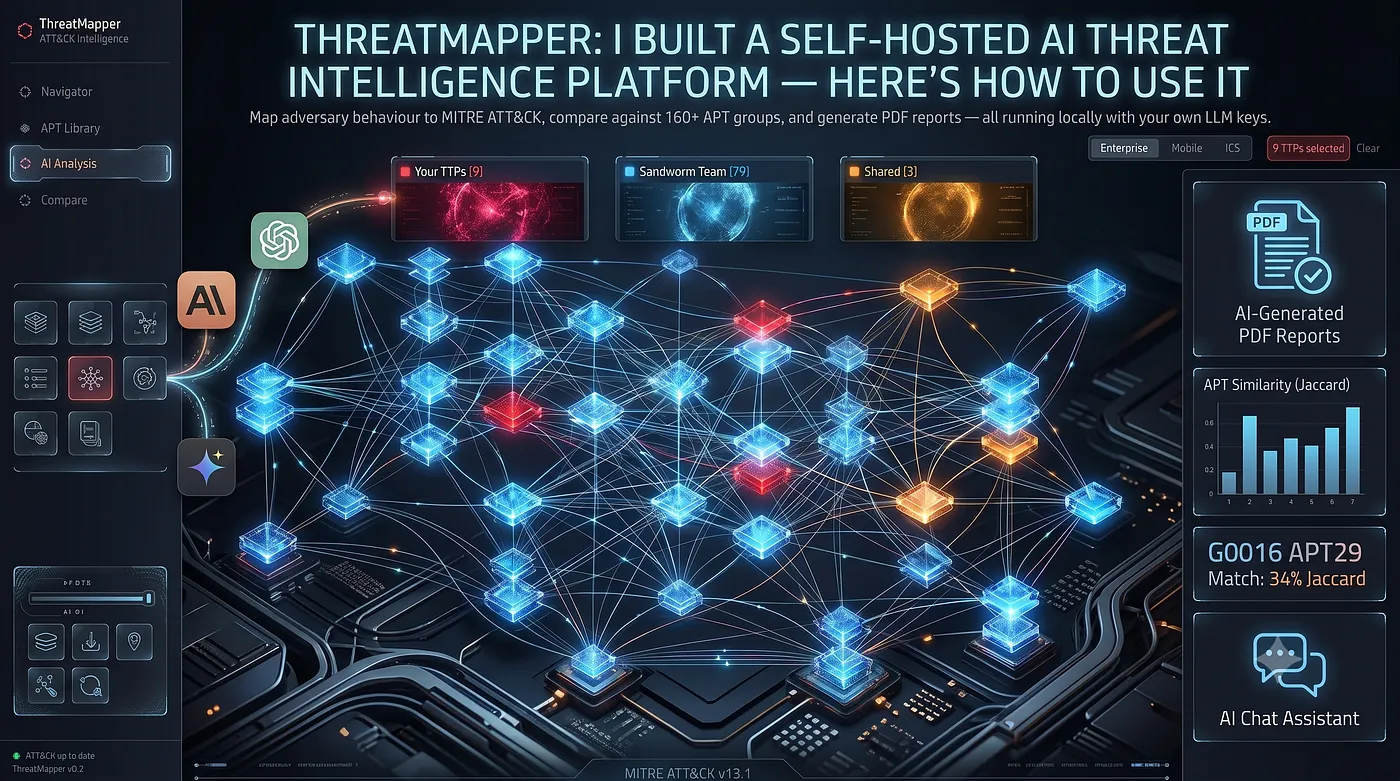
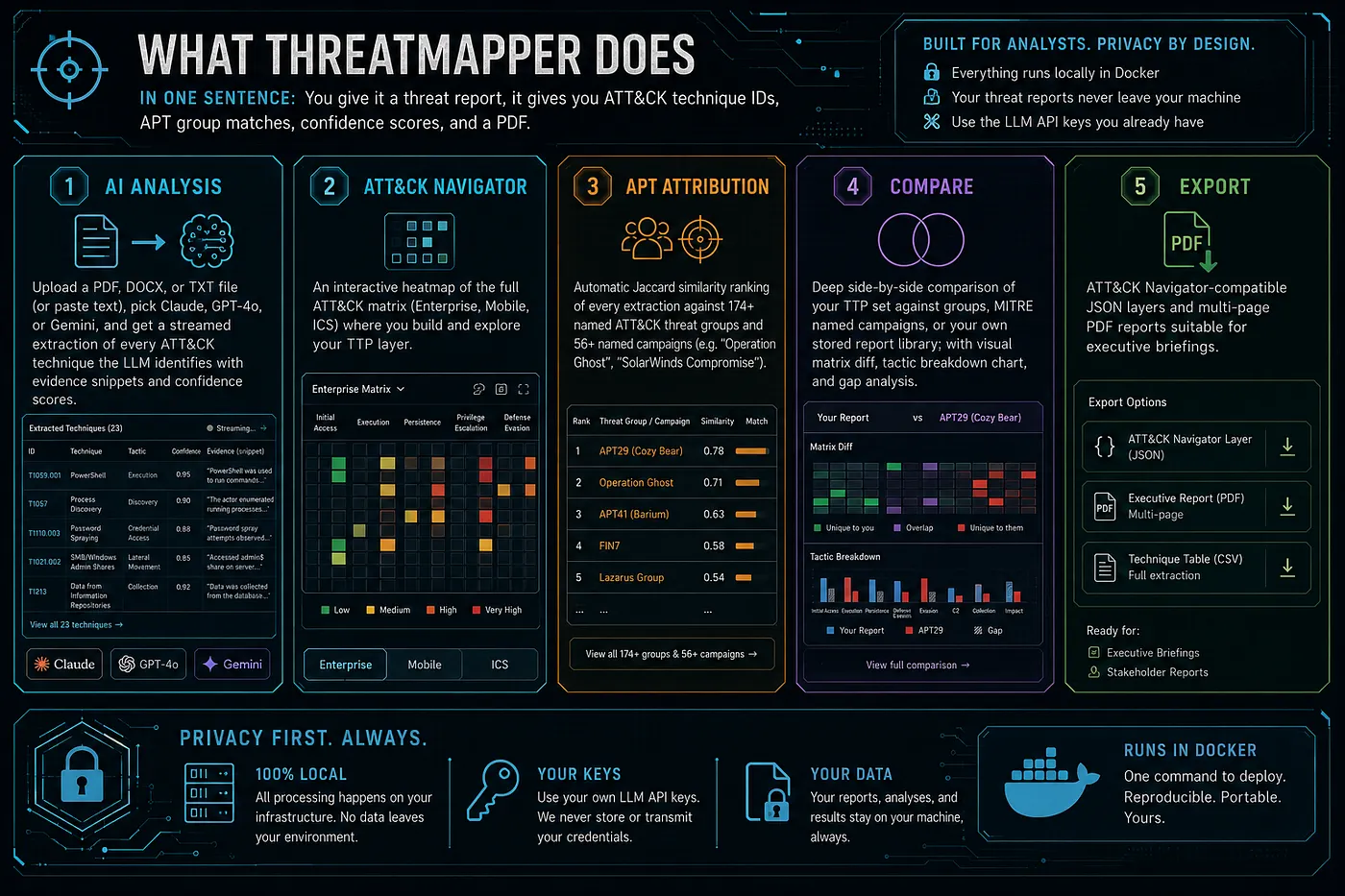
Both tools are part of the same project. Use the web tool for quick analysis without setup; use the Docker platform for AI-powered extraction, campaigns, saved reports, and PDF generation.
| Capability | Threat Matrix | AdversaryGraph Docker |
|---|---|---|
| Install required | None — open in browser | Docker Compose |
| ATT&CK frameworks | ✓ Enterprise / Mobile / ICS / ATLAS | Enterprise only |
| ATT&CK Matrix | ✓ | ✓ (with D3 zoom/pan) |
| ATT&CK Group Library | Supported from the currently loaded ATT&CK or ATLAS dataset | Supported from the currently ingested ATT&CK release |
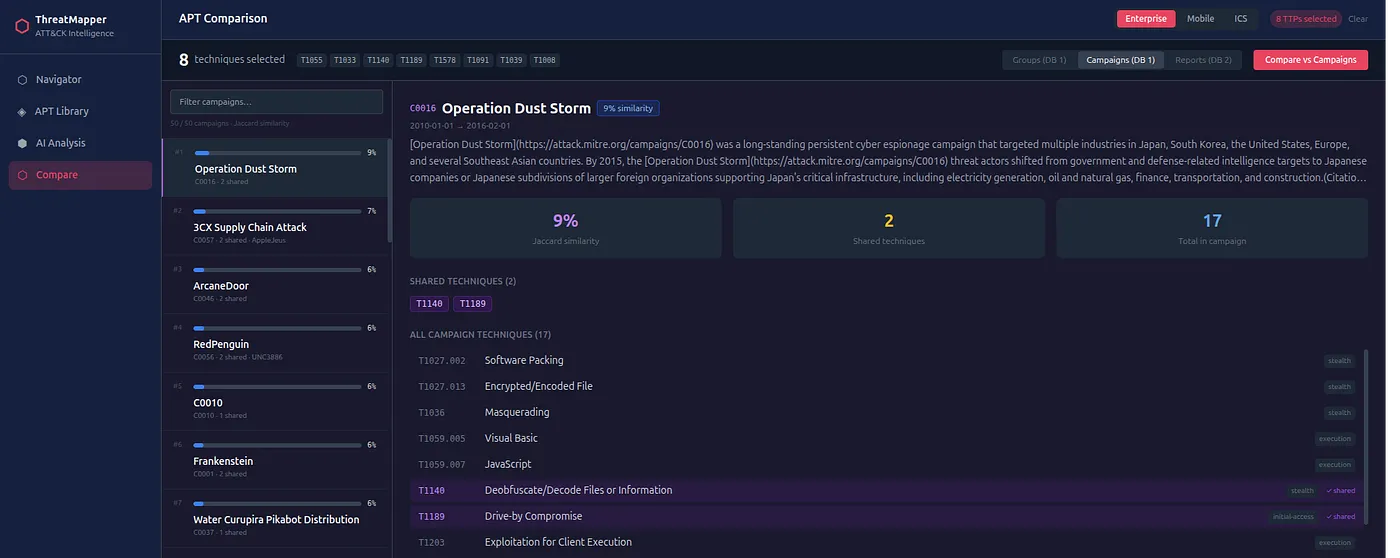
| My TTPs vs Groups (Compare) | ✓ | ✓ Groups / Campaigns / Reports |
| Group vs Group | ✓ up to 6 groups | ✓ up to 6 groups |
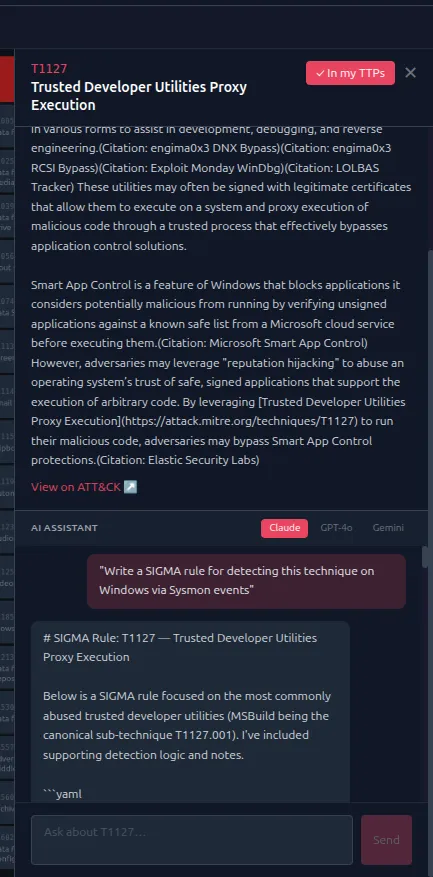
| TTP detail panels | ✓ full description + CTI FM / ITDR article deep-links | ✓ with description, detection, LLM chat |
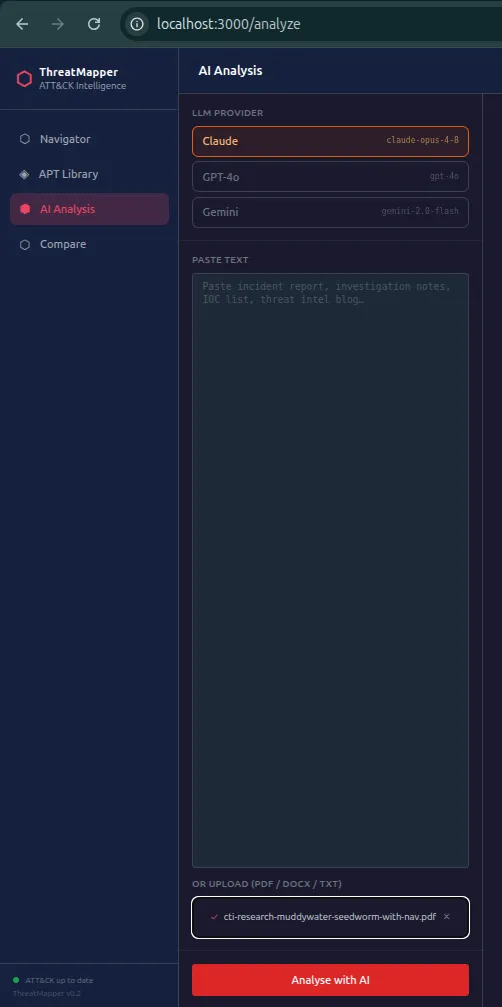
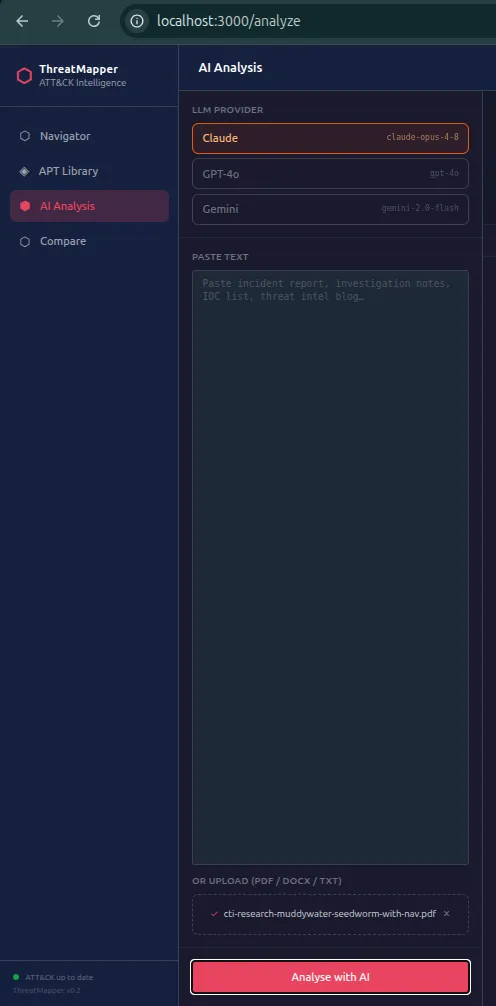
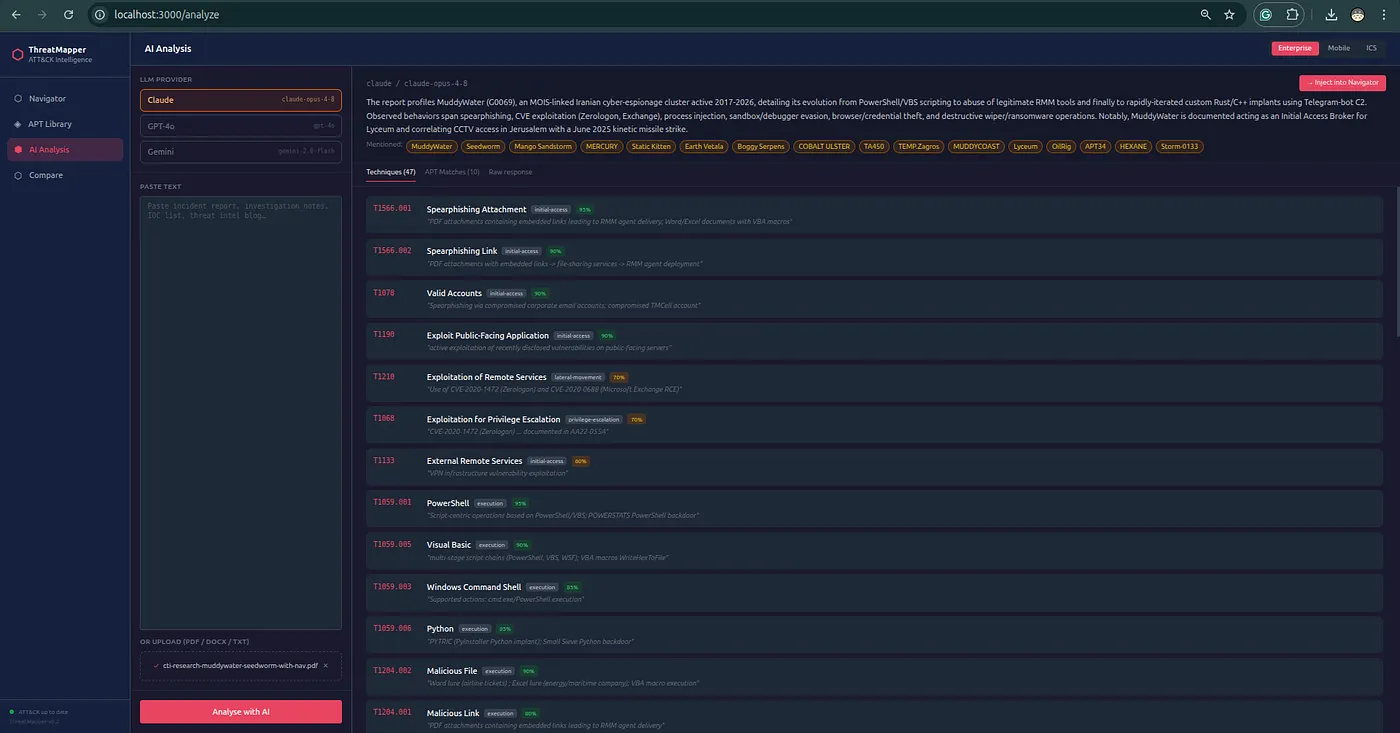
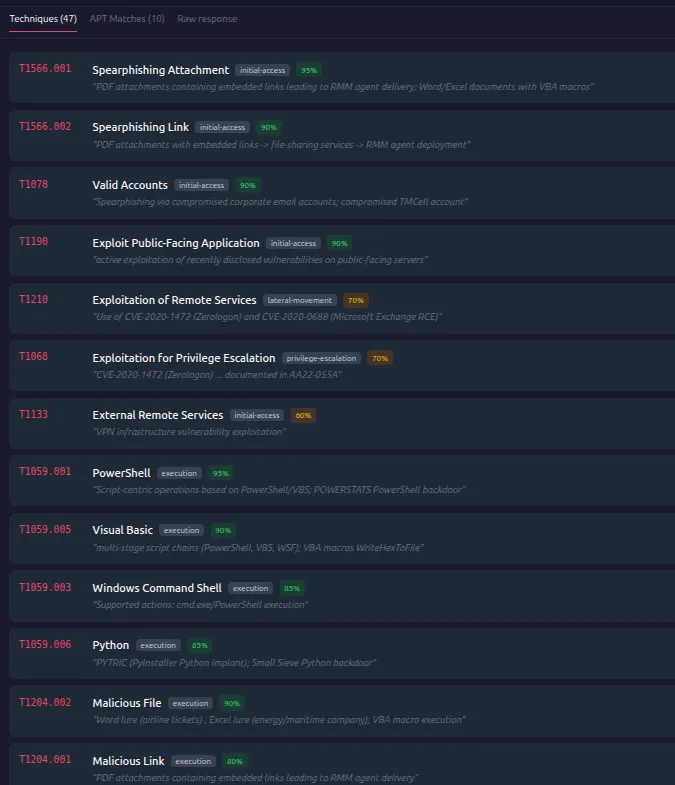
| AI report analysis | ✗ | ✓ Claude / GPT-4o / Gemini |
| Named campaigns | ✗ | Supported from the currently ingested ATT&CK release |
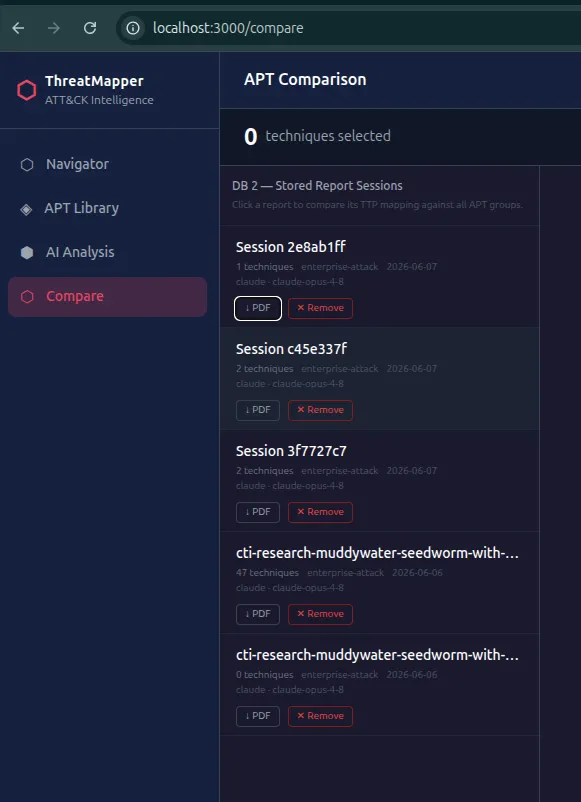
| Report library | ✗ | ✓ stored sessions, re-compare |
| PDF export | ✓ basic | ✓ full multi-page |
| ATT&CK Navigator JSON export | ✓ | ✓ |
| LLM chat assistant per technique | ✗ | ✓ |
| Anomaly Detection Atlas links | ✓ | ✓ |
| Privacy — data stays local | ✓ browser-only, no backend | ✓ self-hosted |
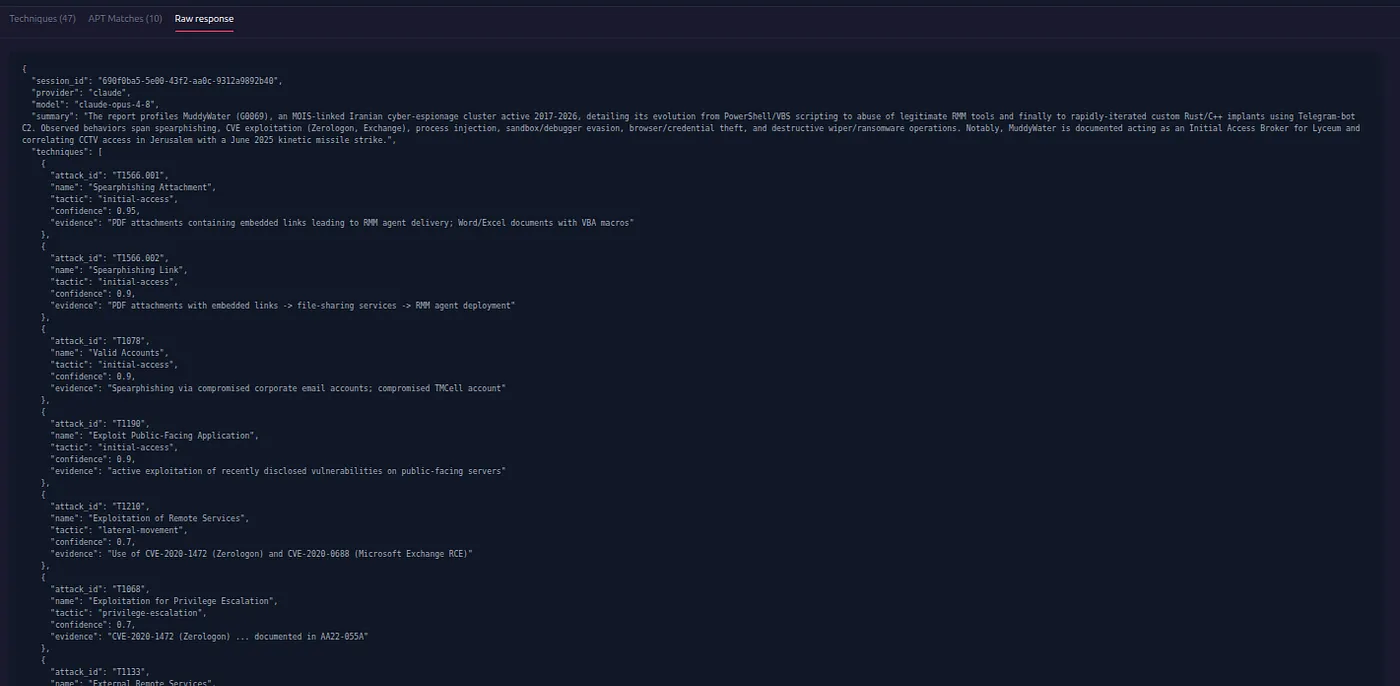
AdversaryGraph v2.0 Visual Guide
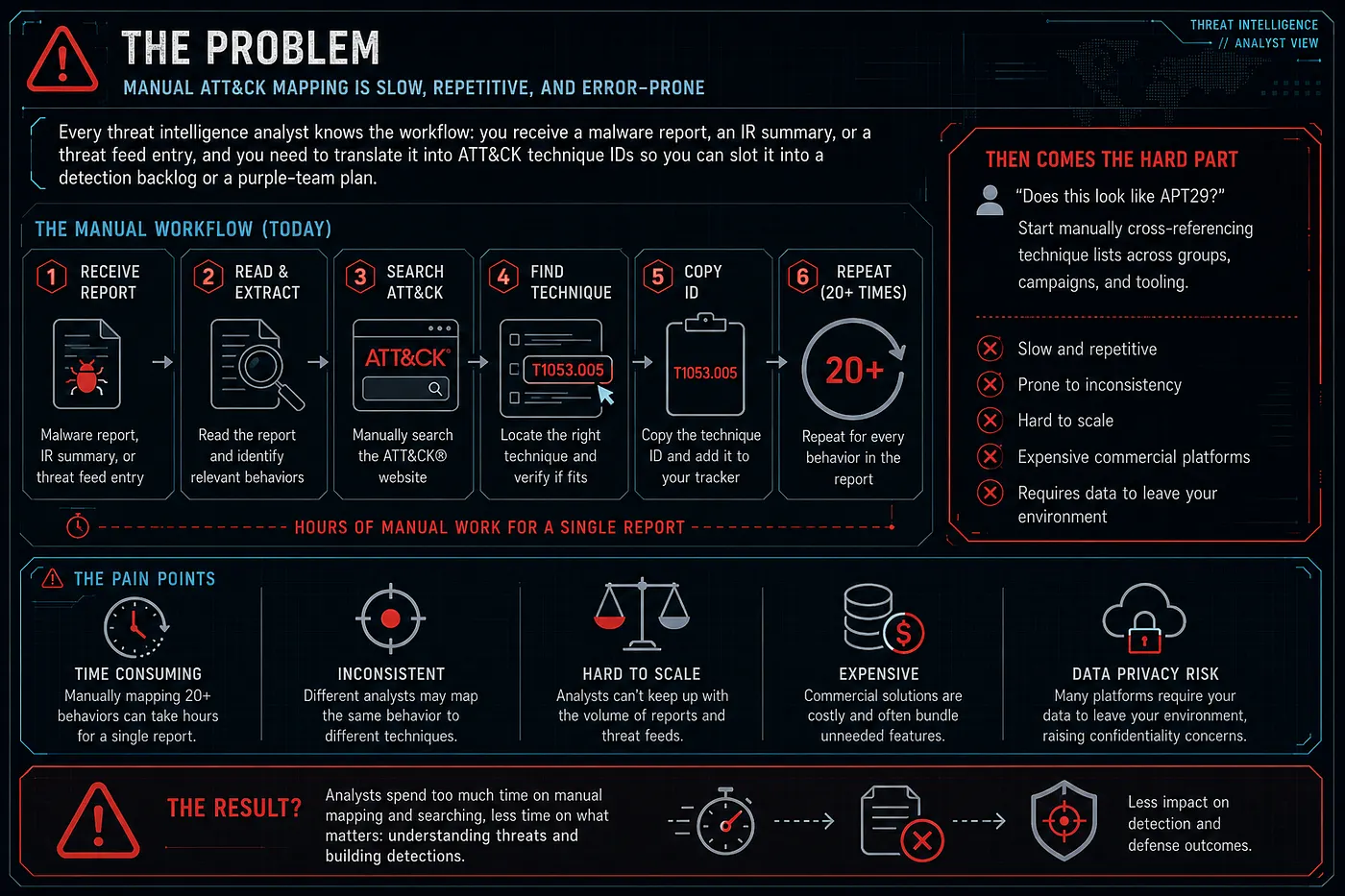
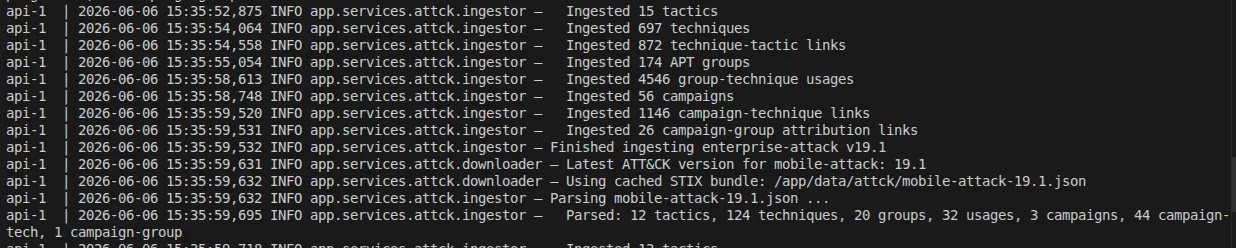
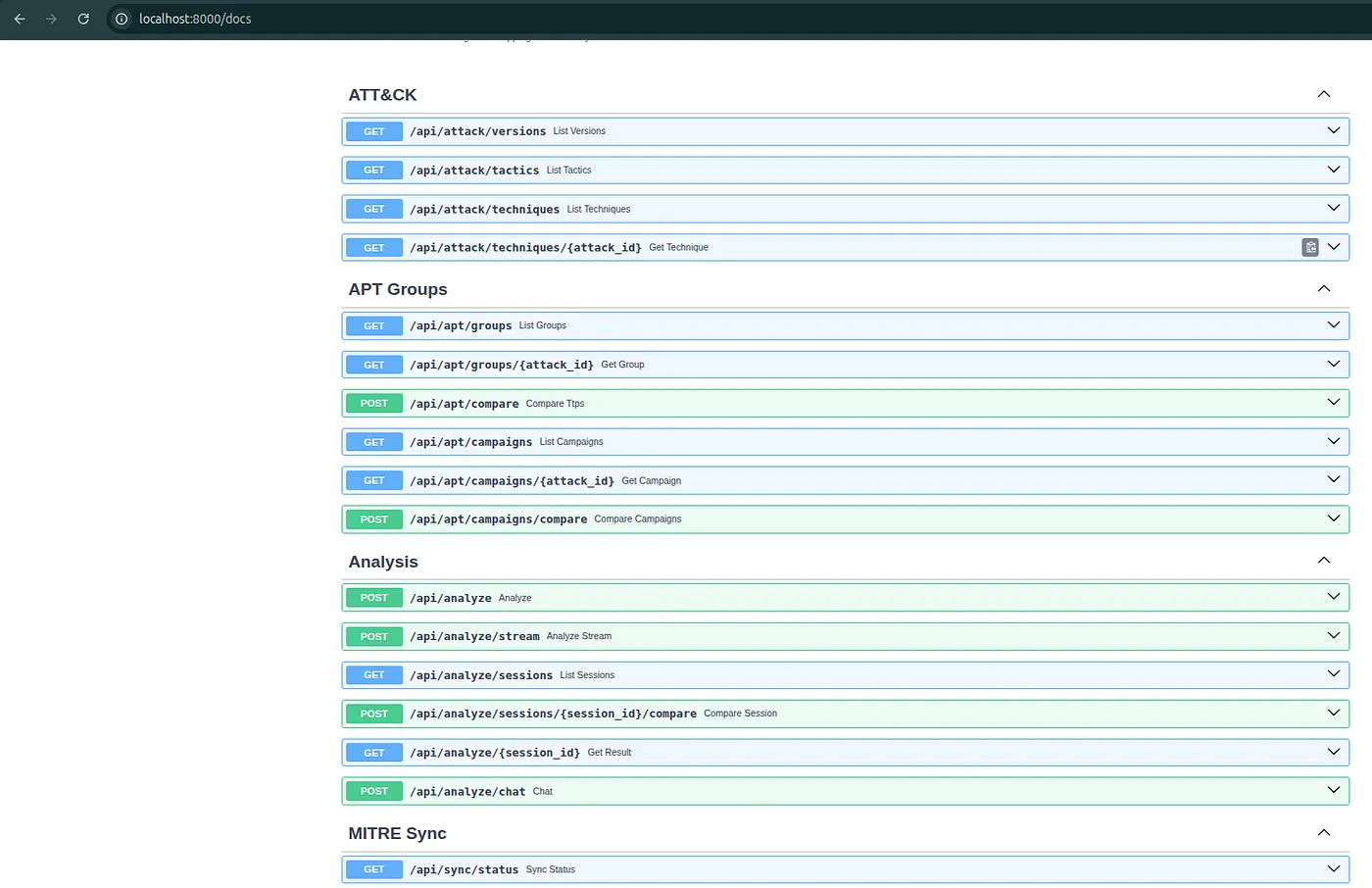
Screenshots, Diagrams, and Workflow Infographics
Visual assets from the published AdversaryGraph v2.0 article, mirrored locally on 1200km.com. They cover the self-hosted Docker platform, AI report analysis, review workflow, ATT&CK Navigator handoff, actor comparison, DFIR examples, Reference Sync, PDF export, and STIX/OpenCTI export.